Start with a Prompt or Reference
Describe a shot or upload an image to begin text-to-video, image-to-video, or AI image workflows in VeoNano.
Shape Motion, Style, and Detail
Combine cinematic video generation, image creation, and audio tools to refine camera movement, scene mood, and visual fidelity.
Export Production-Ready Assets
Download polished clips, keyframes, and visuals for ads, social campaigns, pitches, websites, and storyboards.
Tangyuan To Animal AI Effect FAQ
Use a clear, well-lit photo with a single subject. Full-body or half-body shots often work best for a tangyuan to animal effect.
Yes. You can start free with credits and daily bonuses, then upgrade when you need higher limits or faster queues.
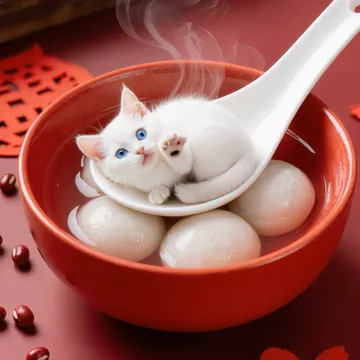
This tangyuan to animal effect generates a 10-second video at 720p. The video keeps the same aspect ratio as your input image.
Each tangyuan to animal generation costs 50 credits.
Failures can happen due to low image quality, unclear subjects, content policy checks, or temporary service errors. Try a clearer photo or retry later.
Ready to create with VeoNano?
Upgrade for faster queues, higher resolutions, longer video generations, and more credits across Veo and Nano Banana workflows, including Veo 3.1, Nano Banana Pro, and Nano Banana 2.