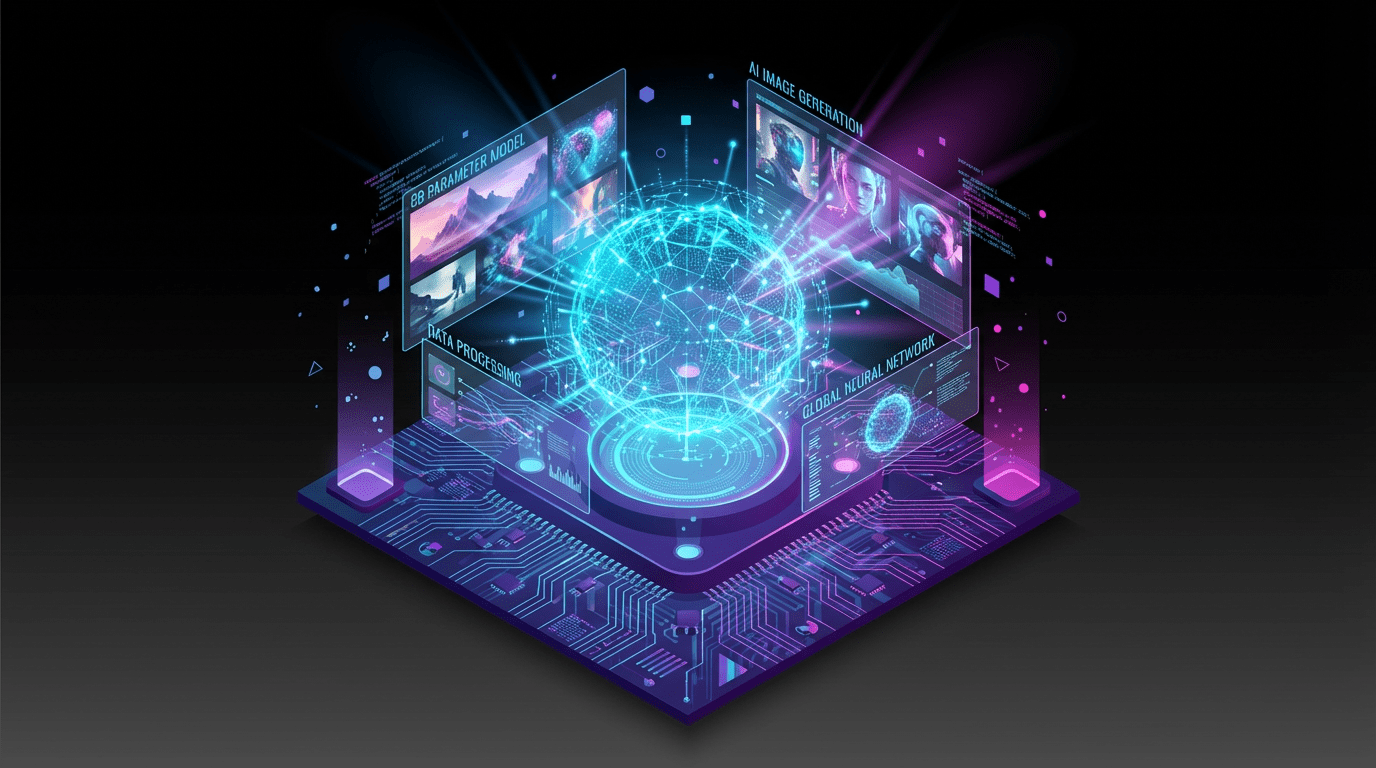
New Model Architecture

GPT-Image 1.5 AI Image Generator
Text to Image and Image Editing with Strong Prompt Fidelity

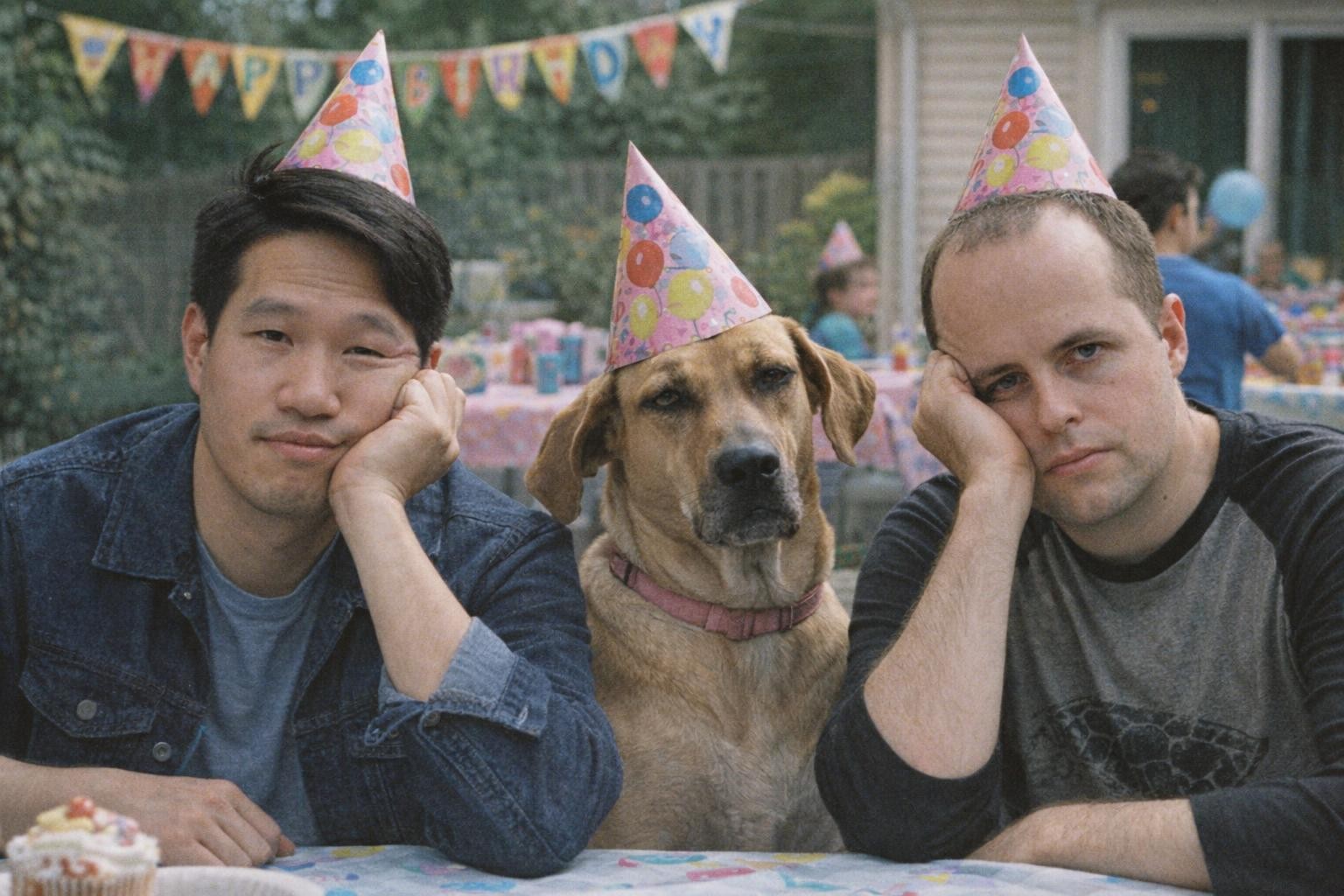
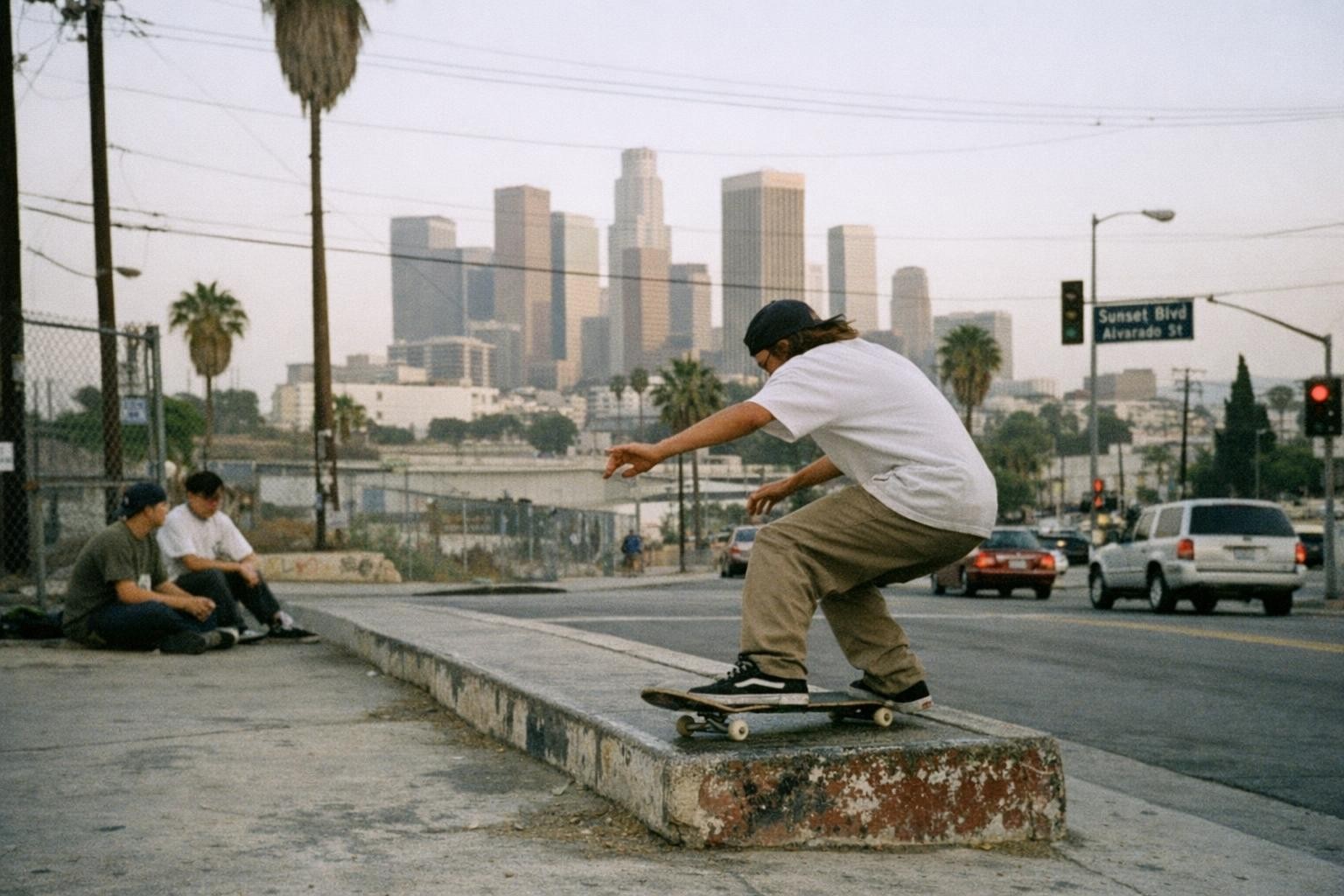
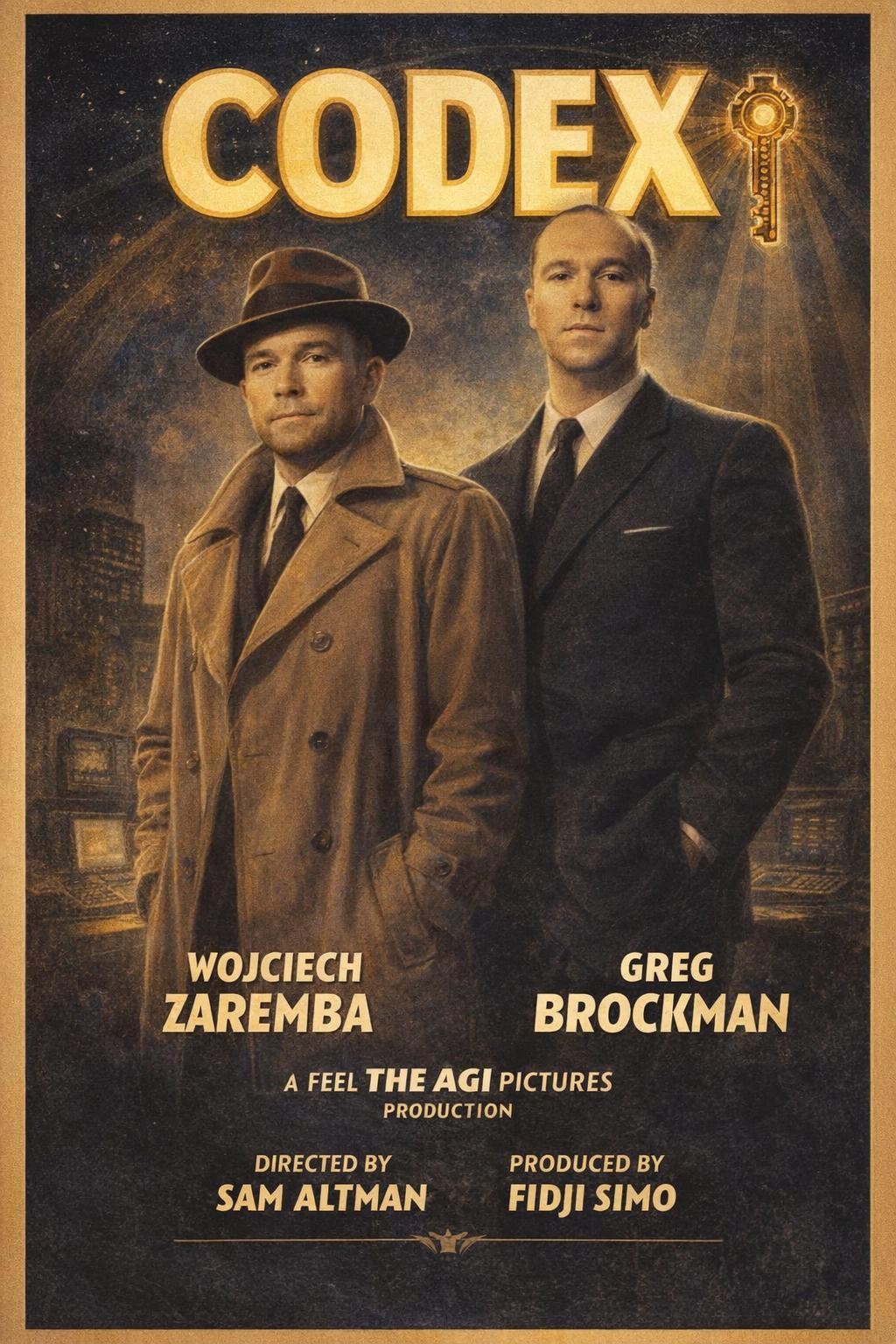
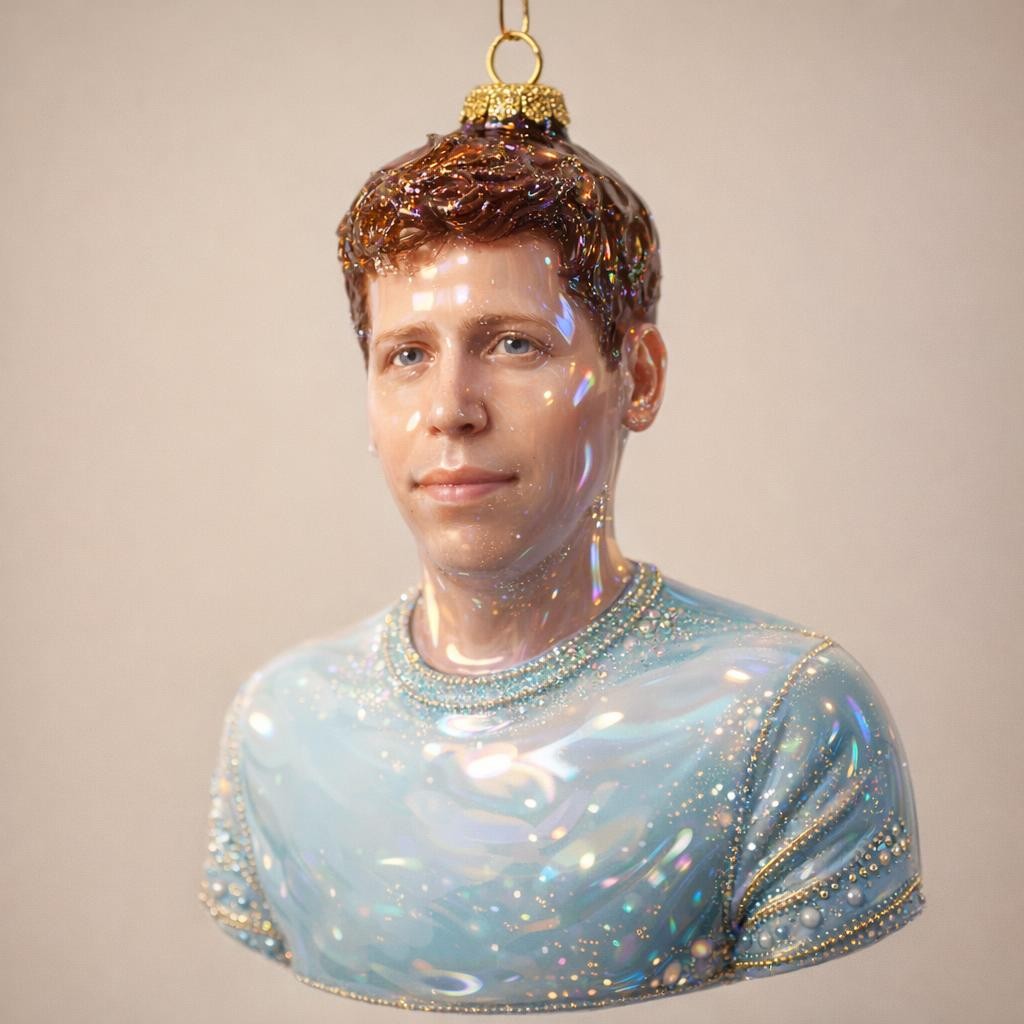
GPT-Image 1.5 is an AI image generator for text to image creation and image editing. Turn detailed prompts into clean visuals, refine existing images with targeted edits, and keep layout, styling, and subject details closer to your instructions inside VeoNano.

Effect image
Effect image
Effect image
Effect image

Why Use GPT-Image 1.5 for AI Image Generation
Text to image generation, image editing, and stronger prompt fidelity

GPT-Image 1.5 is built for creators who want cleaner prompt alignment across new image generation and existing image edits. Use it for visuals where layout, subject details, and styling need to stay closer to plan.

Preview

Text to Image and Image Editing

Generate images from prompts or upload an existing image and guide the next version with edit instructions. GPT-Image 1.5 supports both creation and refinement workflows.

Strong Prompt Fidelity and Layout Control

GPT-Image 1.5 is useful when a prompt includes important scene structure, visible details, or layout guidance. It is a practical option for more on-brief results.

Fast Creative Iteration

Generate multiple prompt directions quickly, compare results, and refine the strongest option with smaller edits. GPT-Image 1.5 works well for rapid visual exploration.

Reliable Branded Visual Workflows

Use GPT-Image 1.5 for product imagery, ad concepts, storyboards, UI mockups, and branded visuals that need prompt accuracy more than loose experimentation.

GPT-Image 1.5 AI Image Generator FAQ

Answers about GPT-Image 1.5, text to image, image editing, prompts, and best-use cases

Common questions about GPT-Image 1.5 AI image generation, including text to image workflows, image editing, prompt fidelity, and how to use it for branded creative work.

GPT-Image 1.5 is an AI image generator for text to image creation and image editing. It is built for creators who want cleaner prompt alignment, targeted edits, and more reliable visual output.
Yes. You can generate new images from prompts or upload an existing image and guide changes with more specific edit instructions.
Be clear about subject, composition, style, lighting, and any details that must stay visible. GPT-Image 1.5 usually performs better when the prompt is specific and structured.
Keep the core scene stable, adjust one visual variable at a time, and use a reference image for edits when layout matters. Smaller revisions usually improve consistency better than full prompt rewrites.
GPT-Image 1.5 is useful when image layout, subject placement, or styling needs to stay closer to the written prompt. That makes it a strong fit for on-brief creative work.
Yes. Teams use GPT-Image 1.5 for ad visuals, product imagery, storyboards, UI concepts, and branded assets. Only publish content you have rights to use and follow your plan terms.
Click Try Free, open the generator with GPT-Image 1.5 selected, enter a prompt or upload an image for editing, and generate your first result.

Still have questions? Contact our support team

Limited Time Offer

Create with GPT-Image 1.5 AI Image Generator

Turn prompts and edits into cleaner GPT-Image 1.5 visuals

Use GPT-Image 1.5 inside VeoNano to generate images from text prompts, edit existing visuals with stronger prompt fidelity, and move faster through branded image workflows.

  • Create GPT-Image 1.5 images from text prompts or edits
  • Use stronger prompt fidelity for layout and styling control
  • Generate visuals for ads, product work, and storyboards
  • Refine the best result with smaller image edits