Vidu Q3 AI Video GeneratorText to Video, Image to Video, and Sound-Ready Clips
Vidu Q3 is an AI video generator for text to video and image to video creation. Use prompts or reference images to generate cinematic clips with strong motion, clearer prompt response, and sound-ready outputs inside VeoNano.
Why Use Vidu Q3 for AI Video Generation
Text to video speed, image to video control, and audio-ready scene generation
Vidu Q3 is built for creators who want quick AI video generation without losing shot control. Start from a prompt or image, shape the scene with camera and motion language, and use Vidu Q3 for short clips that need stronger visual polish.
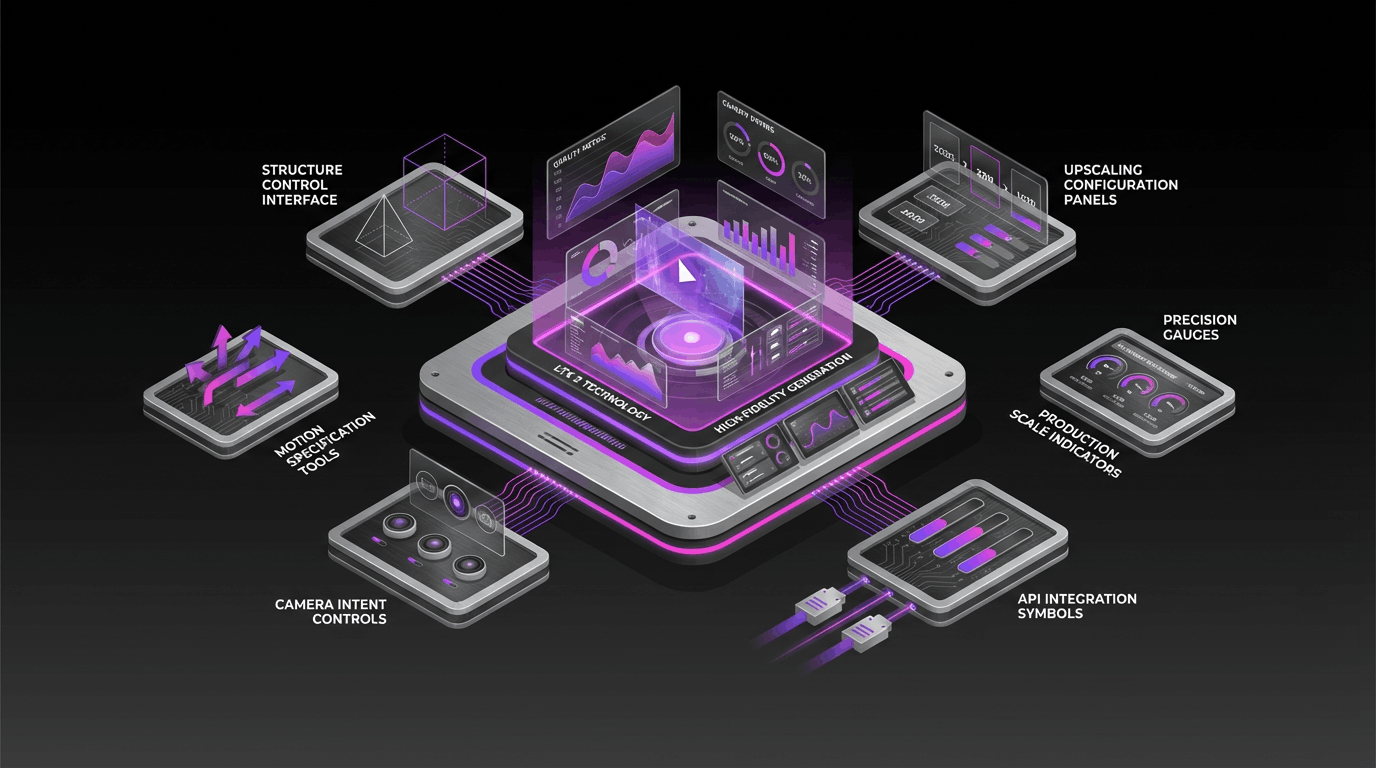
Text to Video and Image to Video
Generate short videos from written prompts or animate a still image into motion. Vidu Q3 supports both starting points for creative, social, and product video workflows.
Sound-Ready Clips for Dialogue and Mood
Vidu Q3 is useful when scenes need to feel ready for sound. It is a practical option for talking-head concepts, product promos, and short cinematic beats.
Prompt-Led Motion and Camera Control
Describe the shot with clear motion, framing, and pacing cues. Vidu Q3 responds better when the prompt focuses on how the scene should move, not just what it contains.
Faster Workflow for Social and Ads
Use Vidu Q3 for rapid tests, campaign concepts, and short-form video production where fast iteration matters as much as image quality.
Vidu Q3 AI Video Generator FAQ
Answers about Vidu Q3, text to video, image to video, prompts, and audio-ready clips
Common questions about Vidu Q3 AI video generation, including prompt writing, image to video workflows, sound-ready scenes, and how to improve short-form results.
Still have questions? Contact our support team
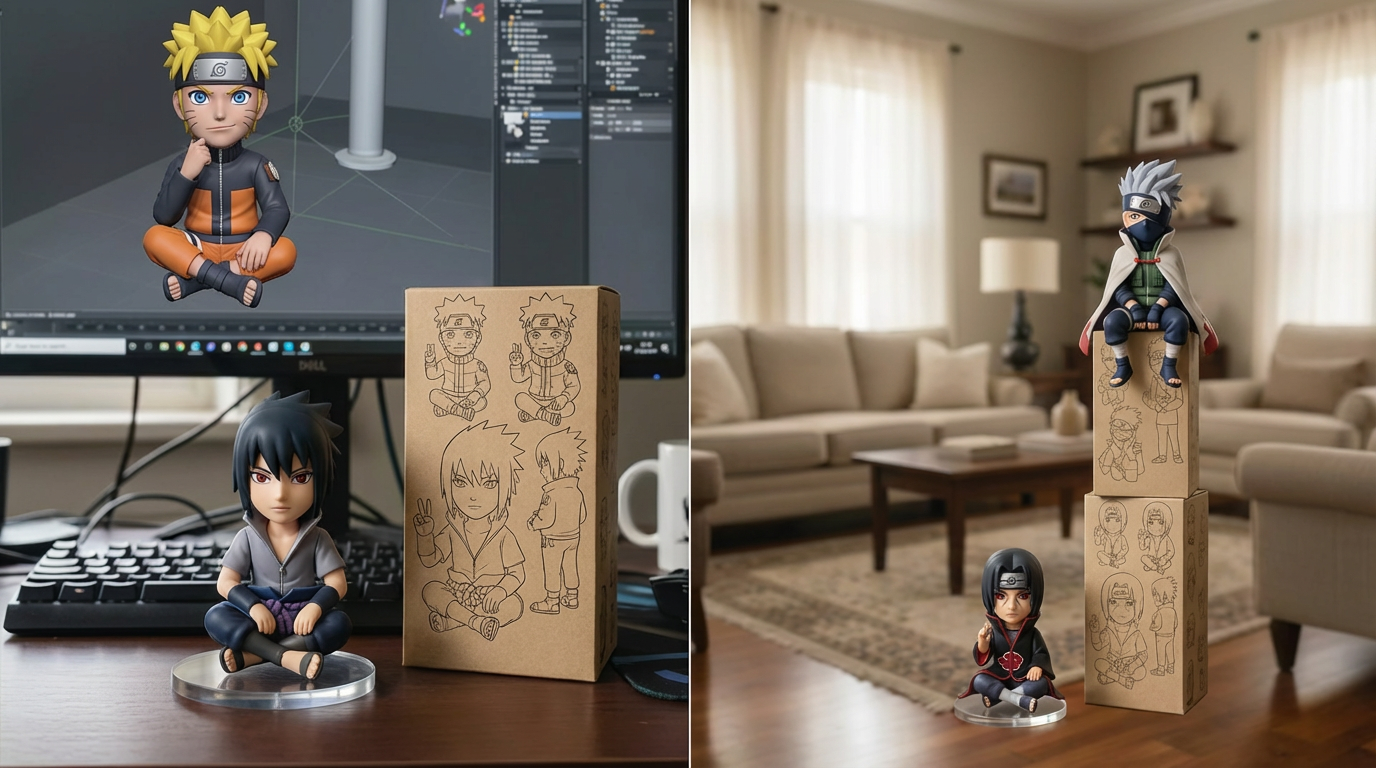
Create with Vidu Q3 AI Video Generator
Turn prompts and images into polished Vidu Q3 videos
Use Vidu Q3 inside VeoNano to generate short videos from text prompts or images, shape motion with prompt details, and export stronger sound-ready clips faster.
- Create Vidu Q3 videos from text prompts or images
- Guide motion, framing, and pacing with clearer prompts
- Generate sound-ready clips for ads, explainers, and reels
- Iterate faster on short-form campaign concepts