Qwen Image Edit AI Image Editor
Image to Image Editing and Multi-Angle View Generation
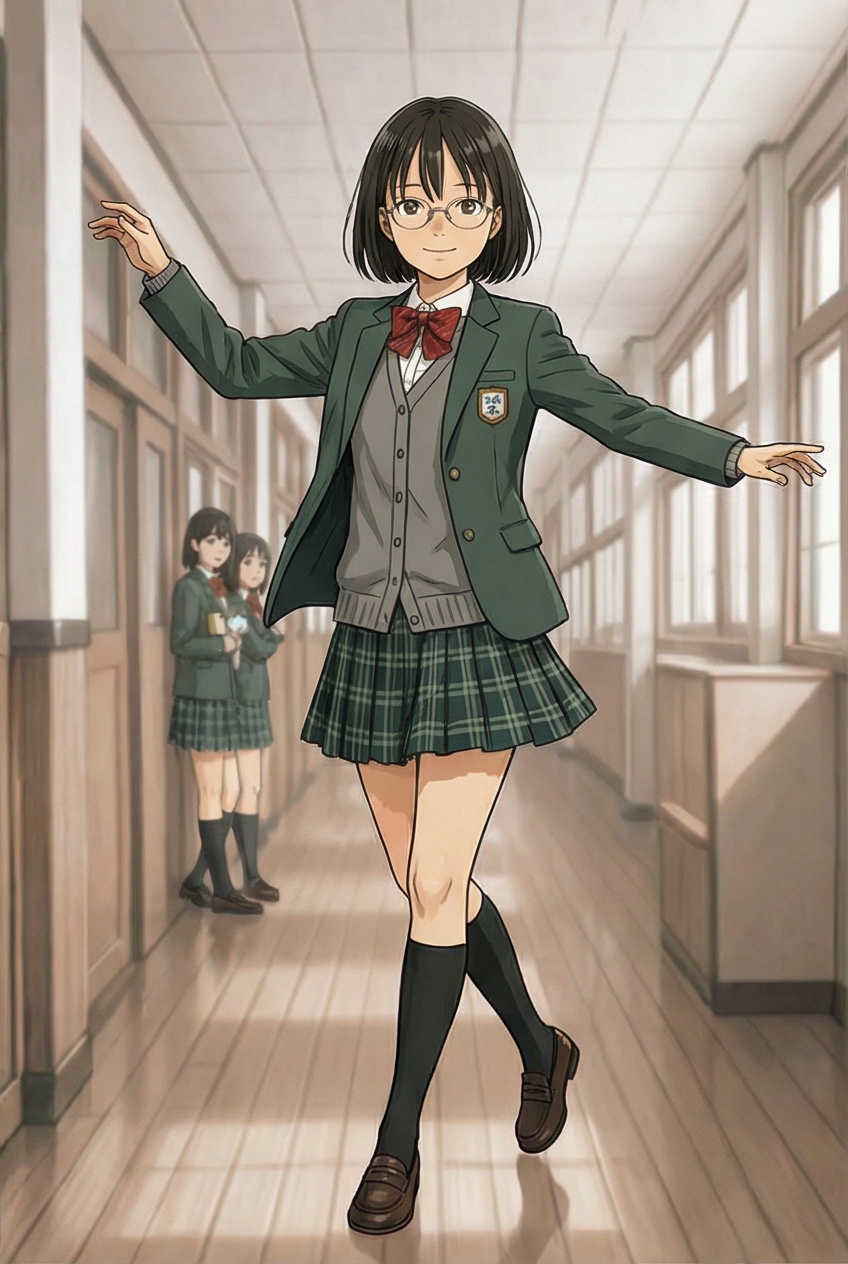
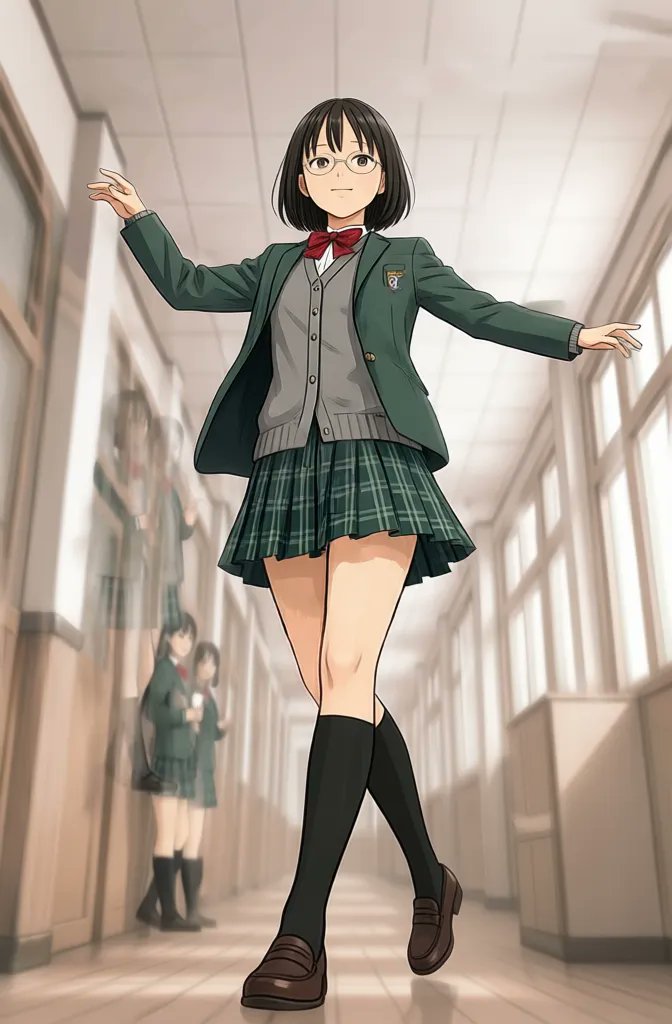
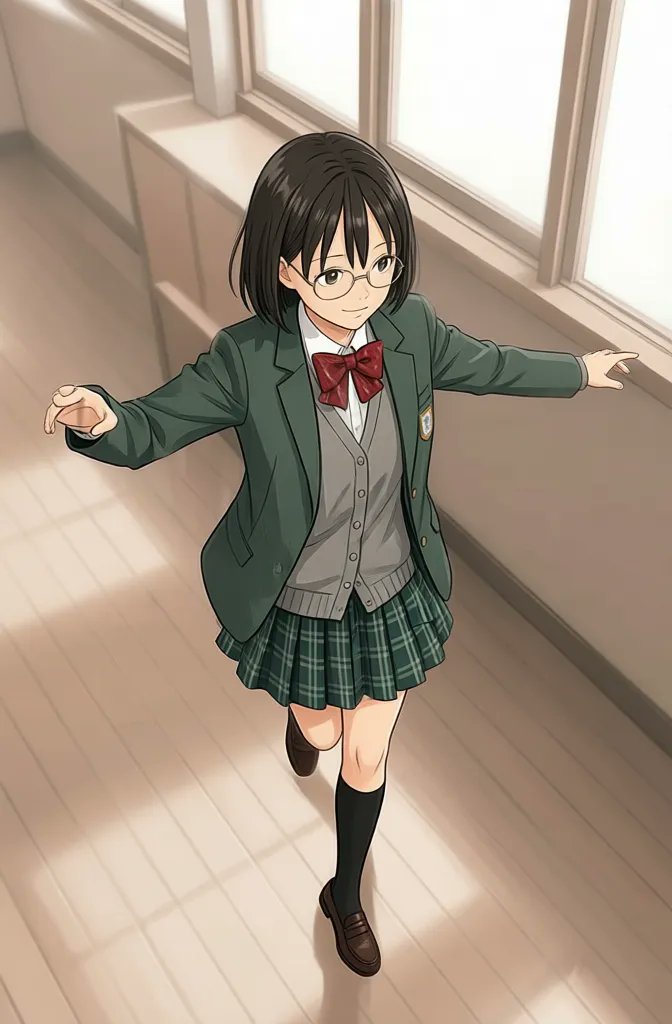
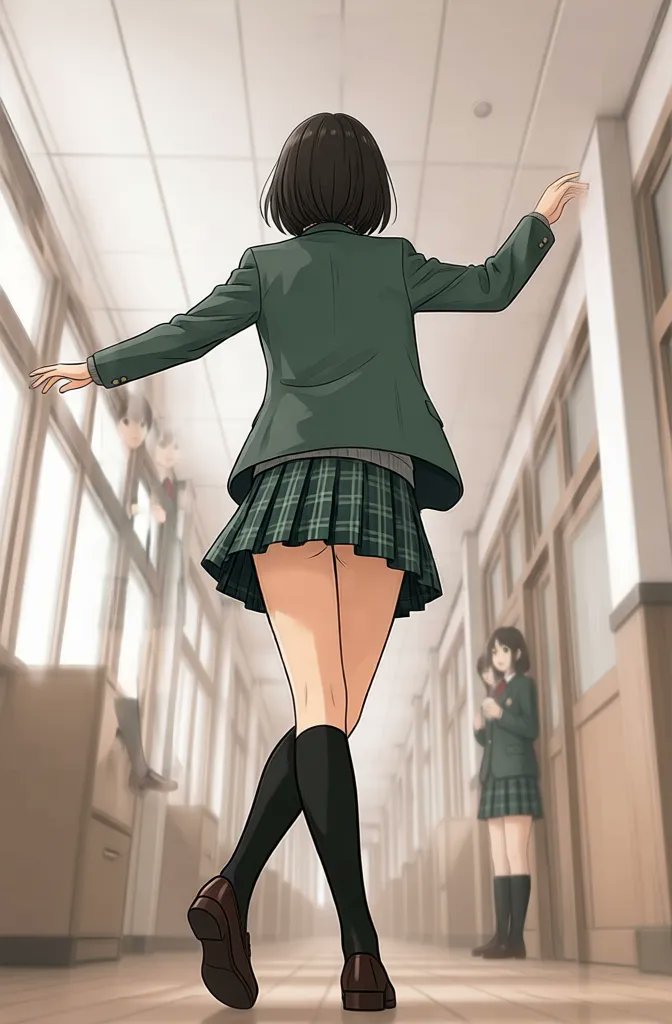
Why Use Qwen Image Edit for AI Image Editing
Image to image editing, multiple angles, and cleaner viewpoint control
Qwen Image Edit is built for workflows where you need to transform an image without losing the core subject. Use it for image to image editing, angle changes, and consistent multi-view outputs when one reference image needs to become a fuller asset set.
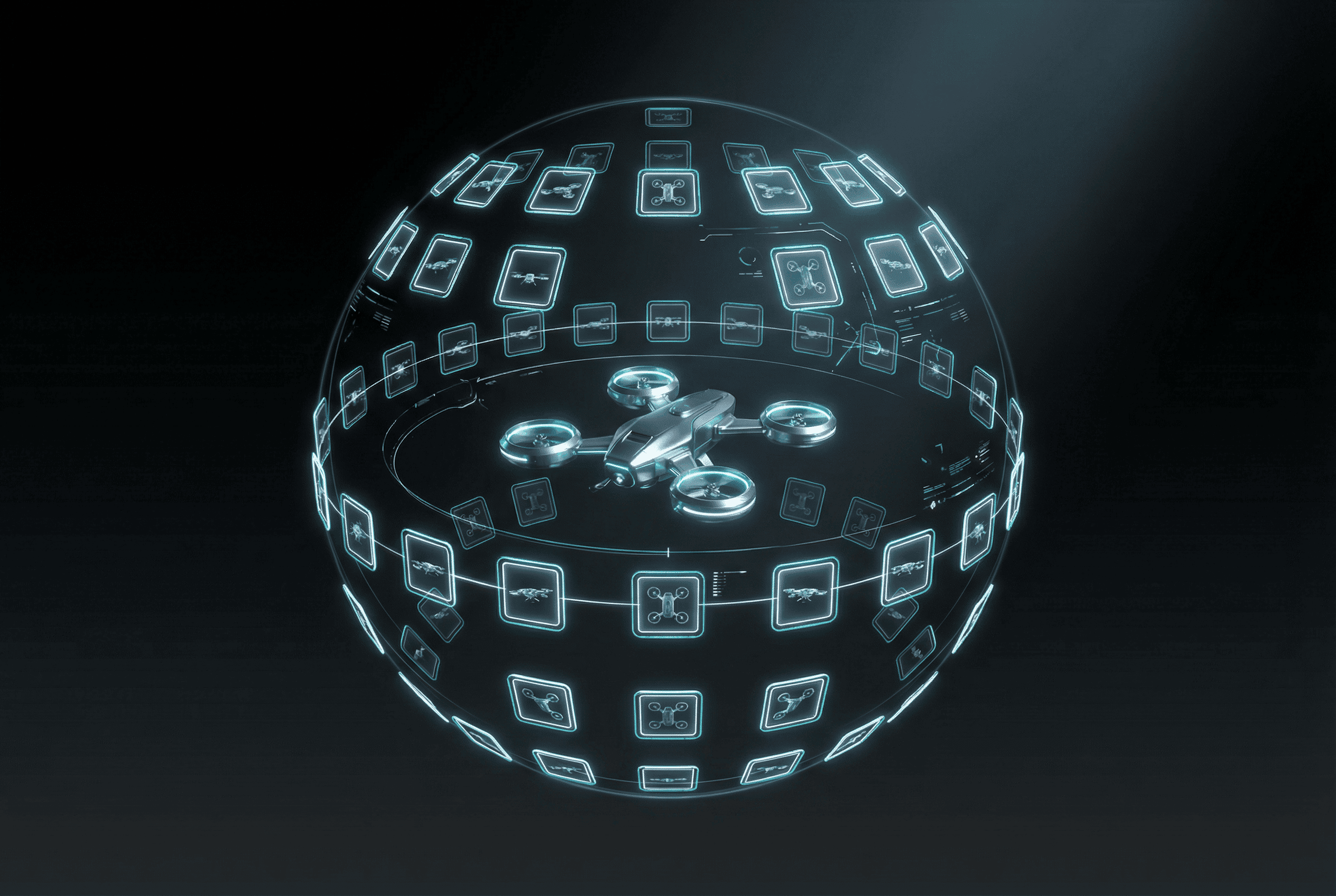
Image to Image Editing from One Source Image
Upload an existing image and guide the next version with targeted edit instructions. Qwen Image Edit is useful when you want transformation without rebuilding the subject from zero.
Multi-Angle View Generation
Use Qwen Image Edit when you need front, side, back, close, wide, high-angle, or low-angle variations from one starting image. It is a strong fit for controlled viewpoint work.
More Consistent Subject and Camera Changes
Qwen Image Edit is useful when identity and structure need to remain more stable while the camera angle or presentation changes across outputs.
Strong Fit for Products, Characters, and Turnarounds
Use Qwen Image Edit for product views, character turnarounds, concept exploration, and any workflow where one image needs to expand into a consistent multi-view asset set.
Qwen Image Edit AI Image Editor FAQ
Answers about Qwen Image Edit, image to image editing, multiple angles, and viewpoint control
Common questions about Qwen Image Edit AI image editing, including image to image workflows, multi-angle generation, camera prompts, and best-use cases.
Still have questions? Contact our support team
Create with Qwen Image Edit AI Image Editor
Turn one source image into controlled Qwen Image Edit variations
Use Qwen Image Edit inside VeoNano to transform images, generate multiple angles from one source, and build cleaner product, character, and concept asset sets faster.
- Edit one image into multiple Qwen Image Edit variations
- Generate front, side, back, and angle views from one source
- Use cleaner viewpoint control for product and character workflows
- Expand an image into a fuller asset set faster