Grok Imagine Video Image to Video GeneratorImage to Video Creation with Prompt-Led Motion and Audio
Grok Imagine Video is an image to video generator for turning a reference image into a short clip. Use prompts to guide motion, camera, and mood, then generate audio-ready videos with faster iteration inside VeoNano.
Why Use Grok Imagine Video for Image to Video Generation
Image to video speed, prompt-led motion, and audio-ready short clips
Grok Imagine Video is built for quick image to video generation. Start from a single reference image, describe the motion and shot direction you want, and use short prompt iterations to reach a cleaner result faster.
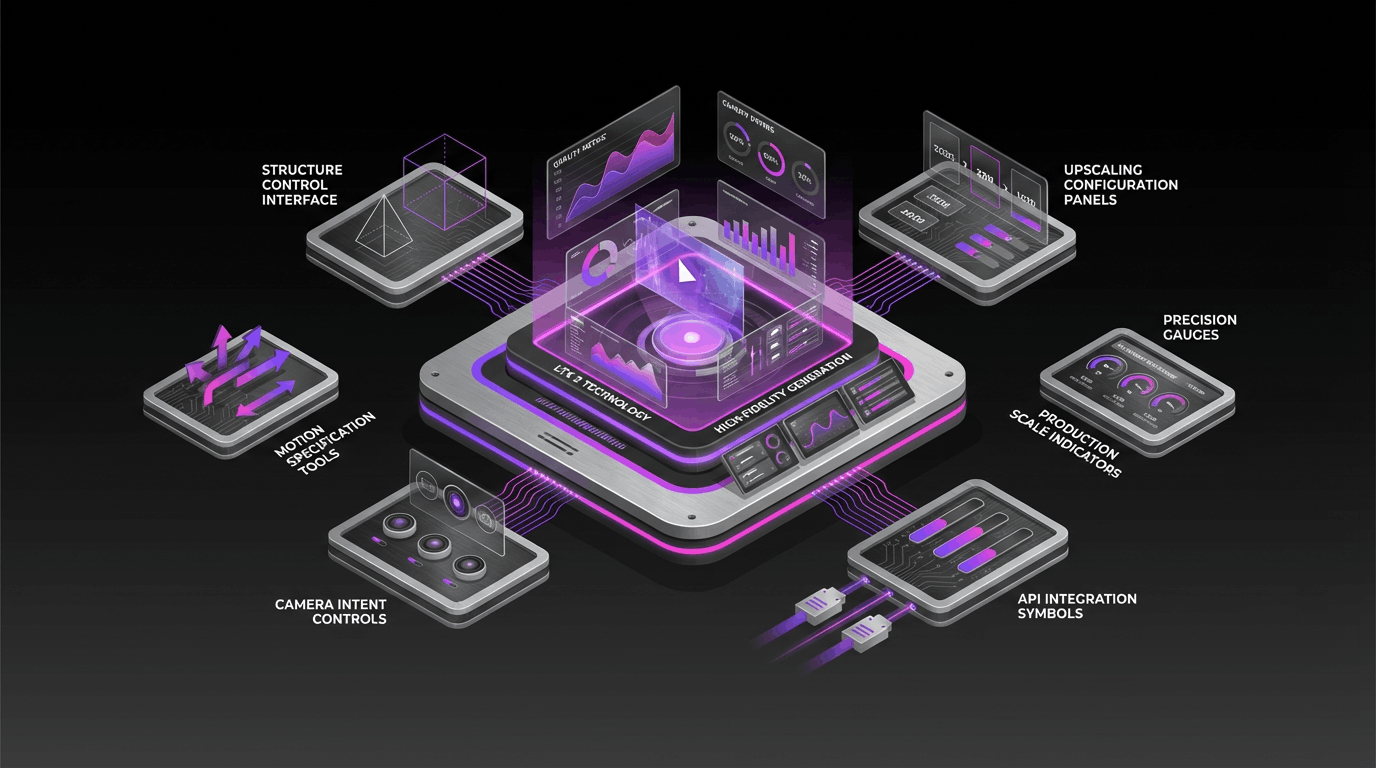
Image to Video from a Reference Image
Start with a still image, then animate it into a short clip with motion, camera, and mood described in your prompt. It is a practical workflow for visual concepts and social content.
Prompt-Led Motion and Camera Direction
Use simple shot language to describe how the scene should move. Grok Imagine Video works better when the prompt focuses on camera movement, subject action, and pacing.
Audio-Ready Short Clips
Grok Imagine Video is useful for short scenes that need to feel ready for sound, ambience, or music-led editing alongside visual motion.
Fast Workflow for Concepts and Social
Generate quick image to video drafts for storyboards, moodboards, social edits, and product concepts, then refine with smaller prompt changes.
Grok Imagine Video Image to Video FAQ
Answers about Grok Imagine Video, image to video prompts, motion control, and audio-ready clips
Common questions about Grok Imagine Video image to video generation, including reference images, prompt writing, motion consistency, and best-use cases.
Still have questions? Contact our support team
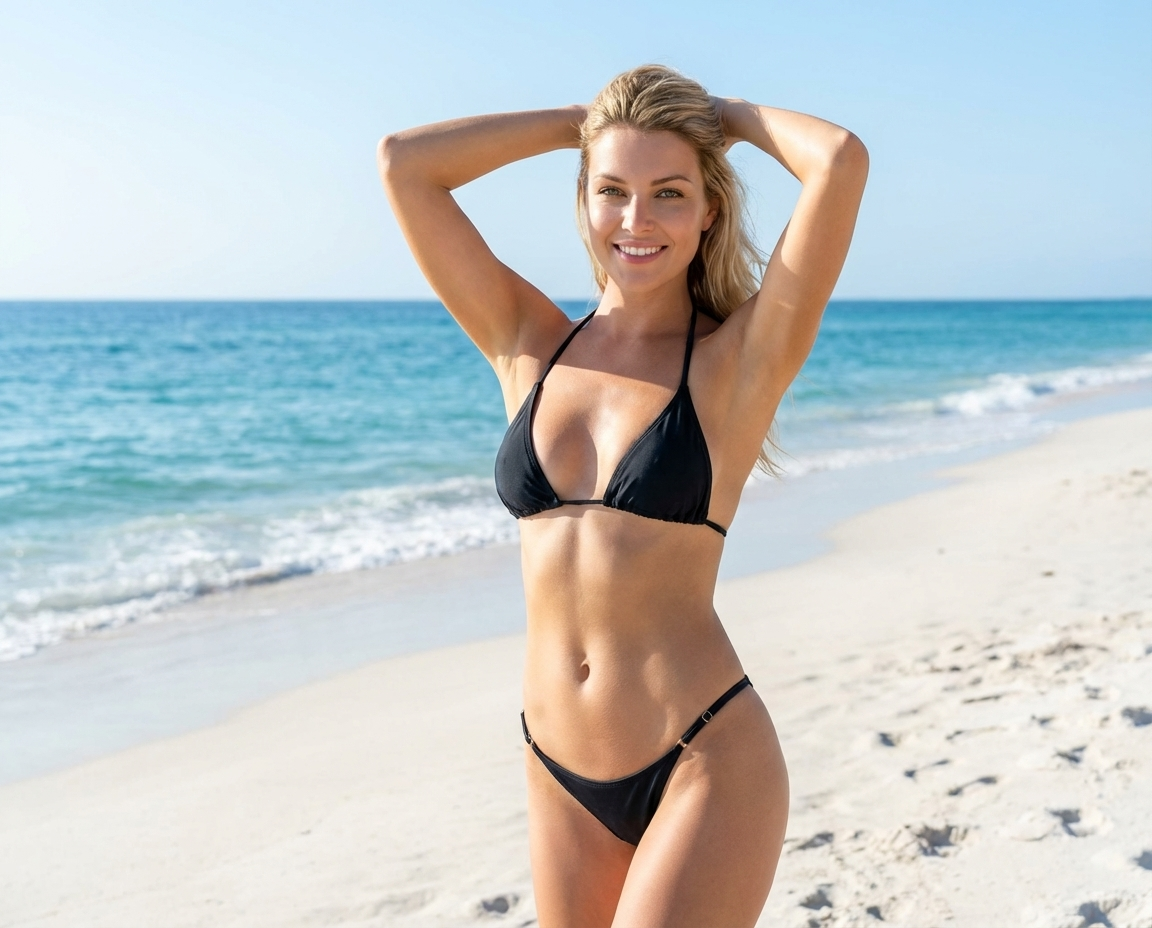

Create with Grok Imagine Video Image to Video Generator
Turn still images into audio-ready Grok Imagine Video clips
Use Grok Imagine Video inside VeoNano to animate reference images, guide motion and camera direction with prompts, and generate short clips faster for social and concept work.
- Animate a single image into a short Grok Imagine Video clip
- Guide motion, camera, and pacing with prompt language
- Generate audio-ready image to video drafts faster
- Iterate quickly for social, storyboard, and concept use cases