Seedream 5.0 AI Image Generator
Text to Image, Image Editing, and Stronger Prompt Following
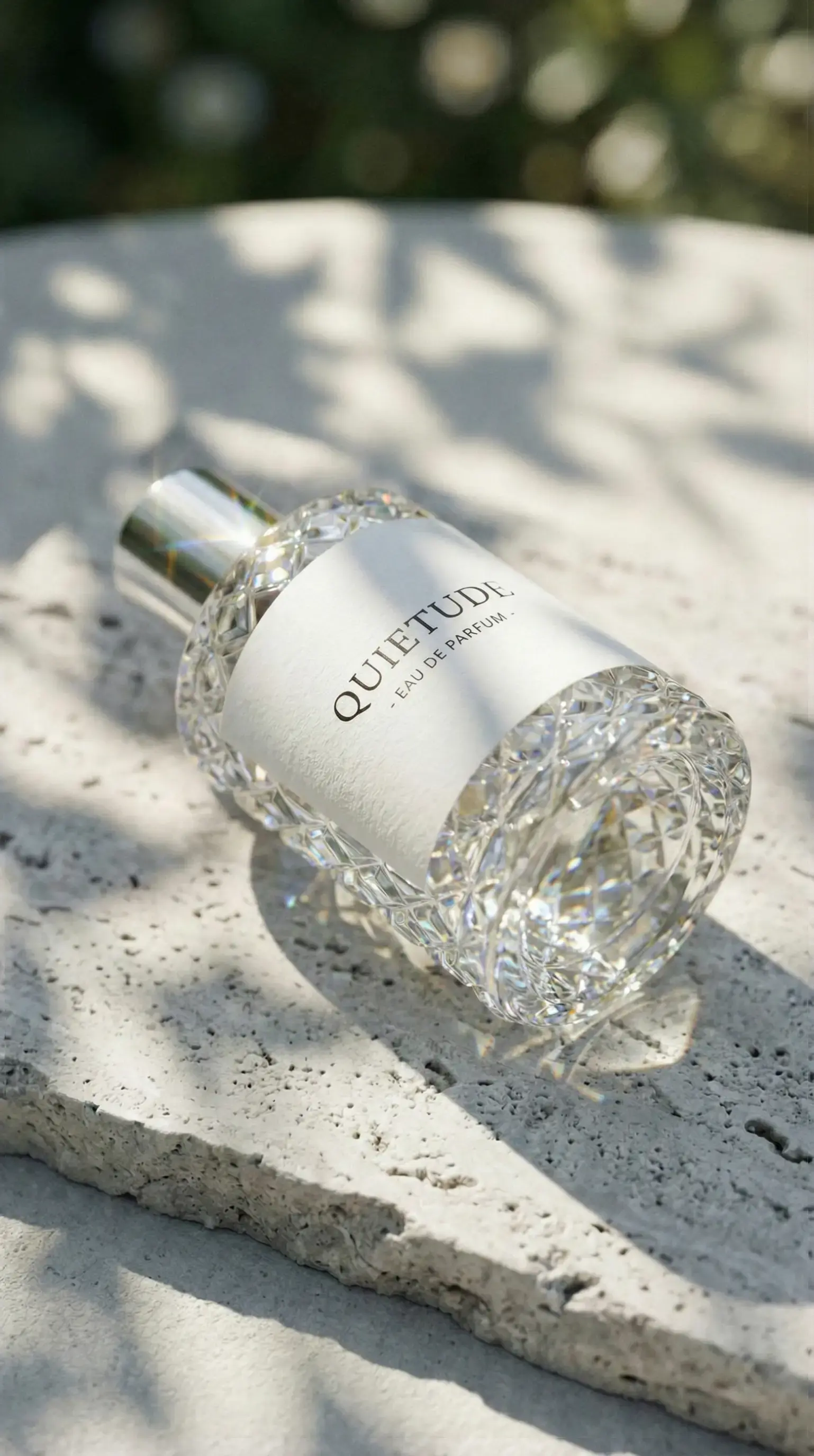
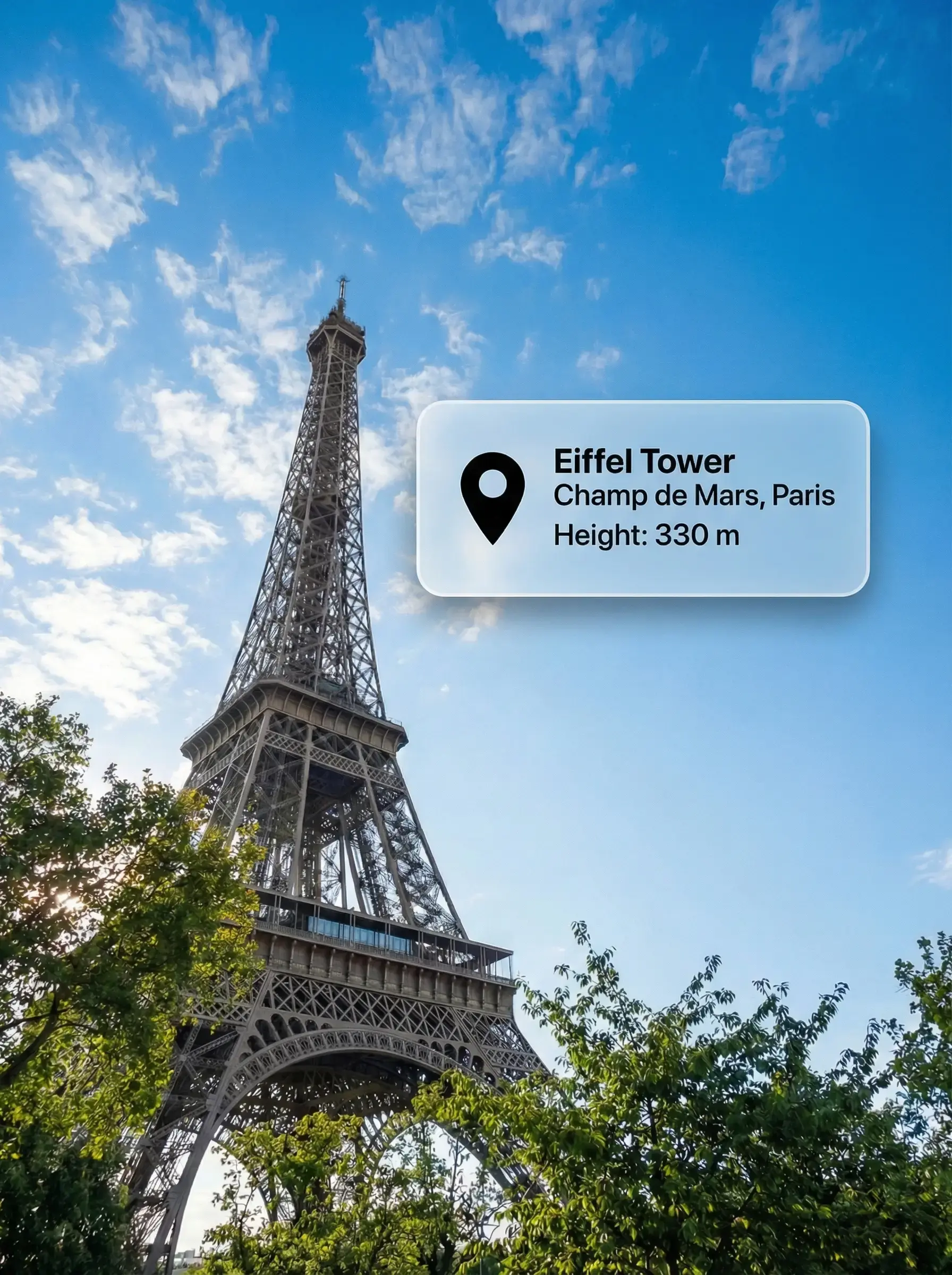

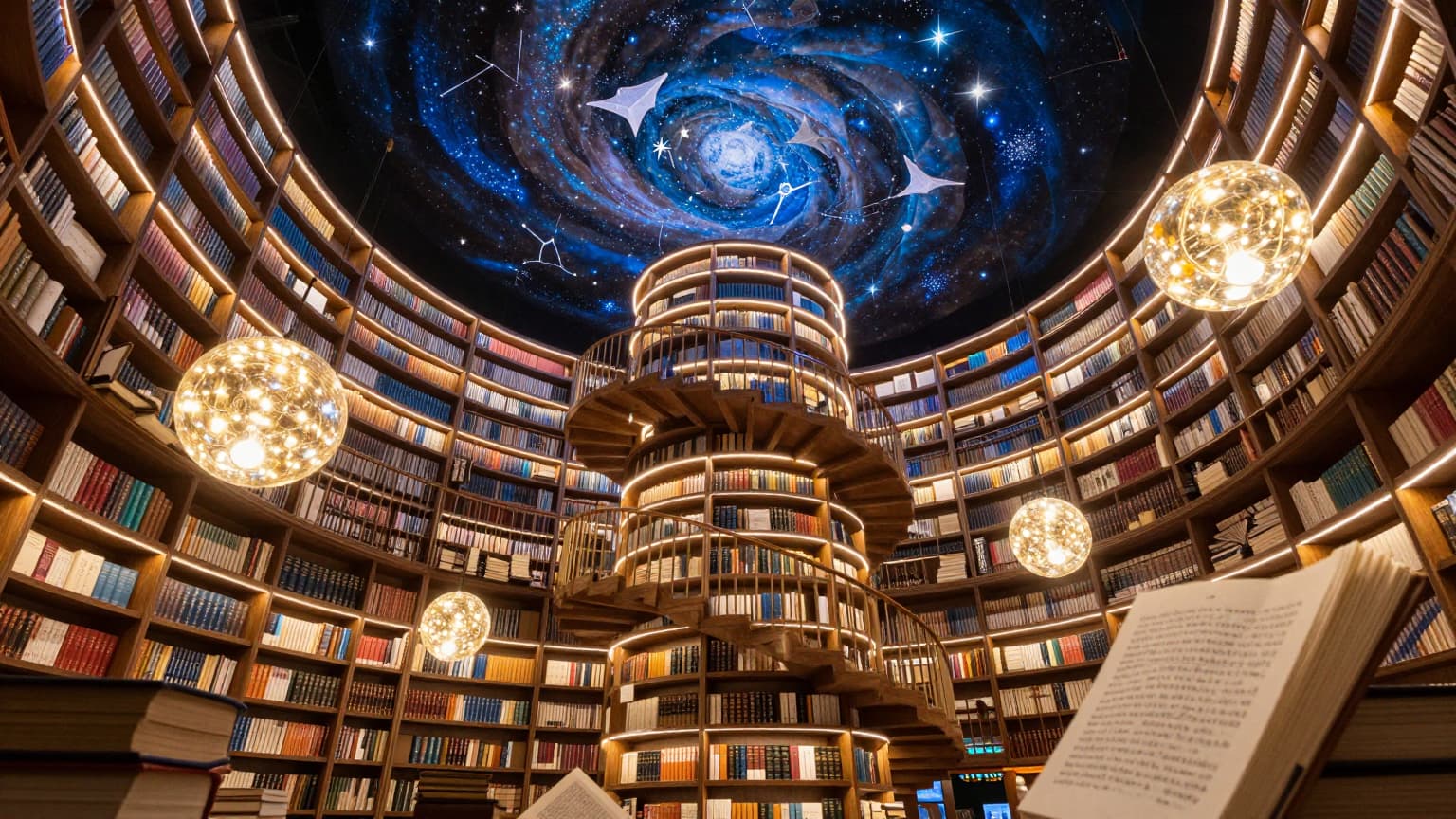
Why Use Seedream 5.0 for AI Image Generation
High-fidelity image generation, cleaner prompt following, and practical image editing
Seedream 5.0 is built for creators who want cleaner prompt response and more reliable visual quality. Use it for text to image generation, image editing, and polished outputs where composition, details, and on-image text all matter.

Text to Image and Image Editing
Generate images from prompts or upload an existing visual and refine it with targeted edit instructions. Seedream 5.0 supports both creation and editing workflows.
Stronger Prompt Following and Text Rendering
Seedream 5.0 is useful when prompts contain detailed scene instructions or visible text requirements. It is a strong fit for cleaner layout and prompt alignment.
High-Fidelity Visual Output
Use Seedream 5.0 for polished marketing images, product visuals, posters, concept frames, and other assets that need strong clarity and visual finish.
Production-Friendly Creative Workflow
Generate multiple directions, compare results, and refine the strongest option with smaller edits. Seedream 5.0 works well for real image production, not just one-off experiments.
Seedream 5.0 AI Image Generator FAQ
Answers about Seedream 5.0, text to image, image editing, prompts, and best-use cases
Common questions about Seedream 5.0 AI image generation, including prompt following, image editing, cleaner text rendering, and how to use it for marketing and design workflows.
Still have questions? Contact our support team
Create with Seedream 5.0 AI Image Generator
Turn prompts and edits into polished Seedream 5.0 images
Use Seedream 5.0 inside VeoNano to generate high-fidelity images from text prompts, refine visuals with targeted edits, and move faster through marketing and design workflows.
- Create Seedream 5.0 images from text prompts or edits
- Use stronger prompt following for cleaner image outputs
- Generate polished visuals for ads, design, and product work
- Refine the best option with smaller image edits