Seedance 2.0 AI Video GeneratorText to Video, Image to Video, and Cinematic Motion Control
Seedance 2.0 is an AI video generator for text to video and image to video creation. Write a prompt or upload a reference image, direct action and camera movement, and generate cinematic short videos with faster iteration in VeoNano.
Why Use Seedance 2.0 for AI Video Generation
Text to video speed, image to video control, and creator-ready motion
Seedance 2.0 is built for fast AI video workflows that still need clean motion and usable control. Start from text or a reference image, describe the shot, refine the prompt, and move from draft to export without a slow production loop.
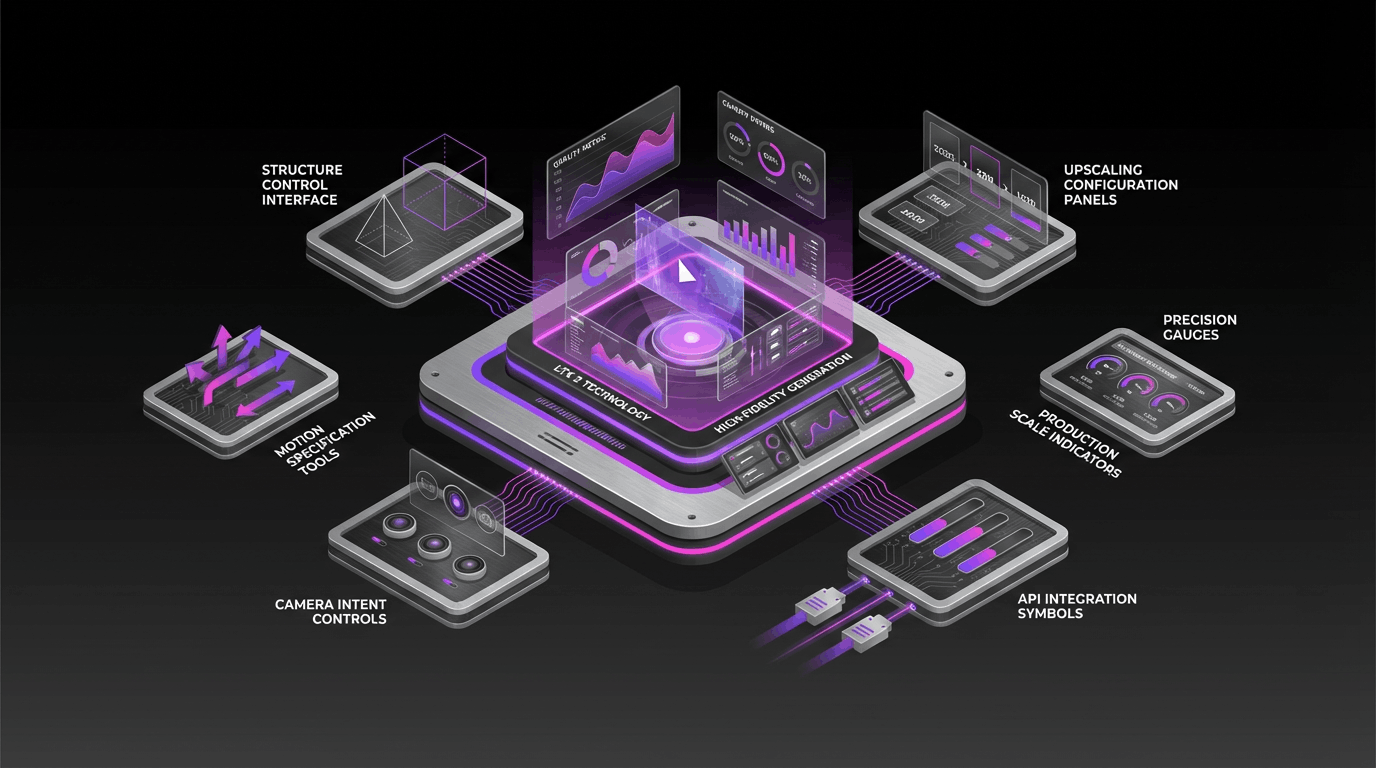
Text to Video and Image to Video
Generate short videos from a text prompt or animate a reference image. Seedance 2.0 gives you a flexible starting point for ads, social clips, storyboards, and concept videos.
Smooth Motion and Better Subject Consistency
Seedance 2.0 is designed for natural motion, clearer action, and more stable subjects across frames, which helps clips feel intentional instead of noisy.
Prompt-Led Camera and Shot Direction
Describe angle, movement, pacing, lighting, and action in plain language. Seedance 2.0 responds well to shot-level prompting for more directed outputs.
Fast Iteration for Creator Workflows
Use Seedance 2.0 when you need more prompt attempts in less time. It is a strong fit for short-form content, concept testing, and rapid production cycles.
Seedance 2.0 AI Video Generator FAQ
Answers about Seedance 2.0, text to video, image to video, prompts, and best-use cases
Common questions about Seedance 2.0 AI video generation, including how to write better prompts, when to use image to video, and what types of clips it handles well.
Still have questions? Contact our support team
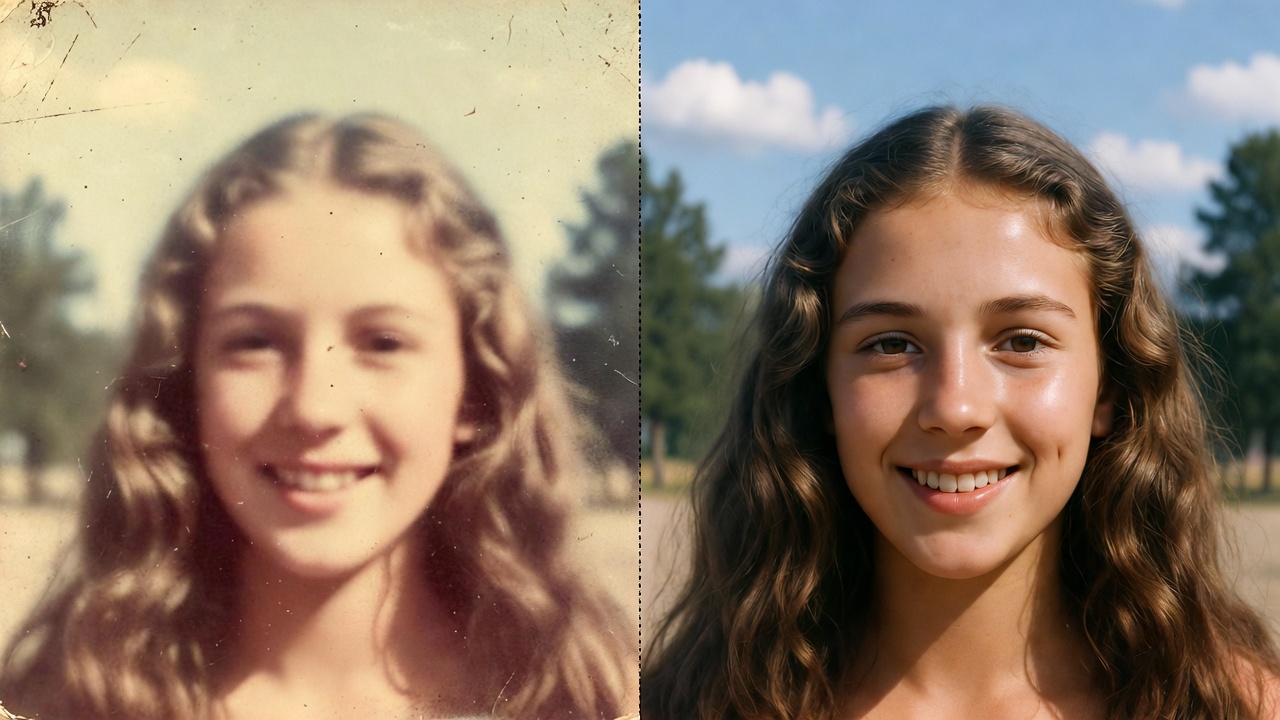

Create with Seedance 2.0 AI Video Generator
Turn prompts and images into cinematic Seedance 2.0 videos
Use Seedance 2.0 inside VeoNano to generate short videos from text prompts or images, refine motion and camera direction, and export stronger clips faster.
- Create Seedance 2.0 videos from text prompts or images
- Guide motion, framing, and pacing with prompt details
- Generate drafts quickly for ads, reels, and storyboards
- Refine Seedance 2.0 outputs inside a faster workflow