Kling 3.0 AI Video GeneratorText to Video, Image to Video, Multi-Shot Scenes, and Native Audio
Kling 3.0 is an AI video generator for text to video and image to video workflows. Build cinematic clips from prompts or reference images, guide motion and shot design, and generate more controllable short videos inside VeoNano.
Why Use Kling 3.0 for AI Video Generation
Text to video control, image to video structure, and scene-by-scene storytelling
Kling 3.0 is built for creators who want more control over short AI videos. Start from text or a reference image, shape shot design with prompts, and use Kling 3.0 when you need cleaner scene structure and faster iteration.
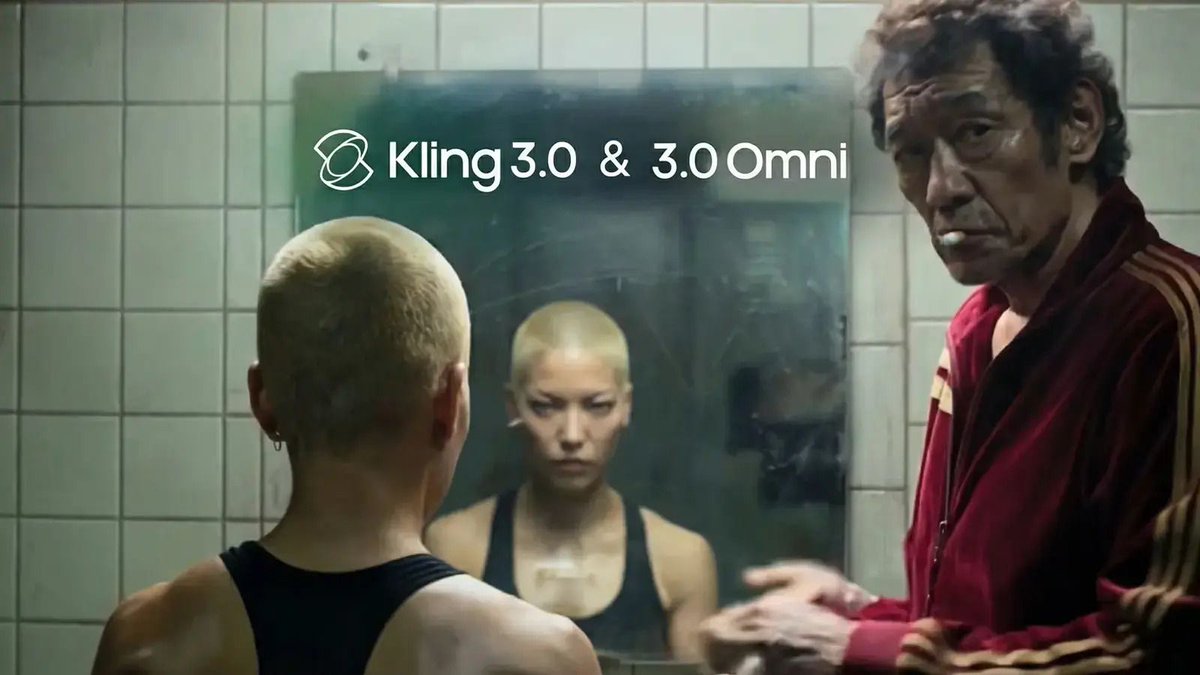
Text to Video and Image to Video
Generate short videos from prompts or animate a still image into a guided clip. Kling 3.0 gives you flexible entry points for storytelling, product demos, and ad concepts.
Multi-Shot Scenes and Better Structure
Use Kling 3.0 when you want short videos to feel more storyboarded. It is a strong fit for scene transitions, simple shot sequences, and mini narratives.
Promptable Motion, Framing, and Audio
Describe camera moves, pacing, action, and style in plain language. Kling 3.0 responds well to directed prompts when you want a more intentional result.
Fast Workflow for Ads and Social Clips
Move quickly from first draft to publish-ready version. Kling 3.0 is useful for short-form campaigns, social storytelling, and product motion tests.
Kling 3.0 AI Video Generator FAQ
Answers about Kling 3.0, text to video, image to video, prompts, and scene control
Common questions about Kling 3.0 AI video generation, including how to use text to video, image to video, multi-shot prompts, and cleaner camera direction.
Still have questions? Contact our support team

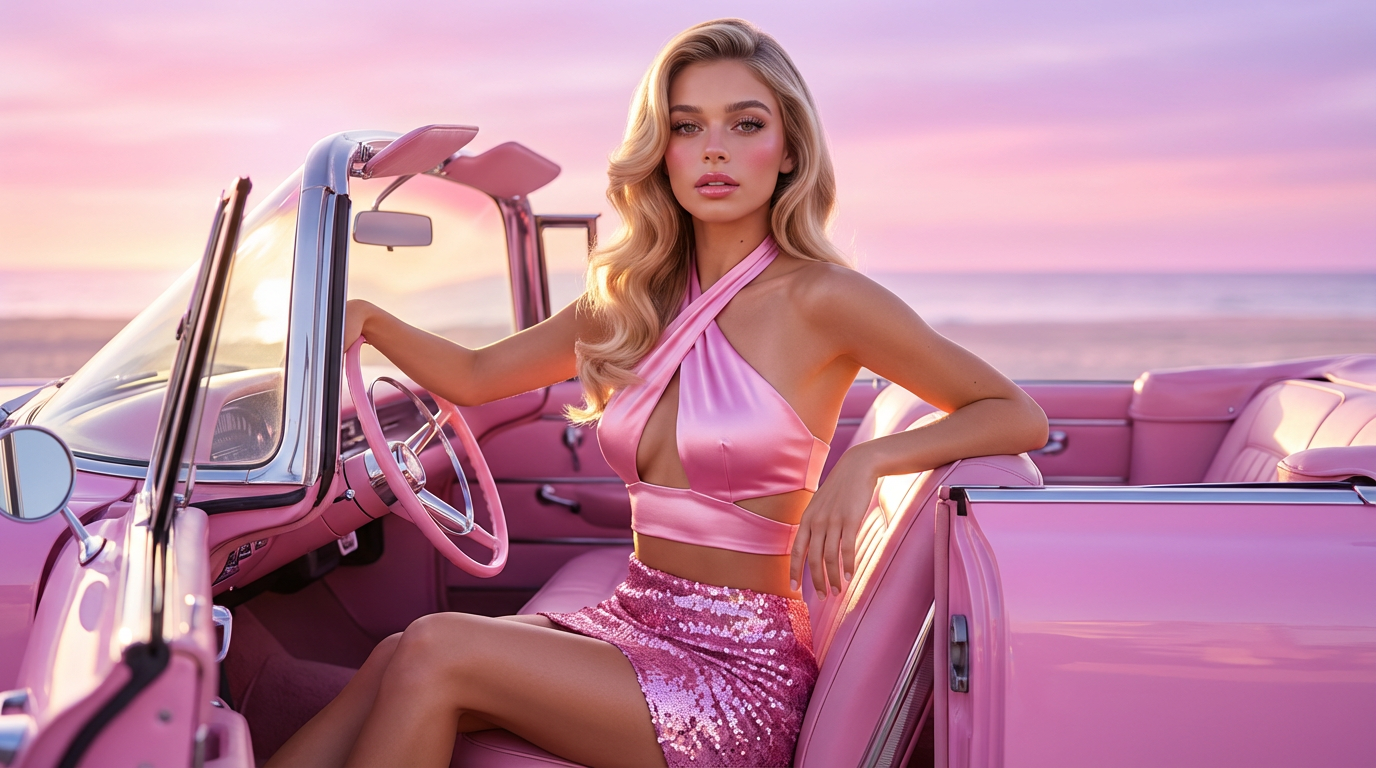
Create with Kling 3.0 AI Video Generator
Turn prompts and images into controllable Kling 3.0 videos
Use Kling 3.0 inside VeoNano to generate short videos from text prompts or images, shape shot direction with cleaner prompts, and move faster from draft to export.
- Create Kling 3.0 videos from text prompts or images
- Use scene-by-scene prompts for stronger short-form structure
- Guide motion, framing, and pacing in natural language
- Generate faster drafts for ads, social, and product clips