Grok Imagine Image AI Image Generator
Text to Image, Image Editing, and Fast Variation Testing
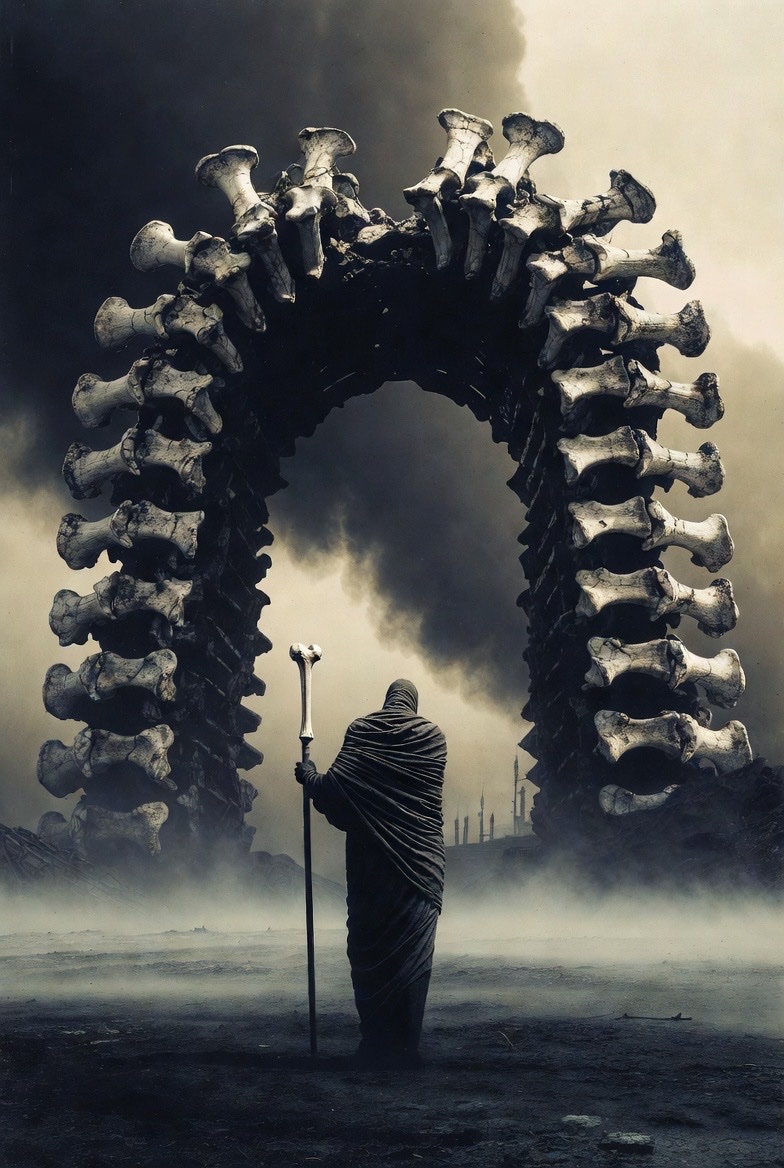
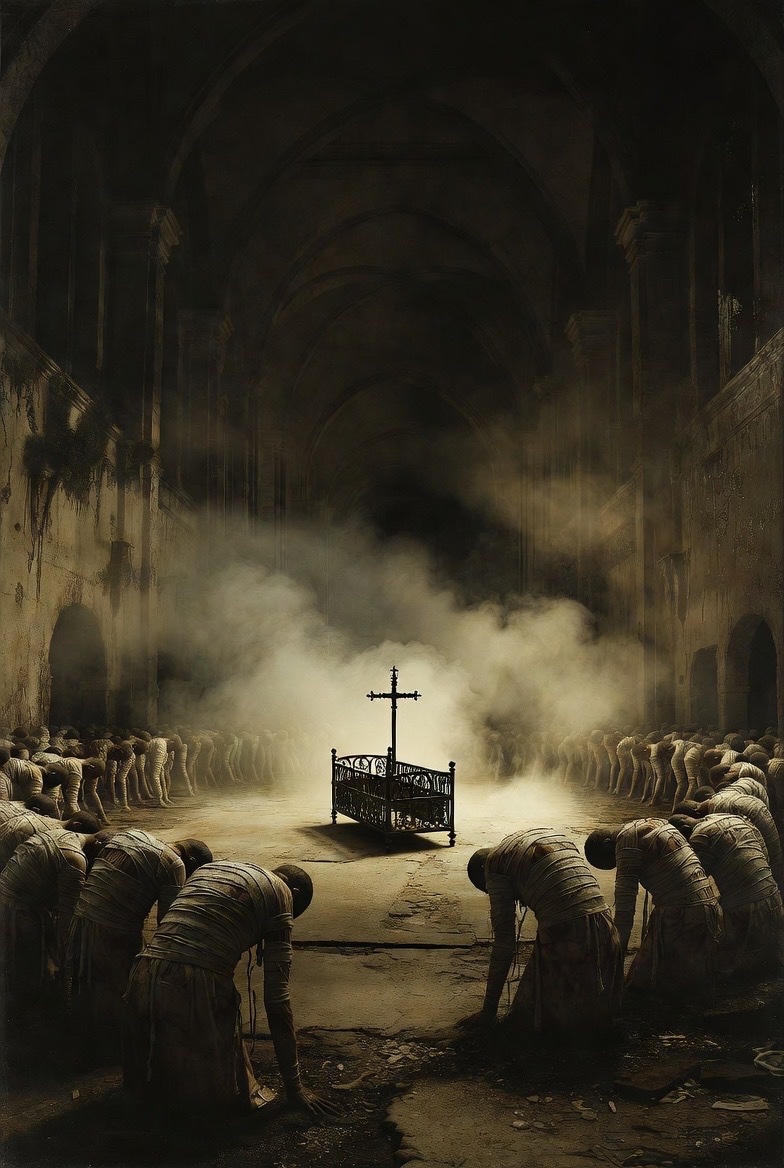
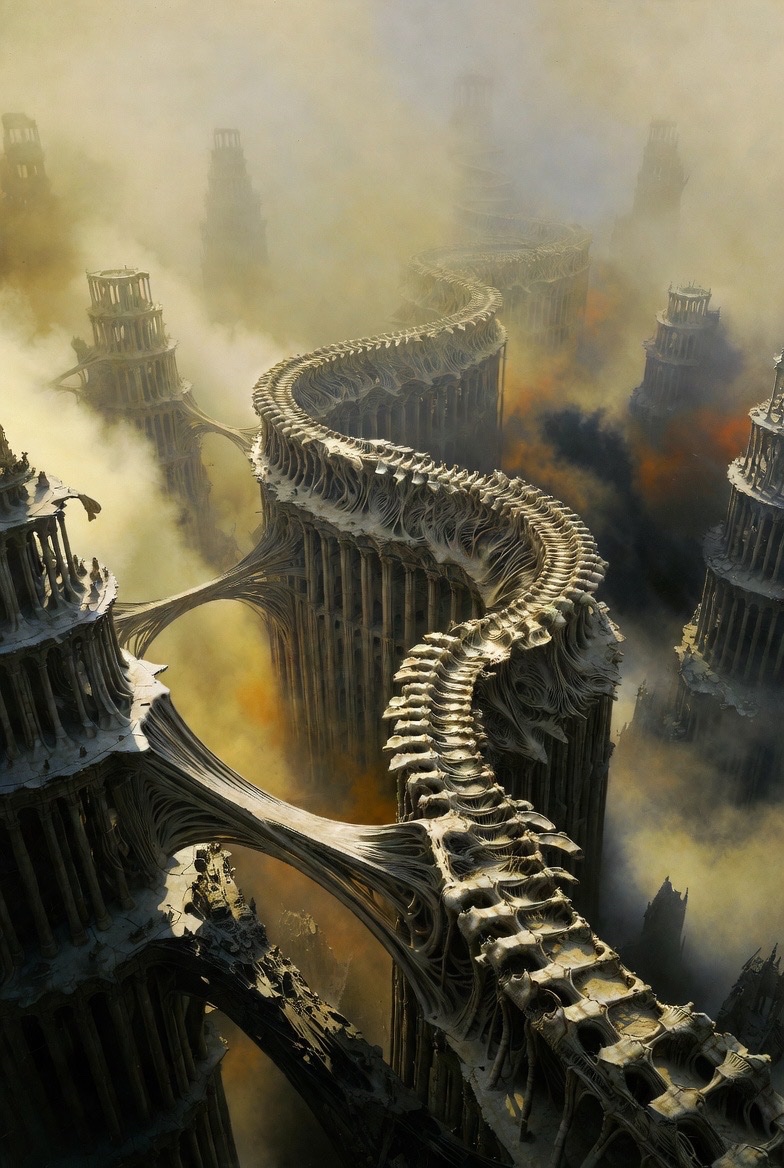
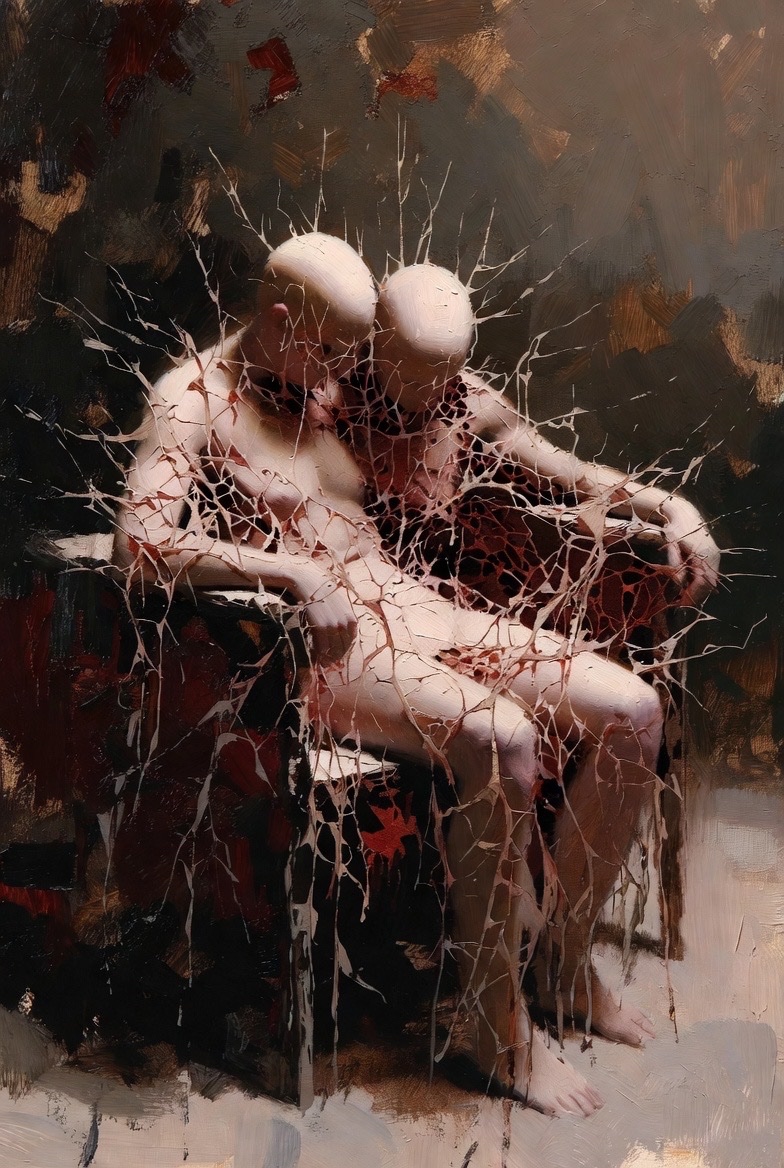
Why Use Grok Imagine Image for AI Image Generation
Text to image generation, image editing, and faster variation testing
Grok Imagine Image is built for creators who want to explore several prompt directions quickly, then refine the strongest option with smaller edits. It is a practical workflow for storyboards, product concepts, and social assets.
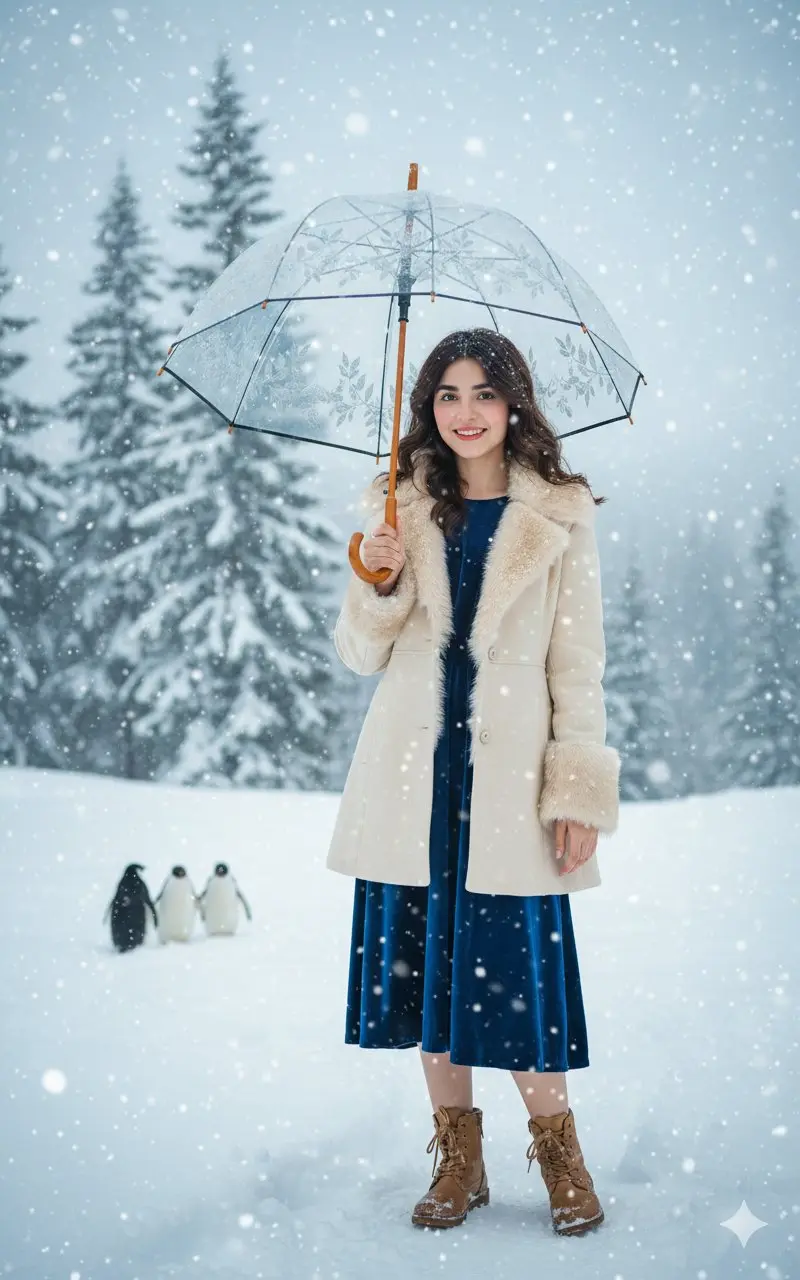
Text to Image and Image Editing
Generate new images from prompts or upload an existing image and guide the next version with focused edit instructions. Grok Imagine Image supports both workflows in one tool.
Multiple Variations from One Prompt
Grok Imagine Image is useful when you want to compare several visual directions quickly before choosing one to refine into a stronger final result.
Fast Edit Cycles for Visual Exploration
Start broad, pick the best candidate, and refine with smaller prompt edits. Grok Imagine Image works well for rapid creative testing and quick visual iteration.
Useful for Social, Product, and Storyboards
Use Grok Imagine Image for campaign ideas, product frames, social visuals, moodboards, and storyboard exploration where speed matters.
Grok Imagine Image AI Image Generator FAQ
Answers about Grok Imagine Image, text to image, image editing, and best-use cases
Common questions about Grok Imagine Image AI image generation, including prompt writing, image editing, faster variation testing, and practical creative workflows.
Still have questions? Contact our support team
Create with Grok Imagine Image AI Image Generator
Turn prompts into faster Grok Imagine Image variations
Use Grok Imagine Image inside VeoNano to generate images from text prompts, compare multiple visual directions, and refine the best result with smaller edits.
- Create Grok Imagine Image results from text prompts or edits
- Generate multiple directions before refining the best one
- Use fast variation testing for social and product workflows
- Edit the strongest candidate without starting over