Categories: AI Video Workflow, Creator Strategy, Production Process
Tags: VeoNano, AI Creation Studio, AI Video Workflow, Content Strategy, Creator Toolkit
Why Voice Matters in AI Video Generation
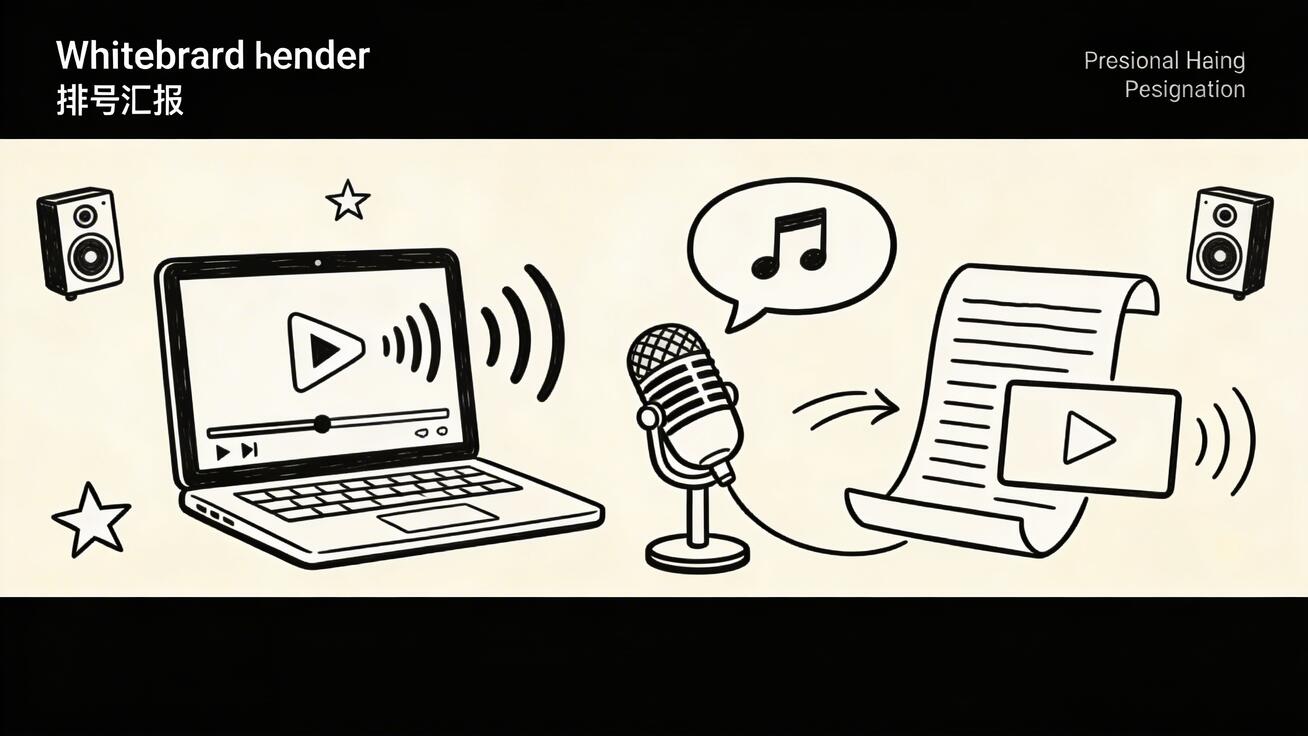
For years, the biggest hurdle in AI video production was the "silent film" limitation. Creating a professional result required a fragmented workflow: generating visuals in one tool, synthesizing speech in another, and manually syncing them in a third. This process was not only time-consuming but often resulted in a disconnect between the visual emotion and the auditory delivery.
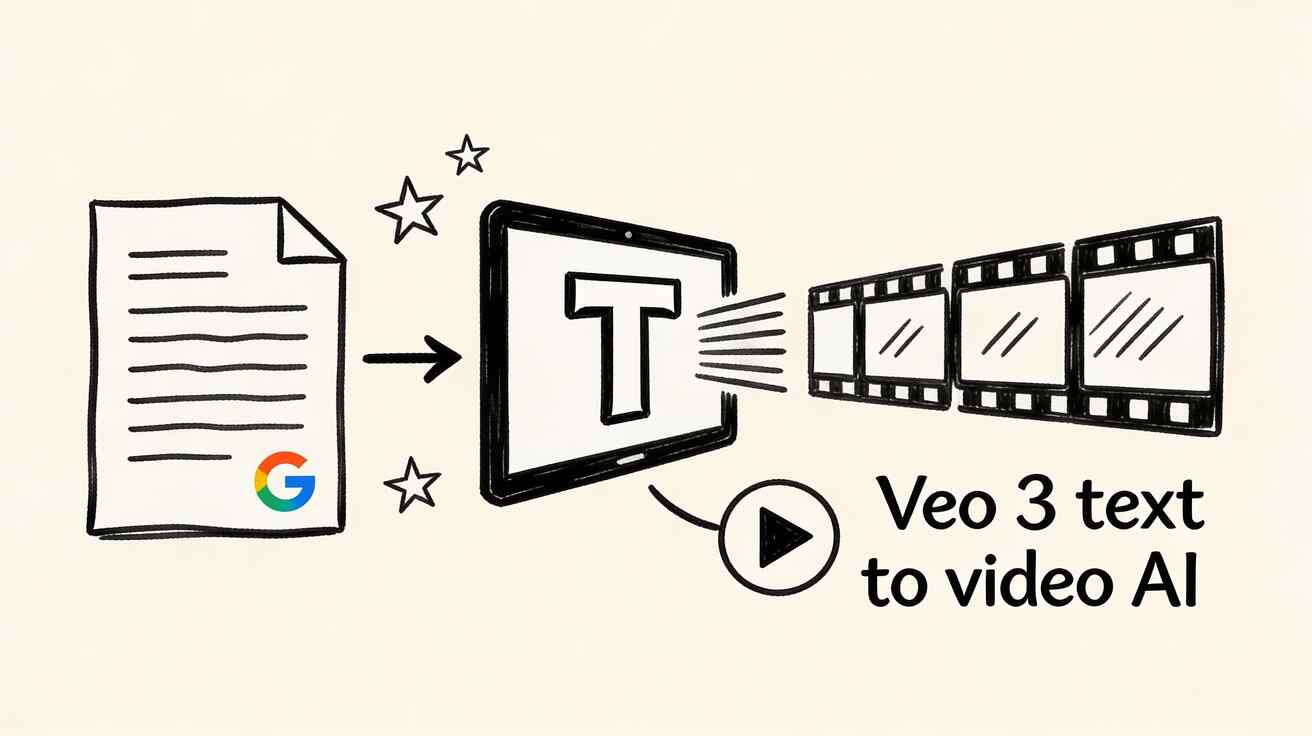
In 2026, the landscape has shifted. Integrated audio is no longer a luxury—it is a requirement for repeatable production and measurable audience engagement. By utilizing tools that handle both sight and sound, creators can reduce editing loops and maintain a consistent publishing schedule.
The 7 Best AI Video Generators with Voice (2026)
The following platforms represent the gold standard for integrated video and audio production, categorized by their specific strengths in the creator ecosystem.
1. Veo 3 — Best Overall for Native Audio
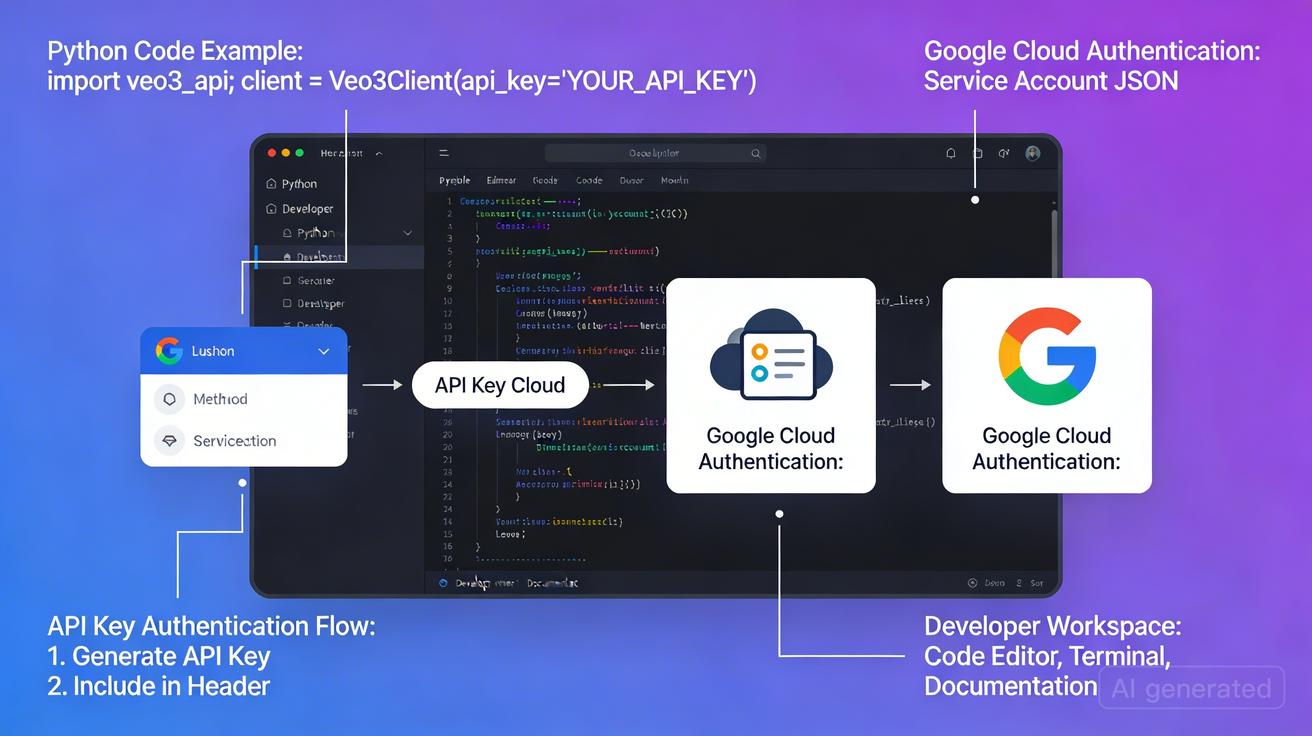
Veo 3 stands as the industry leader by moving away from "bolt-on" audio. While other tools generate video and then overlay text-to-speech, Veo 3 utilizes a unified model architecture to generate video and audio simultaneously. This results in unparalleled synchronization and natural dialogue that feels part of the environment rather than a separate layer.

2. Runway Gen-4 — Best for Creative Control
While Runway Gen-4 does not focus on the same native simultaneous generation as Veo 3, it offers the most robust creative suite. Its integrated workflow combines AI voiceovers with sophisticated sound design tools, making it the preferred choice for filmmakers who need granular control over the final mix.
3. Pika 2.0 — Best for Social Media
Pika 2.0 has transitioned from a simple visual engine into a powerhouse for short-form creators. Its standout features include a highly efficient lip-sync engine and a dedicated sound effects generator, allowing social media managers to produce polished, "sound-on" clips in minutes.
4. HeyGen — Best for AI Avatars
HeyGen is the specialist for "talking head" content. By focusing on realistic AI characters delivering scripts, it has become the go-to tool for marketing and corporate presentations where a human-like presence is required without the need for a full film crew.
5. Synthesia — Best for Enterprise Training
Synthesia pioneered the avatar-plus-voice format and remains the leader for large-scale organizations. It differentiates itself through enterprise-grade security, compliance features, and team management tools designed for global training deployments.
6. Invideo AI — Best for Long-Form Narration
Unlike the other tools on this list that generate pixels from scratch, Invideo AI automates the assembly of stock footage. It is specifically designed for creators making 1-to-15-minute narrated videos, handling the scriptwriting, voiceover generation, and footage matching in one automated step.
7. Seedance 2.0 — Best for Sound Design
Seedance 2.0 is a rising contender that pairs high-quality visual generation with an evolving audio pipeline. While its native audio isn't yet at the level of Veo 3, its focus on cinematic sound design makes it a strong choice for atmospheric content.
How to Choose the Right Tool
Selecting the right platform depends on your specific production goals:
- For cinematic content with natural dialogue: Use Veo 3.
- For fast, affordable social formats: Use Pika 2.0.
- For professional avatars and training: Use HeyGen or Synthesia.
- For automated long-form narration: Use Invideo AI.
Tips for Getting Better Voice Results
To maximize the quality of your AI-generated audio, follow these production standards:
- Define a Weekly Objective: Don't try to master all tools at once. Focus on one platform to build a repeatable workflow.
- Iterate by Section: Build a concise draft for your audio script before generating the video to ensure the pacing matches.
- Measure Performance: Compare different voice styles or tools using a single KPI (like retention rate) to see what resonates with your audience.
The Future of AI Video with Voice
The trajectory of the industry is moving toward total immersion. As models become more unified, the gap between "generated" and "filmed" content will continue to close. Standardizing your production process now with VeoNano ensures you can scale as these technologies evolve.
Frequently Asked Questions
Can this workflow work for a solo creator?
Absolutely. The key is to standardize your production blocks so you aren't reinventing your process for every new video.
How many variants should I test per post?
We recommend testing 2 to 4 focused variants. This is usually enough to identify which voice or visual style performs best without overwhelming your workflow.
Should I prioritize trends or consistency?
Consistency is the foundation of brand memory. Use trends to capture initial reach, but rely on a stable production system to keep your audience coming back.
Next Step
Ready to streamline your production? Explore VeoNano workflow templates to start building your AI video strategy today.
Media References
- https://cdn.veonano.com/blog/ai-video-generator-with-voice-2026/20260406122256-tt2rnu9z.jpeg
- https://cdn.veonano.com/blog/ai-video-generator-with-voice-2026/20260406122257-n3bk9qrb.jpeg
- https://cdn.veonano.com/blog/ai-video-generator-with-voice-2026/20260406122257-wzy3m1wl.jpeg
- https://cdn.veonano.com/blog/ai-video-generator-with-voice-2026/20260406122258-p3cwf7db.jpeg