Categories: AI Video Workflow, Creator Strategy, Production Process
Tags: veonano, ai creation studio, ai video workflow, content strategy, creator toolkit
Why YouTube Creators Are Switching to AI Video Tools
The digital landscape has reached a tipping point. With over 2.5 billion monthly active users on YouTube, the demand for high-quality content is relentless. For modern creators, the challenge isn't just about being creative—it's about maintaining a high publishing frequency without succumbing to burnout. AI video tools have shifted from being experimental novelties to essential components of a sustainable production workflow.
Top 10 AI Video Generators for YouTube in 2026
The market in 2026 offers specialized tools for every niche. Whether you are producing cinematic documentaries or quick-hit social clips, these platforms define the current state of the art.
1. Veo 3 — Best for Cinematic Quality
Google DeepMind’s Veo 3 stands as the industry benchmark for photorealism. Its ability to render natural motion and high-fidelity textures makes it the primary choice for lifestyle, travel, and fashion creators who need footage that is indistinguishable from traditional cinematography.
2. Seedance — Best for Social-Ready Shorts
For those focused on YouTube Shorts and vertical multi-platform publishing, Seedance is the go-to solution. It offers a fast, mobile-optimized workflow and an accessible free tier for creators testing new viral formats.
3. Runway Gen-4 — Best for Professional Integration
Runway remains the favorite for editors who need granular control. It bridges the gap between raw AI generation and professional post-production suites, allowing for seamless blending of synthetic and captured media.
4. Kling 2.0 — Best for Realistic Human Motion
Kling 2.0 has mastered complex physics. If your content requires realistic human movement or animal interactions, Kling’s fluid motion engine ensures your subjects don't suffer from the "uncanny valley" effect.
5. Pika — Best for Experimental Visual Effects
Pika is the laboratory for visual innovation. It excels at morphing, surreal transformations, and physics-defying effects that would take weeks to animate manually.
6. Luma AI Dream Machine 2.0 — Best for 3D & Tech
Tech reviewers and architects favor Luma AI for its superior 3D product rendering. It creates smooth, rotating visualizations that are perfect for showcasing hardware or spatial designs.
7. OpenAI Sora — Best for Long-Form Narrative
Sora continues to lead in character consistency. For storytellers and filmmakers, Sora’s ability to keep a protagonist looking identical across multiple scenes is a game-changer for narrative continuity.
8. InVideo AI — Best for Automated "Video Factories"
InVideo AI functions as an end-to-end production house. By simply inputting a script, creators receive a finished video complete with stock footage, voiceovers, and captions, making it ideal for high-volume explainer channels.
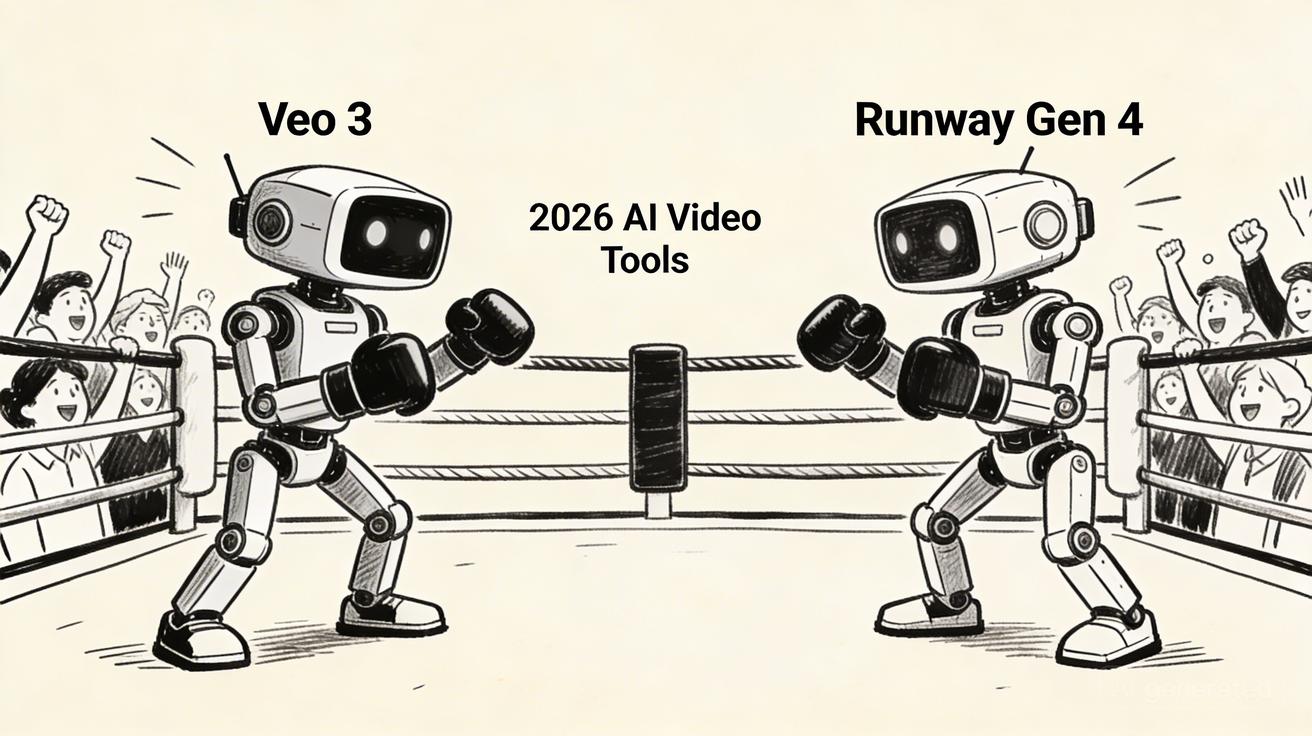
How to Choose the Right Tool for Your Channel
Selecting a generator depends entirely on your output goals:
- Educational/Corporate: Focus on tools like InVideo AI for speed and clarity.
- Viral/Short-Form: Prioritize Seedance or Pika for speed and trending effects.
- High-End Documentary: Stick with Veo 3 for the highest visual fidelity.
Workflow Tips: Maximizing AI Output
To get the most out of these tools, integrate them into a repeatable VeoNano framework:
- Standardize Your Prompts: Keep a library of successful style prompts to ensure brand consistency.
- Iterate by Section: Don't try to generate a 10-minute video in one go. Break your script into scenes.
- Hybrid Editing: Use AI for the heavy lifting (B-roll and transitions) while keeping your unique voice in the A-roll.
The Future of AI Video on YouTube
As we look toward the rest of 2026, the barrier to entry for high-production-value content will continue to drop. The creators who succeed will be those who use AI not just to replace effort, but to amplify their unique creative vision and maintain a consistent connection with their audience.
Final Thoughts: Choosing Your AI Video Tool
The most reliable way to scale is to standardize. By choosing one or two tools that fit your specific niche—whether it's the cinematic power of Veo 3 or the rapid-fire efficiency of Seedance—you can build a production engine that outpaces the competition.
Explore the full suite of VeoNano workflow templates to start optimizing your channel today.
Frequently Asked Questions
Which AI video generator is best for beginners?
Seedance and InVideo AI are excellent starting points due to their user-friendly interfaces and automated features.
Can I create a full YouTube video with just AI?
Yes. Tools like InVideo AI can generate a complete video from a single prompt, though adding a personal touch in the final edit usually improves audience retention.
Is AI-generated content allowed on YouTube?
Yes, but YouTube requires creators to disclose when realistic-looking content has been altered or generated by AI. Always check the latest platform guidelines for disclosure requirements.
Media References
- https://cdn.veonano.com/blog/best-ai-video-generators-youtube-2026/20260406122137-a1rw18bd.jpeg
- https://cdn.veonano.com/blog/best-ai-video-generators-youtube-2026/20260406122138-e0l0fbe6.jpeg
- https://cdn.veonano.com/blog/best-ai-video-generators-youtube-2026/20260406122139-tmbnql0s.jpeg
- https://cdn.veonano.com/blog/best-ai-video-generators-youtube-2026/20260406122140-4efpzbas.jpeg
- https://cdn.veonano.com/blog/best-ai-video-generators-youtube-2026/20260406122140-7vbawdta.jpeg