Categories: AI Video Workflow, Creator Strategy, Production Process
Tags: VeoNano, AI Creation Studio, AI Video Workflow, Content Strategy, Creator Toolkit
Introduction
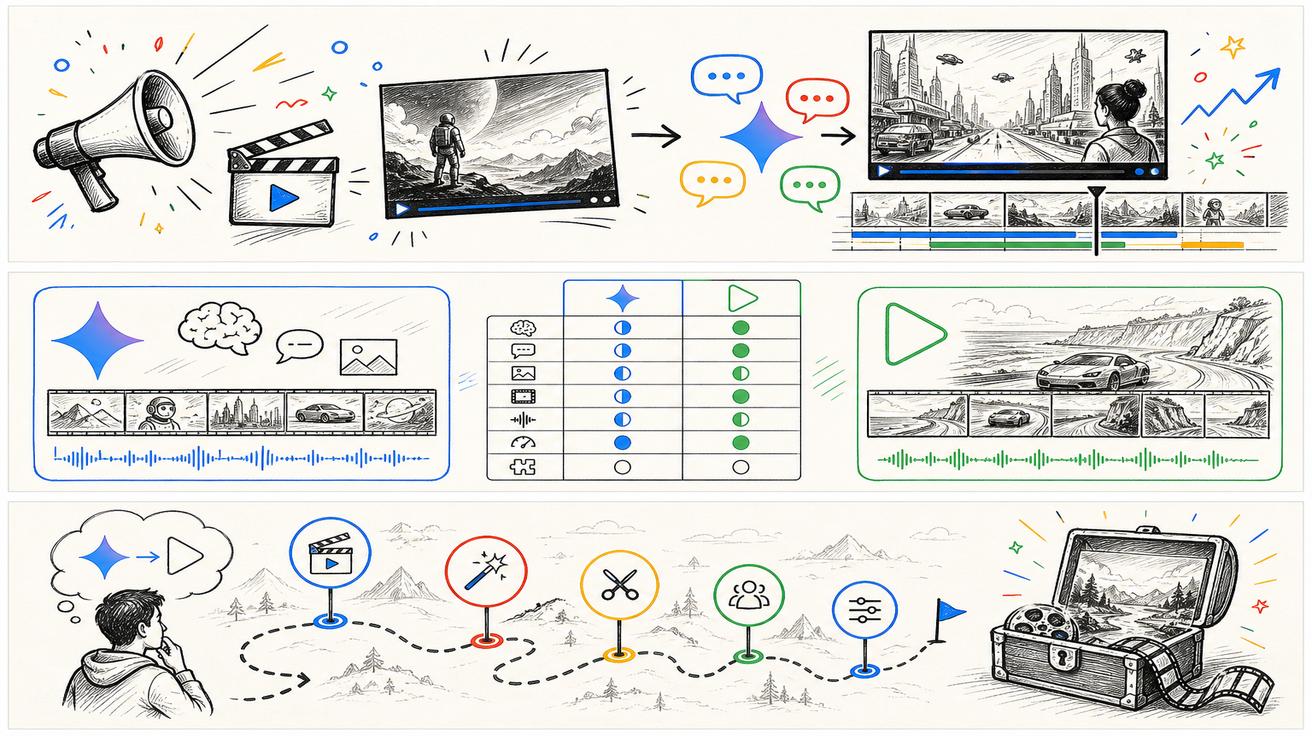
As the landscape of generative video shifts toward multimodal models like Gemini Omni, creators and developers must decide whether to migrate their existing pipelines or explore new alternatives. This VeoNano guide provides a strategic framework for evaluating your video production dependencies and finding the right path forward in 2026.
1) Define Your Dependency
Before jumping to a new tool, identify exactly what part of the Veo ecosystem you are replacing. "Veo replacement" is a broad term that can mean different things depending on your role. Are you looking for a feature within the Gemini app, a professional Google Flow studio workflow, or a specific API for a custom application?
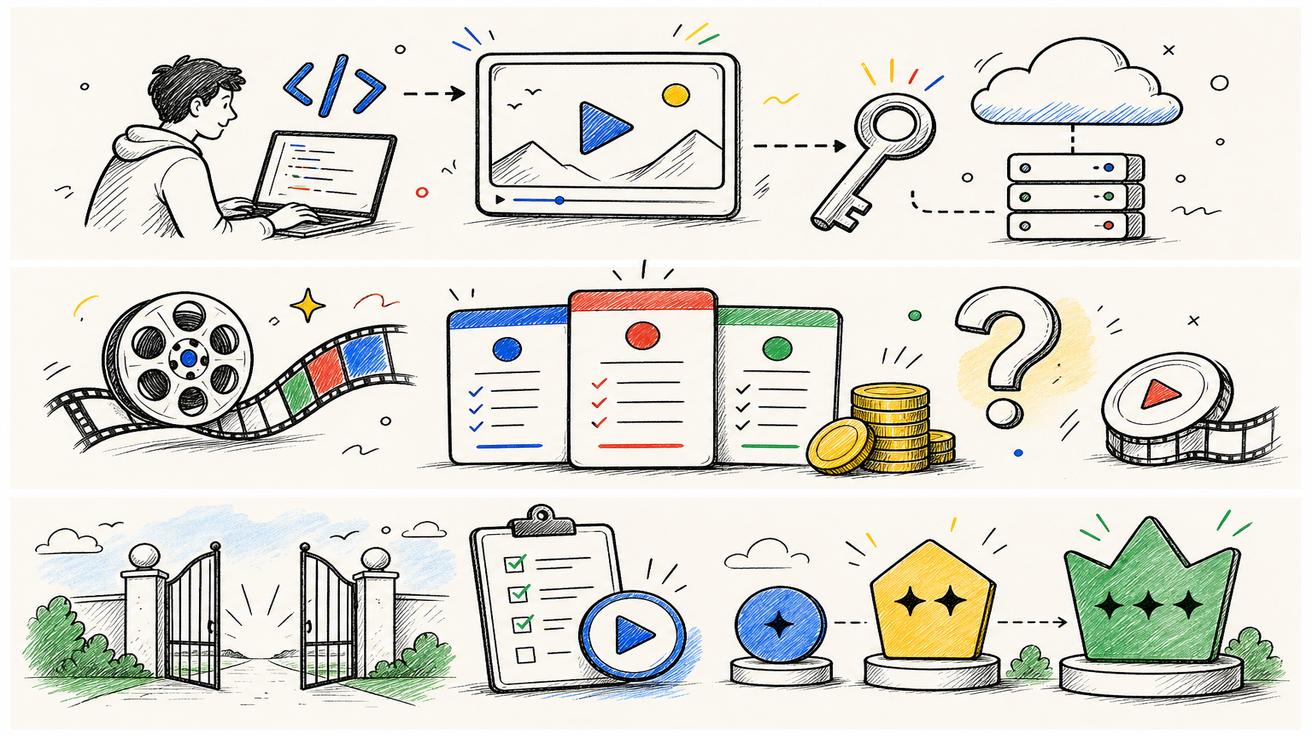
Defining your specific use case—whether it's a free generator for social clips or a paid production-grade API—ensures that your next choice aligns with your technical requirements and budget.
2) The Official Path: Gemini Omni and Google Flow
For those currently using the Gemini app, the most direct replacement is Gemini Omni. Google has positioned Omni as the primary model for natural-language video editing, image-to-video generation, and multimodal creation.
If your work is more structured—thinking in terms of scenes, clips, and storyboards—Google Flow is the relevant environment. With Omni Flash rolling out to Flow, it remains the standard for creators who need a studio-like interface rather than a simple chat prompt.
3) When to Stick with Veo 3.1
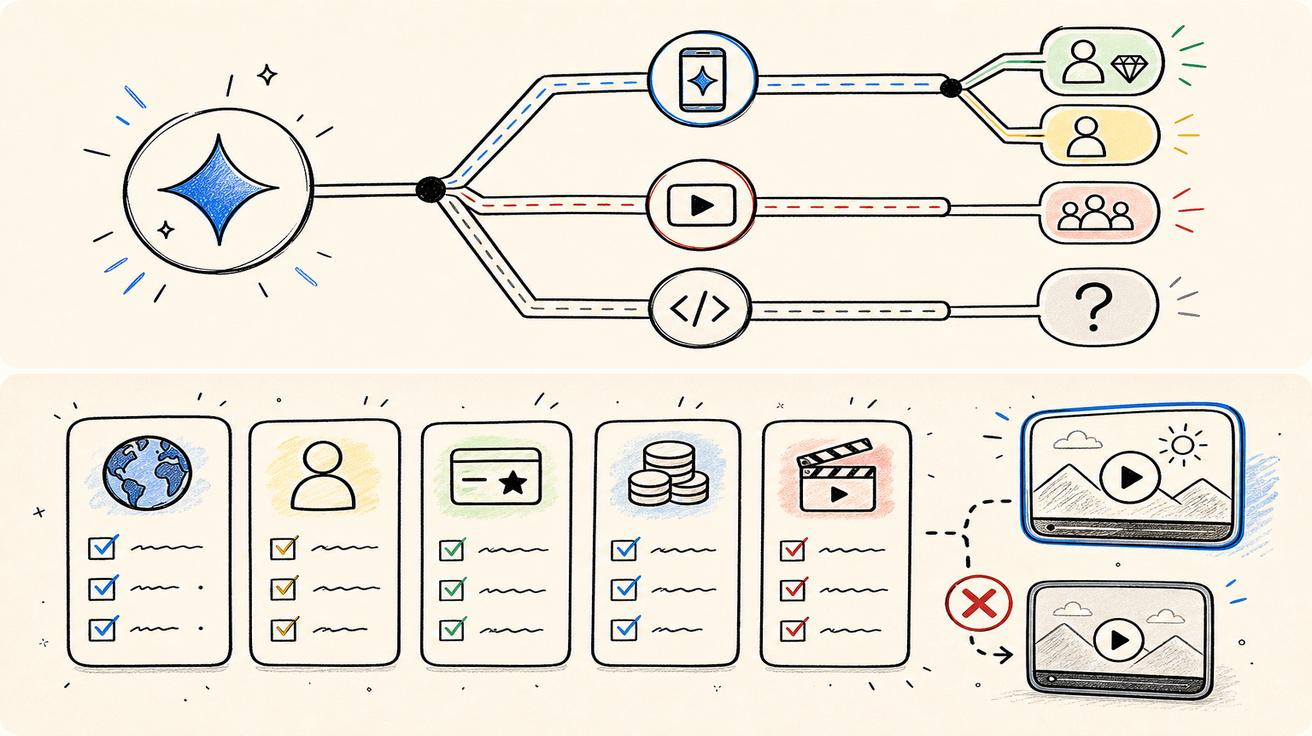
It may be premature to abandon your current setup. DeepMind’s Veo 3.1 documentation and learning paths remain active. If your existing workflow is stable and meeting your quality standards, maintaining your current Veo investment is a valid strategy while the newer Omni models stabilize.
4) Choosing Alternatives by Use Case
If you decide to move away from the Google ecosystem, categorize your search by the specific "job" the AI needs to perform:
- Text-to-Video: Prioritize tools based on motion realism, prompt adherence, and export limits. This is ideal for teams needing high-end cinematic visuals or rapid social media assets.
- Image-to-Video: Many creators don't need a text prompt at all. If you are starting with product photos, portraits, or screenshots, look for specialized image-to-video workflows that offer better control over the final motion than a generic text generator.
- Conversational Editing: Gemini Omni’s strength lies in editing video through dialogue. When looking for alternatives, evaluate how well a tool maintains character consistency and follows complex instructions for modifying existing footage.
5) Developer and API Readiness
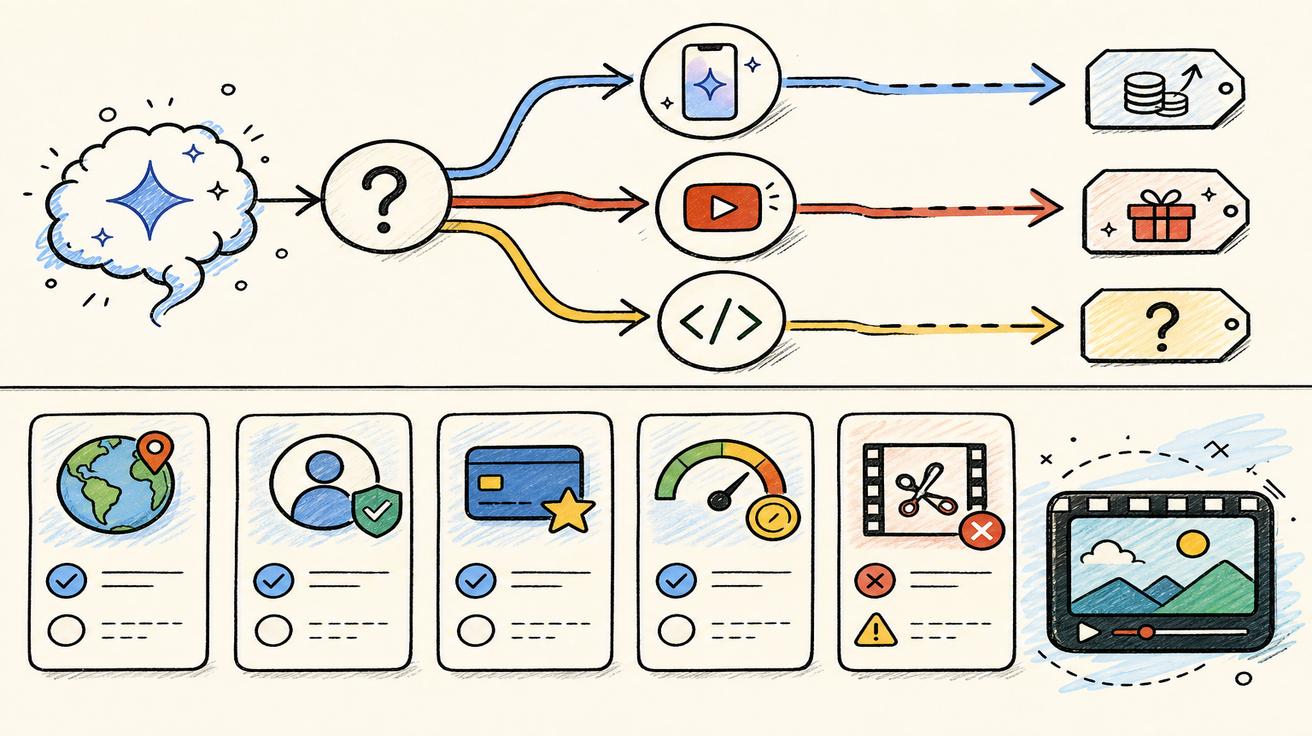
For developers, the transition is more complex. While Google has announced Omni APIs, production-level support requires finalized documentation on rate limits, latency, and content policies. Until these are live, it is safer to build a flexible integration layer that can swap between models rather than hard-coding a dependency on unreleased APIs.
6) The VeoNano Evaluation Checklist
Before migrating your workflow, run through this checklist:
- Surface Match: Does the tool fit where you work (App vs. Studio vs. API)?
- Consistency: Can the alternative maintain visual style across multiple clips?
- Workflow Integration: Does it support your existing storyboarding or export needs?
- Cost vs. Speed: Does the generation time and pricing model fit your production volume?
Conclusion
The best Gemini Omni alternative isn't a single software—it’s the tool that best fits the specific "surface" you are replacing. Gemini app users should test Omni’s editing-first approach, while studio professionals should monitor Google Flow updates. At VeoNano, we recommend standardizing your production blocks so you can remain agile regardless of which model is currently leading the market.
Next Step
Optimize your production with VeoNano workflow templates: https://veonano.com
FAQs
1) Is Veo 3.1 being discontinued?
While Omni is the new focus, Veo 3.1 documentation remains live and functional for many existing workflows.
2) What is the main advantage of Gemini Omni over older models?
Omni focuses heavily on multimodal creation and the ability to edit video through natural language conversation rather than just generating from scratch.
3) Should I wait for the Omni API?
It is wise to wait for full documentation on rate limits and pricing before promising production support for any new Omni-based features.