
Understanding the cost of Google’s latest AI models is essential for creators looking to integrate new tools into their production pipeline. At VeoNano, we track these shifts to help you optimize your AI video workflow without overspending on underutilized subscriptions.
The Simple Pricing Answer
If you are looking for the full Gemini Omni video generation experience within the Gemini app, it is currently tied to paid tiers. Official documentation indicates that access is reserved for subscribers of Google AI Plus, Pro, or Ultra. While a free version of Gemini exists, users should not expect the high-end Omni capabilities to be available without a paid plan.
Why Pricing Feels Confusing
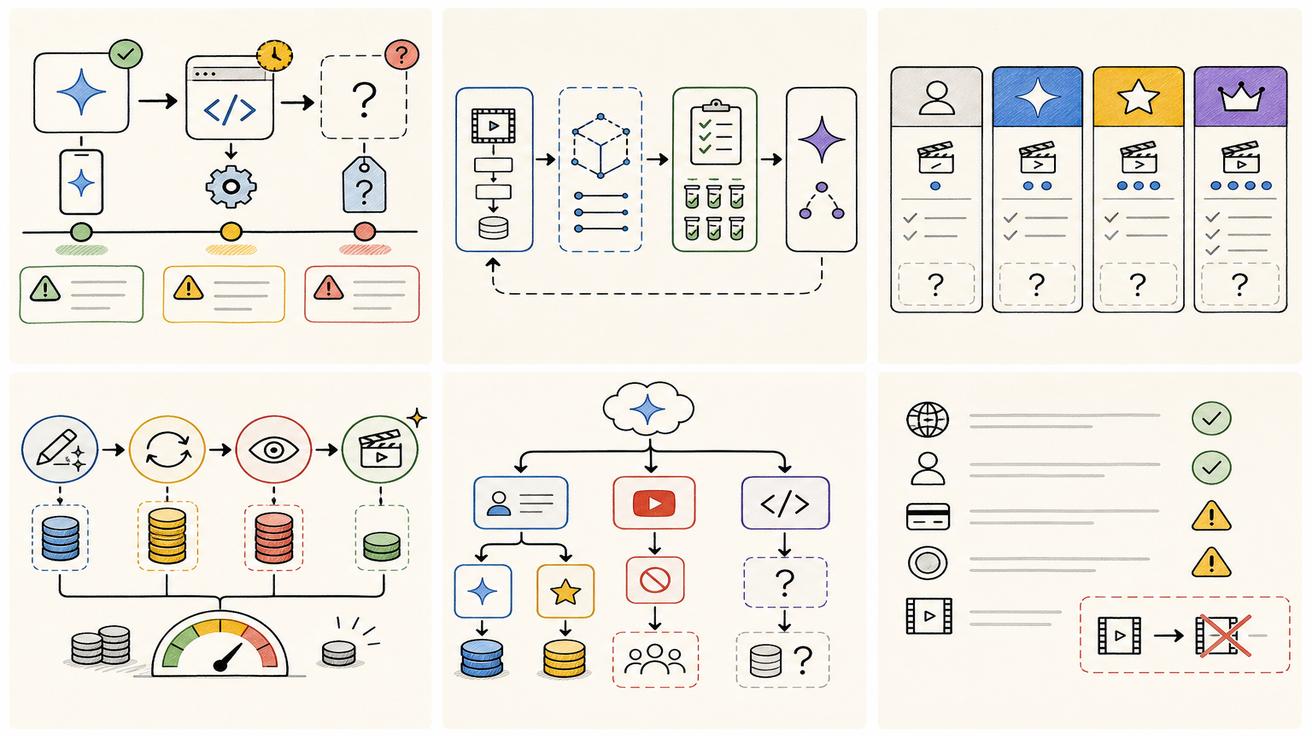
The primary source of confusion is that "Gemini Omni" appears across several different Google platforms, each with its own set of rules:
- The Gemini App: Requires a paid subscription for video features.
- Google Flow: Operates on a credit-based system.
- YouTube: Offers specific "Flash" versions at no cost for certain mobile tools.
- API/Developer Tools: Pricing is still being finalized.
Because these surfaces have different entry points, a user might see "free" mentioned in a YouTube announcement while seeing a "subscription required" prompt in the Gemini app.
Plan Comparison and Flow Credits
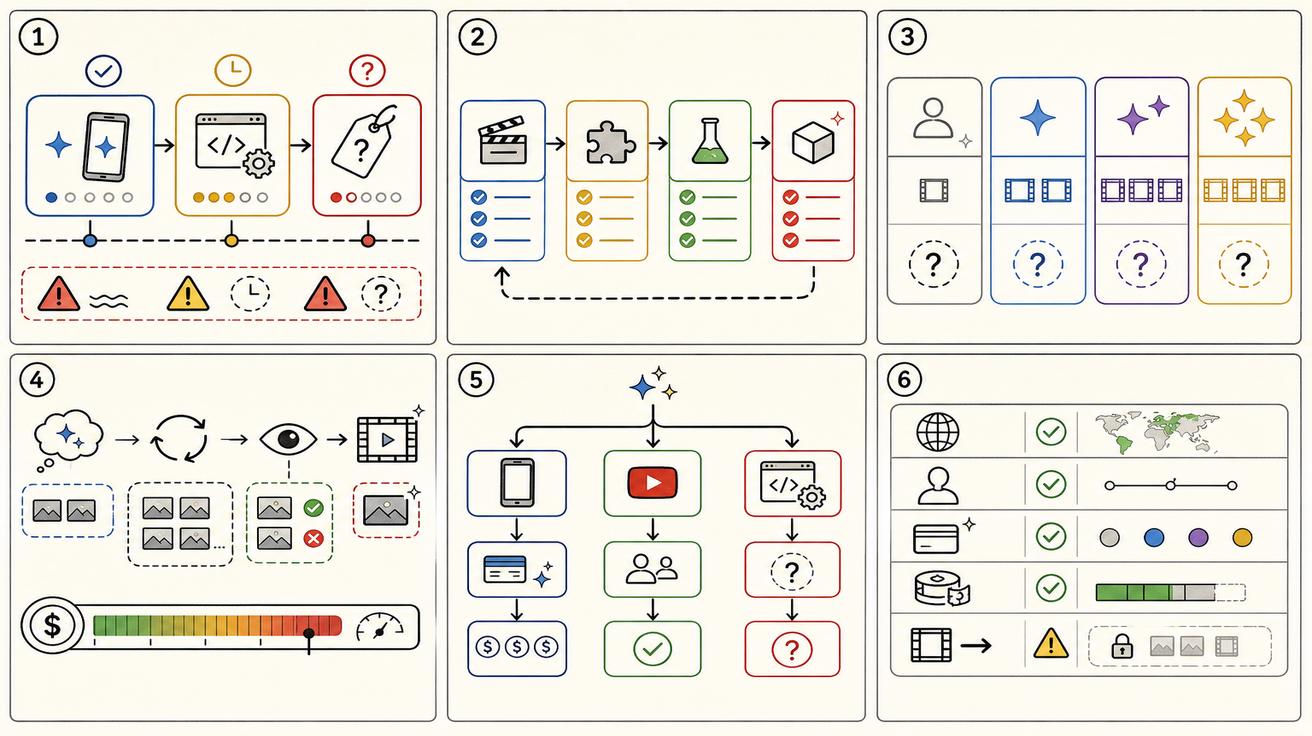
For those using Google Flow, the cost is measured in credits. Based on current subscription data, the credit distribution scales significantly with your tier:
- Google AI Plus: 200 Flow credits.
- Google AI Pro: 1,000 Flow credits.
- Google AI Ultra: 10,000 to 25,000 Flow credits (depending on the specific tier level).
The YouTube Exception: Gemini Omni Flash
There is one notable way to access this technology at no cost. Google has announced that Gemini Omni Flash is rolling out to users on YouTube Shorts and the YouTube Create app. This rollout is specifically targeted at mobile creators and does not necessarily grant the same permissions or features found in the professional Gemini app interface.
Hidden Costs: Efficiency vs. Subscription Price
When evaluating the price, VeoNano recommends looking beyond the monthly fee. The "effective price" of a video tool includes the time and credits wasted on failed generations. A more expensive plan that produces a usable clip in one attempt is often more cost-effective than a cheaper plan that requires five prompts to get the right result.

Recommendations by User Type
- Casual Creators: Check your YouTube Create app first. You may already have access to Omni Flash features for free.
- Professional Editors: If you need consistent video generation within the Gemini app, prepare to subscribe to at least the Google AI Plus tier.
- Developers: Wait for the official API pricing table, as enterprise rates have not yet been publicly confirmed.
Bottom Line
Access to Gemini Omni is largely plan-based. While YouTube users get a "Flash" version at no cost, the robust video generation features are locked behind Google AI Plus, Pro, and Ultra subscriptions. Always verify the live subscription page for your specific region, as currency and availability can vary by market.
Practical Weekly Workflow with VeoNano
- Audit Your Access: Check if Gemini Omni is visible in your app and verify your current plan eligibility.
- Test the "Flash" Tier: Use the YouTube Create app to see if the free version meets your basic needs.
- Monitor Credits: If using Flow, track how many credits a single project consumes to choose the right tier for next month.
Next Step
Explore VeoNano workflow templates to maximize your AI output: https://veonano.com
FAQs
1) Is Gemini Omni available for free users? Only in specific contexts, such as Gemini Omni Flash on YouTube Shorts and the YouTube Create app. The full Gemini app experience requires a paid plan.
2) What is the difference between Plus and Ultra credits? The Ultra tier offers a massive jump in Flow credits (up to 25,000), making it the primary choice for high-volume production environments.
3) Why can't I see Gemini Omni in my region? Google localizes availability. If you are on a paid plan but don't see the feature, it may be due to regional rollout timing or age restrictions (users must be 18+).