
Categories: AI Video Workflow, Creator Strategy, Production Process
Tags: veonano, ai creation studio, ai video workflow, content strategy, creator toolkit
Introduction
The landscape of AI video production has shifted from simple generation to comprehensive creative control. This guide outlines how to leverage Google Flow and Veo 3 within a professional production framework. By integrating these tools, creators can move beyond random outputs toward a repeatable, high-quality publishing system.
What Is Google Flow?
Developed by Google DeepMind, Google Flow serves as a sophisticated production interface within the Google Labs ecosystem. It is designed to work in tandem with Imagen 3 and Veo 3, providing a professional-grade workspace for filmmakers and marketers. While Veo 3 acts as the generative engine, Flow provides the "cockpit" controls necessary to manage complex video projects.
The Power of Veo 3 Integration
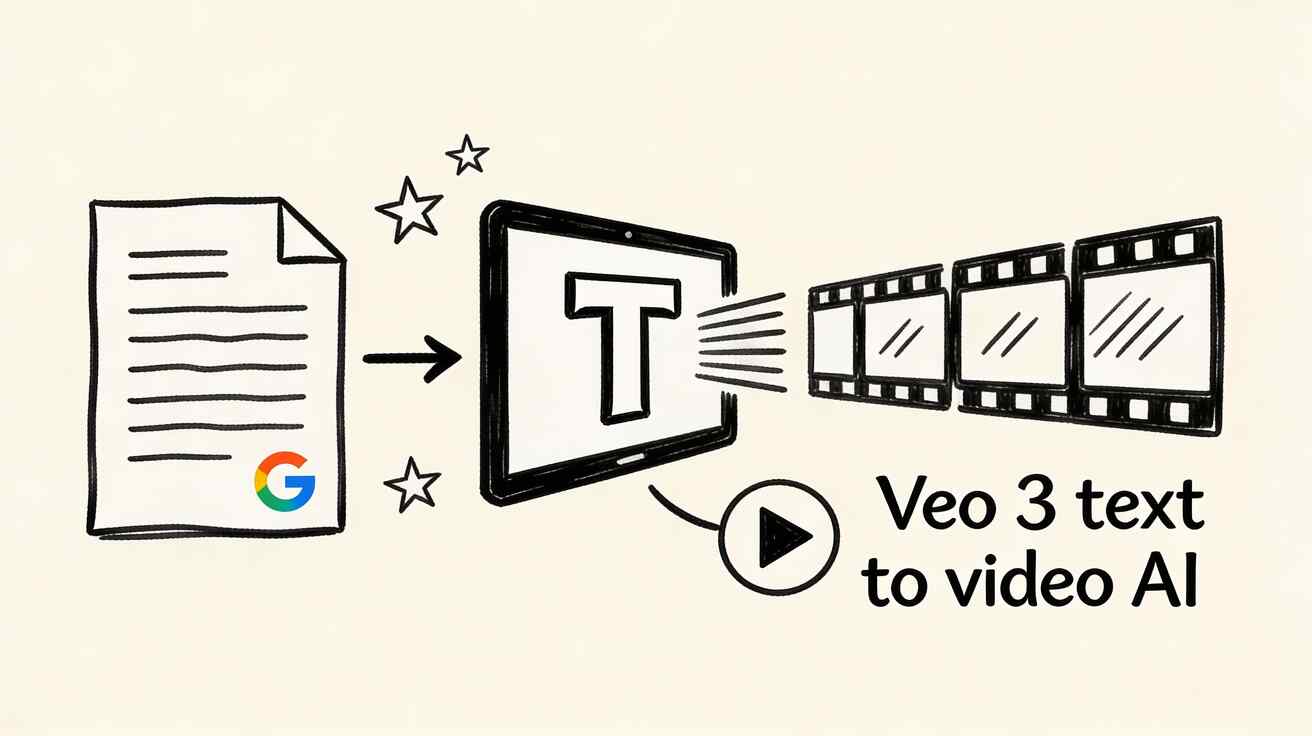
The synergy between Google Flow and Veo 3 creates a robust pipeline for modern creators. Veo 3 is responsible for the heavy lifting: transforming text prompts into 4K resolution clips that feature realistic physics, cinematic lighting, and fluid motion.
Google Flow adds the essential management layer, allowing users to organize these clips into a cohesive narrative. This integration ensures that production remains repeatable and reduces the time spent in aimless editing loops.
Accessing the Tools
Currently, Google Flow is available through Google Labs. For professional creators seeking the most reliable performance, the primary gateway is through a Google One AI Premium subscription, priced at approximately $19.99/month. While limited free access exists via Labs, full integration with Veo 3 typically requires a paid tier.
Pro Tip: To optimize your budget, use the free tools at veonano.com to refine your prompts before using paid credits on the Google One platform.
Advanced Techniques: Camera Controls and Consistency
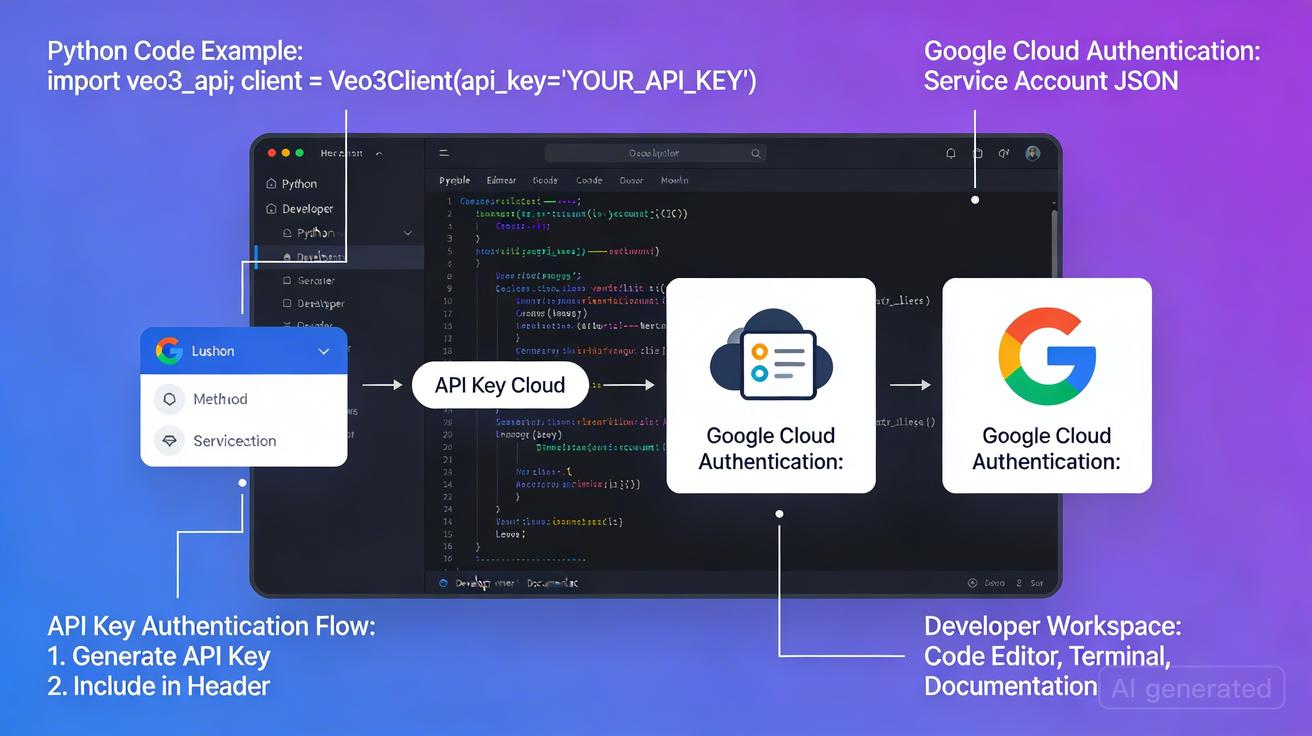
One of the standout features of Google Flow is its advanced AI camera controls. Creators can dictate specific movements—such as pans, tilts, or complex pull-back shots—to achieve a cinematic feel.
Furthermore, Flow solves one of the biggest hurdles in AI video: character and scene consistency. By maintaining visual logic across different clips, it allows for the creation of long-form content that feels unified rather than a collection of disjointed segments.
Prompt Engineering for Veo 3
To get the best results, prompts should be descriptive and technical. For example: > "A close-up shot of a chef preparing sushi in a modern kitchen. Natural lighting, cinematic depth of field, 4K quality. Camera slowly pulls back to reveal the full kitchen environment."
This level of detail helps the Veo 3 engine understand both the subject matter and the intended cinematic movement.
Future Roadmap
Google has signaled continued investment in the Flow ecosystem. Upcoming features are expected to further bridge the gap between AI generation and traditional non-linear editing, making it an essential tool for anyone from solo creators to enterprise marketing teams.
Practical Weekly Workflow
- Define Objectives: Select specific scenes or blocks to produce each week.
- Drafting: Build initial clips using Veo 3 within the Flow interface.
- Refinement: Use Flow’s camera controls to adjust pacing and perspective.
- Measurement: Compare different versions of your video to see which resonates best with your audience.
- Standardize: Save successful prompt structures and camera settings as templates for future use.
Conclusion: The Future of AI Production
The most effective way to scale content in 2026 is to standardize the production process. By using Google Flow as your central hub and Veo 3 as your engine, you can maintain a stable creative structure while iterating quickly.
Next Step: Explore advanced AI video templates at veonano.com.
FAQs
Is Google Flow free to use?
Google Flow offers limited access through Google Labs, but full features and Veo 3 integration generally require a Google One AI Premium subscription ($19.99/month).
How does Flow help with character consistency?
Flow includes dedicated tools to track visual assets across multiple generated clips, ensuring that characters and environments remain stable throughout a project.
Can solo creators use this workflow?
Absolutely. The system is designed to help individuals produce high-end video content that previously required a full production team.
Media References:
- https://cdn.veonano.com/blog/google-flow-veo-3-guide-2026/20260405195404-f7yvlqtd.jpeg
- https://cdn.veonano.com/blog/google-flow-veo-3-guide-2026/20260405195406-d77ht4a2.jpeg
- https://cdn.veonano.com/blog/google-flow-veo-3-guide-2026/20260405195406-p41p6bol.jpeg
- https://cdn.veonano.com/blog/google-flow-veo-3-guide-2026/20260405195407-zivddy5p.jpeg