Categories: AI Video Workflow, Creator Strategy, Production Process
Tags: veonano, ai creation studio, ai video workflow, content strategy, creator toolkit
Introduction
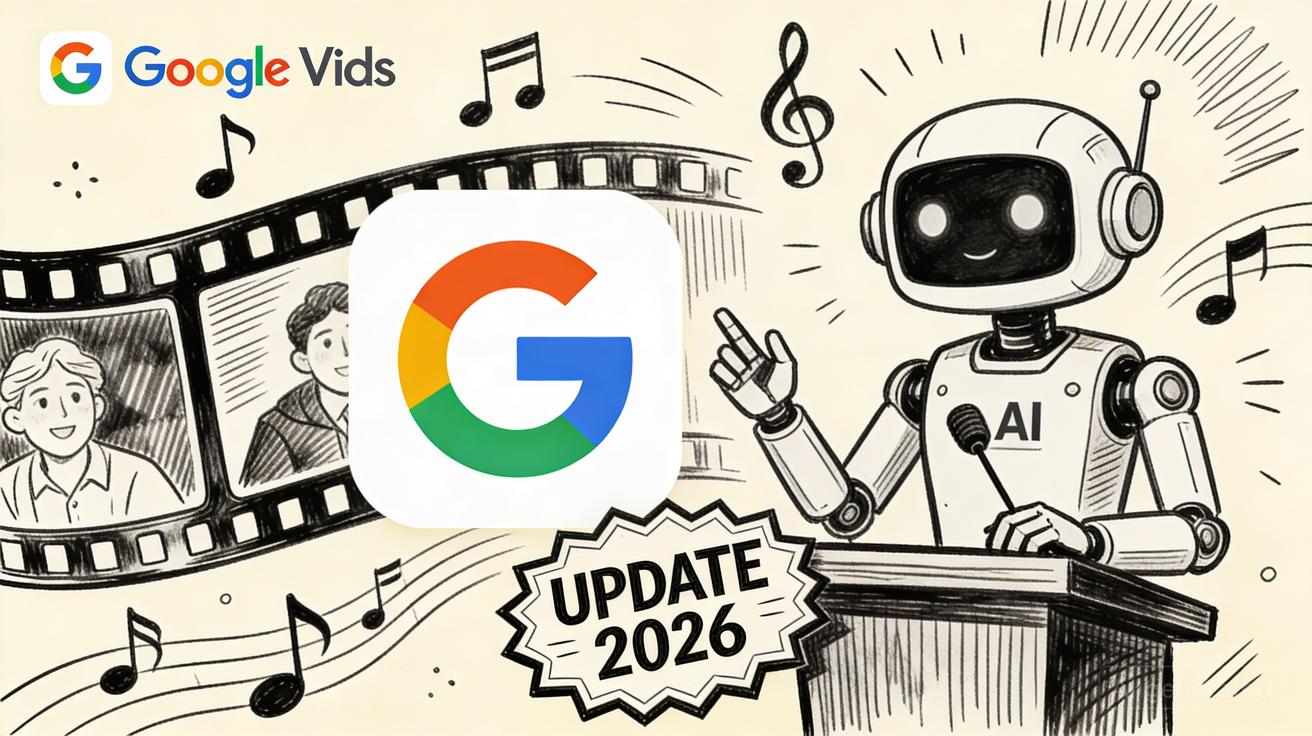
The landscape of digital storytelling shifted on April 2, 2026, when Google announced a massive AI overhaul for Google Vids. By integrating the Veo 3.1 video model and Lyria 3 music engine, Google is moving professional-grade production tools directly into the productivity suite. At VeoNano, we believe these updates represent a fundamental change in how creators and businesses approach video workflows.
What Just Happened: Google Vids Gets Major AI Overhaul
Google’s latest update transforms Vids from a simple presentation tool into a robust creative engine. The core of this update lies in the integration of Veo 3.1 for high-fidelity video generation and Lyria 3 for custom audio. This move signals Google's intent to make AI video generation a standard feature for every user, rather than a niche tool for specialists.
The Three Major New Features
- Free Veo 3.1 Video Generation: In a surprising move, Google confirmed that standard Google account holders can now generate high-quality video clips using Veo 3.1 at no cost. This democratizes high-end video production for millions of users.
- Custom AI Music with Lyria 3: Users can now compose unique soundtracks. Powered by Lyria 3 and Lyria 3 Pro, this feature allows for the creation of custom music that fits the specific mood and timing of a video project.
- Directable AI Avatars: Beyond static images, Google Vids now features fully animated digital presenters. These avatars can be directed to change their appearance and behavior, acting as a scalable production model for training and marketing content.

How to Access the New Google Vids Features Today
Getting started is straightforward. You can jump into the new interface through two primary routes:
- Direct Access: Navigate to
vids.newin your web browser. - Google Drive: Click the "New" button in Drive and select "Google Vids."
Once inside, sign in with your standard Google account. The free tier is available immediately without requiring payment information. To begin, click "Create new video" and locate the AI generation panel on the left sidebar. From there, you can enter text prompts or upload photos to generate your first clips.
Free vs Paid: Feature Breakdown
While the base video generation is free, advanced features are tiered:
- Standard Accounts: Access to Veo 3.1 video generation.
- Google AI Pro/Ultra: These premium tiers unlock the Lyria 3 music generation panels and the AI Avatar creation suite, all within the same unified Vids interface.
Google Vids vs Competitors: How It Stacks Up
Google Vids is now a direct competitor to established AI video platforms. While tools like Runway remain the choice for professional cinematographers due to higher resolution and advanced modes like Gen-3 Alpha, Google Vids offers unparalleled integration with the Google Workspace ecosystem. Similarly, while Pika is praised for its accessible image-to-video capabilities, Google Vids provides a more comprehensive "all-in-one" environment for business and educational content.
Our Verdict: What This Means for Content Creators
This update marks the moment AI video becomes mainstream. For creators using the VeoNano framework, this means production cycles can be significantly shortened. By utilizing AI avatars and custom music generation, a single creator can now produce a volume of content that previously required an entire production team.
Practical Weekly Workflow with VeoNano
- Define Objectives: Select specific AI features (like Avatars or Lyria music) to test in your weekly content batch.
- Draft & Generate: Use the AI generation panel in Vids to build your core assets based on your script.
- Refine Structure: Use VeoNano templates to ensure your AI-generated content maintains brand consistency.
- Analyze Performance: Compare AI-assisted videos against your baseline to see which formats drive the most engagement.
Conclusion
The most reliable way to scale content output is to standardize how each piece is produced. With the 2026 Google Vids update, the tools to achieve this are more accessible than ever. By integrating these capabilities into a stable workflow, you can scale your brand's presence without sacrificing quality.
Next Step: Explore VeoNano workflow templates at https://veonano.com.
FAQs
1) Can I use these features for free? Yes, standard Google accounts can use Veo 3.1 for video generation at no cost. However, AI music and Avatars generally require a Pro or Ultra subscription.
2) Do I need separate software for the AI music? No. Lyria 3 music generation is built directly into the Google Vids interface for eligible accounts.
3) How do I find the AI Avatar tool? If you have a Pro or Ultra account, the Avatar creation panel will appear in the sidebar alongside the "Add clip" and "AI generate" buttons.
Media References
- https://cdn.veonano.com/blog/google-vids-2026-update-veo-3-1-ai-music-avatars/20260426202442-hyklhftk.jpeg
- https://cdn.veonano.com/blog/google-vids-2026-update-veo-3-1-ai-music-avatars/20260426202443-s7pg9j3r.jpeg
- https://cdn.veonano.com/blog/google-vids-2026-update-veo-3-1-ai-music-avatars/20260426202444-armstu4t.jpeg