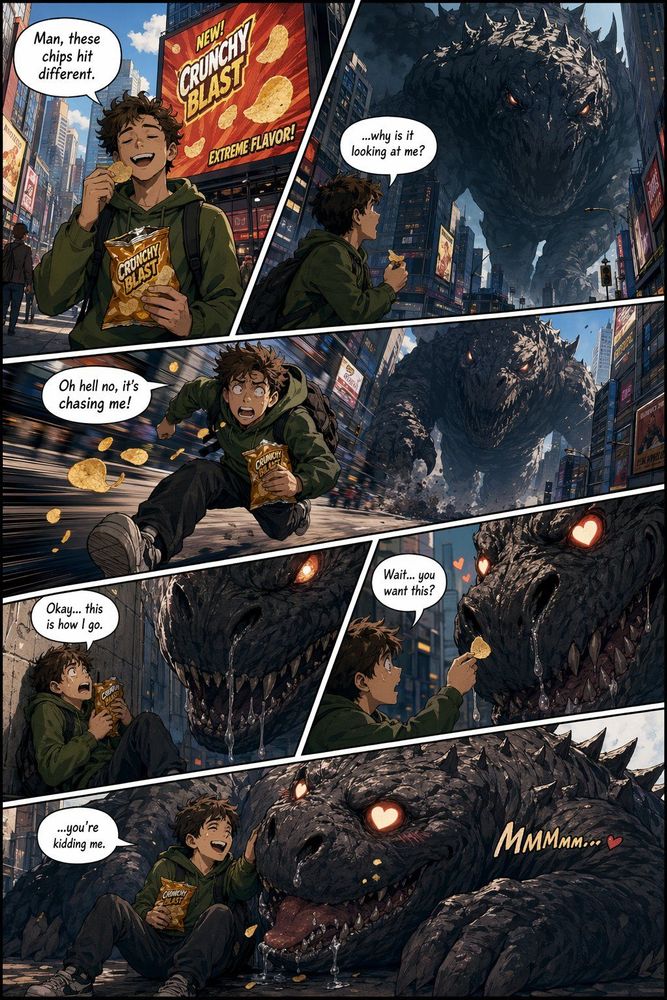
For what feels like an eternity in the tech world, Midjourney has been the undisputed heavyweight champion of AI artistry. It was the gold standard that consistently left designers breathless with its unmatched aesthetic sensibilities. However, the landscape has shifted. GPT Image 2 has arrived, and it isn't just competing—it's challenging the very definition of the "perfect" image generator.
The Tale of the Tape
Before diving into the creative nuances, we have to look at the raw data. While Midjourney built its reputation on visual "vibes," GPT Image 2 focuses on technical precision. At VeoNano, we believe the best tool is the one that fits your specific production bottleneck. Let's break down how these two giants stack up in real-world usage.
Category 1: Text Rendering
This is the most significant divide between the two models. GPT Image 2 handles text with a level of accuracy that was previously unthinkable. Whether you need complex multi-lingual scripts like Japanese, Hindi, or Chinese, or specific font styles and placements, GPT Image 2 delivers. It even masters the subtle nuances of handwritten text, making it the go-to for posters, UI mockups, and social graphics.
Category 2: Aesthetic Quality and Artistic Style
Despite the technical prowess of its rival, Midjourney V7 still holds the crown for pure artistic soul. There is an intangible, curated quality to Midjourney’s outputs that feels more like "art" and less like a "render." For projects where the goal is emotional impact or a specific high-fashion aesthetic, Midjourney’s intentionality remains the benchmark.
Category 3: Prompt Understanding and Instruction Following
For production-heavy workflows, the ability of a model to follow complex instructions is vital. GPT Image 2 excels here, translating dense prompts into visual reality with fewer "hallucinations." This reliability reduces the time spent in endless prompt-engineering loops, allowing creators to move from concept to final asset faster.
Category 4: Speed and Accessibility
Accessibility remains a point of contention. Midjourney still operates largely through Discord, starting at $10 for a Basic plan and $30 for Standard. While some creators enjoy the community aspect of Discord, others find the interface clunky for professional work. GPT Image 2 offers a more streamlined integration that often feels more native to modern web workflows.
Category 5: Editing and Refinement
A major pain point for Midjourney users has always been the "post-generation" phase. Once an image is created, your options are often limited to basic inpainting or exporting the file to Photoshop. GPT Image 2 offers a more flexible approach to refinement, making it easier to iterate on specific elements of an image without losing the core composition.
The Bottom Line: Which One Should You Use?
The choice depends entirely on your output goals:
- Choose GPT Image 2 if: You require precise text integration, multi-lingual support, or high-fidelity instruction following for technical layouts and marketing assets.
- Choose Midjourney V7 if: You are prioritizing "vibe," artistic flair, and that signature high-end aesthetic that feels more like a professional photograph or painting.
What’s the Future Look Like?
The battle is far from over. Rumors of Midjourney V8 suggest the team is working hard to close the gap in text rendering. If they can match GPT Image 2’s technical precision while maintaining their artistic edge, the crown may return to them. For now, the competitive pressure is driving innovation at a breakneck pace.
The VeoNano Strategy: Use Both
The secret most comparison guides miss is that you don't have to pick a side. At VeoNano, we recommend a hybrid approach. Use Midjourney to establish the "look and feel" or hero imagery of a campaign, and leverage GPT Image 2 for the assets that require heavy text, UI elements, or specific instructional accuracy.
Practical Weekly Workflow
- Define Objectives: Choose 2 to 3 specific image needs for your week.
- Select Your Tool: Assign GPT Image 2 for text-heavy tasks and Midjourney for aesthetic-heavy tasks.
- Iterate Fast: Build a concise first draft and refine only the winners.
- Measure: Compare which tool gets you to a "publish-ready" state faster.
Conclusion
Standardizing your production process is the only way to scale. By understanding the strengths of both GPT Image 2 and Midjourney V7, you can stop guessing and start creating with intent.
Next Step: Explore VeoNano workflow templates to streamline your AI production.
FAQs
1) Can this workflow work for a solo creator? Absolutely. Start with a small scope and use these tools to replace tasks that used to require a full design team.
2) Is Midjourney’s Discord interface still the only way to use it? While they have expanded their web presence, Discord remains the primary hub for many of their core features and community interactions.
3) Which model is better for social media managers? GPT Image 2 is generally superior for social media due to its ability to render accurate captions and headlines directly into the image.
Media References: