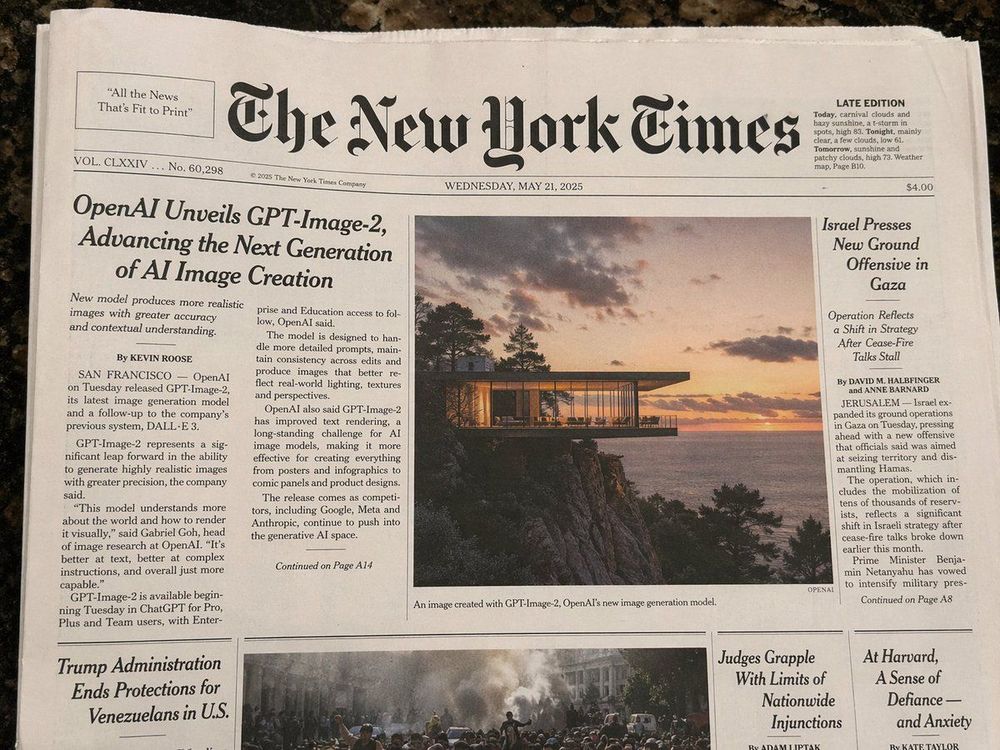
If you’ve been scrolling through social media and seeing those jaw-dropping GPT Image 2 creations flooding your feed, wondering how to get in on the action without pulling out your wallet, you‘ve come to the right place. Grab a coffee and let’s get you generating stunning AI art for exactly $0.
Why GPT Image 2 is a Game-Changer
GPT Image 2 (officially known as ChatGPT Images 2.0) represents a massive leap forward for OpenAI. While previous iterations often struggled with complex scene compositions or rendering legible text, this new model handles both with impressive precision. Whether you are designing a logo or a detailed poster, the output quality now rivals professional design tools.
Method 1: The Official ChatGPT Route
The most straightforward way to access GPT Image 2 is directly through the ChatGPT interface.
- Log In: Sign into your free OpenAI account.
- Select the Model: Ensure you are using the latest version available to free users.
- Prompt Directly: Simply describe the image you want. The system will use the GPT Image 2 engine to visualize your request.
This method is the most reliable and keeps your generations organized within your existing chat history.
Method 2: The Browser-First Route
If you prefer a more focused environment without the clutter of standard chat conversations, look for dedicated browser-based entry points. Some interfaces offer specialized controls that allow you to tweak settings more granularly than the standard chat box, providing a "dedicated" feel for your creative sessions.
Understanding the "Thinking Model" vs. "Instant Model"
GPT Image 2 currently operates in two distinct modes:
- The Instant Model: Optimized for speed. This is your go-to for everyday tasks like generating article images, social media posts, or quick icons.
- The Thinking Model: This version takes its time. It can search the web for real-time context and perform internal "self-checks" to ensure the generation matches complex requirements before it renders the final result.
Maximizing Your Free Daily Credits
Since free access comes with limitations, you need to be strategic. Here is how to get the most out of your zero-dollar budget:
- Be Specific Early: Don't waste credits on vague prompts. Describe lighting, style, and composition in your first message.
- Daily Resets: Your generation limit resets every 24 hours. If you hit a wall today, your "bank" will be refilled by tomorrow morning.
- Quality Over Quantity: Use the "Thinking Model" for your most important projects to ensure the first generation is the right one.
What Can You Create?
The free tier isn't a "lite" version in terms of quality. You can create almost anything available to paid users—including high-resolution landscapes, intricate character designs, and marketing assets—you just have a lower daily cap on how many you can produce.
Final Verdict: Is the Free Version Sufficient?
For the vast majority of creators, the answer is a resounding yes. Unless you are a high-volume professional who needs to generate hundreds of assets every day, the free daily allowance of GPT Image 2 is more than enough to fuel your creative projects.
Take Your AI Art to the Next Level
GPT Image 2 is an incredible tool for static imagery. However, if you want to push your creative boundaries—such as transforming these characters into full-fledged animations or building a consistent comic series—you need a broader production framework. At VeoNano, we help creators bridge the gap between a single prompt and a complete digital workflow.
FAQs
1) Does the free version include commercial rights?
Generally, images generated via OpenAI's models follow their standard terms of use, but always check the latest licensing agreement in your account settings.
2) How many images can I make per day?
Limits fluctuate based on server demand, but your quota resets daily, allowing for consistent long-term creation.
3) Can I use GPT Image 2 for video?
While GPT Image 2 focuses on stills, you can use these images as base layers for video synthesis tools within the VeoNano ecosystem.
--- Media References: