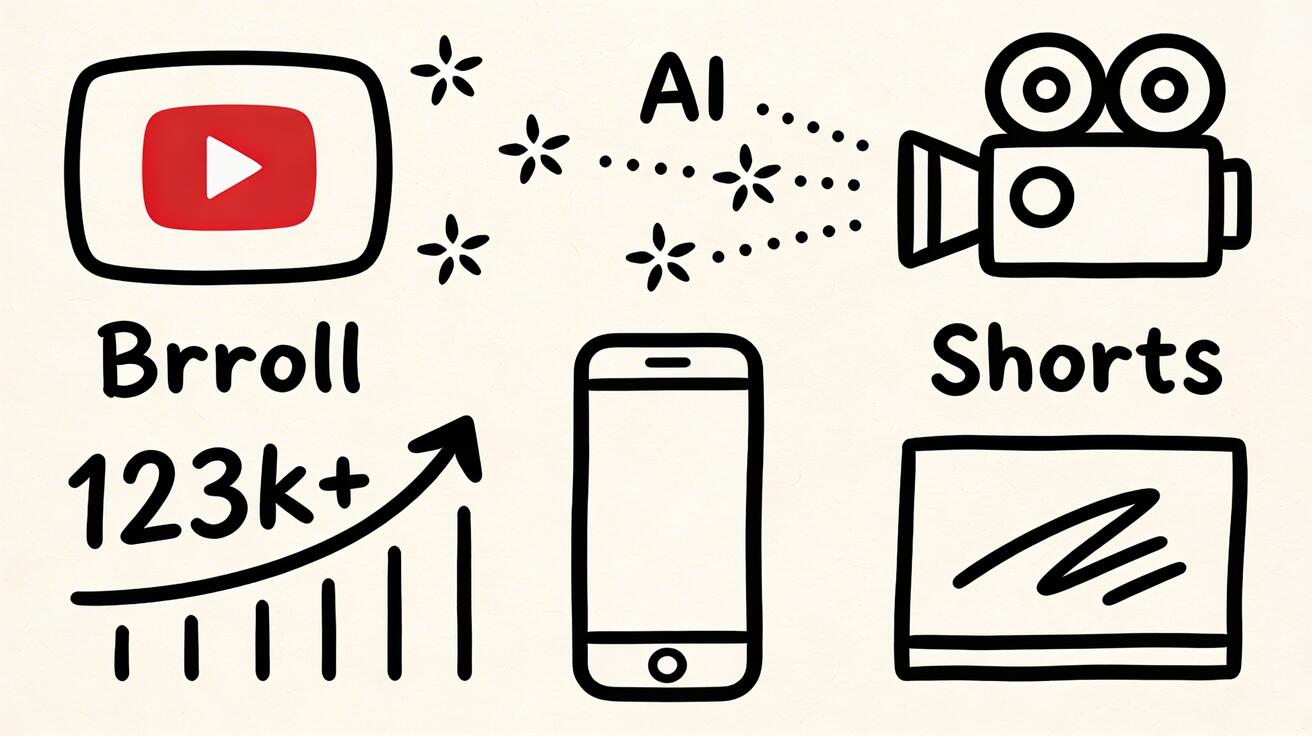
The landscape of digital video is shifting. For creators on YouTube, the challenge has always been balancing high production value with the grueling demand for consistent uploads. VeoNano provides a streamlined framework to bridge this gap using Google’s Veo 3 technology.
Why Veo 3 is a Game-Changer for Creators
Veo 3 solves the three biggest hurdles in the creator economy: consistency, professional aesthetics, and visual variety. By integrating this tool into your workflow, you can generate high-end footage without the need for expensive travel, massive production crews, or specialized motion design skills.

High-Impact Use Cases for YouTube
The most effective way to utilize Veo 3 is through strategic B-roll. This supporting footage keeps viewers engaged during narrations or transitions. Instead of relying on generic stock footage libraries, you can generate custom visuals that perfectly match your script’s tone.
1. Channel Intros and Brand Identity A professional intro is essential for building brand recognition and retaining viewers in those first critical seconds. Traditionally, custom animations cost hundreds or even thousands of dollars. With Veo 3, you can create dramatic announcement visuals and brand-aligned animations for a fraction of the cost.
2. Dominating YouTube Shorts Short-form vertical content is the primary engine for channel discovery in 2026. Because the Shorts audience craves visual spectacle, AI-generated graphics and high-concept visuals perform exceptionally well. Use Veo 3 to create 15-60 second clips that stop the scroll.
3. Thumbnail Optimization Your Click-Through Rate (CTR) depends on your thumbnail. Use Veo 3 to generate high-quality, professional backgrounds that make your subjects pop, ensuring your video stands out in a crowded feed.
Channel-Specific Playbooks
Different niches require different visual strategies. Here is how to apply Veo 3 across popular categories:
- Educational & Video Essays: Use "BBC-quality" documentary prompts to visualize scientific concepts or historical eras. This adds a layer of authority and immersion to long-form learning content.
- Travel & Lifestyle: Generate footage of destinations you haven't visited yet to tease future trips, or use aesthetic AI backgrounds to bridge segments in your vlogs.
- Finance & Business: Create abstract representations of wealth, economic concepts, or professional business environments to supplement data-heavy commentary.
Technical Tips for Professional Output
To achieve "YouTube-quality" results, your prompting must be specific. For a cinematic feel, include descriptors like "documentary style," "clear and educational," or "accurate period feel" for historical content.
When combining Veo 3 with free editing tools, focus on maintaining a stable structure. The goal is to standardize your production so you can scale your output without sacrificing the quality your audience expects.
Monetization and Safety
Using AI in your workflow is a powerful way to stay "monetization-safe" by ensuring you own the rights to the visuals you generate. By creating custom B-roll rather than using copyrighted clips, you protect your channel's revenue stream while maintaining a unique visual identity.
Getting Started This Week
- Identify Your Gaps: Choose 2-3 segments in your next video where B-roll is lacking.
- Generate & Iterate: Build a concise set of prompts based on your script.
- Refine: Use editing software to blend AI footage with your primary shots.
- Measure: Compare the watch time of videos using AI enhancements against your baseline.
Media References
- https://cdn.veonano.com/blog/how-to-use-veo-3-for-youtube-2026/20260403113238-njra3plc.jpeg
- https://cdn.veonano.com/blog/how-to-use-veo-3-for-youtube-2026/20260403113240-c84t5et4.jpeg
- https://cdn.veonano.com/blog/how-to-use-veo-3-for-youtube-2026/20260403113242-xdrc5e7v.jpeg
FAQs
Can this workflow work for a solo creator? Absolutely. The system is designed to reduce the workload. Start by replacing one manual task—like searching for stock footage—with Veo 3 generation.
How do I ensure my AI footage looks realistic? Focus on lighting and texture prompts. Using terms like "cinematic lighting" or "high-resolution documentary style" helps ground the AI output in reality.
Is AI video content allowed on YouTube? Yes, provided you follow YouTube's disclosure guidelines for synthetic content. Using AI for B-roll and backgrounds is a standard industry practice in 2026.
Ready to upgrade your production? Explore VeoNano workflow templates to start scaling your channel today.