
Categories: AI Video Workflow, Creator Strategy, Production Process
Tags: veonano, ai creation studio, ai video workflow, content strategy, creator toolkit
Introduction
Understanding the cost of high-end AI tools is essential for any sustainable production framework. As Google rolls out its latest video generation capabilities, creators are asking a central question: Is Gemini Omni free? At VeoNano, we believe in clearer planning and faster execution. This guide breaks down the official access tiers, hidden limits, and where you can actually find no-cost entry points.
The Reality of Gemini Omni Access
1) The Clearest Answer on Pricing
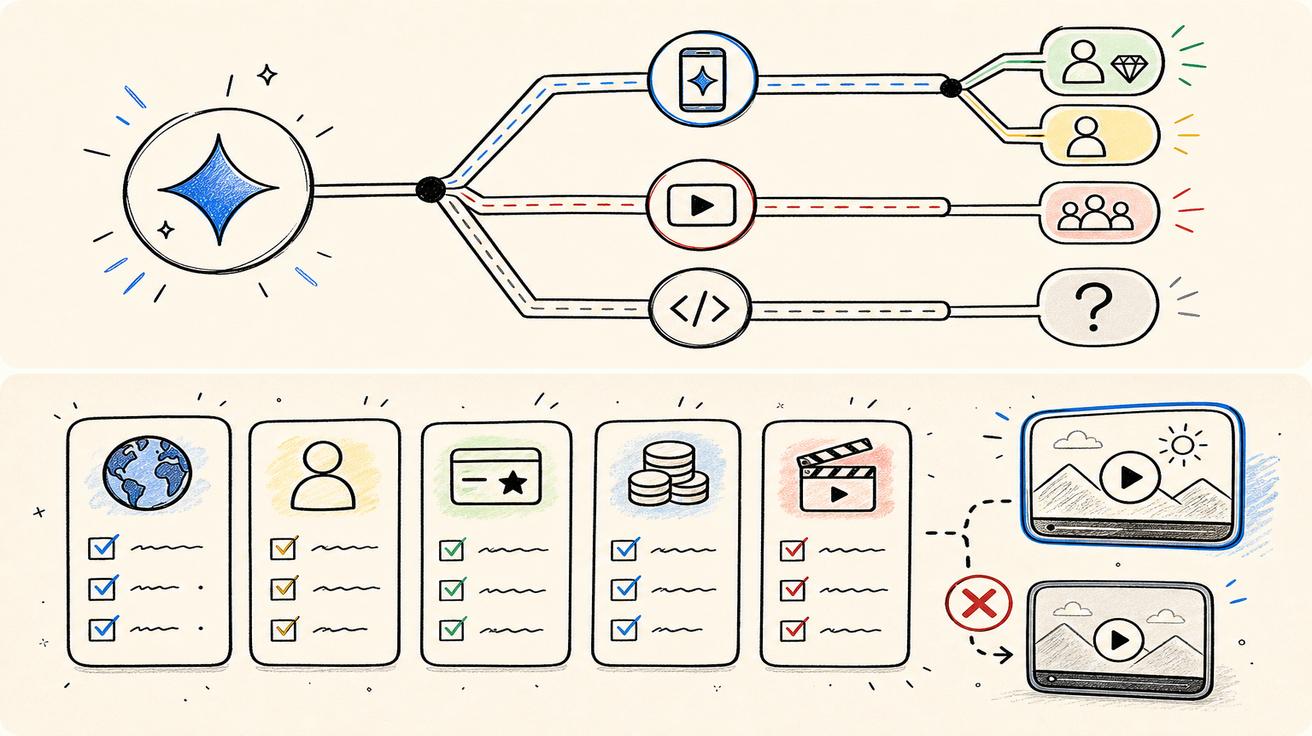
For users of the standard Gemini app, Google officially ties Gemini Omni capabilities to its paid tiers: Google AI Plus, Pro, and Ultra. You should not assume that the full video generation and editing suite is available on the Free plan. Furthermore, access is often restricted by geographic region, user age, and specific feature rollout schedules.
2) Free Plan vs. Omni Features
Google does offer a "Free" plan, but it is designed for everyday tasks rather than advanced video production. This tier typically includes:
- Standard model access for text and chat.
- Basic image generation.
- Features like Deep Research, Gemini Live, and Gems.
While these are powerful for brainstorming, they do not equate to the full "Omni" video experience.
3) Paid Tiers: Plus, Pro, and Ultra
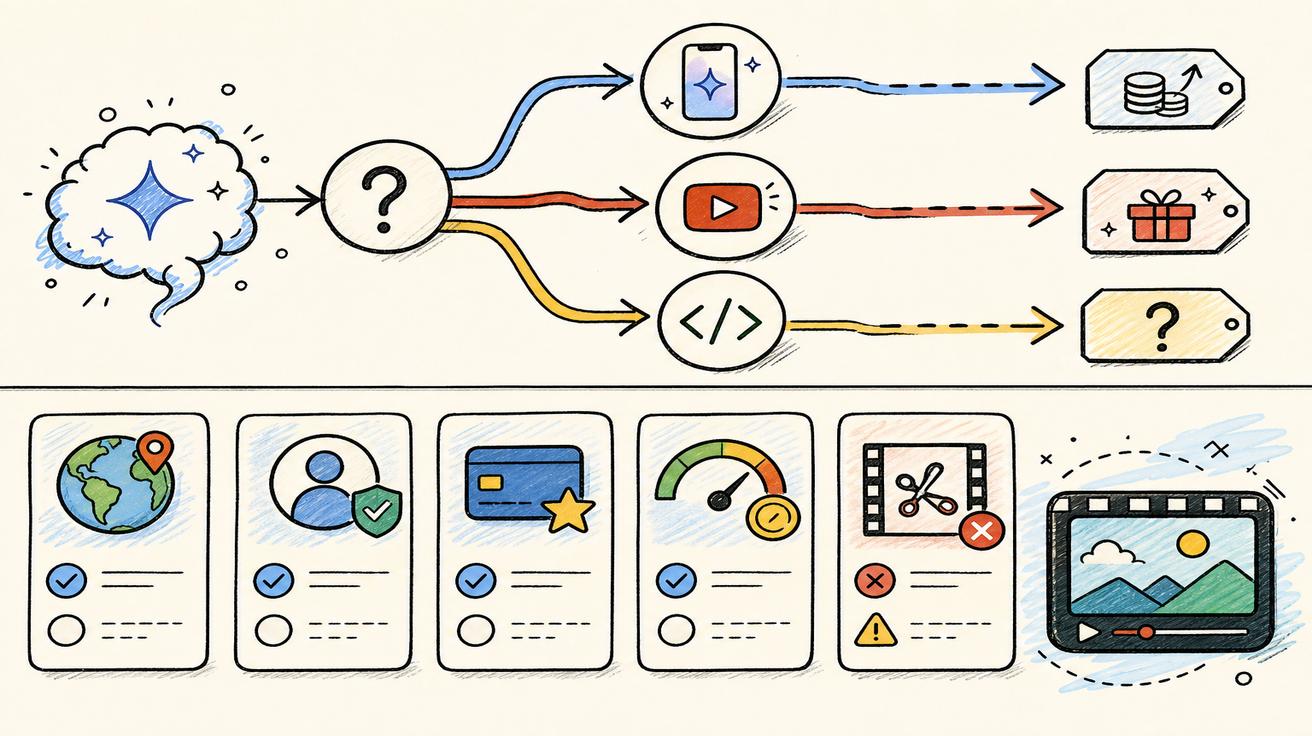
Google AI Plus serves as the entry point for creators needing higher usage limits and video generation tools. These paid subscriptions also introduce "Flow" credits, which facilitate access to Gemini Omni Flash within the Flow environment. If your workflow requires consistent video output, these tiers are the primary path forward.

Navigating Limits and Rollouts
4) Why "Free" Isn't the Only Factor
In AI video production, usage limits often matter more than the initial price tag. Video generation is rarely a "one-and-done" process; achieving a professional result often requires multiple retries and edits. Even with a paid plan, your resource consumption may vary significantly between generating a new clip from scratch and editing an existing one.
5) The YouTube "No-Cost" Exception
There is a significant loophole for creators: Google is rolling out Gemini Omni Flash at no additional cost within YouTube Shorts and the YouTube Create App. This allows many users to experiment with Omni-powered creation without committing to a monthly Gemini app subscription.
6) API and Enterprise Access
For developers looking to integrate these tools into their own apps, the "free" status is currently unconfirmed. Google has indicated that developer and enterprise API access will be arriving in the coming weeks, but official pricing structures remain under wraps.
Strategic Recommendations
When Should You Pay?
At VeoNano, we suggest paying only when the feature is live in your specific account and your production volume justifies the cost.
- For testing: Start with the YouTube Create app or limited Flow access.
- For professional workflows: Evaluate the Plus tier once you need the full Gemini app video suite.
Best Alternatives for Immediate Use
If Gemini Omni hasn't reached your account yet, focus on the specific "job to be done" rather than the brand name:
- For text-to-video: Use dedicated AI video generation platforms.
- For product assets: Look into image-to-video tools that specialize in high-fidelity animation from stills.
Bottom Line
Gemini Omni is not universally free. While Google provides a "no-cost" entry point via YouTube surfaces, the full professional suite is anchored to the Google AI Plus, Pro, and Ultra subscriptions. Always check your account settings and plan details before building a workflow around these tools.
Practical Weekly Workflow with VeoNano
- Audit Access: Open the Gemini app and check if the video generation page is active for your account.
- Define Objectives: Choose 2-3 production blocks to test using available "no-cost" YouTube tools.
- Iterate: Build a draft, refine the structure, and compare the output against your current baseline.
- Scale: Only move to a paid tier once your weekly output consistently outperforms your current benchmarks.
Conclusion
Standardizing your production process is the most reliable way to scale. Keep your structure stable, iterate by section, and scale your investment only when the performance is proven.
Next Step: Explore VeoNano workflow templates at https://veonano.com.
FAQs
1) Can I use Gemini Omni for free on my phone?
Currently, the most reliable way to access Omni features for free is through the YouTube Create app or YouTube Shorts, as the main Gemini app requires a paid subscription for full video features.
2) What is the difference between "Free" and "Included" access?
"Free" means no subscription is required. "Included" usually means the feature is part of a paid Google One or AI Premium plan at no extra cost beyond the base subscription.
3) Is the API available for free testing?
Google has not yet confirmed a free tier for the Gemini Omni API; developer access is expected to roll out in the near future with specific pricing.