Categories: AI Video Workflow, Creator Strategy, Production Process
Tags: veonano, ai creation studio, ai video workflow, content strategy, creator toolkit
Introduction
Realistic characters need pre-production. Character bibles, reference images, visible traits, prompt order, material cues, and style restraint all matter because realism fails when the model has to invent too much.
Use VeoNano to build character scenes from a small identity system: a concise character bible, a strong reference image, visible personality cues, and a style choice that fits the job instead of overpowering the performance.
Character Creation Workflow
1) Foundations for Lifelike Characters
The best-looking characters usually start before the first prompt. If you skip pre-production, the model fills in gaps differently every time. That's why the most useful document in this workflow is a character bible.
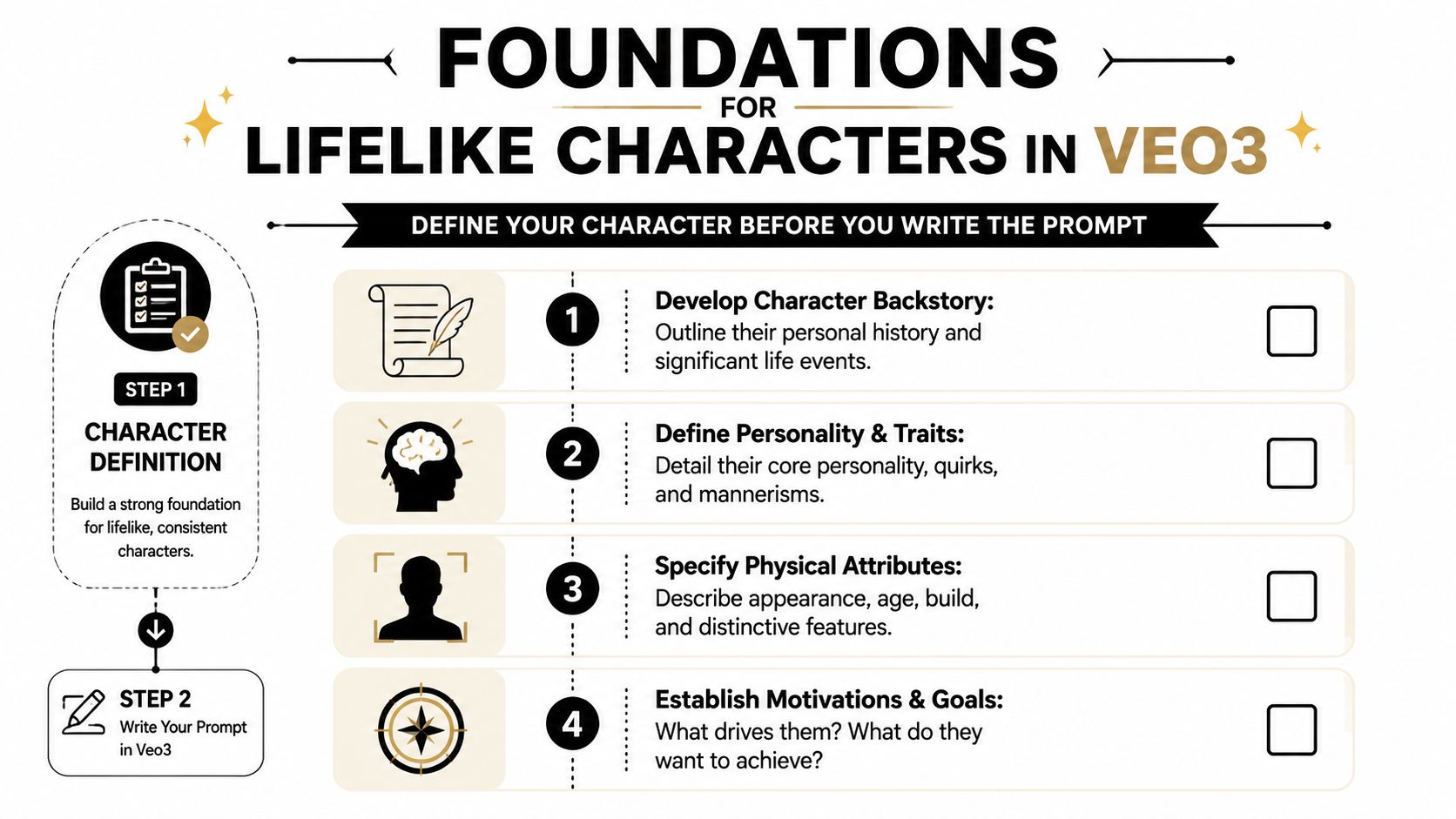
Write the character bible before generation. A short identity sheet prevents the model from inventing a new person in every clip.
3) Build the character bible first
The reference image does a lot of heavy lifting. Most character inconsistency starts with weak source material, not weak rendering.
Write the character bible before generation. A short identity sheet prevents the model from inventing a new person in every clip.
4) Use a reference image that reduces ambiguity
“Trustworthy” isn't a good prompt token by itself. The model needs visible instructions.
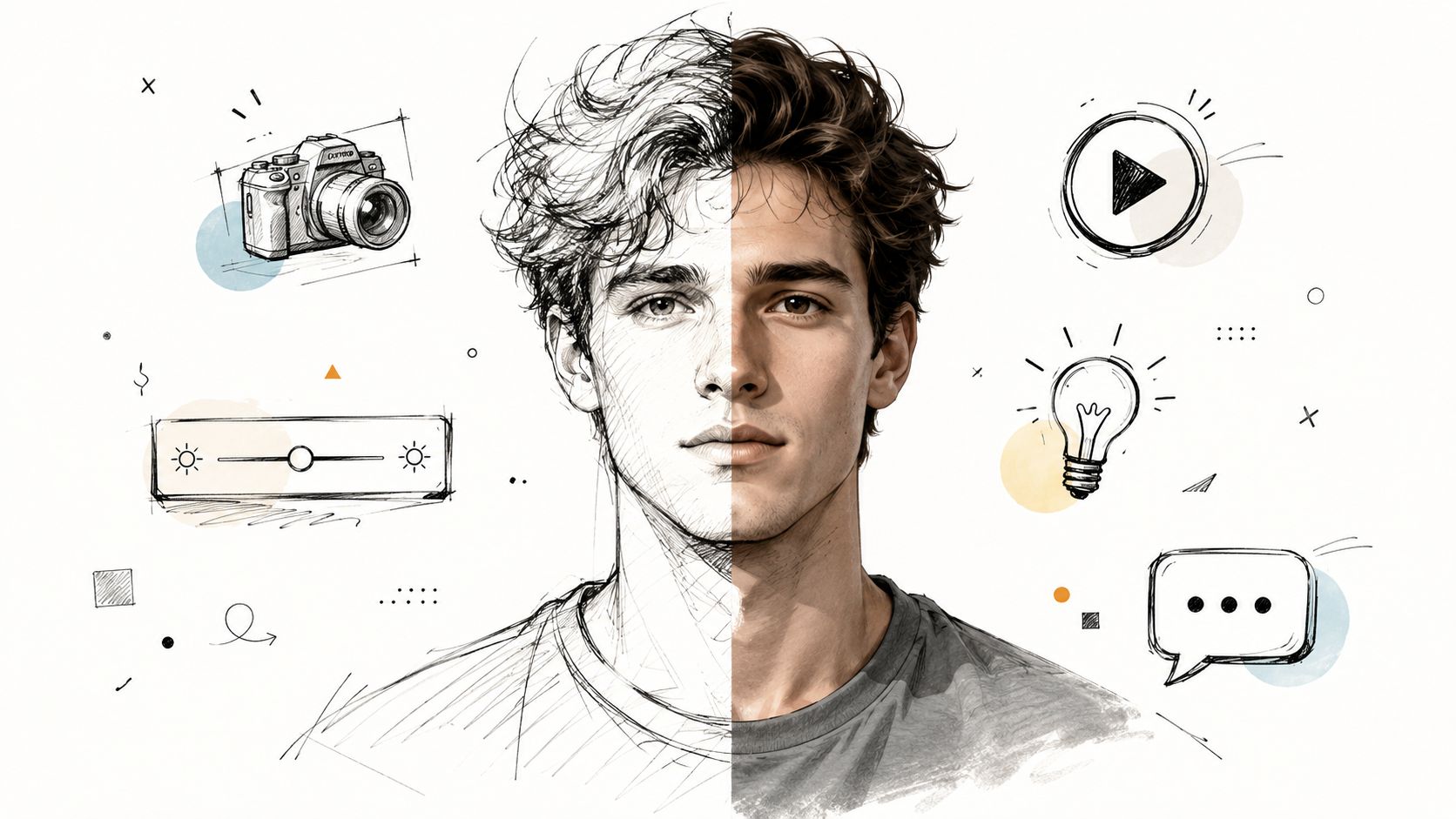
Choose a reference image with clear face, hair, clothing, posture, and lighting. Ambiguous references create unstable characters.
5) Translate abstract traits into visible cues
If you want exploration, start with text. If you want identity retention, start from an image.

Convert abstract traits into visible details: fabric, posture, eye contact, expression, lens, and lighting.
6) Text prompt or photo reference
Short prompts often produce generic beauty-shot faces. Better results come from stacking specifics in a logical order.
Choose a reference image with clear face, hair, clothing, posture, and lighting. Ambiguous references create unstable characters.
7) Prompt details that actually help
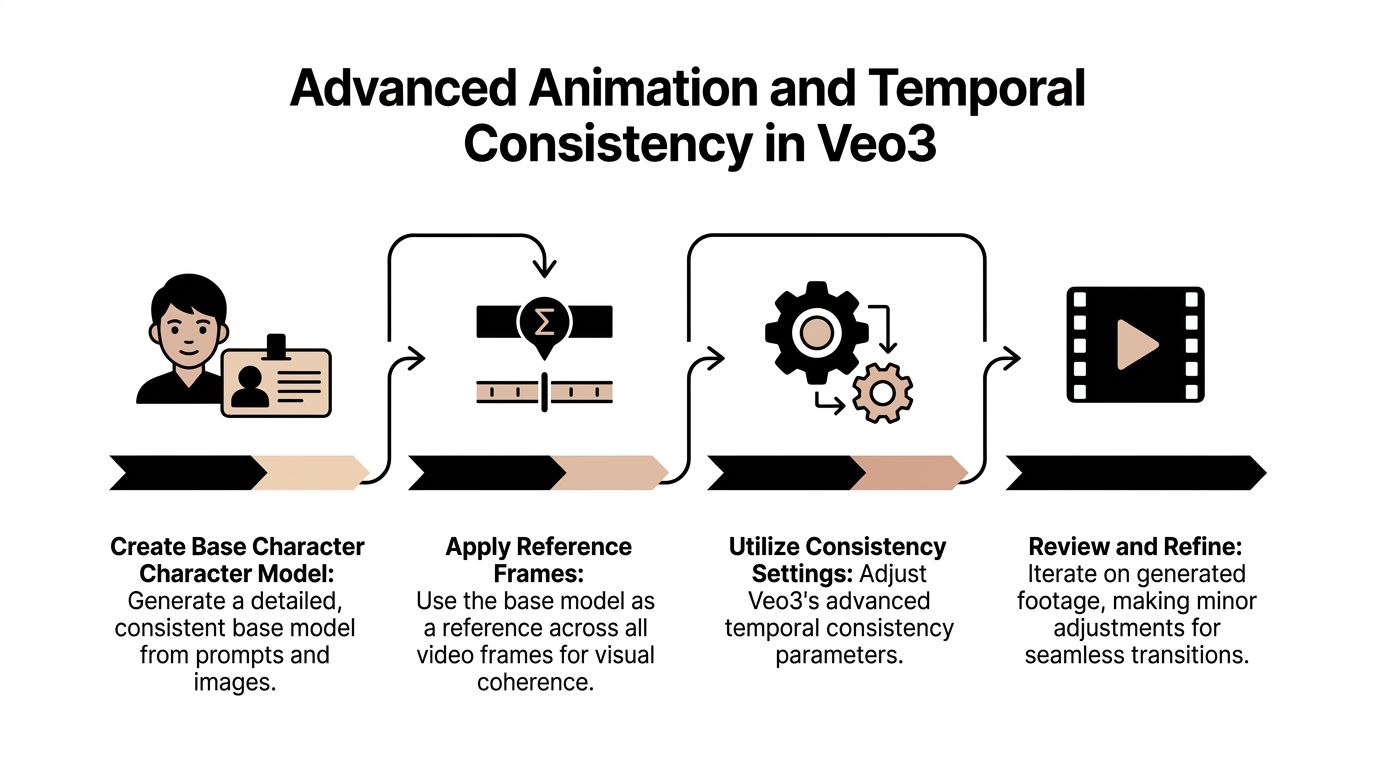
When you animate from a photo, treat that image like your model sheet.
Keep realism grounded in physical details before adding style or cinematic polish.
8) A dependable photo-to-video workflow
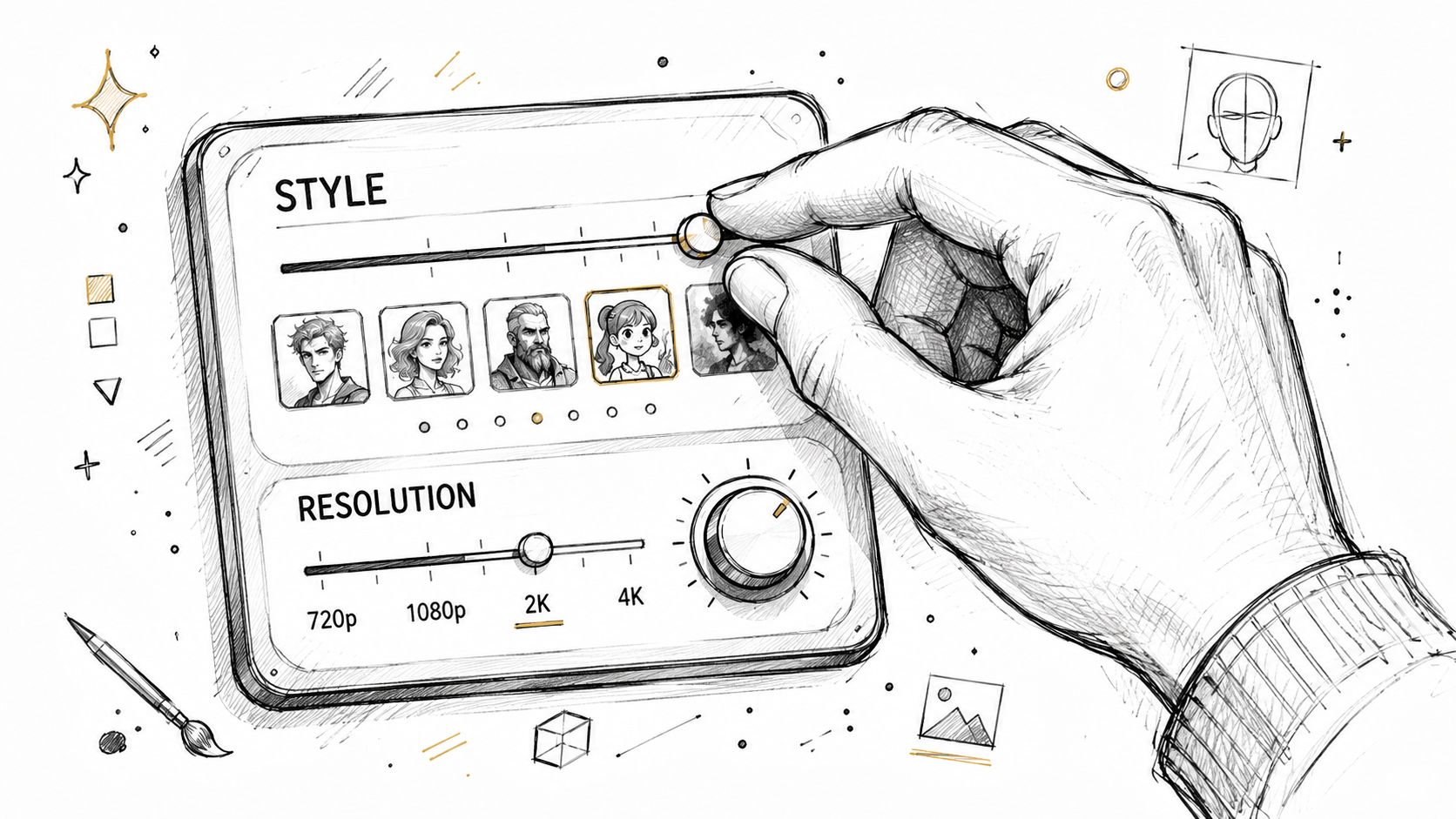
For a corporate spokesperson, I usually avoid any preset that pushes extreme contrast or fantasy-grade sharpness. Those styles can make skin look processed.
Keep realism grounded in physical details before adding style or cinematic polish.
9) Pick a style that matches the job
Clothing is where many AI characters still give themselves away. Fabric that reads like painted plastic will sink the shot even if the face looks strong.
Keep realism grounded in physical details before adding style or cinematic polish.
10) Realism depends on real-world material cues
Higher resolution doesn't automatically mean better realism. It often means slower iteration and more time spent discovering that your expression is slightly wrong.
Convert abstract traits into visible details: fabric, posture, eye contact, expression, lens, and lighting.
Practical Weekly Workflow
- Write a one-page character bible with identity, age range, wardrobe, expression, posture, voice, and role.
- Choose a reference image that clearly shows face, silhouette, hair, wardrobe, and material details.
- Translate abstract traits into visible cues, such as relaxed shoulders, precise eye contact, practical clothing, or warm office lighting.
- Generate short tests in VeoNano and reject versions with plastic skin, unstable clothing, or inconsistent facial structure.
- Scale only after the character survives several actions, angles, and lighting conditions.
Conclusion
A realistic character is built through constraints, not vague adjectives. Define the person, anchor the reference, prompt visible cues, and use VeoNano to iterate until the character can appear consistently across scenes.
Next Step
Explore VeoNano workflow templates: https://veonano.com
FAQs
What should be in a character bible?
Include age range, face shape, hair, wardrobe, posture, expression, personality cues, speaking style, and any traits that must remain consistent across clips.
Should I start from text or a reference photo?
Use text when exploring possibilities. Use a reference photo when identity retention and multi-clip consistency matter.
What causes AI characters to look unrealistic?
Common causes include vague traits, over-stylized lighting, plastic-looking fabric, inconsistent anatomy, and prompts that do not specify real-world material cues.