Categories: AI Video Workflow, Creator Strategy, Production Process
Tags: veonano, ai creation studio, ai video workflow, content strategy, creator toolkit
Introduction
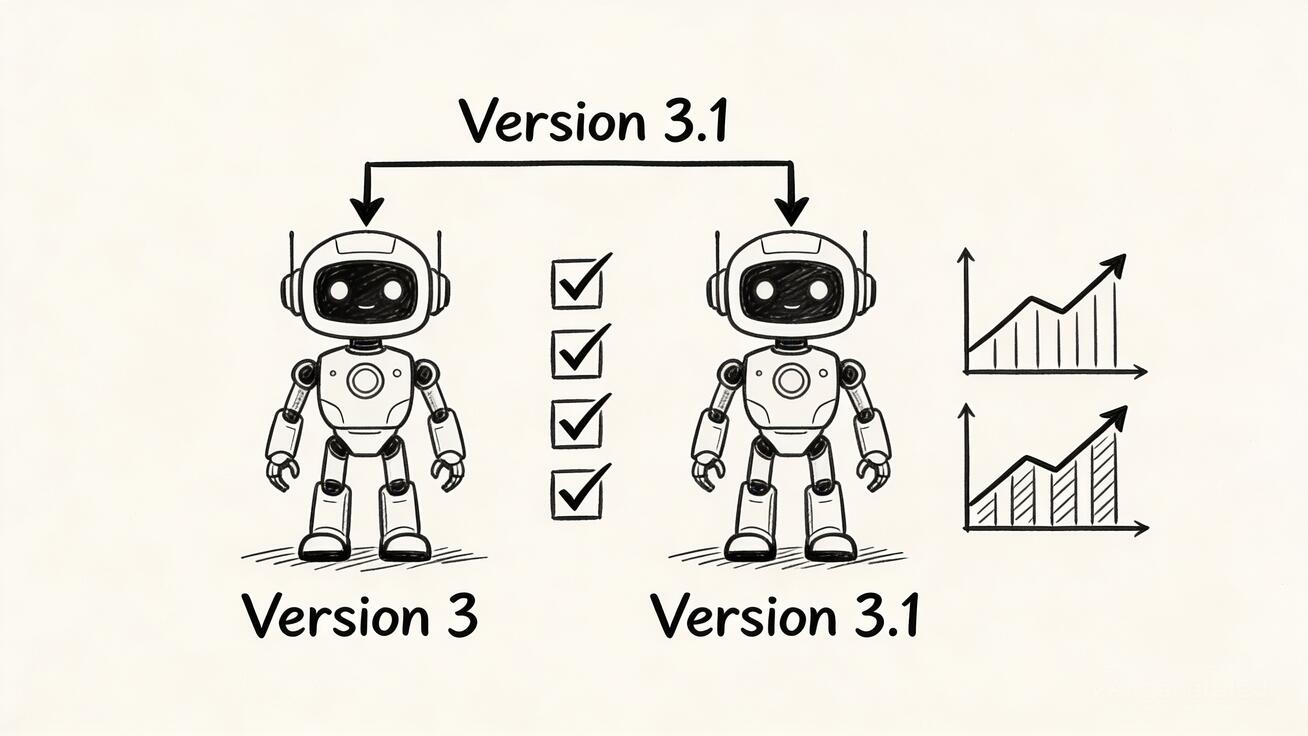
The landscape of generative video is shifting rapidly. With the release of Veo 3.1 in January 2026, Google has refined its flagship model to offer more than just a simple update. At VeoNano, we focus on turning these technological leaps into practical production frameworks. This guide breaks down the core differences between Veo 3.1 and its predecessor to help you decide if it’s time to upgrade your creative stack.
What Is Veo 3.1?
Veo 3.1 is the latest evolution of Google’s high-end video generation AI. Rather than a total structural overhaul, this version focuses on polishing the user experience through three pillars: visual fidelity, granular creative control, and flexible output formats. It bridges the gap between experimental AI and professional-grade content production.
Key Enhancements in Veo 3.1
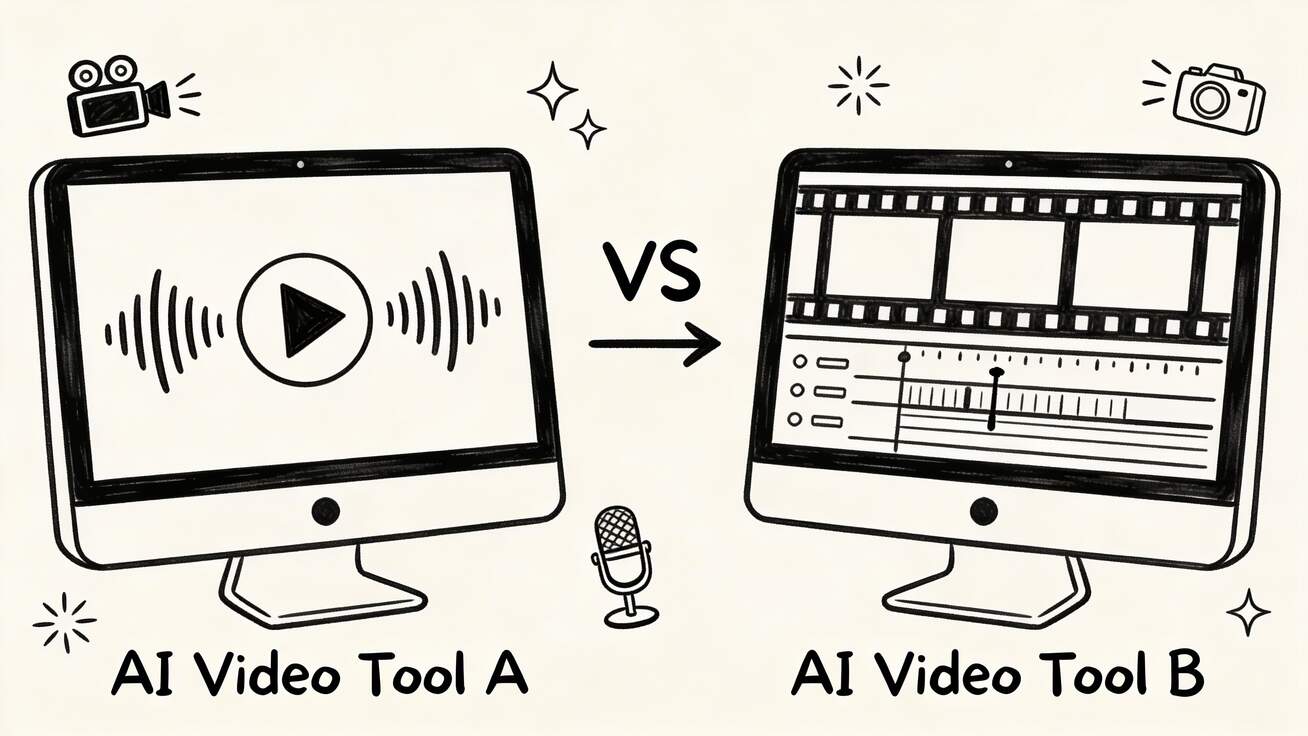
The transition from Veo 3 to 3.1 addresses several legacy pain points. The most notable upgrades include:
- Enhanced "Ingredients to Video": While Veo 3 introduced image-to-video, 3.1 significantly improves how the model interprets source images, resulting in more accurate motion and better preservation of original details.
- Native Vertical Support: For the first time, the model supports a native 9:16 aspect ratio. Unlike Veo 3, which required cropping landscape shots, Veo 3.1 generates portrait content specifically optimized for TikTok, Reels, and YouTube Shorts.
- Richer Native Audio: Sound generation is now more nuanced, providing a more immersive auditory layer that matches the visual quality of the video.
Performance and Quality Comparison
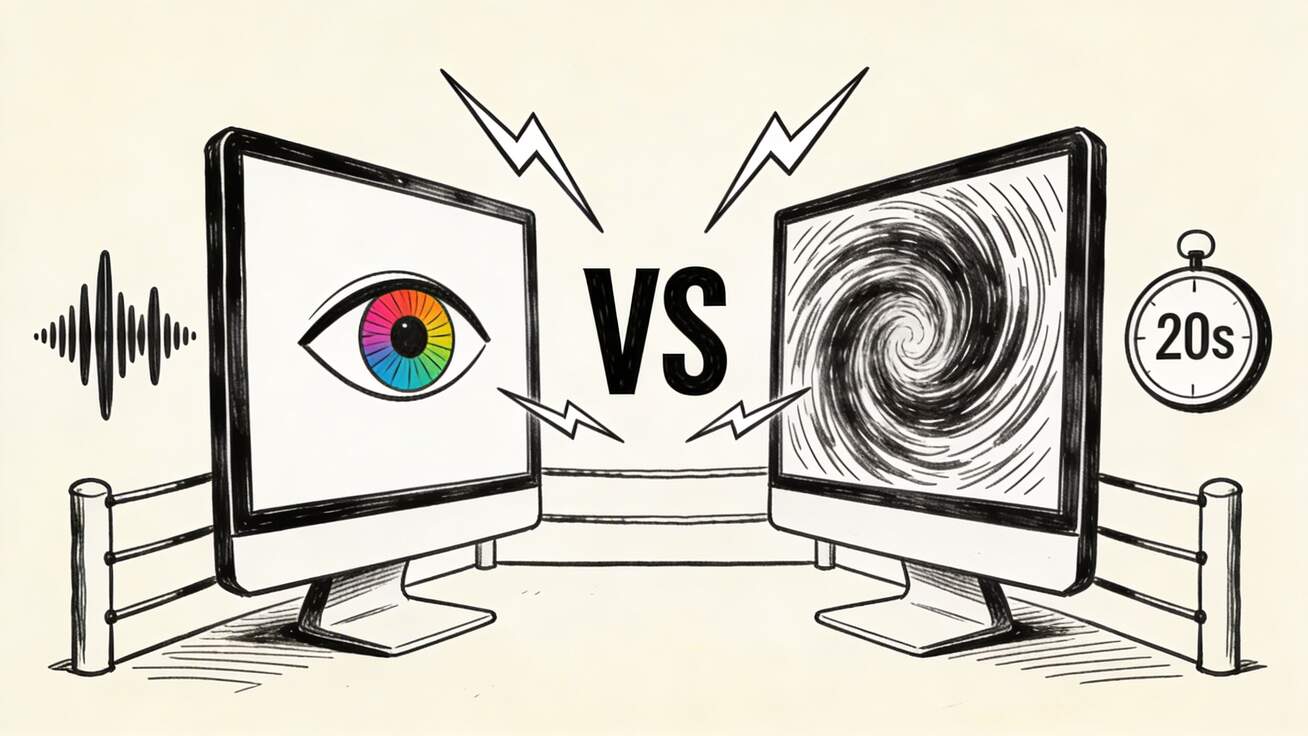
When comparing the two versions, the differences in output and speed are measurable:
- Resolution: Veo 3.1 pushes boundaries with enhanced 1080p and 4K capabilities, offering sharper textures and fewer artifacts than the previous version.
- Prompt Adherence: The 3.1 model demonstrates a superior understanding of complex, multi-layered prompts. This reduces the "randomness" often found in AI video, making the production process more repeatable.
- Speed: Generation times have been optimized. The introduction of "Veo 3.1 Lite" allows for rapid prototyping, enabling creators to iterate on ideas faster than ever before.
- Video Extensions: A major limitation of Veo 3 was its strict 8-second limit. Veo 3.1 introduces a preview feature for video extensions, allowing users to build longer narratives beyond the initial clip.
Mobile-First Creativity
Veo 3.1 is built for the modern creator who isn't always tied to a desktop. Integration with the Gemini app allows for a seamless mobile workflow. The interface is optimized for touch, making it possible to generate high-quality assets while on the go—a significant step forward for social media managers and field creators.
Should You Upgrade?
Choosing between the two depends on your specific workflow:
- Choose Veo 3.1 if: You require native vertical video, need higher resolution for professional displays, or want to experiment with extending clips beyond 8 seconds.
- Stay with Veo 3 if: Your current workflow is strictly landscape-based and the standard 8-second generation meets your existing social media needs without requiring the latest fidelity boosts.
Conclusion
The move to Veo 3.1 represents a shift toward professional stability. By improving prompt adherence and adding native support for mobile formats, Google has made the AI video process more predictable and scalable. At VeoNano, we recommend standardizing your production around these new tools to ensure consistent quality across all publishing channels.
Next Step
Explore the latest VeoNano workflow templates to streamline your production: https://veonano.com
Frequently Asked Questions
1) Can this workflow work for a solo creator?
Absolutely. The improved speed of Veo 3.1 Lite makes it ideal for individuals who need to produce high volumes of content without a full production team.
2) Is the video extension feature available to everyone?
The extension feature is currently in a preview phase within Veo 3.1, allowing for longer sequences that were previously impossible in Veo 3.
3) How does the native vertical video differ from cropping?
Native 9:16 generation ensures that the composition, lighting, and subject placement are designed for a vertical frame from the start, avoiding the awkward framing issues that occur when cropping landscape video.
Media References
- https://cdn.veonano.com/blog/veo-3-1-vs-veo-3-comparison-2026/20260426202849-sqo8ous1.jpeg
- https://cdn.veonano.com/blog/veo-3-1-vs-veo-3-comparison-2026/20260426202851-f4p174uz.jpeg
- https://cdn.veonano.com/blog/veo-3-1-vs-veo-3-comparison-2026/20260426202853-8u8jx9l3.jpeg
- https://cdn.veonano.com/blog/veo-3-1-vs-veo-3-comparison-2026/20260426202854-490qtqyx.jpeg