Categories: AI Video Workflow, Creator Strategy, Production Process
Tags: veonano, ai creation studio, ai video workflow, content strategy, creator toolkit
Introduction
The release of Veo 3 marks a significant shift in how developers and creators can programmatically generate high-fidelity video. This guide provides a technical roadmap for integrating the Veo 3 API into your applications, ensuring your production framework is scalable, secure, and efficient. By leveraging the same foundational model used by the VeoNano platform, you can automate complex video workflows and maintain a consistent publishing schedule.
What Is the Veo 3 API?
The Veo 3 API serves as the programmatic gateway to Google’s most sophisticated video generation model. It allows developers to bypass manual interfaces like Google Flow and build custom solutions directly on top of the engine. Whether you are building a creative suite or an automated marketing pipeline, the API provides the flexibility to generate high-quality video assets on demand.
Primary Pathways for API Access
There are three main routes to accessing the Veo 3 API, depending on your project's scale and infrastructure requirements:
- Google Vertex AI (Enterprise Grade): This is the primary route for production-level applications. As part of Google Cloud’s machine learning platform, it offers robust security, management tools, and enterprise-grade reliability.
- Google AI Studio / Gemini API (Prototyping): Ideal for developers in the experimental phase, this pathway allows for quick testing and smaller-scale integration through the familiar Gemini API interface.
- Third-Party API Platforms: Several providers offer unified endpoints that simplify the integration process, making it easier to connect Veo 3 with other AI services.
Authentication and Security
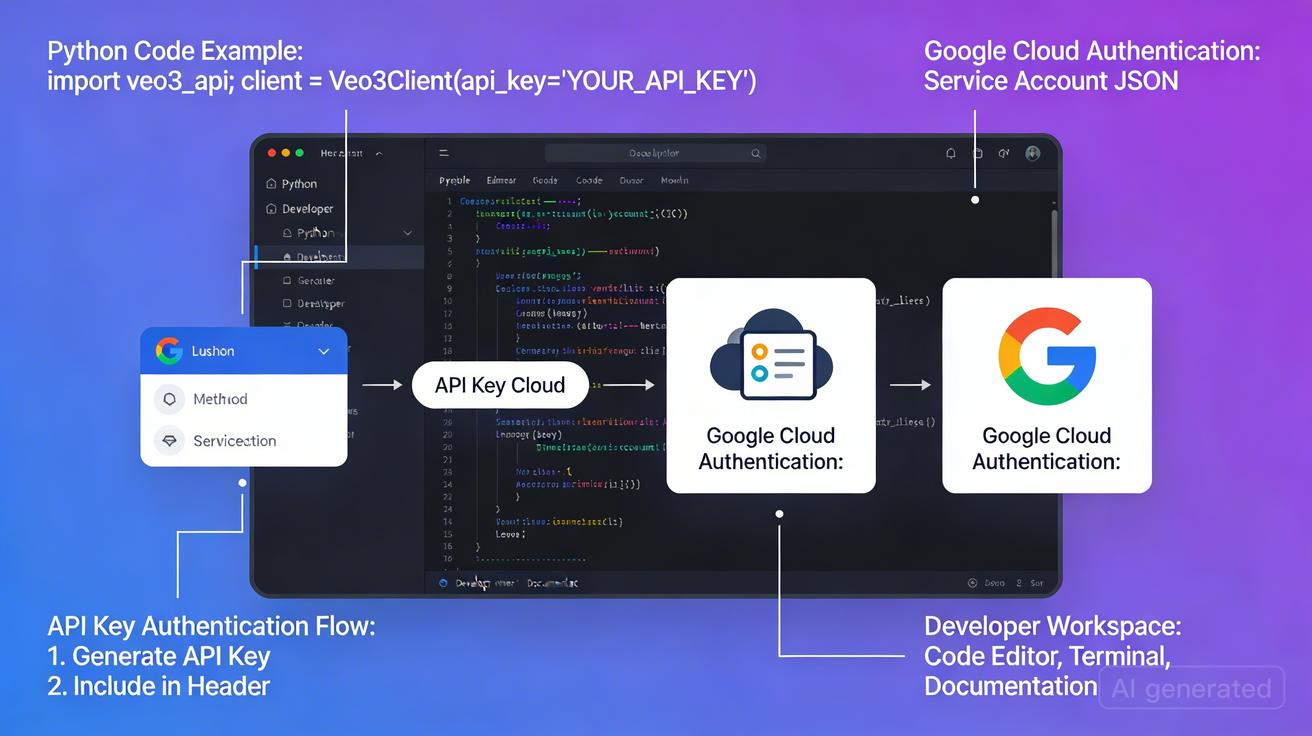
Security is paramount when handling API credentials. For production environments, the recommended method is using service account credentials via Google Cloud client libraries.
Security Best Practices:
- Environment Variables: Use
export GEMINI_API_KEY="your-api-key-here"for local testing. - Secret Management: Never commit keys to version control. Utilize tools like Google Secret Manager, HashiCorp Vault, or AWS Secrets Manager to protect your credentials.
Managing Output and Storage
Once a video is generated via the API, it is typically stored in Google Cloud Storage. Developers must implement logic to fetch these assets for local use or front-end display. This centralized storage ensures that your generated media is easily accessible for post-production or direct distribution.
Rate Limits, Quotas, and Pricing
Understanding the financial and technical constraints of the Veo 3 API is essential for long-term planning:
- Rate Limits: Default quotas are in place to ensure stability. However, production workloads can request increases through the Google Cloud Console.
- Consumption-Based Pricing: Costs are calculated per second of generated video.
- Enterprise Discounts: For high-volume users, Google Cloud offers committed use contracts and enterprise pricing models that significantly reduce the cost per second.
Veo 3 vs. Veo 2: Key Improvements
The jump to Veo 3 introduces enhanced temporal consistency, better prompt adherence, and higher resolution outputs compared to its predecessor. These improvements make it a more viable tool for professional-grade content creation where quality cannot be compromised.
Conclusion: Start Building with VeoNano
Standardizing your video production through the Veo 3 API allows you to scale content output without sacrificing quality. By integrating these tools into a stable workflow, you can focus on creative strategy while the API handles the heavy lifting of generation.
Next Step
Explore advanced video automation and workflow templates at VeoNano.
Frequently Asked Questions
1) Can this workflow work for a solo creator?
Absolutely. Solo creators can use the API to automate repetitive tasks, allowing them to compete with larger production houses by maintaining a high volume of quality output.
2) How do I handle quota increases?
If your application outgrows the default limits, you can submit a quota increase request directly through the Google Cloud Console under the "Quotas & System Limits" section.
3) Is the API pricing predictable?
Since it is consumption-based (per second of video), pricing is highly predictable based on your expected output volume. Committed use discounts further stabilize costs for enterprise users.
Media References
- https://cdn.veonano.com/blog/veo-3-api-access-guide-2026/20260402172137-zjro8cja.jpeg
- https://cdn.veonano.com/blog/veo-3-api-access-guide-2026/20260402172138-h4x40sc7.jpeg
- https://cdn.veonano.com/blog/veo-3-api-access-guide-2026/20260402172139-y14pp6vo.jpeg
- https://cdn.veonano.com/blog/veo-3-api-access-guide-2026/20260402172140-cjdeo7nr.jpeg