Categories: AI Video Workflow, Creator Strategy, Production Process
Tags: veonano, ai creation studio, ai video workflow, content strategy, creator toolkit
Introduction
The release of the Veo 3 API marks a significant shift for developers looking to integrate high-fidelity video generation into their applications. At VeoNano, we focus on turning these advanced technical capabilities into practical production frameworks. This guide explores how to access Google’s latest video model, manage asynchronous workflows, and implement production-grade error handling to ensure your AI video pipeline remains stable and scalable.
What Is the Veo 3 API?
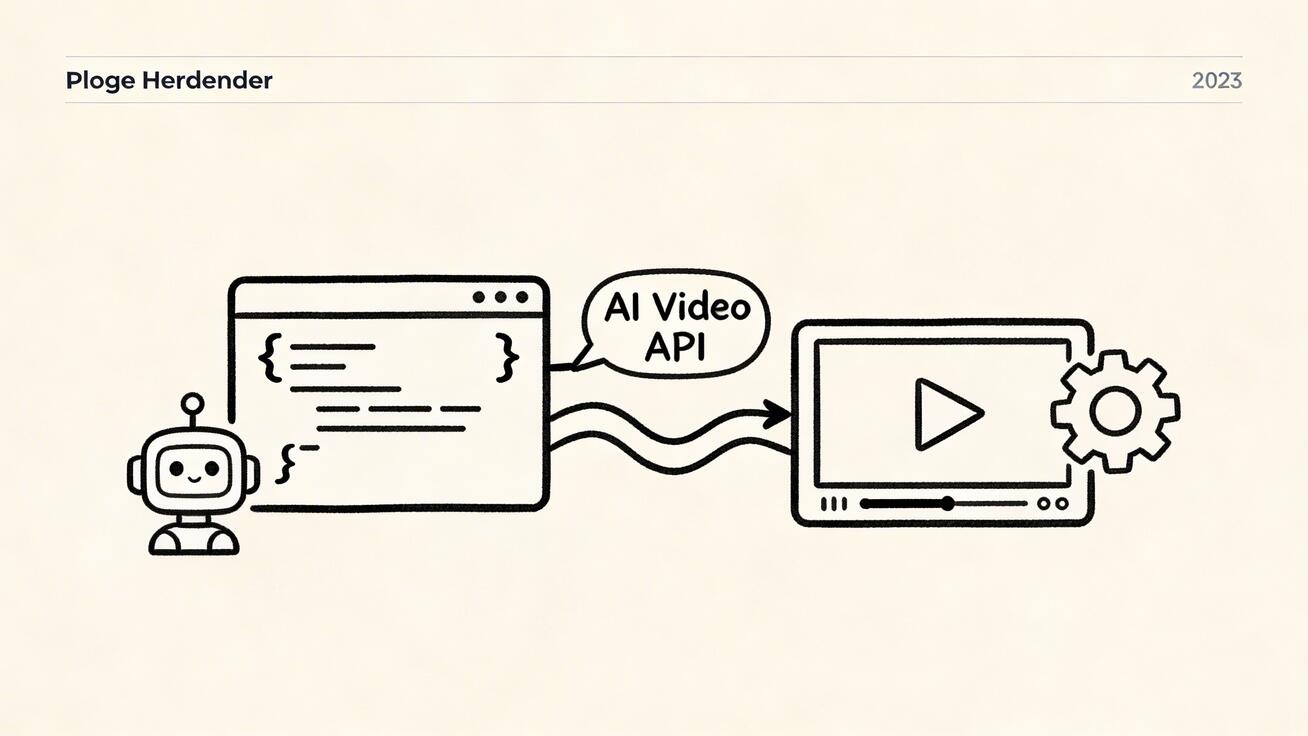
The Veo 3 API serves as the programmatic gateway to Google’s most advanced video generation model. By moving beyond a manual interface, developers can automate the creation of high-quality cinematic content.

Integrating this API into your workflow allows for:
- Automated Scalability: Generate hundreds of clips without manual oversight.
- Repeatable Quality: Standardize prompts and parameters to reduce creative variance.
- Measurable Iteration: Track performance metrics against specific API configurations to refine your output over time.
Getting Started with Vertex AI
To begin building, you must first enable Vertex AI within the Google Cloud Console. Access is managed through the veo-3.0-generate-001 model endpoint. While basic access is straightforward, high-volume production may require requesting specific quota tier approvals from Google.

For environments where a native SDK isn't available, the REST API provides a flexible alternative for direct integration into any tech stack.
Making Your First Call: Image-to-Video
One of the most powerful features of the Veo 3 API is its image-to-video capability. Instead of relying solely on text, you can provide a reference image that the model then animates, maintaining visual consistency across your project.

The API returns high-quality MP4 files using the H.264 codec at a cinematic 24fps. Depending on your needs, you can generate 16:9 widescreen (1920x1080) or 9:16 vertical (1080x1920) formats, making it ideal for both traditional film and social media platforms.
Handling Asynchronous Operations and Errors
Video generation is computationally intensive and does not happen instantly. A typical 8-second video takes between 60 and 180 seconds to process. Because of this, the Veo 3 API operates asynchronously. Your application submits a request and must then poll for completion or handle a callback.
To build a resilient pipeline, you must implement robust error handling. Using the Google API core exceptions, your code should specifically watch for rate limits:
from google.api_core import exceptions

try:
    operation = model.generate_video(prompt="...")
    result = operation.result(timeout=300)
except exceptions.ResourceExhausted as e:
    print(f"Rate limit hit: {e}. Implement exponential backoff.")
Pricing and Quotas
While specific costs fluctuate, developers should consult the Google Cloud Pricing calculator for the most current rates. Understanding your quota is critical; production-grade applications require monitoring these limits to prevent service interruptions. Implementing exponential backoff and request queuing is essential for maintaining a smooth user experience.
Practical Weekly Workflow with VeoNano
To successfully integrate the Veo 3 API into your business, we recommend a structured approach:
- Define Objectives: Select specific video styles or use cases to automate.
- Prototype: Use the Python SDK to build a concise generation script.
- Refine: Adjust parameters like aspect ratio and prompt weighting.
- Scale: Move from manual testing to a full production pipeline that validates and stores videos automatically.
Conclusion
Standardizing your video production through the Veo 3 API is the most reliable way to scale content output without sacrificing quality. By treating video generation as a structured data workflow, you can iterate faster and maintain a consistent brand voice.
Next Step
Ready to optimize your AI video pipeline? Explore VeoNano workflow templates to streamline your production process.
FAQs
1) Is the Veo 3 API ready for professional production?
Yes. Accessed via Vertex AI, it includes enterprise-grade SLAs. However, you must implement proper error handling and async patterns to manage the 60–180 second generation times.
2) What video formats does the API support?
The API currently outputs MP4 files (H.264) at 24fps. It supports both 1080p landscape and 1080p portrait resolutions.
3) How do I handle rate limits?
You should use exponential backoff strategies and monitor your Google Cloud quotas. If your application scales rapidly, you may need to request a quota increase through the Google Cloud Console.