Categories: AI Video Workflow, Creator Strategy, Production Process
Tags: veonano, ai creation studio, ai video workflow, content strategy, creator toolkit
Introduction
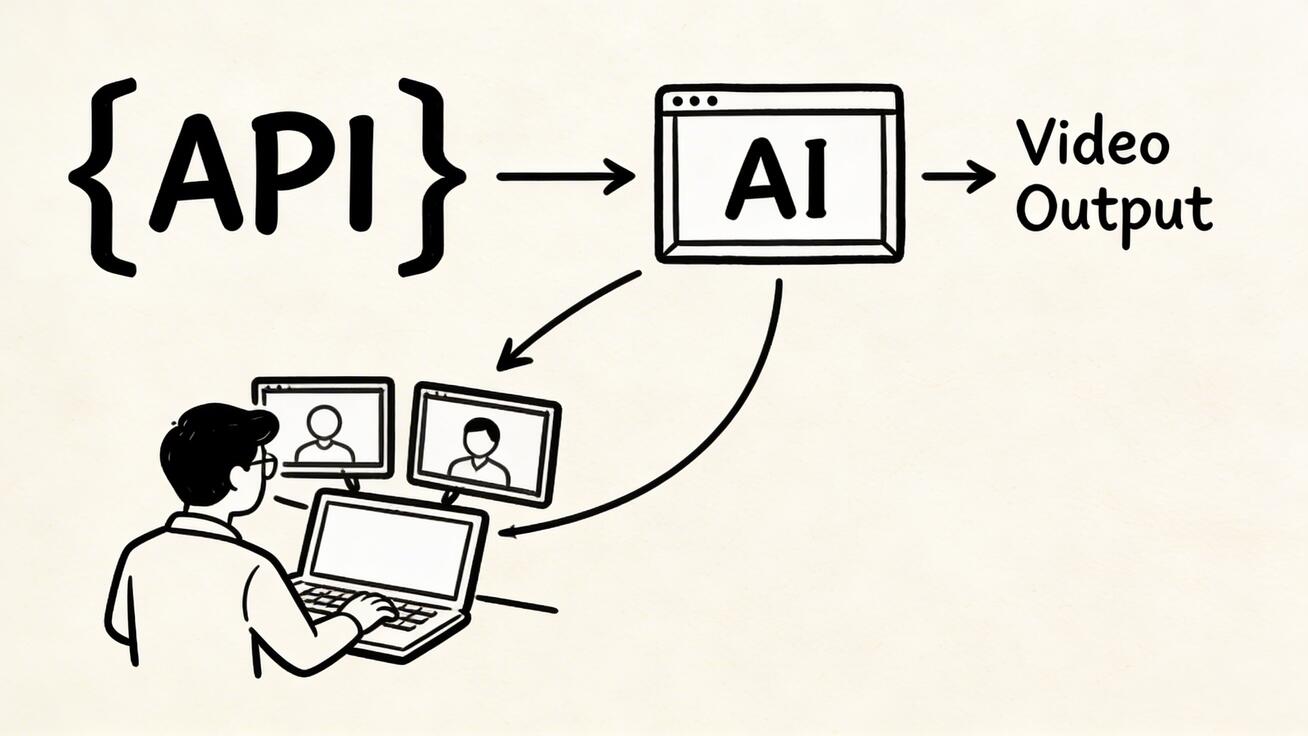
As AI video moves from experimental prompts to production-grade applications, developers need a reliable framework for integration. This guide outlines how to leverage the Veo 3 API via VeoNano to build scalable, high-performance video generation workflows. From authentication to asynchronous job handling, we cover the technical essentials for 2026.
Veo 3 API Access Options
Developers can access Veo 3 capabilities through multiple paths depending on their infrastructure needs:
- Google AI Studio: The most direct route for rapid prototyping. It offers REST API access with simple API key authentication.
- Vertex AI: Designed for enterprise-scale applications, providing robust SLAs, higher quotas, and seamless Google Cloud integration.
- Video Intelligence API: A complementary tool for those already in the Google Cloud ecosystem, useful for advanced video processing alongside Veo 3 generation.
Getting Started: Quick Start and Parameters
The primary developer route begins with Google AI Studio. By generating an API key, you can immediately start sending requests to the Veo 3 model.
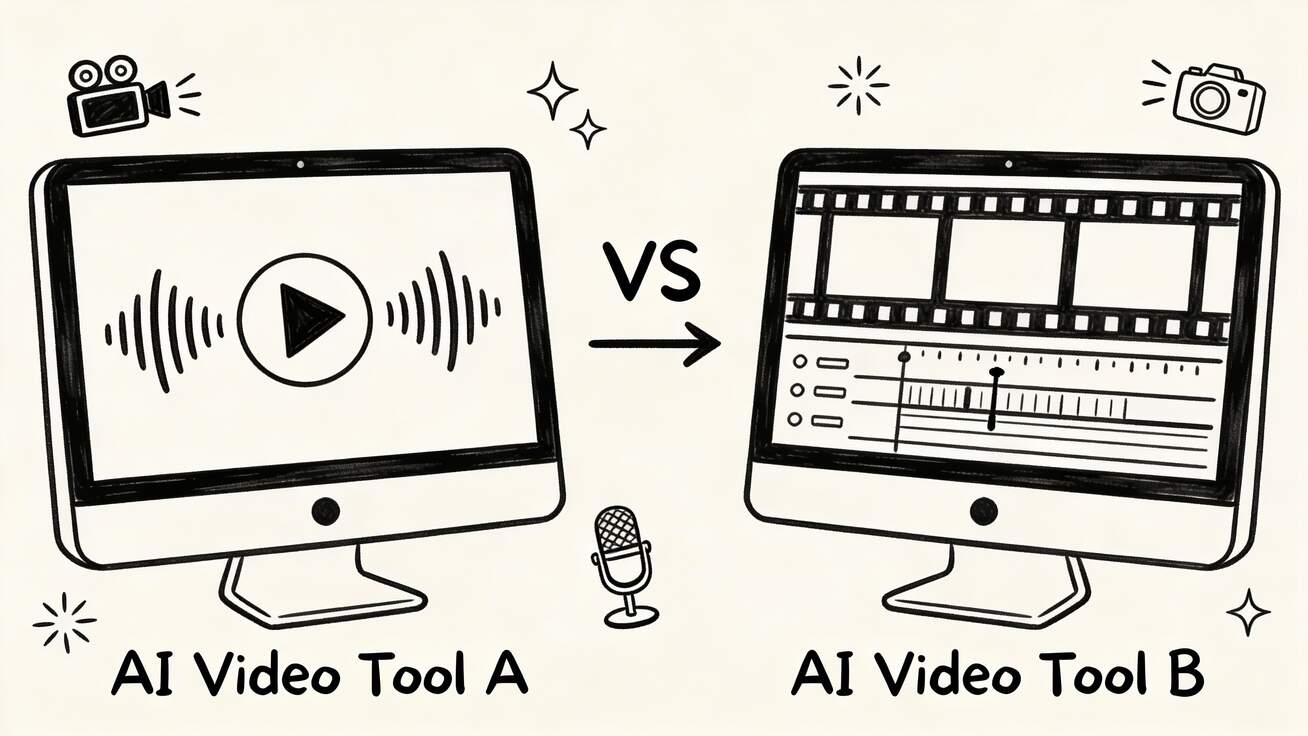
When configuring your requests, pay close attention to the API parameters. For enterprise users, Vertex AI allows for fine-tuned control over generation settings, ensuring that output aligns with specific brand requirements and quality standards.

Advanced Capabilities: Audio and Image-to-Video
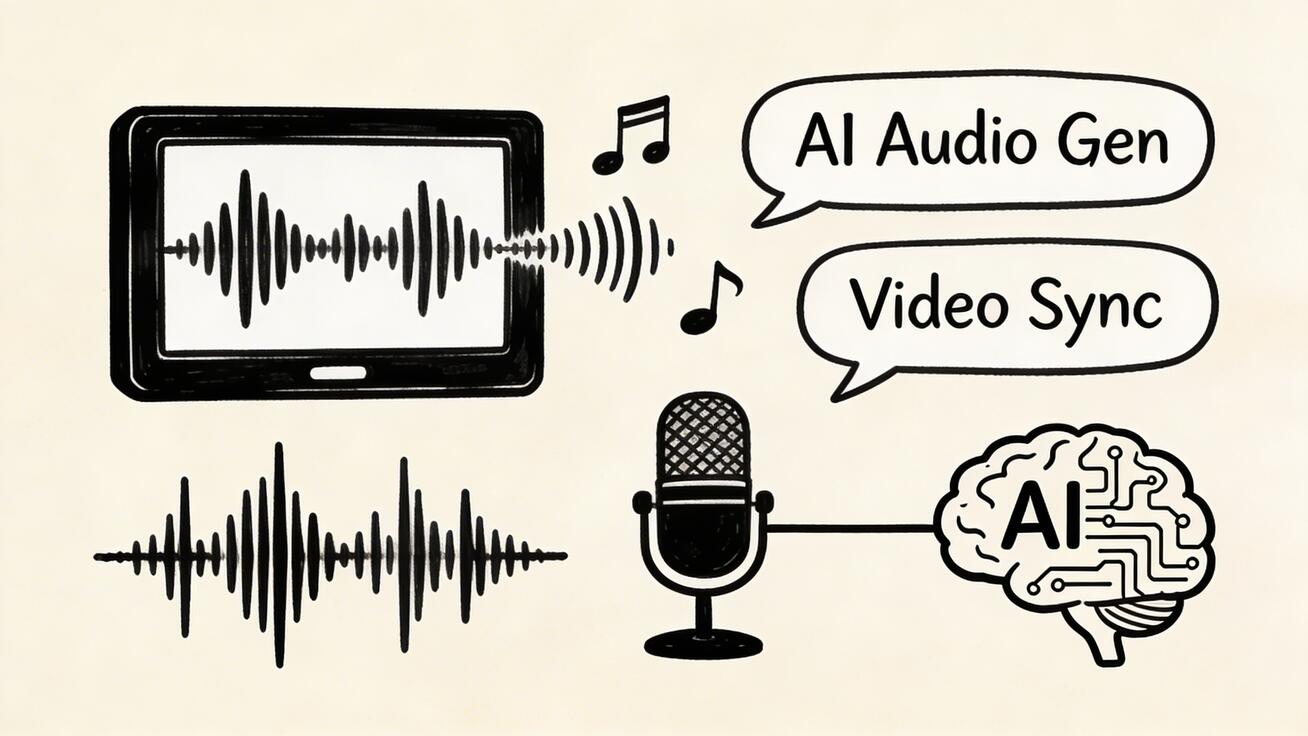
Veo 3 isn't limited to simple text prompts. Developers can utilize the Image-to-Video API to transform static assets into dynamic content. Additionally, the Audio Generation API allows for the creation of synchronized soundscapes, providing a holistic approach to AI cinematography.
Production Best Practices
Building a production-ready integration requires more than just a successful API call. Consider these architectural patterns:
- Asynchronous Processing: Video generation typically takes 30–90 seconds. Do not hold a request open; instead, use a job queue (such as Redis Queue, Celery, or Bull) to handle the generation in the background.
- Webhooks vs. Polling: While Vertex AI supports direct webhooks, the AI Studio API requires polling. We recommend wrapping polling logic in your own backend to trigger webhooks for your end-users.
- Caching Strategy: To save costs and reduce latency, cache generated videos by hashing the input prompt. Store these files in Cloud Storage and serve them via a CDN, only regenerating when a cache miss occurs.
- Rate Limiting: Implement exponential backoff for bulk generation tasks to stay within your tier's limits and ensure service stability.
Pricing and Rate Limits
Veo 3 offers a tiered approach to accessibility:
- Free Tier: Ideal for development, offering 50 requests per day and 10 requests per minute.
- Pay-As-You-Go: Required for production environments to access higher concurrency and removal of daily caps. Always check the latest pricing page for current rates.
Conclusion
The most reliable way to scale AI video content is to standardize the production pipeline. By utilizing the Veo 3 API through the VeoNano framework, developers can move from manual creation to automated, high-volume output.
Next Step
Explore VeoNano developer resources and workflow templates: https://veonano.com
Frequently Asked Questions
1) What is the maximum video length supported?
Currently, the API generates up to 8 seconds of video per request. For longer content, developers should implement a "stitching" workflow to combine multiple generations.
2) Does the API support concurrent requests?
Yes. Even the free tier supports up to 10 concurrent requests per minute, while paid tiers offer significantly higher parallelism for enterprise needs.
3) Can I use this for real-time applications?
Because generation takes 30–90 seconds, it is best suited for "near real-time" or asynchronous workflows rather than instant live playback.
4) Is there a Node.js SDK?
Yes, Veo 3 can be integrated using standard Node.js libraries to interact with the REST endpoints provided by AI Studio or Vertex AI.
Media References
- https://cdn.veonano.com/blog/veo-3-api-guide-developers-2026/20260403131022-fpscjl68.jpeg
- https://cdn.veonano.com/blog/veo-3-api-guide-developers-2026/20260403131023-50e0b2s0.jpeg
- https://cdn.veonano.com/blog/veo-3-api-guide-developers-2026/20260403131023-p52jzygi.jpeg
- https://cdn.veonano.com/blog/veo-3-api-guide-developers-2026/20260403131024-cnfhqq5s.jpeg