
Quick Answer: The Strategy for Success
For high-impact app previews and product launches, the most effective strategy isn't about crafting the longest prompt or chasing a single "perfect" clip. Instead, success with the VeoNano generator comes from defining a narrow, specific video job. Generate short, controlled scenes and keep critical product facts outside the AI model to ensure total accuracy.
Pre-Production: The Decision Table
Before you start generating, use a pre-production filter. If your project lacks a definitive "source of truth," a clear set of review rules, and a designated export destination, pause the process. Establishing these boundaries ensures your production remains repeatable and avoids endless editing loops.
The Practical Workflow
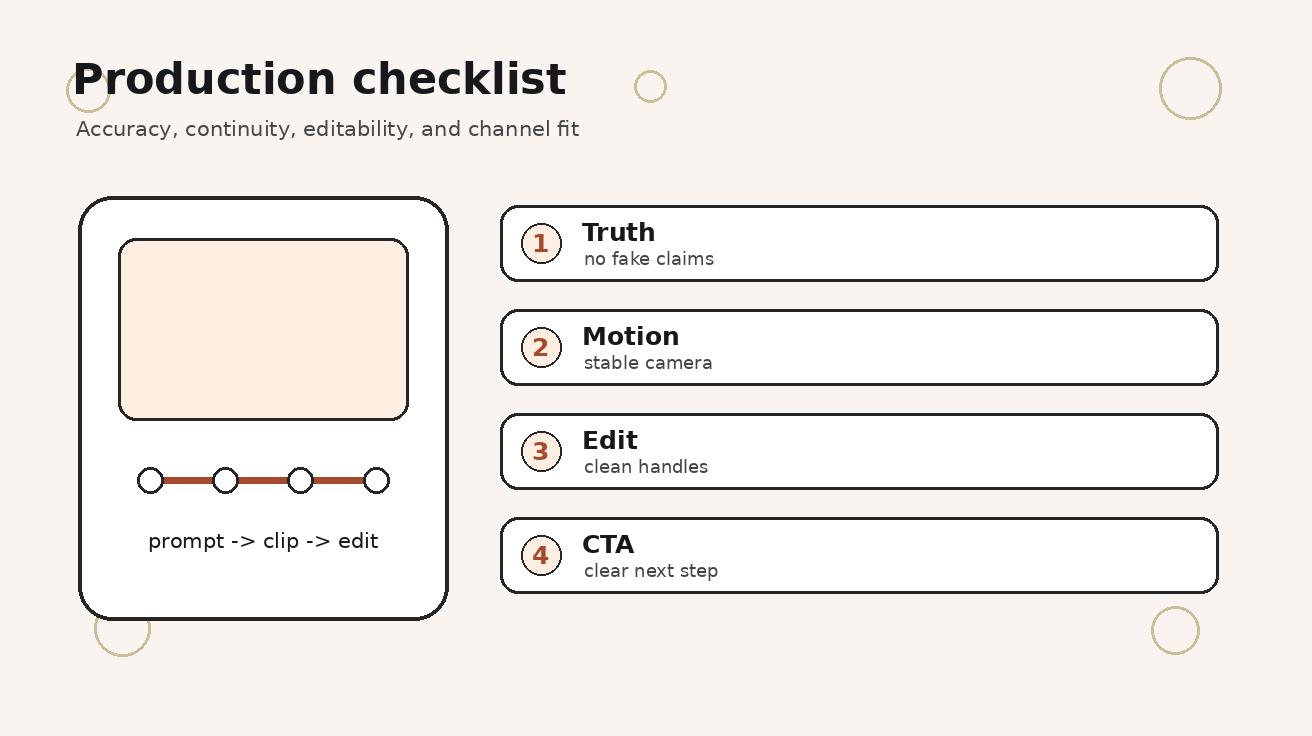
A professional workflow should be inspectable. Every checkpoint in your process should yield a tangible artifact—whether that is a specific prompt, a folder of screenshots, a shot card, or a QA checklist.
- Define the Video Job: Start with a one-sentence mission: "This video helps [audience] understand [action] so they can [outcome]." This prevents your project from drifting into a generic AI showcase.
- Prepare Source Material: AI video quality scales with the specificity of the input. Gather your screenshots, brand-approved colors, and motion references before opening the generator.
- Use Prompt Templates: Don't improvise. Use structured templates such as: "Animate this mobile app screenshot; keep UI stable, preserve layout/colors, add a gentle phone motion and tap gesture toward [action], no invented text."
- Score Your Generations: Use a scorecard to move from subjective "vibes" to production decisions. Rate clips on a 1–5 scale for prompt match, visual clarity, continuity, and brand safety.

Reviewing Like an Editor
The first generation is rarely the final asset. Approach the initial output like an editor assembling a timeline. Identify the first and last usable frames, pinpoint the strongest motion moments, and aggressively cut any sections that might confuse a potential user.

Common Mistakes to Avoid
- Production Guarantees: Never treat free or test access as a guarantee for production deadlines. Access, credits, and export rules can shift; always verify your account status before promising a delivery date to a client.
- Prompt Overload: Large, complex prompts are difficult to repair. Short, scene-specific prompts are easier to compare, regenerate, and stitch together into a coherent story.
Next Steps and Internal Resources
If you have mastered the basic workflow and are hitting new bottlenecks, explore our deep-dive guides:
- For advanced motion: Veo 3 Image Reference Workflow
- For consistency: Veo 3 Camera Control Prompts
FAQs
Can this workflow work for a solo creator?
Absolutely. Start with a small weekly scope and use the same modular production blocks to maintain quality without a full team.
How many variants should I test per post?
Testing 2 to 4 focused variations is typically enough to identify which prompt structure or visual style performs best.
Should I prioritize trends or consistency?
Use trends to gain initial reach, but rely on a consistent format system to build long-term brand recognition and memory.
Media References
- https://cdn.veonano.com/blog/veo-3-app-preview-video-generator-2026/20260505071410-3ozjqbod.jpeg
- https://cdn.veonano.com/blog/veo-3-app-preview-video-generator-2026/20260505071413-q21hke27.jpeg
- https://cdn.veonano.com/blog/veo-3-app-preview-video-generator-2026/20260505071414-7gyy4klw.jpeg
- https://cdn.veonano.com/blog/veo-3-app-preview-video-generator-2026/20260505071414-p0ezkg9s.jpeg