Categories: AI Video Workflow, Creator Strategy, Production Process
Tags: veonano, ai creation studio, ai video workflow, content strategy, creator toolkit
Introduction
For years, the "silent film" era of AI video forced creators into tedious post-production loops. Generating a visual was only half the battle; the rest was spent hunting for the right foley, music, and voice-overs. VeoNano introduces a shift in this paradigm with Veo 3, a system that treats sound as a fundamental component of the generative process rather than an afterthought.
What Makes Veo 3 Audio Different
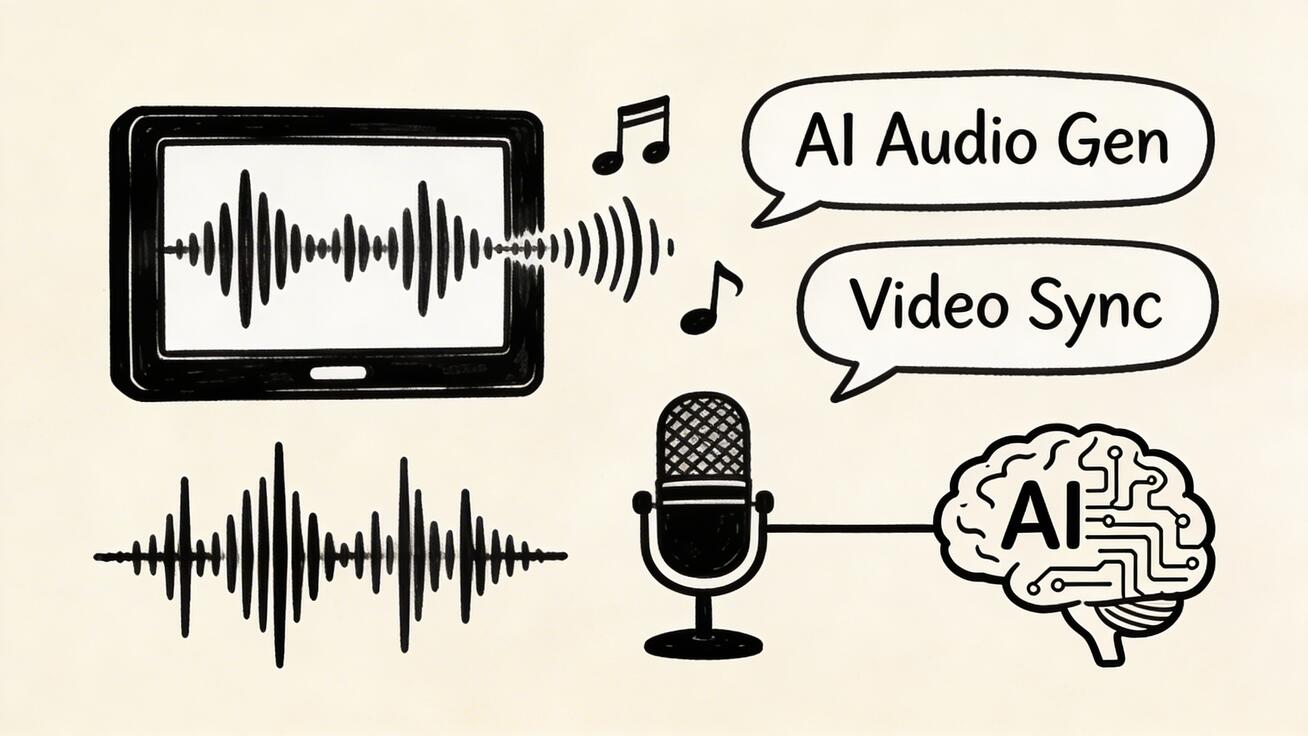
Historically, AI video tools like Kling, Runway, or Pika produced silent clips. Creators had to manually layer audio, a process that could take over an hour for a simple 30-second scene. Veo 3 changes the workflow by generating synchronized audio—including dialogue—simultaneously with the video. This unified approach ensures that what you see and what you hear are contextually linked from the moment of creation.
The Three Pillars of AI Sound
Veo 3 breaks down audio generation into three distinct layers that work in harmony:
- Natural Dialogue: When a prompt specifies a character speaking, the engine generates lip-synced speech. As of 2026, Veo 3 is the only mainstream generator offering this level of integrated dialogue.
- Environmental Sound Effects: The system analyzes the visual context—such as a bustling city street or a quiet forest—and automatically generates the appropriate ambient noise and event-driven sounds.
- Emotional Score: Beyond sound effects, Veo 3 can compose original background music that aligns with the emotional "vibe" or tone described in your prompt.
Controlling Audio via Prompts
While audio is generated by default, creators can influence the output through descriptive prompting. By detailing the acoustic environment or specific sounds in the text prompt, you guide the AI's "scoring" process.
Interestingly, requesting high-fidelity audio does not come at the cost of visual quality. The audio and video are processed through separate scoring mechanisms simultaneously, ensuring that your 4K resolution remains intact even with complex soundscapes.

Efficiency and ROI: The Production Impact
The primary advantage of the Veo 3 engine is the dramatic reduction in production time.
- Traditional Post-Production: Sourcing, syncing, and mixing audio for a 30-second clip typically takes 45 to 90 minutes.
- VeoNano Workflow: The audio is generated in the same 45 to 75 seconds it takes to render the video.
For organizations looking to scale, this efficiency allows for rapid iteration. By establishing a centralized prompt library, teams can capture successful templates that consistently produce high-quality audio-visual results.
Advanced Applications and Customization
While the built-in audio is a massive time-saver, professional workflows often require further refinement. You can download your Veo 3 creations as MP4 files and import them into industry-standard editors like DaVinci Resolve or Premiere Pro. This allows you to mute the AI track and layer in custom scores or professional voice-overs while keeping the AI-generated visuals as the foundation.
FAQ: Veo 3 Audio Generation
Does generating audio slow down the video creation process?
No. Audio and video are generated at the same time. The total processing time remains between 45 and 75 seconds for standard clips.
Can I disable audio if I want to add my own later?
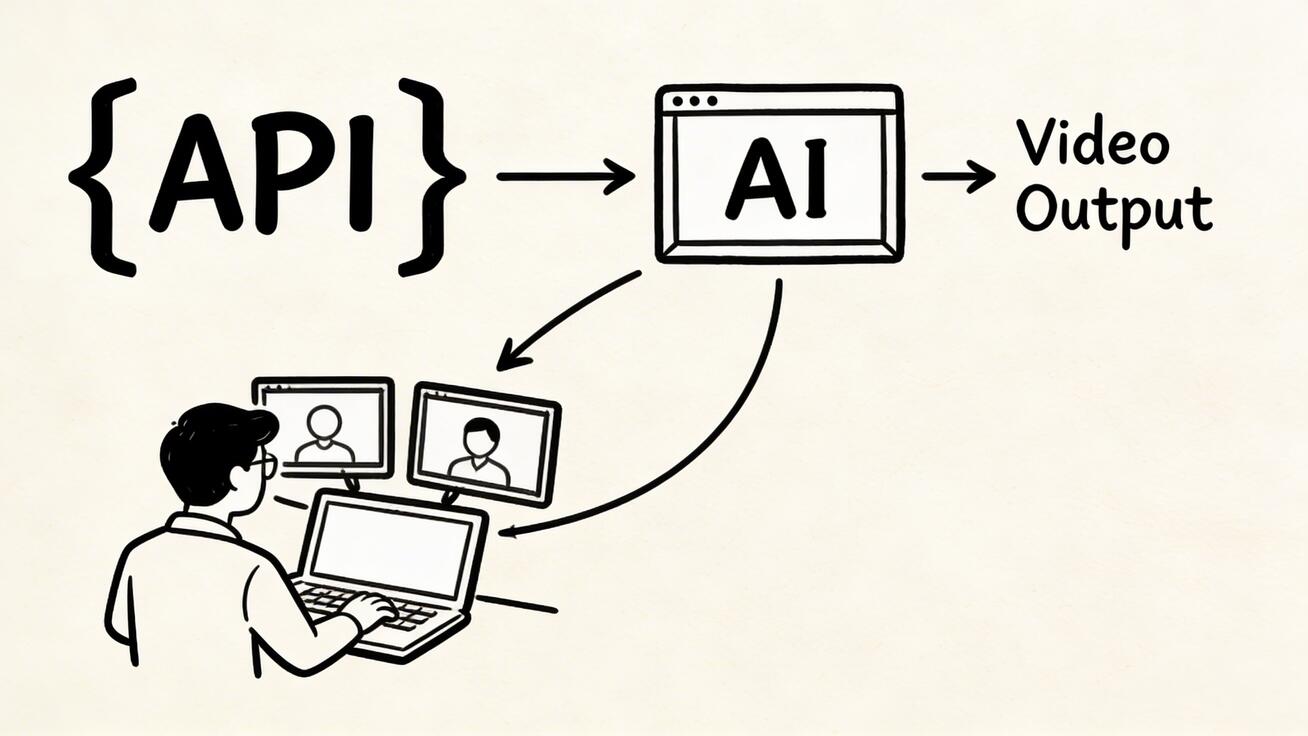
Yes. While audio is typically on by default in consumer interfaces, it can be toggled off or configured via the API if you prefer a silent file for custom post-production.
How does Veo 3 compare to other AI video tools?
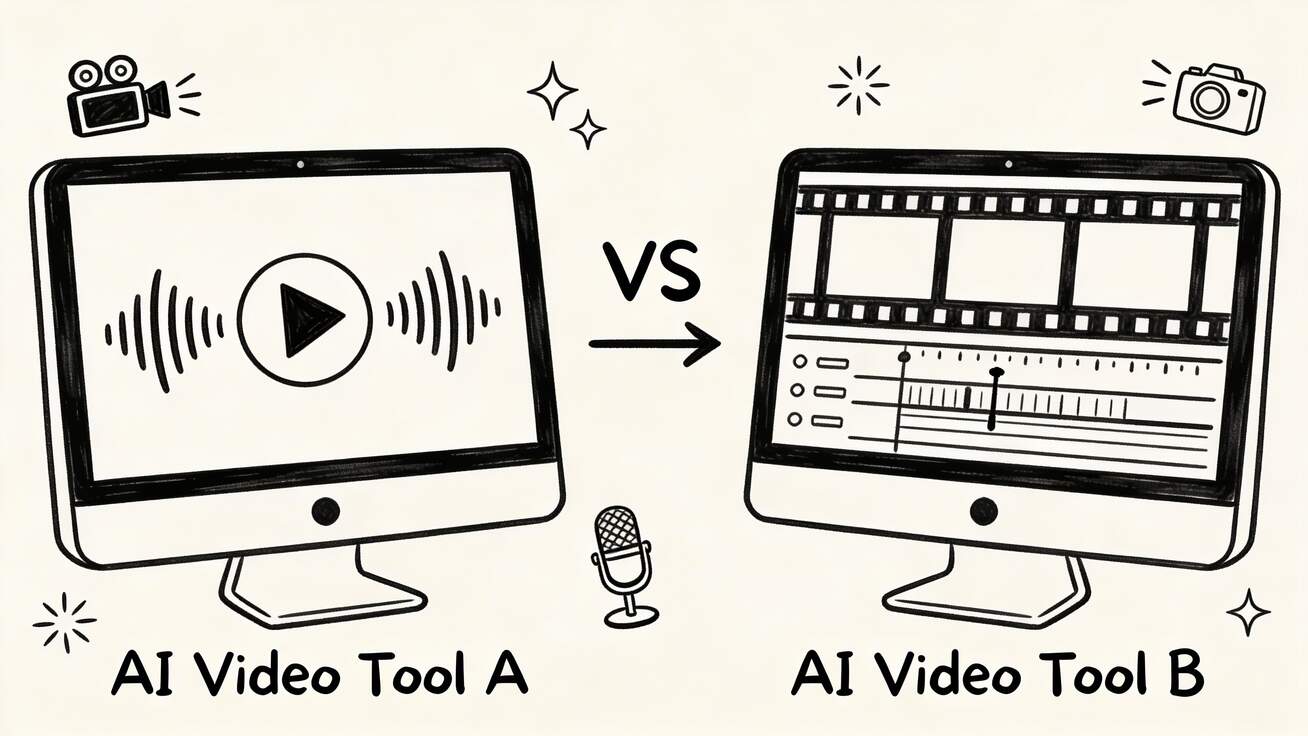
Most competitors currently focus on silent video or sound effects only. Veo 3 is unique in its ability to provide unified, synchronized dialogue and music within a single generation step.
Is there a way to ensure consistent audio quality?
Successful creators at VeoNano use quality checkpoints and standardized prompt libraries to ensure that the tone and clarity of the audio meet brand standards across different projects.
Next Step
Ready to streamline your video production? Explore the latest VeoNano workflow templates and start generating synchronized content today: https://veonano.com
Media References
- https://cdn.veonano.com/blog/veo-3-audio-generation-how-it-works-2026/20260402172306-w5yyr9yj.jpeg
- https://cdn.veonano.com/blog/veo-3-audio-generation-how-it-works-2026/20260402172308-g1uzfv2a.jpeg
- https://cdn.veonano.com/blog/veo-3-audio-generation-how-it-works-2026/20260402172310-4ilxu75d.jpeg
- https://cdn.veonano.com/blog/veo-3-audio-generation-how-it-works-2026/20260402172310-bvmvojfu.jpeg