Categories: AI Video Workflow, Creator Strategy, Production Process Tags: veonano, ai creation studio, ai video workflow, content strategy, creator toolkit
Introduction
Integrating sound into AI-generated video has historically been a fragmented process. With the release of Veo 3, audio is no longer an afterthought—it is a core component of the generative process. This guide explores how the VeoNano framework utilizes these new capabilities to streamline production, ensuring your videos sound as professional as they look.
What Is Veo 3 Audio Generation?
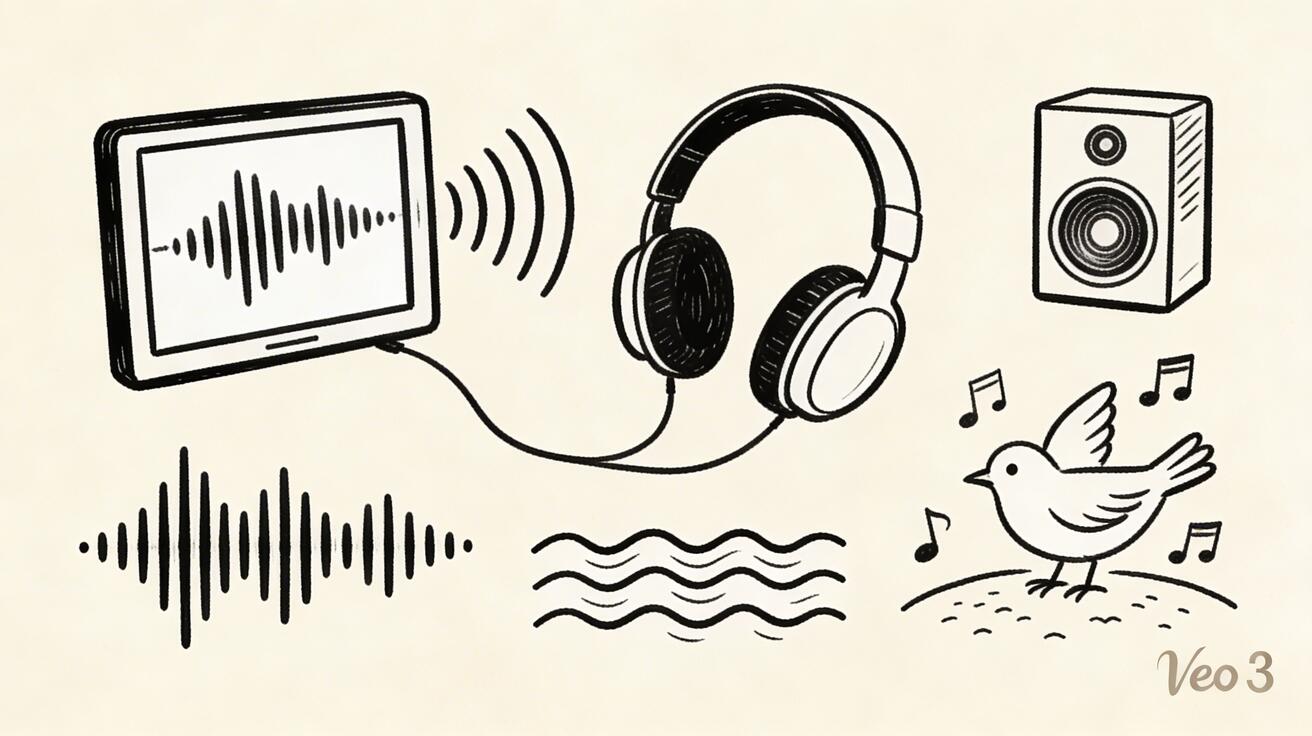
Unlike a simple sound effects library or a music player, Veo 3 utilizes a generative model to synthesize original audio. This sound is created from scratch, specifically designed to match the visual movements and textures of your generated video. By synthesizing audio in tandem with pixels, the system ensures a level of synchronization that traditional stock audio often lacks.
Audio Prompt Writing for Veo 3
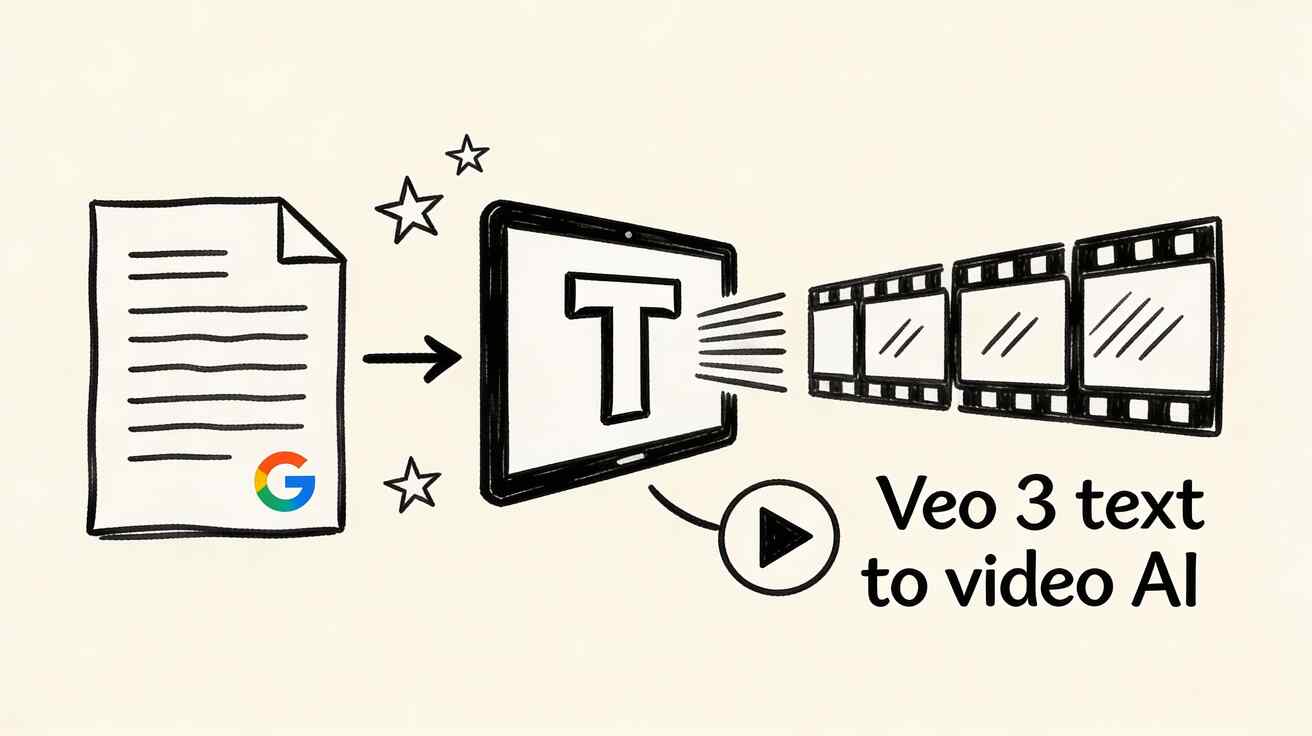
One of the most powerful features of Veo 3 is its ability to infer sound. If you write a standard video prompt without mentioning audio, the model will analyze the visual content and generate a matching soundscape automatically. However, for creators seeking specific results, including descriptive audio cues within your prompt can significantly influence the final output.

Content Category Performance
Not all sounds are created equal. In the current 2026 landscape, nature-based audio remains the gold standard for Veo 3.
- High Performance: Forest ambiances, crashing waves, rainfall, and wind.
- Complex Textures: Bird calls and weather effects often emerge with enough clarity to be used in final cuts without further editing.
- Strategic Advantage: Using these high-performing categories allows for faster iteration and reduces the need for external foley work.

Comparing Veo 3 Audio to Traditional Workflows
Before integrated audio, creators had to hunt for tracks or use separate AI audio tools, often struggling with timing. Veo 3 changes the workflow by providing a "foundation layer." While dedicated audio tools might offer more granular control for complex musical compositions, the integrated approach in Veo 3 provides immediate environmental context that serves as a perfect base for further layering.
Technical Details and Limitations
Understanding the mechanics of Veo 3 helps manage expectations. The audio provides a useful "signal" regarding the quality of the video; often, if the audio sounds coherent, the visual motion is likely stable as well. However, creators should be aware that while the model is excellent at environmental textures, it may still have limitations regarding complex dialogue or highly specific rhythmic synchronization compared to dedicated audio workstations.
Advanced Audio Workflows
The most effective way to use Veo 3 is to treat the generated sound as an authentic background texture. Some advanced creators are even flipping the script: they design prompts around a desired audio experience first, then layer in visual descriptions. This "audio-first" prompting often results in more immersive and emotionally resonant content.
Practical Recommendations for Creators
To maximize the value of integrated audio in your VeoNano workflow:
- Use as a Base: Treat Veo 3 audio as your ambient floor, then layer specific sound effects or music on top.
- Prompt for Sound: Don't be afraid to describe the "crunch of gravel" or "distant hum" to guide the generator.
- Audit Early: Listen to the audio immediately; it’s a fast way to gauge if the generation was successful before doing a deep visual review.
Frequently Asked Questions
Does every Veo 3 video include audio? Yes. Veo 3 generates audio for every video by default. You have the flexibility to mute, lower the volume, or replace it entirely during your post-production phase.
Can this workflow work for a solo creator? Absolutely. By utilizing the built-in audio, solo creators can skip the time-consuming step of searching for stock sound effects, allowing for a more consistent weekly publishing schedule.
How does Veo 3 compare to dedicated audio tools? While dedicated tools are better for full music production, Veo 3 is superior for "visual-sync" environmental sounds that feel physically connected to the on-screen action.
Conclusion
The ability to generate synchronized sound alongside video is a major milestone for the VeoNano ecosystem. By standardizing how you use these audio layers, you can scale your content output without sacrificing the immersive quality that viewers expect in 2026.
Next Step
Ready to streamline your production? Explore VeoNano workflow templates to start building your next project.
Media References
- https://cdn.veonano.com/blog/veo-3-audio-sound-generation-guide-2026/20260402172622-eu4r06il.jpeg
- https://cdn.veonano.com/blog/veo-3-audio-sound-generation-guide-2026/20260402172623-cgu2azr6.jpeg
- https://cdn.veonano.com/blog/veo-3-audio-sound-generation-guide-2026/20260402172624-rbhrspzc.jpeg
- https://cdn.veonano.com/blog/veo-3-audio-sound-generation-guide-2026/20260402172625-2922yhp4.jpeg