Categories: AI Video Workflow, Creator Strategy, Production Process
Tags: veonano, ai creation studio, ai video workflow, content strategy, creator toolkit
Introduction
The era of high-fidelity AI cinematography is here. This guide transforms the technical power of Google’s latest model into a practical VeoNano production framework. Whether you are a solo creator or a professional editor, the goal is to move from random experimentation to a structured workflow that prioritizes clearer planning and faster execution.
What Is Veo 3?
Released in mid-2025, Veo 3 is Google DeepMind's third-generation video generation model. It represents a massive leap in visual fidelity, offering professional-grade lighting, realistic textures, and a cinematic depth of field that makes even basic prompts look like high-end film. At VeoNano, we view this as a foundational tool for creators looking to maintain high production standards without the traditional overhead.

How to Access the Platform
There are three primary gateways to using Veo 3, depending on your technical needs:
- Google Flow: The main interface for creators located at
labs.google/flow. This is the most user-friendly way to start generating. - Vertex AI: For businesses and developers, Veo 3 is integrated into Google Cloud’s Vertex AI for API-level access and scaling.
- VideoFX: An experimental sandbox (at
aitestkitchen.withgoogle.com) where Google tests cutting-edge features via a waitlist.
Understanding Capabilities and Limitations
Before you start rendering, it is essential to know the boundaries of the current technology. While Veo 3 excels at cinematic visuals, it still faces hurdles with character consistency. You may find that the same character looks slightly different across multiple clips. Understanding this helps you plan your shots—focusing on atmosphere and environment while the technology for persistent characters continues to evolve.
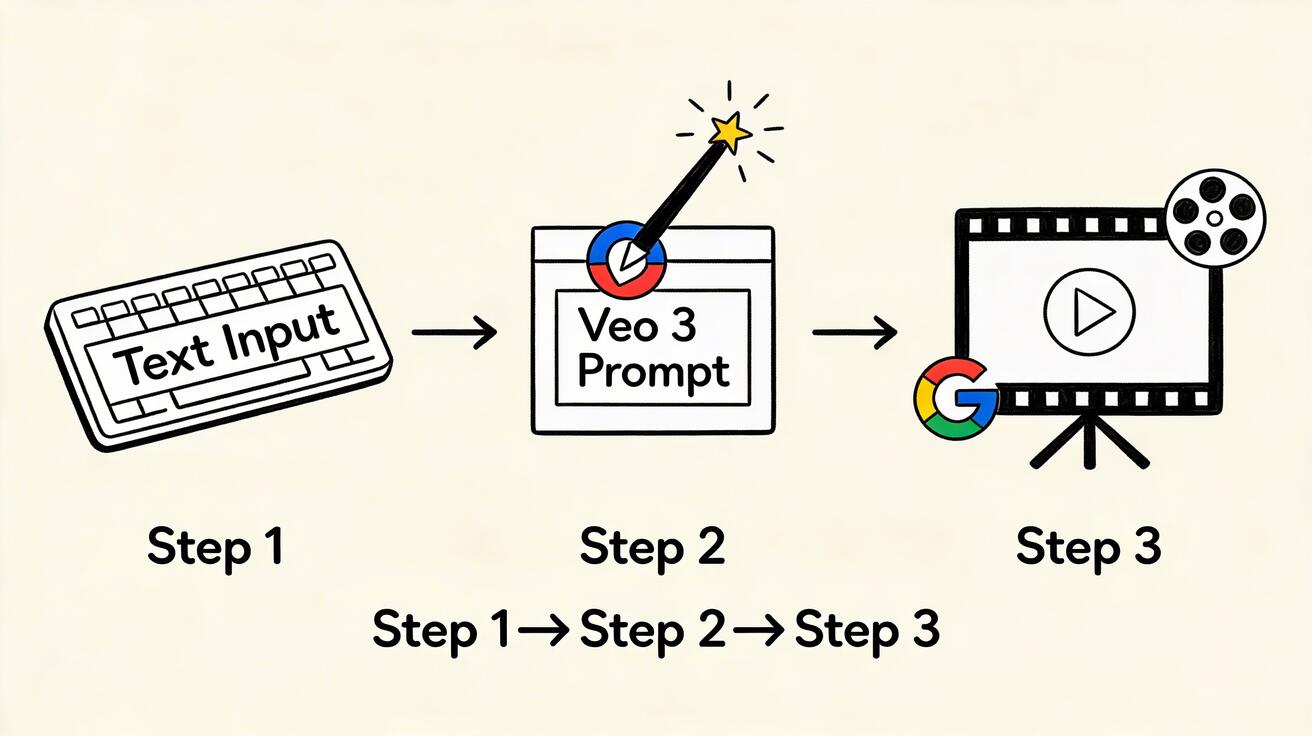
Your First Video: A Step-by-Step Approach
For your initial projects, keep the scope narrow. Start with simple concepts like a "sweeping mountain landscape at sunset" or "macro footage of rain on a window."
The VeoNano Prompt Formula:
To get the best results, structure your prompts using this hierarchy:
[Subject] + [Action/State] + [Environment] + [Lighting/Time] + [Camera Style] + [Mood]
Iteration and Refinement
AI video generation is rarely a "one-and-done" process. If your first result isn't perfect, analyze what went wrong. Was the lighting too flat? Was the camera movement too erratic? Refine your prompt by adjusting specific keywords rather than starting from scratch. Once you master single clips, try building a sequence of 3 to 5 shots to tell a cohesive visual story.
Building Your Skills: A 30-Day Practice Plan
The most reliable way to scale is to standardize your production. We recommend a 30-day "sprint" where you focus on one specific prompt element per week—such as lighting in week one and camera angles in week two. This builds a mental library of what works, reducing the time spent in "editing loops."
Practical Weekly Workflow
- Define Objectives: Choose 2 to 3 specific visual styles to master each week.
- Drafting: Generate a series of clips based on your chosen styles.
- Audit: Compare your results against your original vision.
- Scale: Only move to complex storytelling once your "baseline" clips are consistently high-quality.
Conclusion
Standardizing your production process is the only way to scale content output without burning out. By treating Veo 3 as a structured system rather than a slot machine, you can produce professional-grade video with remarkable consistency.
Next Step
Explore VeoNano workflow templates to streamline your creative process: https://veonano.com
FAQs
1) Can this workflow work for a solo creator?
Absolutely. In fact, it is designed for solo creators. By using a modular production block system, you can manage high-quality output without a full production team.
2) How do I handle character consistency issues?
Focus on environmental storytelling or use wide shots and silhouettes where facial details are less prominent until the model's consistency improves.
3) Is Veo 3 better than other AI generators?
Veo 3 is particularly strong in cinematic lighting and realistic textures, making it a top choice for creators aiming for a "film-look" rather than a digital or stylized aesthetic.
Media References
- https://cdn.veonano.com/blog/veo-3-beginners-guide-2026/20260402172213-12vop5vq.jpeg
- https://cdn.veonano.com/blog/veo-3-beginners-guide-2026/20260402172214-zugyb7aw.jpeg
- https://cdn.veonano.com/blog/veo-3-beginners-guide-2026/20260402172216-ibrpe7oc.jpeg
- https://cdn.veonano.com/blog/veo-3-beginners-guide-2026/20260402172217-qws5zzh3.jpeg