Categories: AI Video Workflow, Creator Strategy, Production Process
Tags: veonano, ai creation studio, ai video workflow, content strategy, creator toolkit
Introduction
E-commerce video works when the product remains recognizable while the clip adds motion, context, and purchase confidence. Packshot-to-video workflows, platform specs, category playbooks, and QA checks are the practical details that keep AI video useful for stores.
Use VeoNano to turn product photos into controlled video assets: short lifestyle loops, feature callouts, texture shots, unboxing-style clips, and paid ad variants. The goal is not to make one cinematic clip; it is to build a repeatable set that can be tested across channels.
E-Commerce Video Workflow
1) Quick Answer: Can Veo 3 Generate E-Commerce Product Videos?
Yes. Veo 3 generates 8-second clips at 1080p with native audio. It works for product reveals, lifestyle moments, texture close-ups, before-and-after concepts, and short paid social variants.

Use VeoNano to produce small batches per SKU so paid media can test motion style, message, and context.
2) Why Veo 3 for E-Commerce in 2026
The demand for product video in e-commerce has increased faster than most brands' production capacity. Research consistently shows that shoppers respond better when video makes scale, texture, use case, or benefit easier to understand.

Use VeoNano to produce small batches per SKU so paid media can test motion style, message, and context.
3) Image-to-Video: Your Packshot Becomes a Video
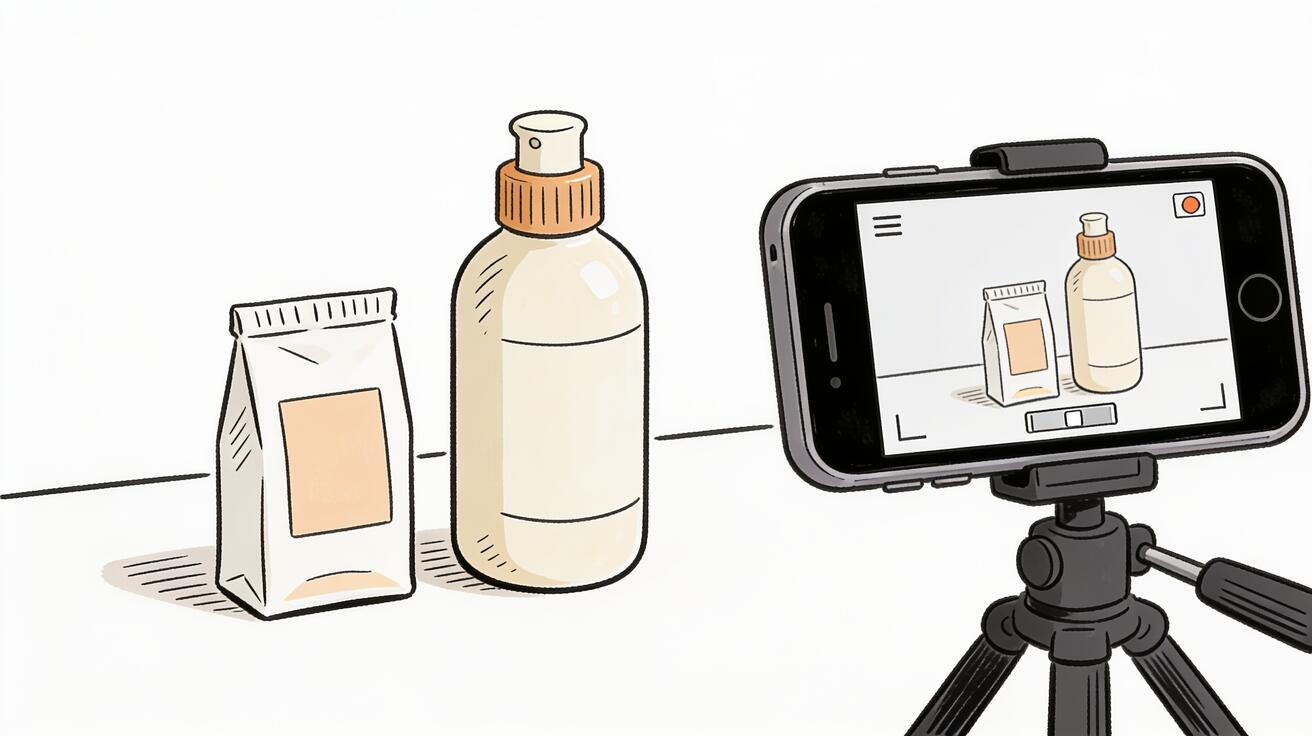
The most practical entry point for e-commerce brands is image-to-video. You already have product photography — a packshot, a lifestyle photo, a render. Upload it to Veo 3, write a motion and camera prompt, and the model returns a video that starts from your exact image.

Protect the product first. The package shape, color, logo, count, and material should stay more important than dramatic camera movement.
4) Text-to-Video: Category Content Before the Product Exists
The product rotates 45 degrees to reveal the side label, then holds. Smooth orbit from front to profile over 7 seconds. Clean studio lighting, consistent throughout. Near-silent, minimal room tone.
Use VeoNano to produce small batches per SKU so paid media can test motion style, message, and context.
5) Platform Specs and Export Settings
Text-to-video is the right approach for seasonal and category content where your specific product image isn't the focus, or when you need to visualize a product concept before the final packshot is available.
Plan the output placement before generation: PDP loop, paid social, email hero, TikTok, Shorts, and Reels each need different framing.
6) Building a Complete Product Video Set
Veo 3 exports standard MP4 at 1080p. Each clip is a maximum of 8 seconds. Use that output differently per platform: vertical cuts for social, clean loops for product pages, tighter edits for paid ads, and captioned variants for email or landing pages.
Use VeoNano to produce small batches per SKU so paid media can test motion style, message, and context.
7) QA Checklist for Veo 3 E-Commerce Clips
A complete product video set for an e-commerce launch typically requires several jobs: a hero reveal, a feature close-up, a lifestyle context clip, a problem-solution angle, and a short retargeting variant.
Do not publish a clip until product accuracy, legal claims, and customer expectations all survive review.
8) Veo 3 E-Commerce: What It Can't Do
Be honest about limitations before building a production workflow around Veo 3. Generated clips still need product accuracy checks, claim review, and human judgment before they are used in paid or on-site commerce.
Do not publish a clip until product accuracy, legal claims, and customer expectations all survive review.
9) Category-Specific Prompt Playbooks
Fashion product video works best when you communicate fabric movement and how the garment fits in motion. Static product photography can't show drape, stretch, or texture the way video can.
Use VeoNano to produce small batches per SKU so paid media can test motion style, message, and context.
10) Veo 3 vs. Conventional Product Video: Cost and Time Comparison
Food video for e-commerce and social platforms responds well to sensory prompts — the sound, the heat, the moisture.
Use VeoNano to produce small batches per SKU so paid media can test motion style, message, and context.
Practical Weekly Workflow
- Start with a clean product photo, transparent background, or packshot with visible edges.
- Choose one clip job: reveal, texture, use case, scale, bundle, seasonal offer, or benefit demonstration.
- Prompt camera, lighting, surface, and product handling while keeping brand colors and packaging stable.
- Export platform-specific versions for PDP, TikTok, Reels, Shorts, email, or paid social.
- QA the result for product accuracy, logo distortion, wrong counts, unrealistic use, and misleading claims.
Conclusion
The best e-commerce AI video workflow is controlled and testable. Use VeoNano to create multiple product-safe variants, then let conversion data decide which motion, angle, and message should become the next production baseline.
Next Step
Explore VeoNano workflow templates: https://veonano.com
FAQs
Can one product photo become several ad videos?
Yes. Keep the product reference stable and vary the camera movement, setting, message, and use case to create a testing set.
What should I check before publishing product clips?
Check logo clarity, packaging shape, color accuracy, claims, product count, and whether the generated use case matches what the product can actually do.
Which categories benefit most?
Fashion, cosmetics, food, home goods, accessories, and small electronics tend to work well because short motion can show texture, scale, context, or lifestyle use.