Categories: AI Video Workflow, Creator Strategy, Production Process
Tags: veonano, ai creation studio, ai video workflow, content strategy, creator toolkit
Introduction
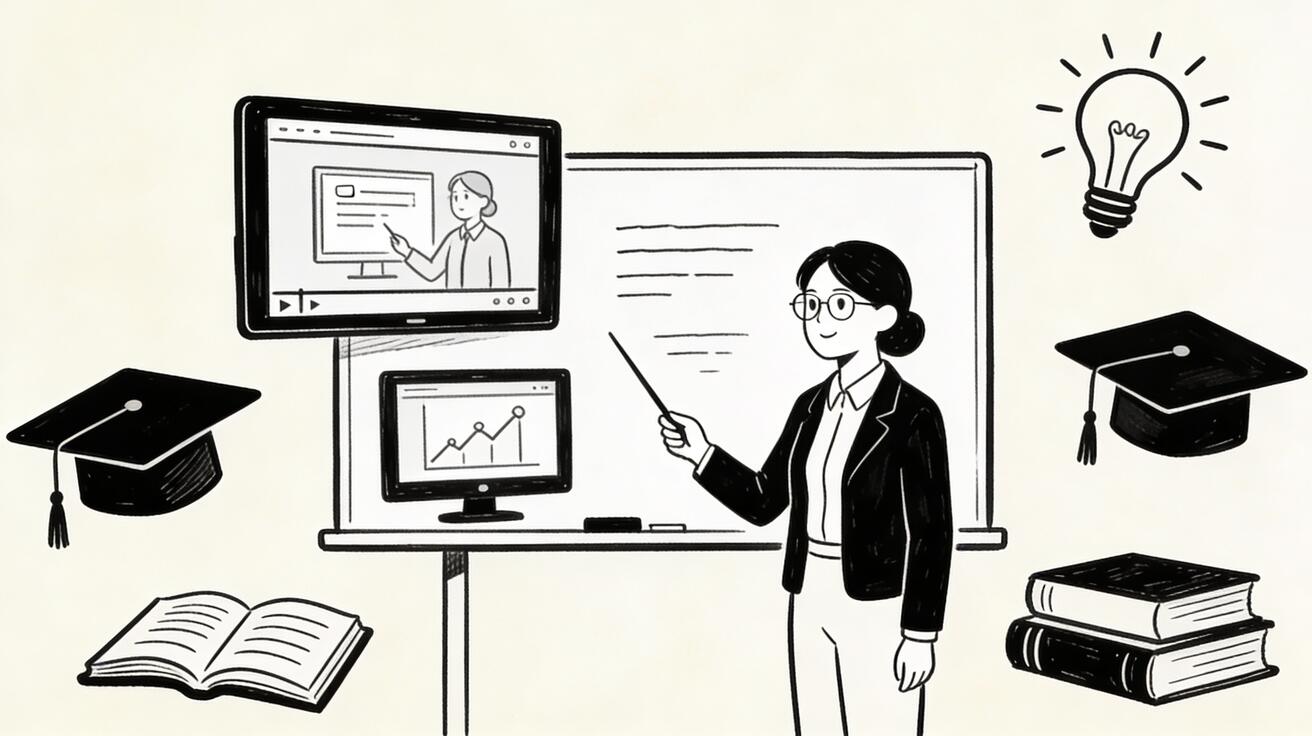
As we move through 2026, the classroom is being transformed by generative media. This guide explores how educators are leveraging VeoNano frameworks to turn complex curriculum standards into high-impact visual lessons. By integrating Google Veo 3 into a structured production workflow, teachers can move beyond text-heavy slides to create immersive, memorable learning experiences.
Why AI Video Matters for Education
Video remains one of the most powerful modalities for information retention. Research indicates that students engage more deeply and remember more accurately when concepts are presented visually. Veo 3 allows educators to bridge the gap between abstract theory and concrete understanding, making the production of high-quality educational media repeatable and scalable.
Concept Visualization and Science Demonstrations
Abstract concepts—the inner workings of a biological cell, the vast scale of the solar system, or the invisible flow of electricity—are notoriously difficult to convey. Veo 3 provides a solution for visualizing these phenomena. Furthermore, it allows teachers to demonstrate scientific experiments that would otherwise be too dangerous, expensive, or logistically impossible to perform in a standard classroom setting.
Historical Recreations and Social Studies
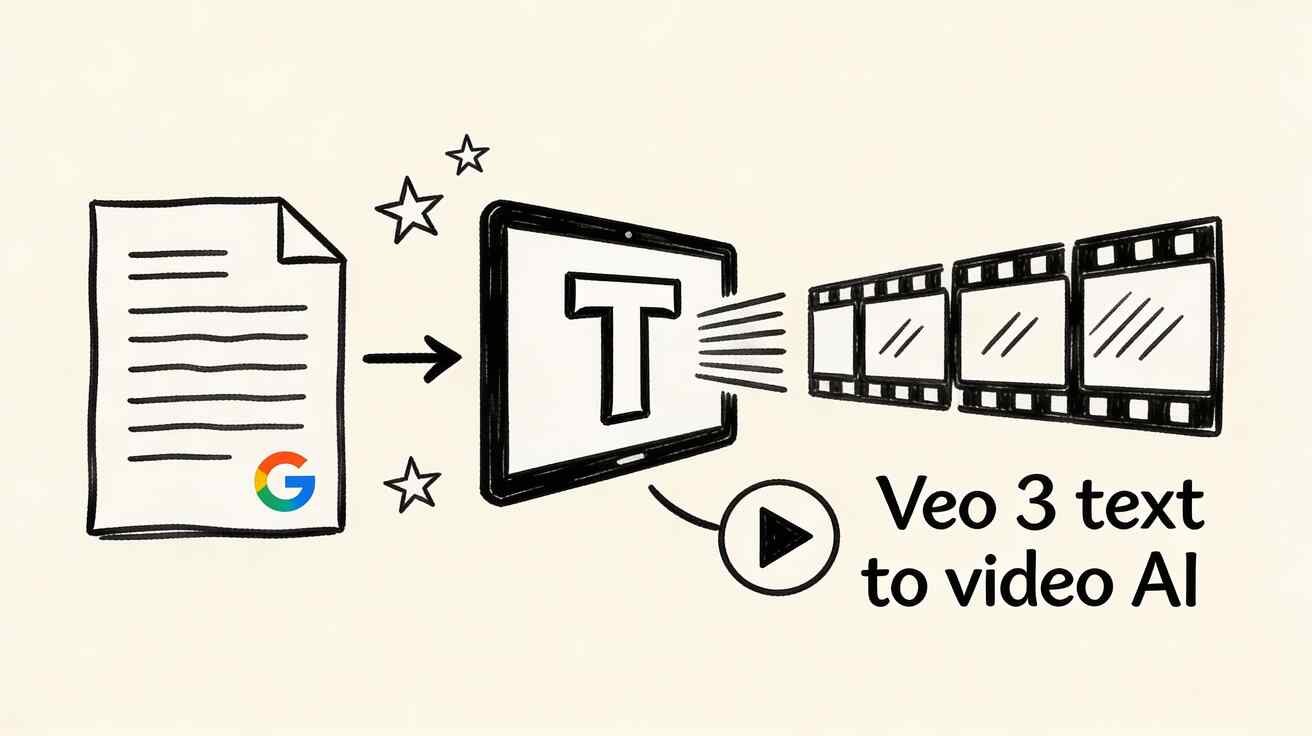
History teachers face a unique hurdle: the most pivotal moments in human history happened before the invention of the camera. With Veo 3, educators can generate visual representations of ancient civilizations, cultural practices, and historical milestones, bringing "dead" history to life in a way that resonates with modern students.
Specialized Educational Contexts
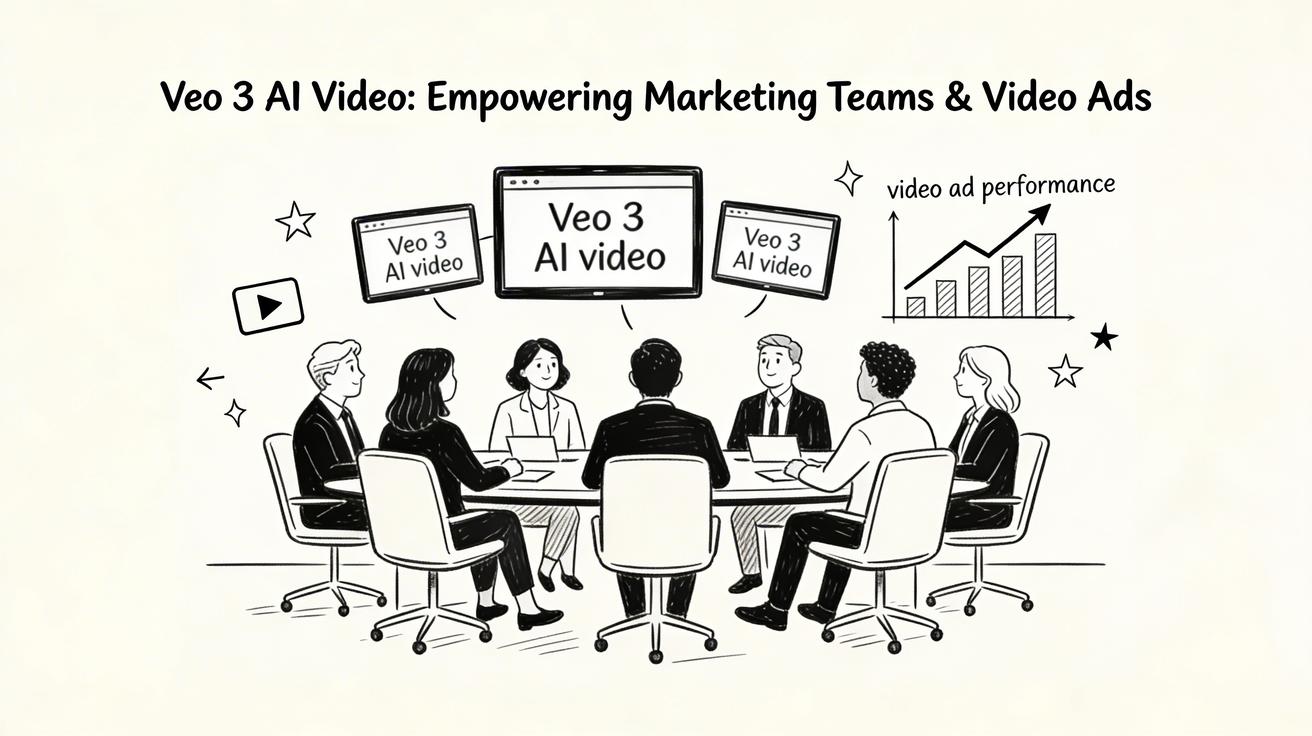
- Language Learning: Teachers are creating immersive environments where students can see and hear language used in context, accelerating fluency.
- Special Education: For students who require concrete visual cues, AI video provides a vital bridge to understanding abstract social or academic concepts.
- Age-Appropriate Content: By using specific prompts, teachers can ensure the tone and complexity of the video match the developmental stage of their students.
Quality, Accuracy, and Ethics
While Veo 3 generates visually stunning content, human oversight is mandatory. Educators must verify the factual and scientific accuracy of every generated clip. Additionally, institutional considerations regarding accessibility (such as adding captions) and transparency about the AI origin of the content are essential for responsible classroom use.
Practical Weekly Workflow for Educators
- Identify the Gap: Choose 2 to 3 curriculum topics that are traditionally difficult for students to visualize.
- Prompt with Intent: Use educational-specific prompts that prioritize clarity and accuracy over artistic flair.
- Build a Library: Instead of one-off creations, build a reusable repository of visual assets for future semesters.
- Verify and Refine: Check every video for factual errors and refine the structure to ensure it meets learning objectives.
- Measure Impact: Observe student engagement and retention to determine which video formats are most effective.
Conclusion
Standardizing the production of educational video allows teachers to scale their impact without increasing their burnout. By using the VeoNano framework to manage AI video generation, educators can ensure their content is consistent, accurate, and deeply engaging.
Next Step
Explore VeoNano workflow templates to streamline your lesson planning: https://veonano.com
FAQs
1) How do I ensure the AI video is scientifically accurate?
Always treat AI output as a draft. Cross-reference the visual details with peer-reviewed sources and use highly specific prompts to guide the model toward accuracy.
2) Who owns the content created with Veo 3?
Generally, the creator owns the output, but you should always review Google’s latest terms of service for educational institutions to ensure compliance.
3) Is AI video suitable for all grade levels?
Yes, provided the prompts are tailored for age-appropriateness. AI can simplify complex ideas for primary students or provide high-level simulations for university learners.