Categories: AI Video Workflow, Creator Strategy, Production Process
Tags: veonano, ai creation studio, ai video workflow, content strategy, creator toolkit
Introduction
As AI video technology reaches new heights in 2026, Google's Veo 3 stands out as a premier model for high-fidelity cinematic output. While professional tiers exist, many creators are looking for ways to harness this power without a heavy financial commitment. This guide explores the legitimate paths to accessing Veo 3 for free and how to optimize your workflow using VeoNano to ensure every credit counts.
How to Access Veo 3 for Free
There are currently two primary gateways provided by Google to test Veo 3 capabilities without an upfront subscription.
Method 1: Google AI Studio (Limited Free Access)
Google AI Studio remains the most direct route for developers and enthusiasts. It offers research-level access to the Veo 3 model, though it comes with daily generation limits and queue-based access during busy periods.
The source article frames this as the clearest free path:
- Go to Google AI Studio
- Sign in with your Google account
- Open the video generation area
- Use the available daily free credits to generate
This is still the highest-signal way to test Veo 3 before deciding whether you need a paid workflow.
Method 2: Gemini Free Tier
Google occasionally integrates limited Veo 3 video generation directly into the Gemini free interface. Because availability fluctuates based on rollout timing, server load, and region, creators should treat Gemini as an opportunistic path rather than a guaranteed one.
Veo 3's Unique Capabilities
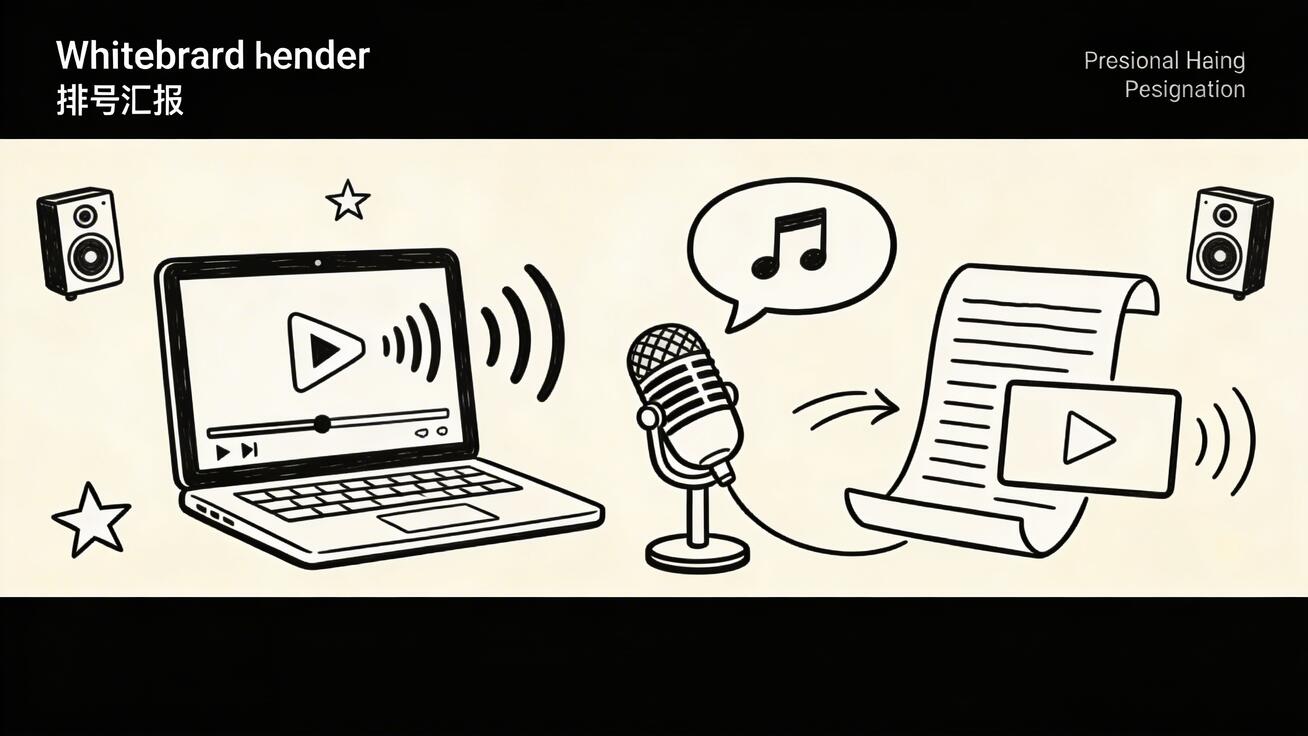
What sets Veo 3 apart from its predecessors is Native Audio Generation. Unlike other models that require a separate post-production step for sound, Veo 3 generates synchronized audio alongside the visuals. Whether it is the specific patter of rain, the roar of a crowd, or music played on a visible instrument, the synchronization is handled natively, providing a level of immersion that other free tools currently cannot match.
The source article also positions Veo 3 as unusually strong in:
- Photorealistic output
- Strong prompt response when you are precise
- More predictable results when you use image-to-video instead of pure text-to-video
Maximizing Your Free Generations
Since free credits are a finite resource, efficiency is the key to a professional output.
- Prioritize Image-to-Video: If you have a reference image, use it. Image-to-video workflows consume the same amount of credits as text-to-video but offer significantly more predictable results. This reduces the "trial and error" loop that often wastes free daily limits.
- Prompt Precision: Use descriptive, technical language regarding lighting and camera movement to get the shot right on the first try.
- Use a Structured Prompt: A simple format like
[subject] doing [specific action] in [environment], [camera movement], [lighting], [style]will usually waste fewer generations than vague one-line prompts.
Veo 3 Free vs. Paid Comparison
The free tier is useful for experimentation, but it is still a limited-access environment. The source article frames the upgrade path around three things:
- More daily generations
- Higher queue priority
- Full API access for production use
That means the free tier is best for testing prompts and validating creative direction, while paid access is what makes sense for a repeatable production workflow.
Best Free Alternatives to Veo 3
If access to Google's ecosystem is restricted, several alternatives offer comparable quality:
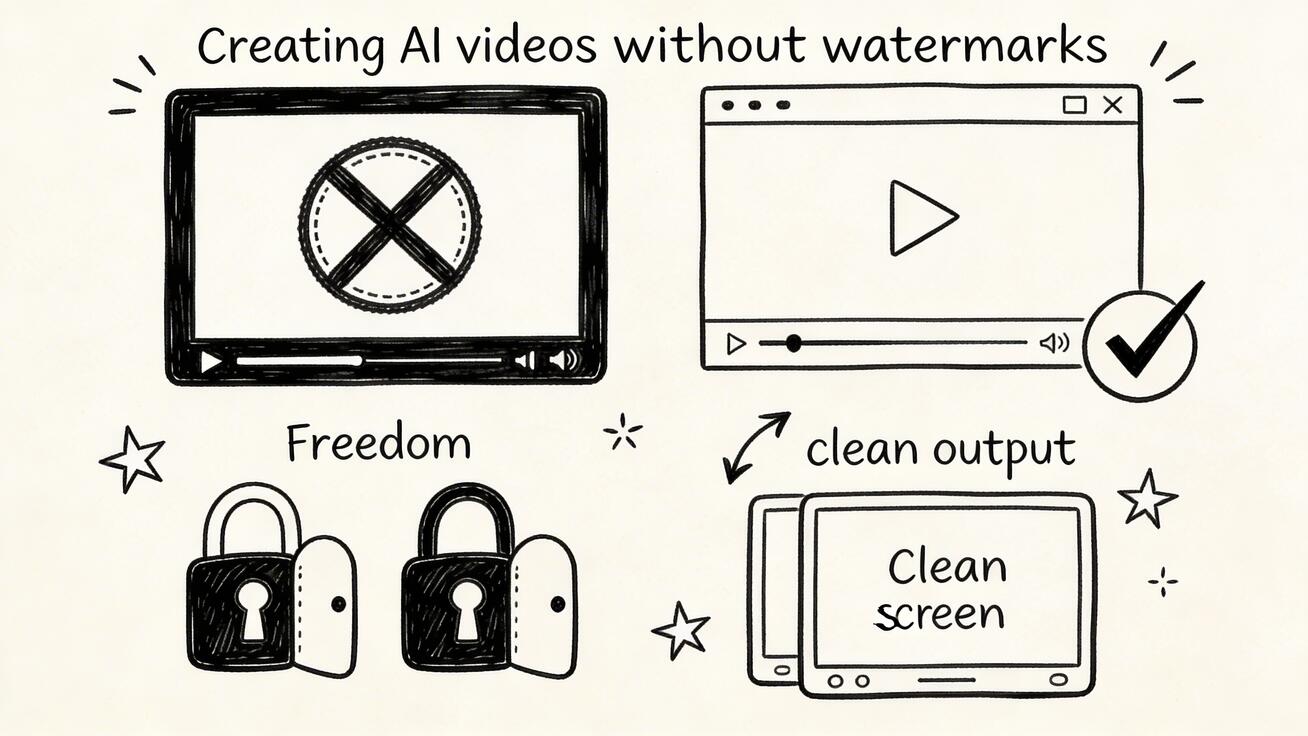
- Watermark-Free Tools: Look for generators that offer clean exports on their free tiers to keep your content professional.
- AI Video with Voice: Some platforms specialize in narration and dialogue, which is essential for creators focused on storytelling rather than just cinematic visuals.
- VeoNano: Our platform offers a streamlined alternative for those who want high-quality AI video generation without the typical access constraints found in research labs.
In practice, the source article puts the decision this way:
- Use Google AI Studio when you want the most direct free access to Veo 3 itself
- Check Gemini when Google temporarily exposes video generation there
- Use an alternative platform when daily limits and queue times become the real bottleneck
Practical Weekly Workflow
To build a consistent presence, follow this standardized production system:
- Define Objectives: Select 2-3 scenes you need for your project.
- Drafting: Use Google AI Studio for your initial "hero" shots.
- Scaling: Move to VeoNano.com to fill in the gaps and generate supporting b-roll without worrying about limits.
- Review: Compare your results against a single KPI, such as viewer retention or visual clarity.
Conclusion
Scaling your video content in 2026 requires a mix of high-end model access and smart credit management. By utilizing Google AI Studio for specialized shots and VeoNano for consistent production, you can maintain a professional output without a massive budget.
Next Step
Explore our latest workflow templates and start generating today at VeoNano.com.
FAQs
1) Is Veo 3 completely free?
No. While limited free access is available through Google AI Studio and Gemini, it is subject to daily caps. For unlimited generation, creators often turn to platforms like VeoNano.
2) Does Veo 3 include audio?
Yes, one of its standout features is native, synchronized audio generation that matches the visual context of the scene.
3) How can I avoid watermarks on free AI videos?
While Google's free tiers may include branding, you can explore our guide on the "7 Best AI Video Generators with No Watermark" to find tools that offer clean exports.