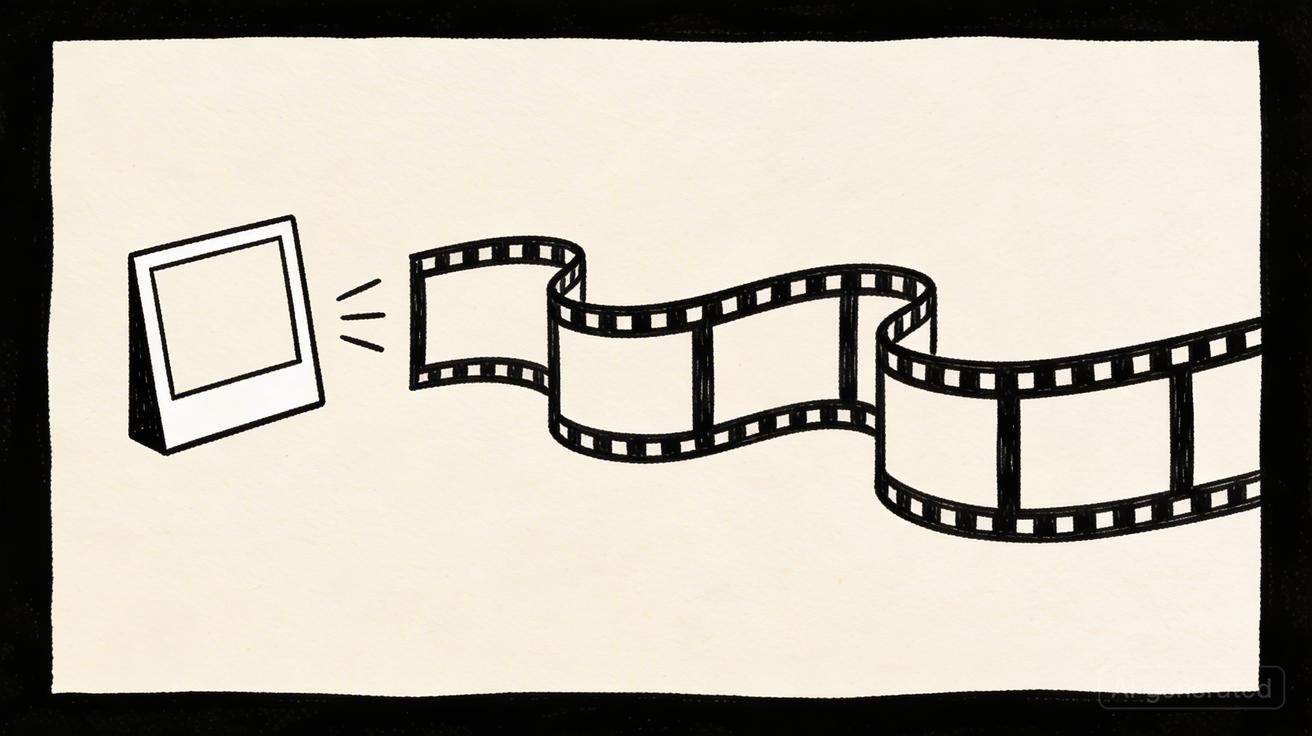
In the world of AI video, a single stunning shot is easy to generate, but professional production requires something more difficult: repeatability. The VeoNano image reference workflow is designed to solve the "subject drift" problem, ensuring that your characters, products, and brand assets remain identical from the first frame to the last.
What Is a Veo 3 Image Reference Workflow?
At its core, this workflow uses a high-quality still image to anchor the identity of your subject. While the prompt dictates the motion and environment, the reference image tells the model exactly what must stay the same. This bridge between static identity and dynamic motion is what allows creators to move beyond experimental clips into cohesive storytelling.
Preparing Your Reference Assets
Success begins before you hit "generate." To get the most out of the Veo 3 engine, your reference image must be clean, well-lit, and focused on a single subject.
- Avoid Clutter: If an image contains multiple subjects, the model may struggle to identify which one to preserve.
- Scale Matters: Ensure the product or character is large enough in the frame. If the subject is too small, fine details will drift during the animation process.
- Resolution: Use high-resolution images to ensure that textures and materials are interpreted accurately.
The Prompt Formula for Continuity
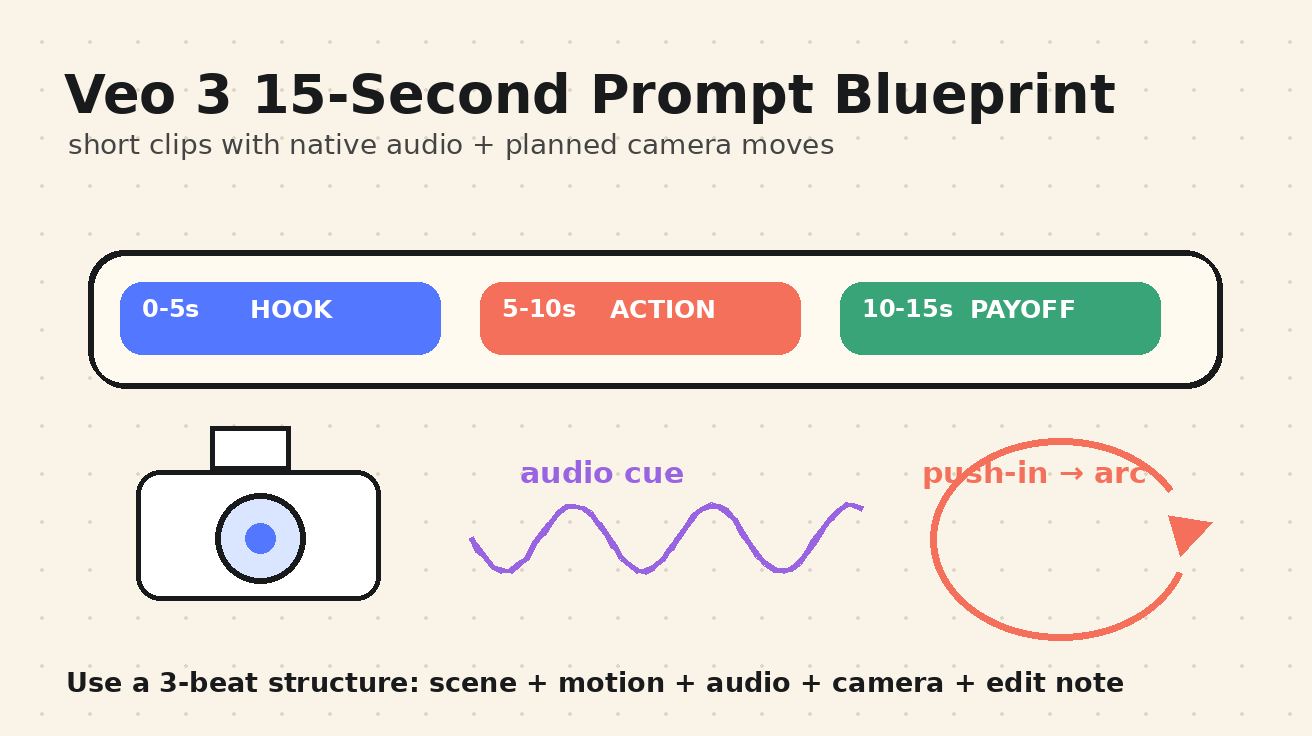
Vague instructions like "make it look the same" don't work. You must provide concrete preservation instructions. Use this formula to structure your prompts:
[Duration/Style/Format] video of [Subject] doing [Action]. Preserve [Non-negotiable Details]. Add [Camera Movement], [Lighting], [Environment], and [Mood]. Do not change [Logos/Text/Face/Product Shape].
By explicitly listing the "non-negotiables"—such as a specific facial structure or a product's label—you give the AI a clear boundary for its creativity.
Specialized Workflows: Products vs. Characters
Product Consistency
Product videos are notoriously difficult because consumers recognize even slight deviations in packaging or color. Use reference images to maintain material continuity and scale. For a full campaign, build a "Shot Matrix" that includes a hero shot, a close-up, and a usage shot, all grounded in the same reference image.
Character Continuity
Whether you are developing a brand mascot or a digital avatar, identity protection is vital. Focus on five key pillars: face, body type, hair, clothing, and overall art style. Starting with a strong, unambiguous reference prevents the character from "evolving" unintentionally between scenes.
Common Pitfalls to Avoid
- Busy Collages: Never upload a grid of images as a single reference; the model may attempt to animate the wrong element or blend them into a mess.
- Tiny Typography: AI still struggles with micro-text. If your product has small legal text or fine print, it is better to overlay that text during post-production rather than relying on the generation.
- Over-Prompting Transformations: If you need a character to stay consistent, don't ask for a radical physical transformation in the same prompt. Keep the motion natural to the subject's established identity.
Review and Refinement Checklist
Before finalizing your video, run through this quality control list:
- Shape & Scale: Does the product maintain its dimensions during movement?
- Branding: Are logos and labels recognizable and stable?
- Identity: Does the character's face remain consistent across different angles?
- Environment: Does the lighting on the subject match the new environment?
Conclusion
The most reliable way to scale content is to standardize the production process. By using the VeoNano image reference workflow, you move away from "lottery-style" generations and toward a professional system where every clip belongs to the same visual universe.
Next Step
Ready to streamline your production? Explore VeoNano workflow templates to start building your next consistent campaign.
FAQs
1) Can this workflow work for a solo creator?
Absolutely. It is actually more important for solo creators as it reduces the time spent on "fixing" inconsistent shots in editing.
2) How do I handle text that keeps changing?
The best practice is to generate the video for motion and lighting, then use traditional editing software to overlay exact logos or legal text for 100% accuracy.
3) What is a "Reference Pack"?
An advanced technique where you prepare multiple angles of the same subject (front, side, 45-degree) to give the model a 360-degree understanding of the identity before you begin generating complex movements.
Media References
- https://cdn.veonano.com/blog/veo-3-image-reference-workflow-2026/20260505071733-14n1nq37.jpeg
- https://cdn.veonano.com/blog/veo-3-image-reference-workflow-2026/20260505071734-h5x3iki0.jpeg
- https://cdn.veonano.com/blog/veo-3-image-reference-workflow-2026/20260505071735-etalm7xa.jpeg
- https://cdn.veonano.com/blog/veo-3-image-reference-workflow-2026/20260505071736-69vxmj2r.jpeg