Categories: AI Video Workflow, Creator Strategy, Production Process Tags: veonano, ai creation studio, ai video workflow, content strategy, creator toolkit
Quick Answer: Veo 3 Lite vs Veo 3 Pro
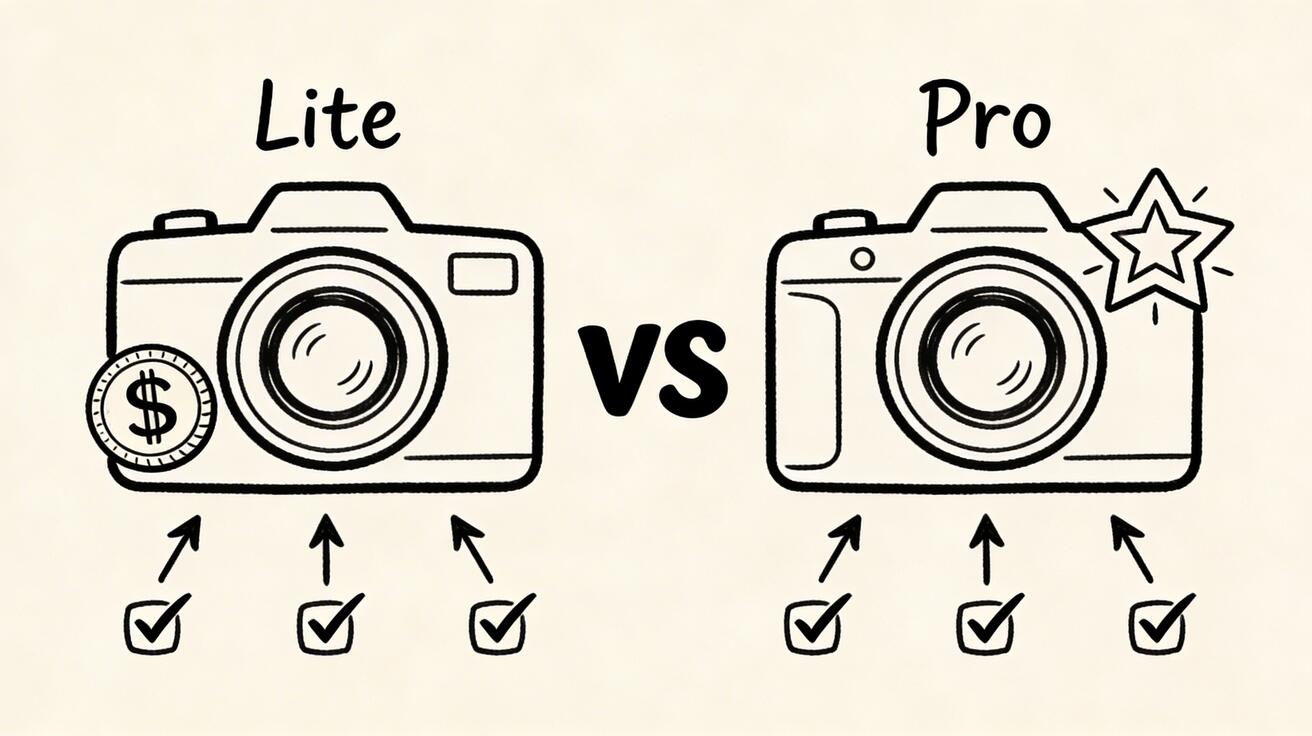
In the 2026 landscape of Google AI video models, the choice between Lite and Pro comes down to a trade-off between volume and fidelity. Veo 3 Lite is the high-speed workhorse, costing roughly $0.05 per second at 720p. Veo 3 Pro is the premium powerhouse, priced at approximately $0.40 per second, offering 4K resolution and superior physical realism. For most high-volume creators, Lite is the economical choice, while Pro is reserved for cinematic "hero" shots.
Pricing and Economic Impact
The cost difference between these two tiers is significant when scaling production. At VeoNano, we analyze these costs through real-world scenarios:
- Social Media Batches: Generating 100 four-second clips costs roughly $20 on Lite, compared to $160 on Pro.
- Product Demos: A set of 50 six-second demos totals about $24 on Lite versus $120 on Pro.
- Brand Campaigns: 20 eight-second high-quality videos cost $12.80 on Lite, while Pro jumps to $64.
Lite is approximately 8 times more cost-effective, making it the clear winner for A/B testing and user-generated content (UGC) platforms.
Resolution, Motion, and Output Quality
While both models support 720p and 1080p, Veo 3 Pro is the only model in this comparison capable of 4K output. Beyond pixel count, Pro excels in:
- Finer Textures: Better rendering of complex surfaces and architectural details.
- Temporal Consistency: More stable movement in close-up human scenes and dense, multi-element shots.
- Complex Physics: Pro handles challenging visual elements like flowing water, smoke, and fabric movement with higher realism.
Veo 3 Lite remains highly capable for standard social media formats but may show slight compromises in high-action or hyper-detailed environments.
Speed and Performance
Latency is a critical factor for developers and enterprise teams. Lite operates at the same rapid pace as the "Fast" tier, making it ideal for real-time user-facing applications and massive batch processing. Pro is intentionally slower, prioritizing frame-by-frame precision over generation speed.
Shared Features Across Both Models
Despite the price gap, both models share a robust foundation of features within the VeoNano ecosystem:
- Multimodal Input: Both support text-to-video and image-to-video workflows.
- Native Audio: Integrated audio generation is standard on both tiers.
- Flexible Durations: Choose between 4, 6, or 8-second clips.
- Aspect Ratios: Full support for 16:9 (cinematic) and 9:16 (vertical) formats.
When to Choose Lite vs. Pro
Choose Veo 3 Lite if:
- You are producing high volumes of content for social media.
- You are in the "prompt engineering" phase and need to iterate quickly without burning budget.
- You are building an app that requires low-latency video generation for users.
Choose Veo 3 Pro if:
- Your final delivery is for 4K displays or premium advertising.
- The scene involves complex lighting, intricate physics, or fast sports action.
- Visual quality is the primary differentiator for your brand.
A Practical Hybrid Workflow
The most efficient way to use these tools is a tiered approach:
- Exploration: Use Lite to test concepts and refine your prompts cheaply.
- Refinement: Continue using Lite to lock in the composition and timing.
- Final Polish: Switch to Pro only for the final "hero" render to capture maximum detail and 4K resolution.
API Integration and Technical Details
For developers integrating these models, the transition is seamless. The model IDs are:
- Lite:
veo-3.1-lite-generate-preview - Pro:
veo-3.1-pro-generate-preview
The underlying generation code remains largely identical, allowing you to toggle between tiers based on user subscription levels or project requirements.
FAQs
1. Can I use Lite for professional work? Absolutely. For mobile-first content and social media ads, Lite’s 1080p output is often indistinguishable from higher tiers to the average viewer.
2. Does Pro take much longer to generate? Yes, Pro prioritizes quality over speed. If you need near-instant results for a live application, Lite or the "Fast" tier is recommended.
3. Are the aspect ratios limited on the Lite version? No. Both Lite and Pro offer full support for 16:9 and 9:16 aspect ratios, ensuring your content fits any platform.
Next Step: Optimize your production today. Explore VeoNano workflow templates to streamline your AI video strategy.