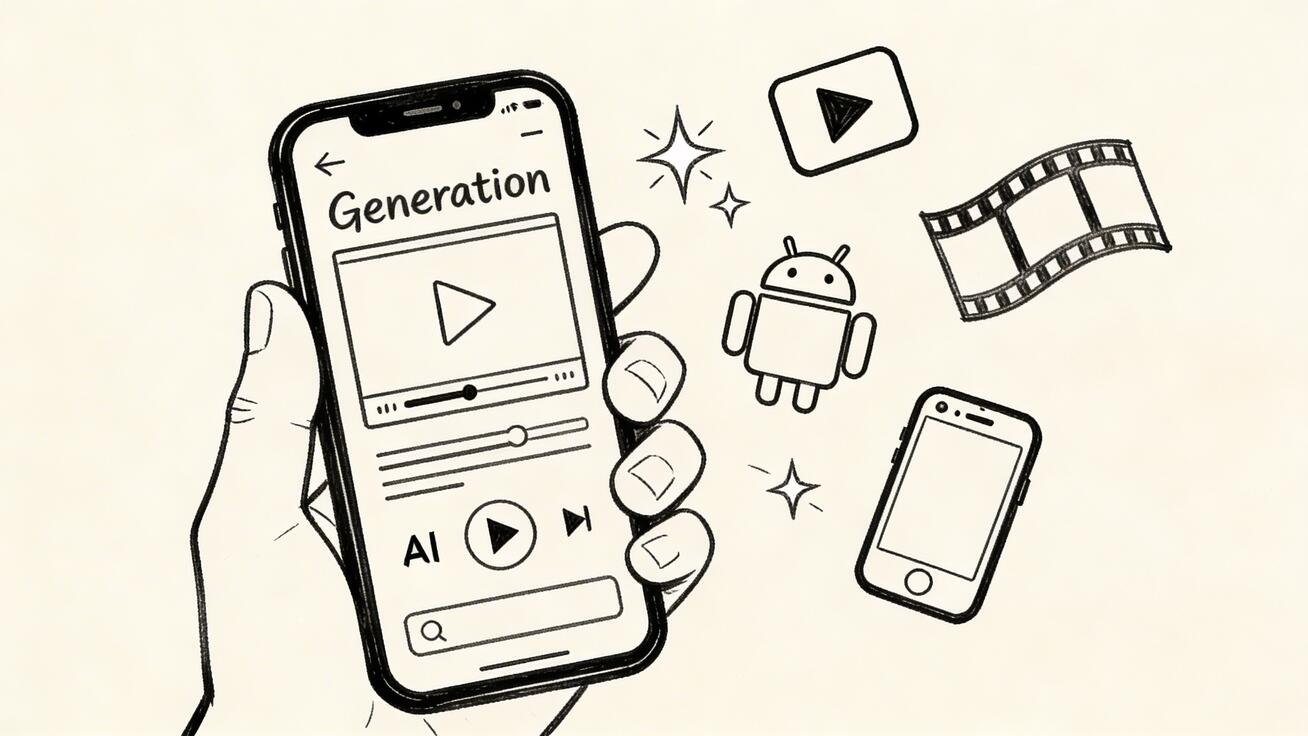
As we move through 2026, the ability to generate high-fidelity AI video on the go has become a necessity for modern creators. Google’s Veo 3 model brings professional-grade cinematic generation to your pocket. Whether you are an iPhone power user or an Android enthusiast, accessing this technology is more streamlined than ever through the VeoNano ecosystem and Google's native tools.
How to Access Veo 3 on Mobile
While there isn't a standalone "Veo 3" app in the App Store or Google Play yet, you can access the engine through three primary methods:
- The Gemini App (Recommended): For those with a Google One AI Premium subscription ($19.99/mo), Veo 3 is integrated directly into the Gemini app.
- Google AI Studio: Developers and power users can access a fully functional mobile browser version at aistudio.google.com, which often includes a limited free tier for testing.
- VeoNano.com Mobile: Our platform is fully optimized for mobile browsers, providing the most accessible and user-friendly interface for generating Veo 3 content without complex setup.
Mobile-Specific Tips for Success
Generating video on a smaller screen requires a different approach than desktop production. Use these strategies to maximize your efficiency:
- Dictate Your Prompts: Don't struggle with the mobile keyboard. Tap the microphone icon and use voice-to-text to describe complex scenes. Speaking naturally often leads to more descriptive, nuanced prompts that the AI can better interpret.
- Think Vertically: If you are creating for TikTok, Instagram Reels, or YouTube Shorts, always specify a 9:16 aspect ratio. This ensures your video is ready for native mobile viewing immediately upon export.
- The "Commuter Workflow": Veo 3 typically takes 30 to 90 seconds to render a clip. This makes it perfect for "background generation." Submit your prompt while on the train or waiting in line, check your notifications, and your video will be ready to download.
- Direct Social Sharing: One of the biggest advantages of mobile generation is the lack of file transfers. Once VeoNano finishes your render, you can save it directly to your camera roll and upload it to social platforms in seconds.
Mobile vs. Desktop: Is There a Quality Difference?
A common misconception is that mobile AI generation is "lite" or lower quality. In reality, the core generation quality is identical. Because Veo 3 runs on Google’s massive server clusters, your phone acts only as the remote control. Whether you trigger the prompt from a $3,000 workstation or an iPhone, the resulting video file is the same high-resolution output.
Organizing Your Mobile Studio
To maintain a consistent publishing schedule, we recommend building a prompt library in Apple Notes or Google Keep. By saving successful prompt structures, you can copy-paste and tweak them on the fly, ensuring your brand aesthetic remains consistent even when you aren't at your desk.
Frequently Asked Questions
How do I use Veo 3 on iPhone? You can access it via the Google Gemini app (requires AI Premium) or by visiting VeoNano.com in Safari. Both methods provide full access to the video generation engine.
Is there an Android-specific advantage? Android users often experience slightly tighter integration with Google’s ecosystem, particularly when saving files directly to Google Photos or using Gemini as the system assistant.
Is Veo 3 free on mobile? Google AI Studio offers a limited free tier via mobile browsers. For the most streamlined and accessible free experience, visit the mobile-optimized portal at VeoNano.
Do I need a high-end phone to run it? No. Since the processing happens in the cloud, any modern smartphone capable of running a current web browser or the Gemini app can generate Veo 3 videos.
Conclusion
The most reliable way to scale your content output is to remove the friction of being tied to a desk. By utilizing the mobile-optimized tools at VeoNano, you can turn idle time into productive creation windows, keeping your social feeds active with high-quality AI video.