Categories: AI Video Workflow, Creator Strategy, Production Process Tags: veonano, ai creation studio, ai video workflow, content strategy, creator toolkit
Introduction
Mastering native audio in Veo 3 is about more than just adding sound—it’s about synchronizing the auditory and visual worlds to eliminate the "uncanny valley" effect. This guide provides a practical framework for using VeoNano to generate realistic dialogue, crisp sound effects (SFX), and immersive room tones directly within your video prompts.
How to Prompt Native Audio in Veo 3
The most effective way to prompt audio is to treat the visual and auditory scenes as a single unit. When writing your prompt, identify the speaker, specify the exact tone and pacing of the dialogue, and link sound effects to visible actions. To maintain high quality, keep short clips focused on a single primary sound or line of dialogue.
The Importance of Audio Discipline
Native audio can breathe life into a scene, but it requires restraint. Overloading a five-second clip with sound creates a messy, unprofessional result. Common pitfalls include:
- Uncanny Lip Sync: Talking characters with mismatched timing.
- Cheap SFX: Overly loud effects in a premium product shot.
- Empty Atmosphere: Cinematic shots that feel "dead" because they lack subtle room tone.
Before you write a complex prompt, start with a one-sentence Audio Brief to define the sonic goal of the clip.
Dialogue and Lip Sync Constraints
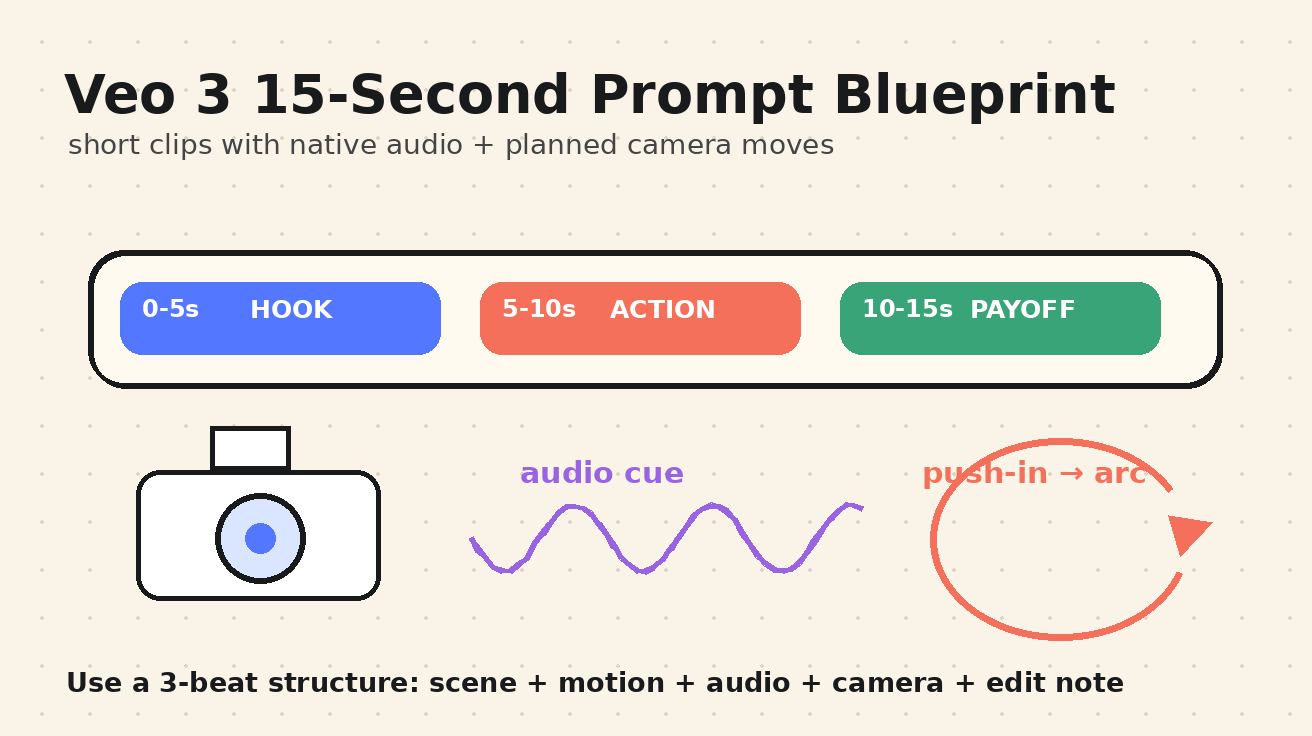
Dialogue in Veo 3 works best when it is concise. For clips ranging from five to eight seconds, stick to a single sentence.
To ensure a high-quality "quality gate" for lip sync:
- Identify the speaker and their position in the frame.
- Specify the delivery style (e.g., "calm and confident").
- Keep the line short to allow the model to maintain facial stability.
Sound Effects and Ambience
SFX should always have a visual "cause." If a user interacts with a UI, prompt for a soft click. If a product cap closes, specify a clean mechanical snap. Sounds without a visible source often feel artificial and distracting.
Ambience, or "room tone," is what grounds your video in reality. A kitchen scene feels more authentic with a low appliance hum, while a street scene benefits from distant traffic. Prompting for these subtle layers prevents your video from feeling like it was "pasted" onto silence.
Music and Negative Instructions
While Veo 3 can generate music, it is often better to use it sparingly. For brand content, you may prefer to add licensed tracks during post-production. If you do prompt for music, describe the mood (e.g., "uplifting and corporate") rather than specific artists.
Use Negative Audio Instructions to filter out unwanted noise. Explicitly state "no music" or "no background chatter" if you need a clean voiceover or a focused SFX shot.
Native Audio Prompt Templates
Use these templates as a starting point for your VeoNano projects:
- The Founder Shot: "6-second medium shot of a founder in a bright studio. The founder looks at the camera and says, 'We turned one product photo into a launch video.' Natural lip sync, confident delivery, line begins after a brief pause."
- The Product Close-up: "5-second close-up of a premium bottle on a bathroom counter. Slow camera push-in. Add a subtle cap click when the lid closes and faint water ambience in the background."
- The UI Workflow: "4-second video of a digital dashboard. Add soft UI clicks as cards lock into place and a gentle whoosh during transitions. No dialogue, no music."
- The Tutorial: "7-second classroom shot with a whiteboard. Warm voiceover says, 'Start with one reference image, then describe the motion.' Clear teaching tone, quiet room tone only."
Practical Weekly Workflow
- Select Objectives: Choose 2-3 audio techniques (e.g., lip sync or SFX) to master each week.
- Draft and Refine: Build concise prompts based on the templates above.
- Iterate: Compare results and keep the prompt structures that deliver the most consistent lip sync and audio clarity.
Conclusion
Standardizing your audio prompts is the fastest way to scale professional AI video production. By treating sound as a core component of the initial prompt rather than an afterthought, you ensure your VeoNano creations are immersive and polished.
Next Step
Explore more advanced production techniques at VeoNano Workflow Templates.
FAQs
1) Can this workflow work for a solo creator?
Absolutely. By using standardized prompt blocks, solo creators can maintain high production value without a full sound engineering team.
2) How do I fix poor lip sync?
Shorten the dialogue and ensure the prompt explicitly describes the speaker's face as "stable" and the delivery as "medium pace."
3) Should I generate music natively?
Native music is great for mood-setting, but for high-stakes ads, generating a "clean" video with only SFX and adding licensed music later usually yields better results.
Media References
- https://cdn.veonano.com/blog/veo-3-native-audio-prompt-guide-2026/20260505071654-8qn6xzx1.jpeg
- https://cdn.veonano.com/blog/veo-3-native-audio-prompt-guide-2026/20260505071655-hx7wvgey.jpeg
- https://cdn.veonano.com/blog/veo-3-native-audio-prompt-guide-2026/20260505071656-nqi3ea70.jpeg
- https://cdn.veonano.com/blog/veo-3-native-audio-prompt-guide-2026/20260505071657-uipibvir.jpeg