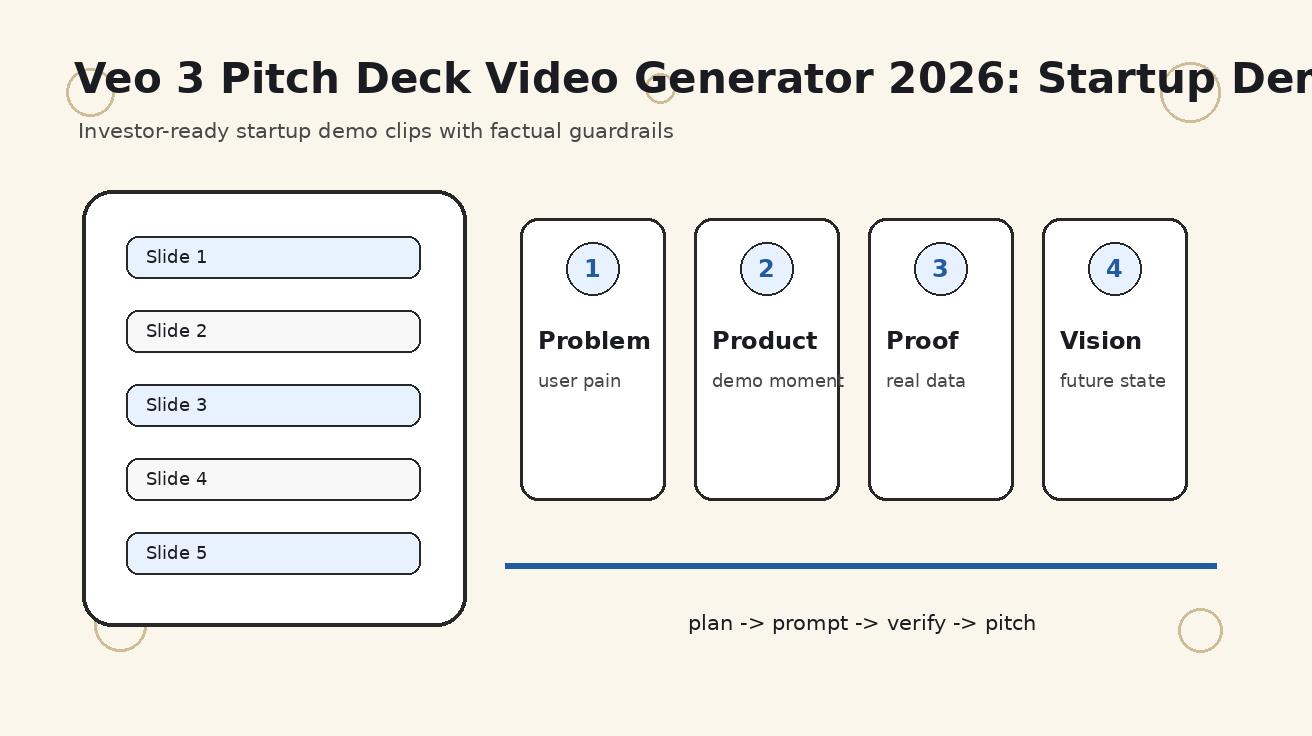
In the high-stakes environment of venture capital, a pitch deck is more than a presentation—it is a trust document. By 2026, AI video tools like Veo 3 have become essential for visualizing startup visions, but they must be used with surgical precision. This guide outlines the VeoNano framework for integrating AI-generated motion into your fundraising materials without compromising founder credibility.
When to Use Video in a Pitch Deck
Motion should only be used where it accelerates an investor's understanding. Veo 3 excels at visualizing the "unseen" context of a business, such as the pain points of a current manual workflow or the future state of an industry.
Where Video Adds Value:
- Problem Scenes: Visualizing the friction or chaos your product solves.
- Product Context: Showing how a user interacts with your solution in a real-world setting.
- Category Vision: Painting a picture of a market shift or future trend.
- Social Proof Context: Setting the scene for customer success stories.
Where to Stay Static: Never use AI to fabricate traction, logos, market data, or specific product features that haven't been built yet. If an investor perceives a generated clip as a deceptive representation of current capabilities, it can derail the entire diligence process.
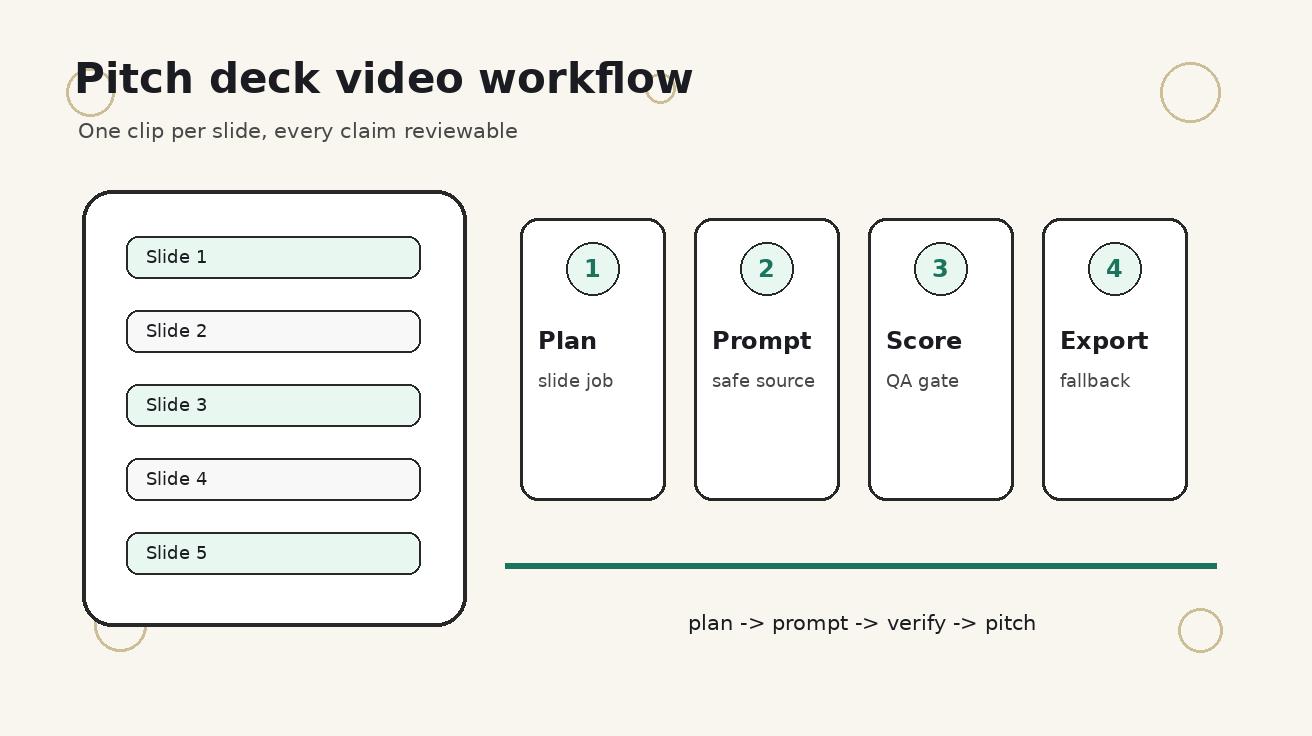
The VeoNano Slide-by-Slide Workflow
Step 1: Audit for Motion
Before generating assets, decide if a slide truly deserves motion. Most slides should remain static to ensure clarity. Use video only if it reduces the time needed to explain a complex concept. For example, a problem slide can instantly show a team struggling with messy, disconnected tools, replacing a paragraph of text.
Step 2: Build a Factual Source Packet
To keep AI generations grounded in reality, compile a "truth packet" before prompting. This should include:
- Approved product screenshots and brand colors.
- A list of "forbidden claims" to ensure the AI doesn't imply non-existent features.
- Sanitized customer personas and positioning notes.
Step 3: Write Investor-Safe Prompts
Fundraising prompts must be narrower than standard marketing copy. Define the specific audience, camera angle, and style, but also explicitly list elements that must not appear. This prevents the AI from adding distracting or misleading background details that could raise red flags during a pitch.
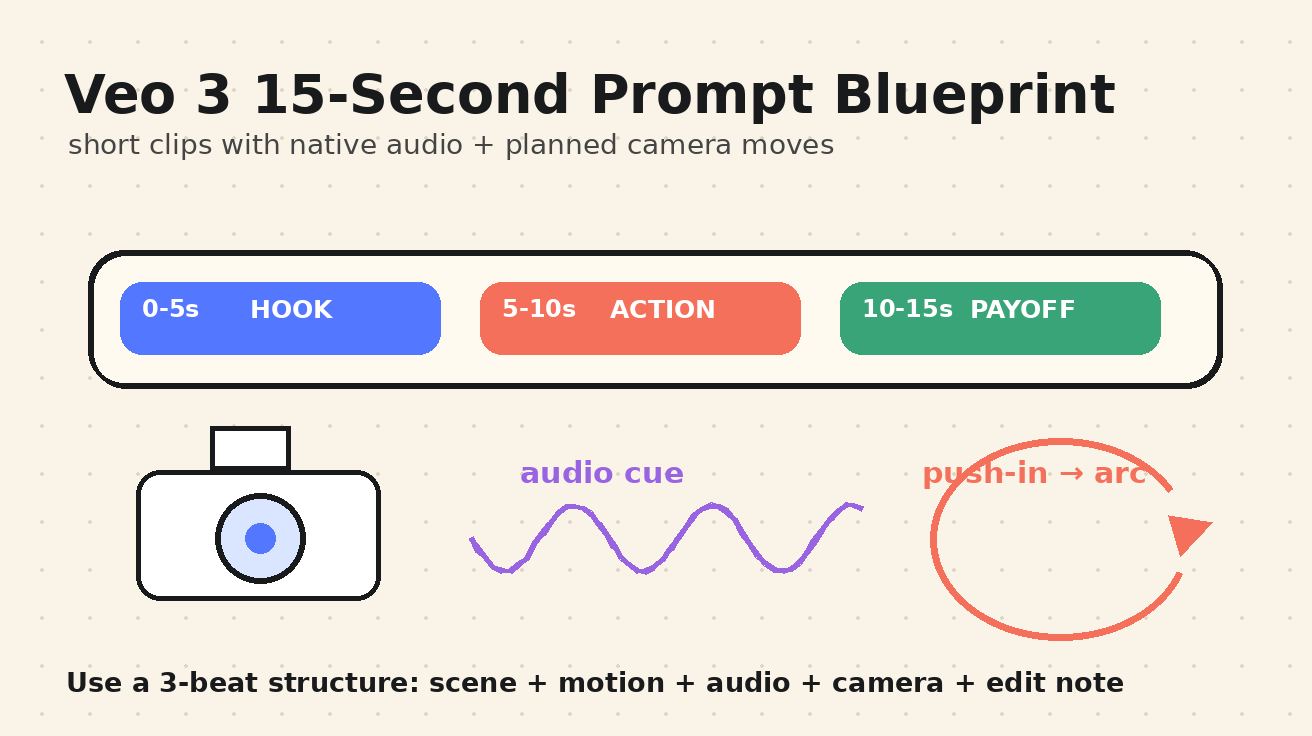
Step 4: Score and Validate Clips
Every clip must pass a seven-point scorecard before it reaches the editor:
- Slide Fit: Does it support the specific message?
- Factual Safety: Does it avoid making false claims?
- Product Accuracy: Is the representation honest?
- Visual Clarity: Is the motion distracting or helpful?
- Editability: Can it be looped or trimmed easily?
- Investor Tone: Is the aesthetic professional and serious?
- Fallback Readiness: Does the first frame work as a static image?
Step 5: Design for Technical Constraints
Investors often view decks in PDF viewers or data rooms where video may not autoplay. Always export a high-quality static frame from your best Veo 3 clip to serve as a fallback. This ensures that even if the video fails to load, the visual impact remains.
Production Checklist & Handoff
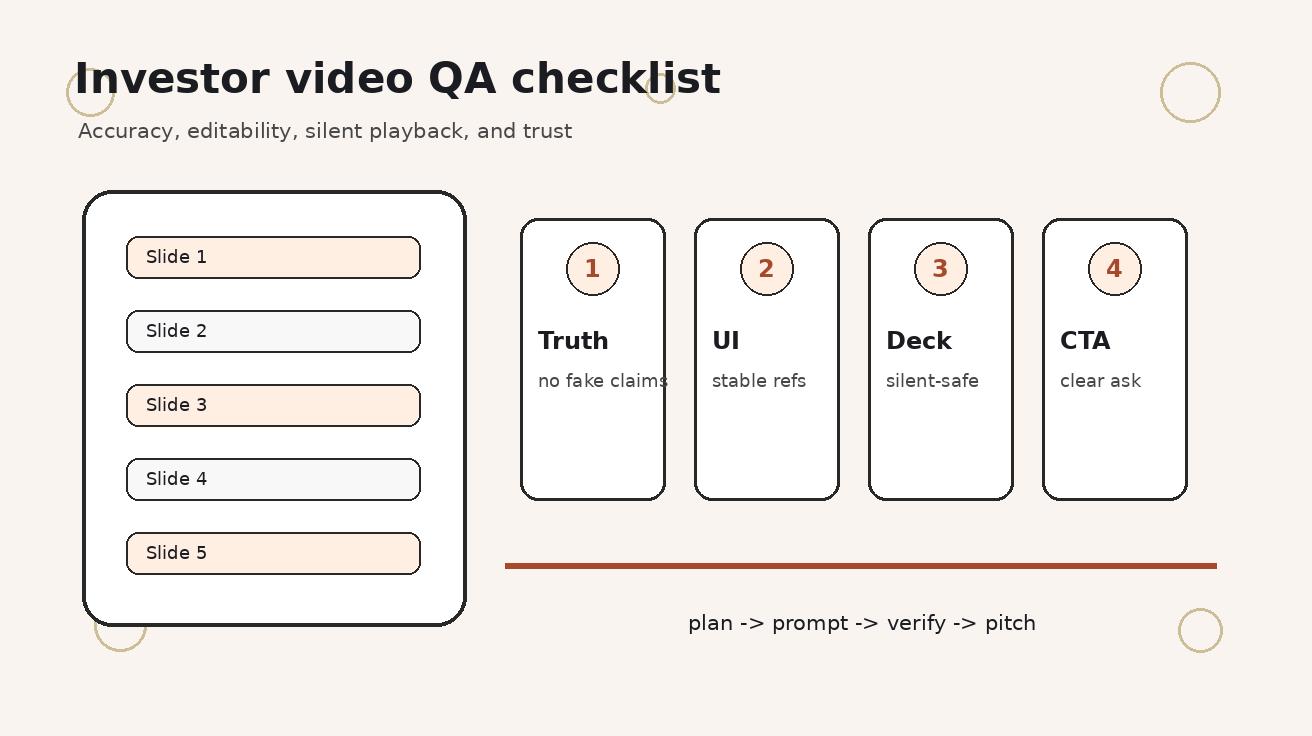
Before sending your deck to a lead investor, run this final QA:
- Compression: Is the file size small enough for email?
- Captions: Does the video make sense without sound?
- Page Speed: If hosted online, does the video lag the page load?
- Compliance: Does the clip inadvertently show a competitor's logo or sensitive data?
Media References
- https://cdn.veonano.com/blog/veo-3-pitch-deck-video-generator-2026/20260505072228-3pblgzg4.jpeg
- https://cdn.veonano.com/blog/veo-3-pitch-deck-video-generator-2026/20260505072229-ffzu59qc.jpeg
- https://cdn.veonano.com/blog/veo-3-pitch-deck-video-generator-2026/20260505072229-hxwt85tw.jpeg
- https://cdn.veonano.com/blog/veo-3-pitch-deck-video-generator-2026/20260505072230-eqkf7c26.jpeg
FAQs
1) Can I use Veo 3 to show my product interface? It is safer to use screen recordings for the UI itself. Use Veo 3 to show the environment around the product—such as a user’s reaction or the physical setting where the software is used.
2) How many videos should be in a standard 12-slide deck? For a seed-stage startup, 3 to 5 short clips are usually sufficient. Overloading a deck with motion can become distracting and increase the risk of technical playback issues.
3) What if an investor asks if the video is AI-generated? Transparency is key. Be prepared to explain that you used AI to visualize the problem space or the future vision of the category, while emphasizing that all data and traction figures are strictly factual.
For more on optimizing your AI video production, explore VeoNano workflow templates.