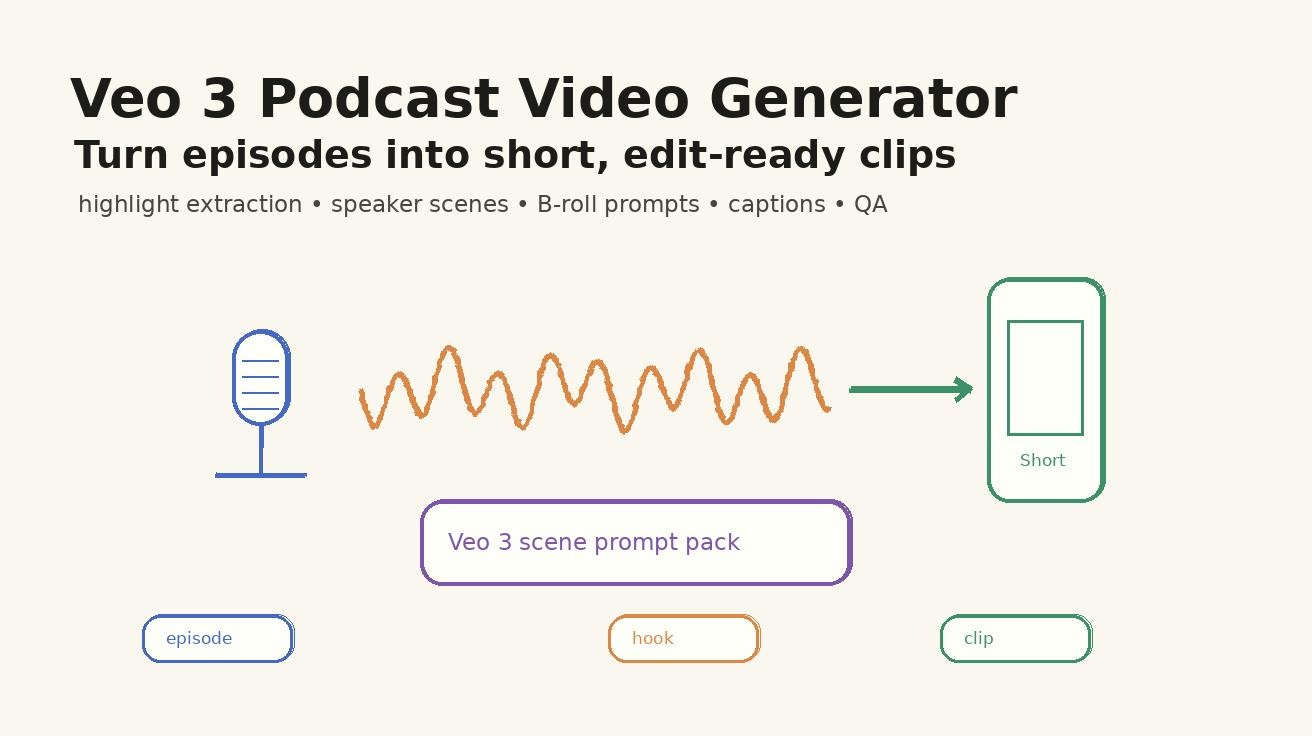
Podcast production in 2026 requires more than just audio; it demands a visual strategy that stops the scroll. Using VeoNano, teams can transform long-form conversations into high-impact social assets. This guide outlines a professional workflow to ensure your AI-generated visuals clarify your message rather than cluttering it.
The Safest VeoNano Podcast Clip Workflow
The most effective way to use VeoNano is the Highlight-Prompt-Edit sequence. Avoid the mistake of asking the AI to summarize an entire hour of audio in a single generation. Instead, isolate a specific claim, a compelling story, or a counterintuitive lesson first. By focusing on one "moment" at a time, you ensure the visual output remains relevant to the spoken word.
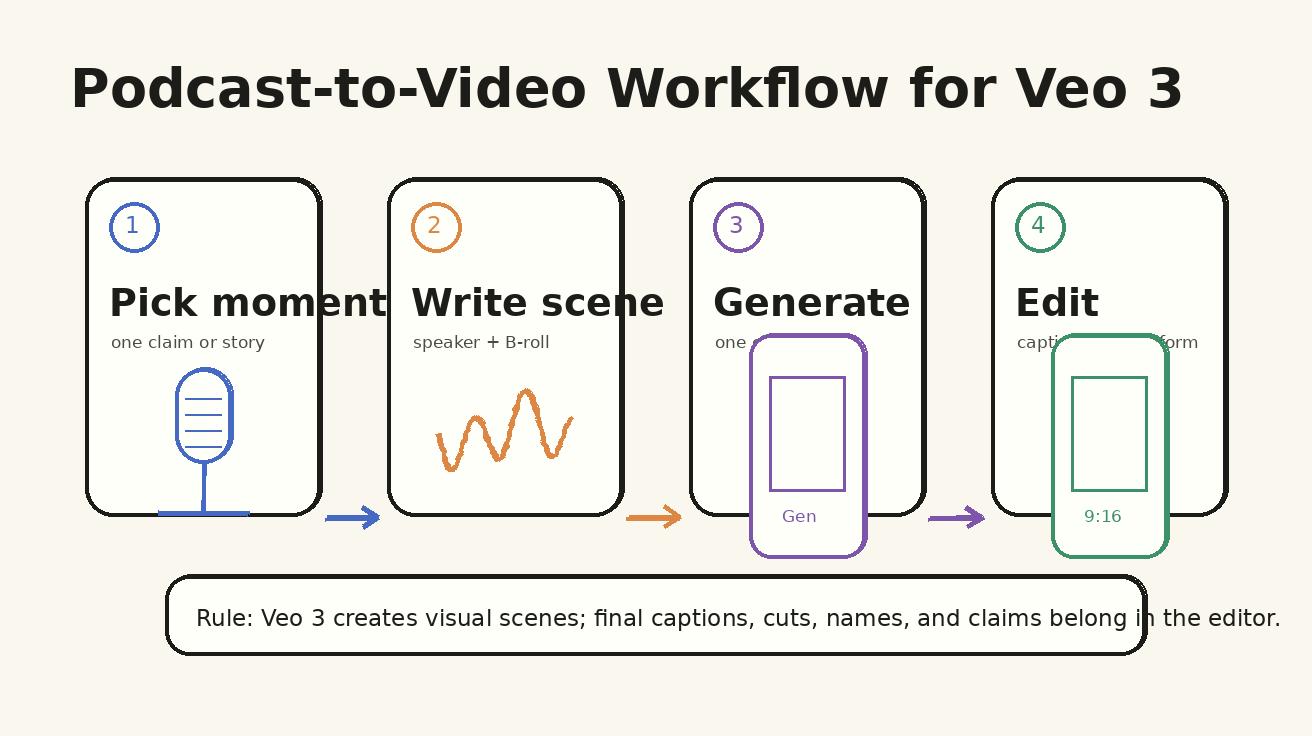
Why Podcast Teams Need a Specialized Strategy
Podcast content is uniquely high-context. A single sentence that resonates during a 40-minute interview might lose its meaning when isolated as a 15-second clip. Your AI video workflow must bridge this gap. Use VeoNano to generate visuals that provide immediate context—whether that’s a stylized studio setting or a visual metaphor that illustrates a complex point.
Step 1: Identify the Shape of Your Highlight
Before generating video, categorize your source moment. Most viral podcast clips fall into five categories:
- The Surprising Answer: A "pattern interrupt" for the listener.
- The Practical How-To: Step-by-step tactical advice.
- The Specific Story: A narrative arc with emotional resonance.
- The Strong Opinion: A polarizing or bold stance.
- The Framework: A mental model or system.
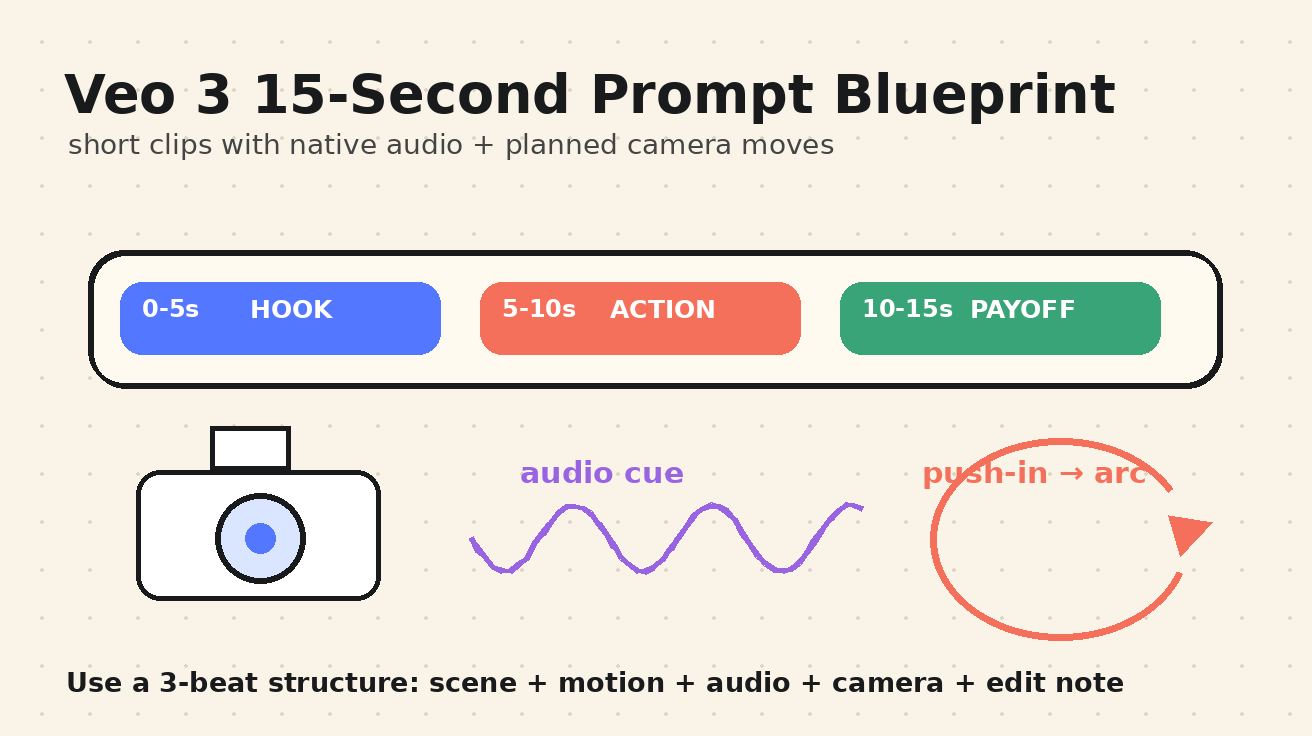
Step 2: Choose Your Visual Type
There are two primary ways to support your audio with VeoNano:
- Speaker-Support Visuals: These show stylized environments like a modern podcast desk, high-end microphones, or a professional interview lounge.
- Metaphor Visuals: These translate abstract concepts into literal scenes. For example, if a guest discusses "customer churn," you might generate a leaking bucket. If they talk about "burnout," a cluttered, overflowing calendar provides the perfect backdrop.
Step 3: Prompting for Captions and Clarity
Since most social media users watch video on mute, captions are mandatory. However, AI-generated text within a video can often be unreliable or difficult to edit.
Pro Tip: Write your VeoNano prompts to include "negative space." Ask for a clean, minimalist background on one side of the frame to leave room for your editing software's typography. Do not try to generate the final text inside the AI video; use overlays in post-production for maximum readability.
Step 4: One Prompt, One Moment
A common mistake is trying to cover an entire episode arc in one generation. If an interview with a SaaS founder yields five great insights—such as a pricing lesson and a hiring story—treat each as a separate brief.
Example Prompt Template: > "Create a vertical 9:16 video scene for a podcast clip. Show a clean, minimalist podcast desk with a professional microphone and a simple [insert metaphor] in the background. Soft studio lighting, high-end aesthetic."
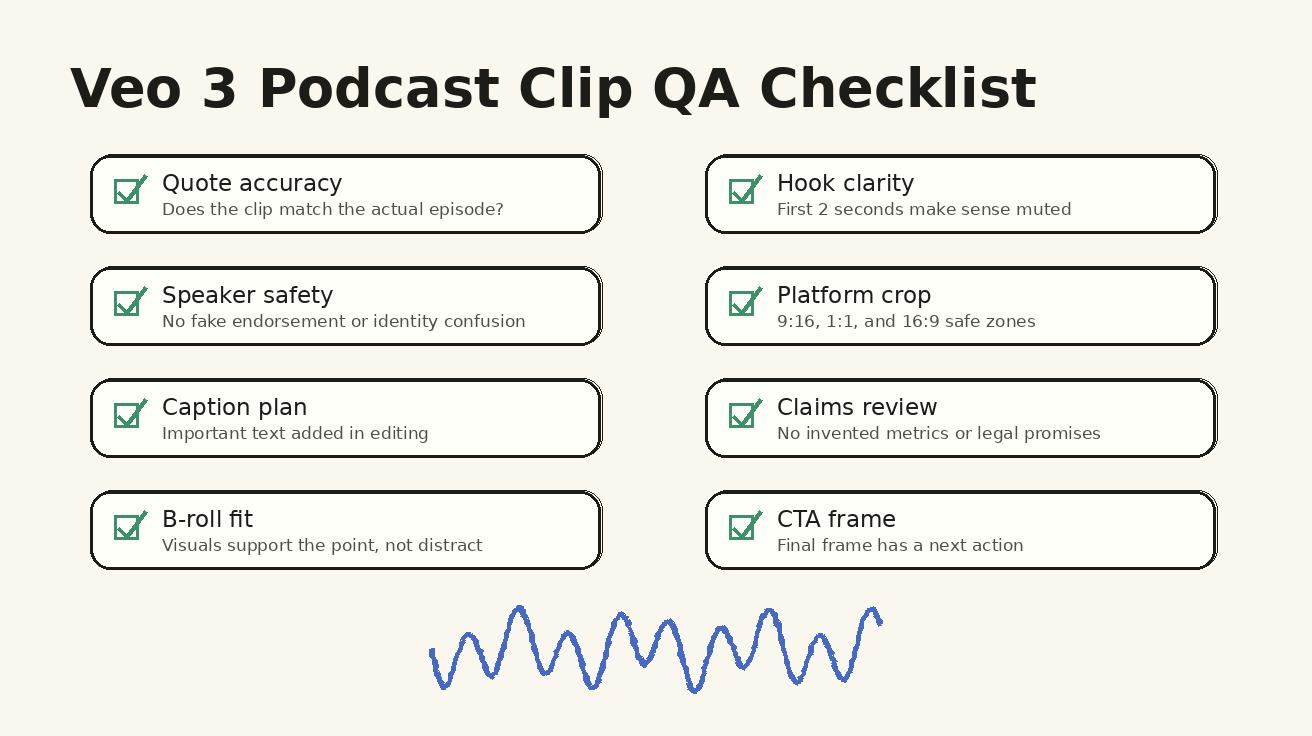
Quality Assurance Checklist
Before you hit publish, run through these essential checks:
- Likeness Control: To maintain trust, avoid generating guest likenesses without explicit approval. Use abstract silhouettes, hands, or studio objects instead.
- Platform Optimization: For TikTok and YouTube Shorts, lead with the punchline. The first frame must signal that this is a "podcast insight" to prime the viewer for a lesson.
- Typography Check: Ensure your manual captions are placed in the "clean space" you prompted for, avoiding overlap with key visual elements.
Conclusion
Scaling your podcast's reach in 2026 is about standardizing the transition from audio to video. By treating every clip as an individual brief and prioritizing visual metaphors over generic stock footage, you build a brand that is both recognizable and authoritative.
Next Step
Ready to streamline your production? Explore VeoNano workflow templates.
FAQs
Can this workflow work for a solo creator? Absolutely. By using the "One Prompt, One Moment" rule, solo creators can manage their time better and produce professional-grade clips without a full production team.
How do I handle generated text errors? The best practice is to avoid generating text within the AI video entirely. Prompt for "clean space" and add your quotes and titles using an editor to ensure 100% accuracy.
Should I use the same visual for every clip? While brand consistency is important, the visual should match the tone. An emotional story requires a different aesthetic than a tactical business framework. Use different "Speaker-Support" or "Metaphor" styles to match the mood of the audio.
Media References
- https://cdn.veonano.com/blog/veo-3-podcast-video-generator-2026/20260505072018-4r89w3q1.jpeg
- https://cdn.veonano.com/blog/veo-3-podcast-video-generator-2026/20260505072019-l2y64wru.jpeg
- https://cdn.veonano.com/blog/veo-3-podcast-video-generator-2026/20260505072020-nvkksac5.jpeg
- https://cdn.veonano.com/blog/veo-3-podcast-video-generator-2026/20260505072022-ngd8qekr.jpeg