Categories: AI Video Workflow, Creator Strategy, Production Process
Tags: veonano, ai creation studio, ai video workflow, content strategy, creator toolkit
Introduction
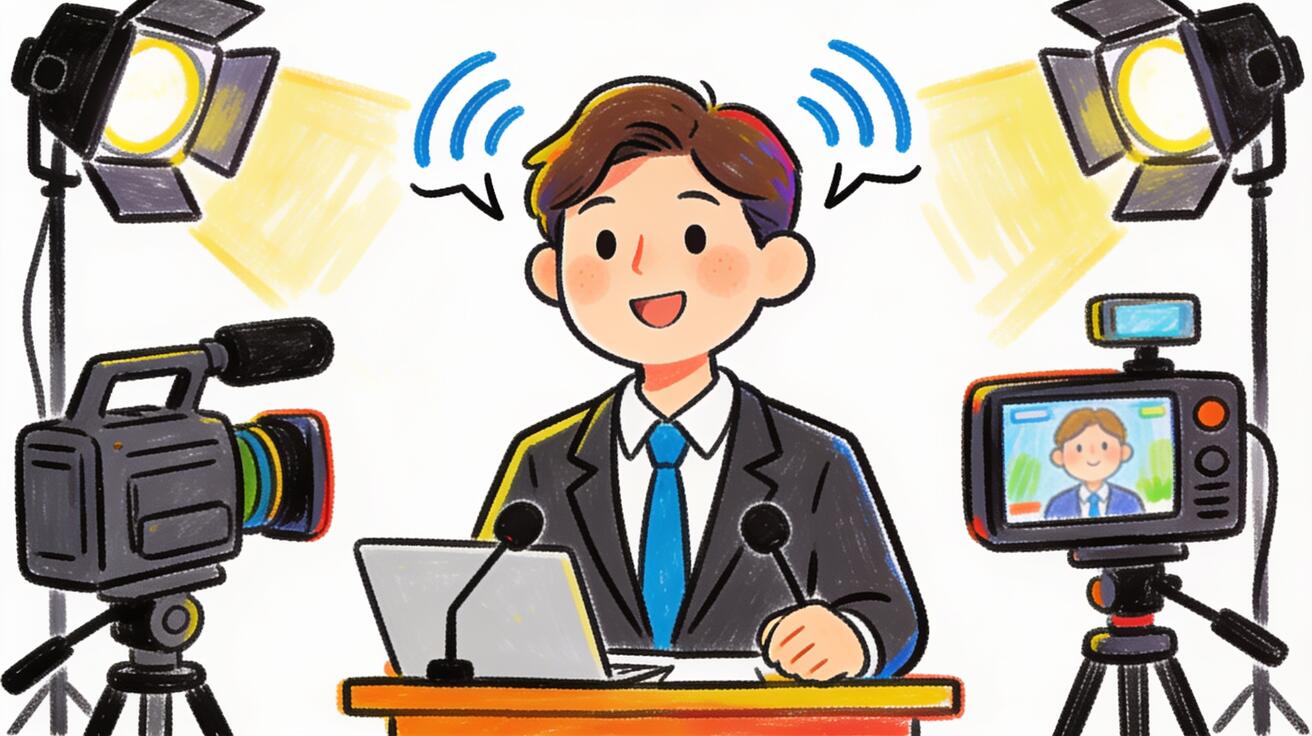
Talking head clips work when the presenter, script, camera, lighting, and delivery all support the same short message. Veo 3 presenter clips are best treated as short 1080p building blocks: generate compact segments, then assemble them into a larger campaign or training sequence.
In VeoNano, treat every presenter clip like a reusable character scene. Lock the character description, define the speaking role, specify the frame, and keep platform format in the prompt so each generation is easier to edit into a coherent series.
Talking Head Production Workflow
1) What Veo 3 Talking Head Video Produces
The clip is 8 seconds maximum at 1080p. This covers the majority of social media presenter formats and serves as a building block for longer videos when multiple clips are assembled in an editor.

Review each clip for face stability, mouth movement, eye contact, and whether the delivery matches the brand role.
2) Talking Head Prompt Structure for Veo 3
[Character: age, appearance, expression, clothing] + [Action: what they say/how they deliver it] + [Camera: shot size, angle, movement] + [Background + lighting + audio]. For example, a corporate spokesperson prompt should define wardrobe, calm delivery, medium close-up framing, clean office background, soft key light, and concise spoken intent in one block.
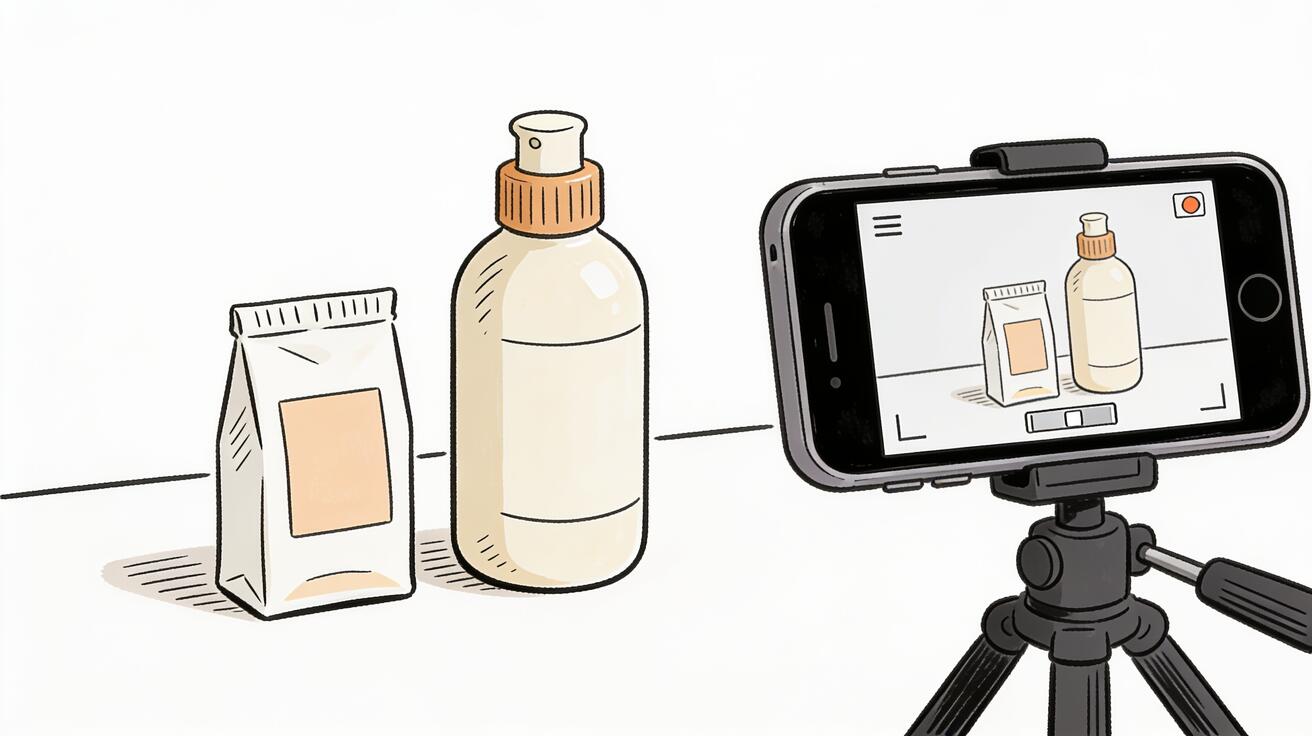
Keep the prompt ordered: character, action, camera, background, lighting, and audio direction. That order makes it easier to revise one variable without breaking the presenter.
3) Platform-Ready Formats
Instagram Reels / TikTok (9:16 vertical): Add "9:16 vertical aspect ratio, presenter filling upper two-thirds of frame" to your prompt. Keep clips to 8 seconds. Presenter delivery should be fast-paced and immediately engaging — hook in the first second.
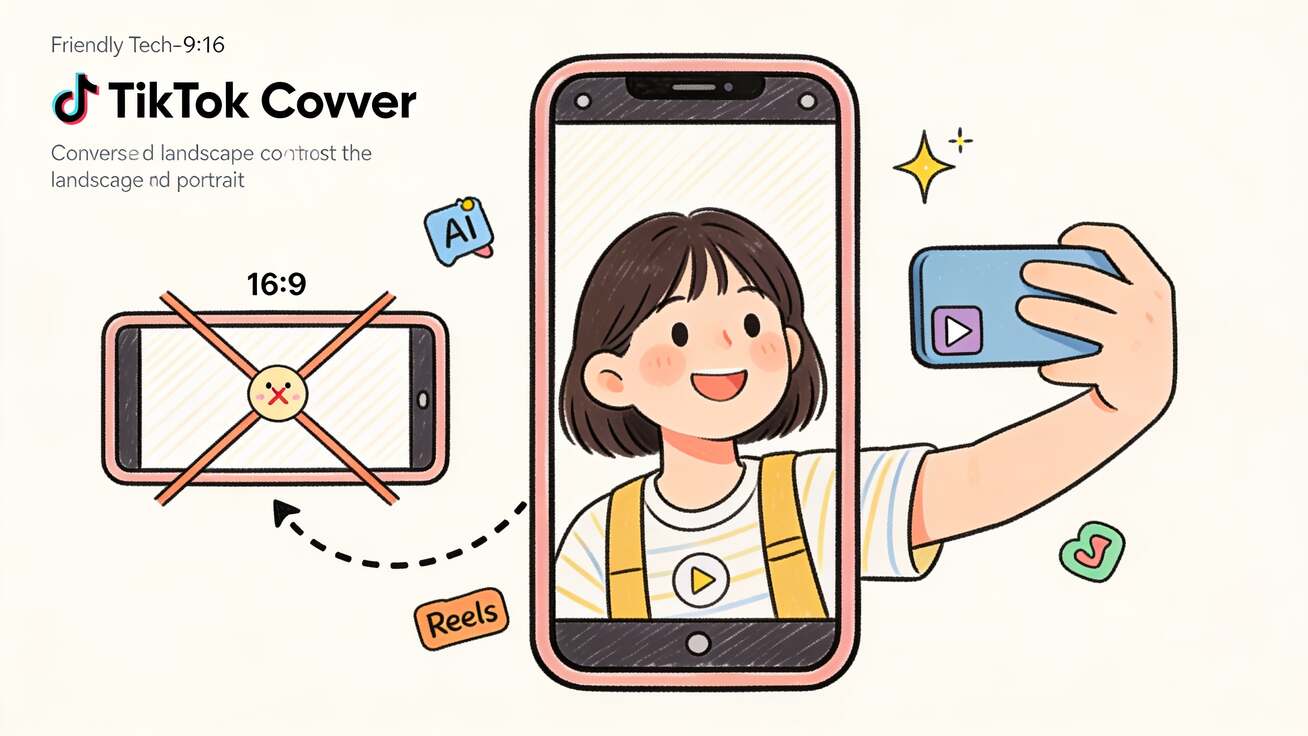
Decide the crop before generation. A vertical presenter needs different headroom, hand placement, and caption space than a horizontal training clip.
4) Use Cases Where Veo 3 Talking Head Is Production-Ready
Generate a branded spokesperson character for a product launch or campaign announcement. No actor required. The character can be consistent across multiple clips with careful prompting and reference image use.
Review each clip for face stability, mouth movement, eye contact, and whether the delivery matches the brand role.
5) Veo 3 vs. Dedicated AI Avatar Tools
AI persona content has become an established format on TikTok and Instagram. A fictional AI character with a distinct look and personality who presents content in a recognizable series format.
Review each clip for face stability, mouth movement, eye contact, and whether the delivery matches the brand role.
6) Tips for Character Consistency Across Multiple Clips
Corporate training, onboarding, and product explainer content uses a consistent presenter for the host role. Veo 3 can generate the presenter character for the host segments; precise script delivery comes from a voiceover in post.
Save the exact character language after the first approved clip. Reuse it as the identity block for every later generation.
7) Lighting Your AI Presenter
For regional market content, generate the same presenter description in different clips with language-specific audio direction. The character's appearance stays consistent; the audio and performance delivery matches the target language.
Review each clip for face stability, mouth movement, eye contact, and whether the delivery matches the brand role.
8) Common Mistakes in Veo 3 Talking Head Prompts
Use Veo 3 when: You need a stylistically flexible presenter character, you're producing short-form social content, or you want full aesthetic control over the character's look, setting, and delivery style.
Keep the prompt ordered: character, action, camera, background, lighting, and audio direction. That order makes it easier to revise one variable without breaking the presenter.
9) Building a Presenter Series with Multiple Veo 3 Clips
Veo 3 generates a fresh character interpretation on each generation unless anchored by a reference. For multi-clip presenter series, keep the same identity block, wardrobe, lighting, and camera angle, then vary only the line, gesture, or background detail.
Save the exact character language after the first approved clip. Reuse it as the identity block for every later generation.
10) Talking Head Video for Product Marketing
Lighting in the prompt significantly affects how professional the presenter looks. Soft key light, controlled shadows, and a clean background usually read more credible than dramatic lighting that fights the face.
Review each clip for face stability, mouth movement, eye contact, and whether the delivery matches the brand role.
Practical Weekly Workflow
- Write an 8-second script with one job: hook, explain, invite, or reassure.
- Create a character description that covers age range, wardrobe, expression, posture, and voice direction.
- Add camera language such as medium close-up, eye-level, 9:16 vertical, or clean studio background.
- Generate a small batch in VeoNano and reject clips with unstable mouth movement, drifting identity, or mismatched tone.
- Assemble approved clips with captions, logo treatment, and consistent audio in your editor.
Conclusion
A good AI presenter is less about one perfect prompt and more about consistent production rules. Define the character once, generate short segments with clear roles, and use VeoNano to keep presenter content fast without losing brand discipline.
Next Step
Explore VeoNano workflow templates: https://veonano.com
FAQs
Can VeoNano replace a dedicated avatar platform?
Use VeoNano when you want cinematic control over character, setting, and camera. Use a dedicated avatar tool when exact script delivery and repeatable lip sync are the primary requirement.
How do I keep the same presenter across clips?
Reuse the same character description, wardrobe, lighting, camera language, and reference frame. Change only the action or line delivery between variants.
What format should I prompt for social posts?
For TikTok, Reels, and Shorts, prompt vertical 9:16, a tight presenter frame, readable facial expression, and a first-second delivery that immediately states the point.