Categories: AI Video Workflow, Creator Strategy, Production Process
Tags: veonano, ai creation studio, ai video workflow, content strategy, creator toolkit
Introduction
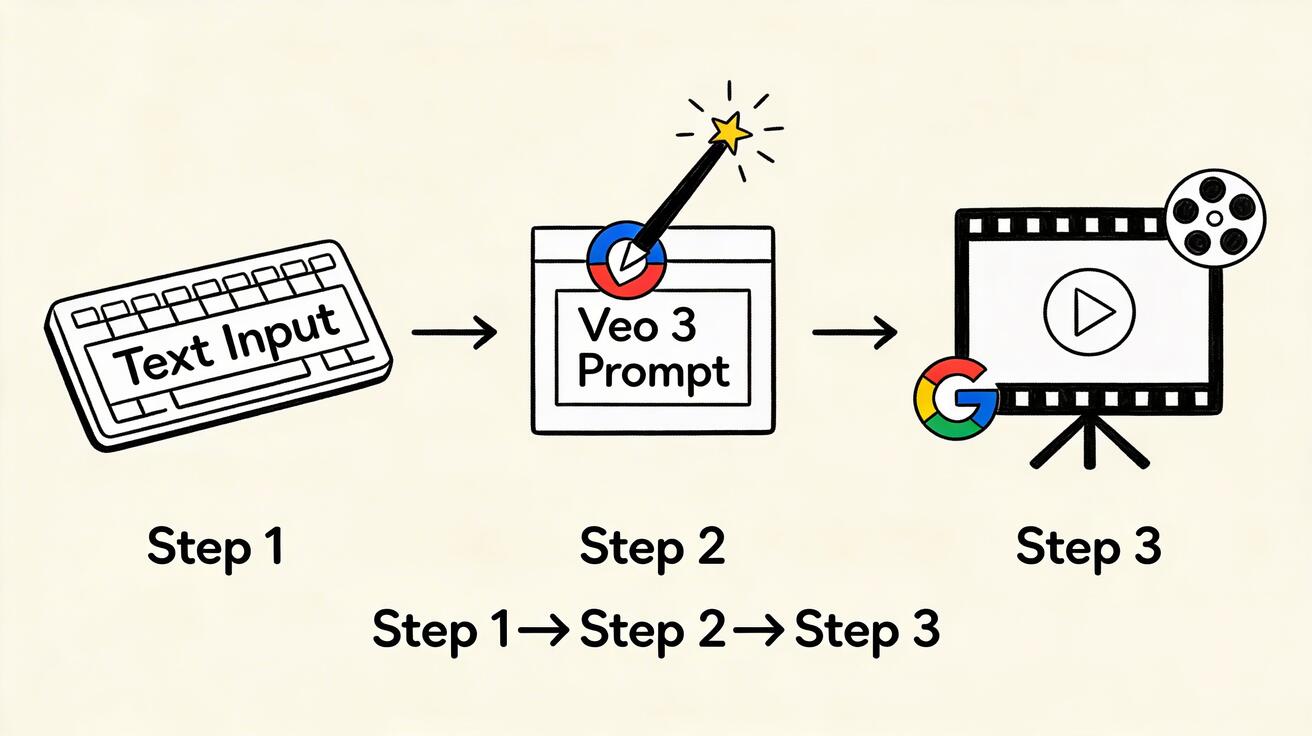
The landscape of digital storytelling has shifted. With the release of Veo 3, the bridge between a written concept and a cinematic reality has never been shorter. This guide provides a practical framework for using VeoNano to transform natural language into high-fidelity video, ensuring your production remains consistent, professional, and scalable.
What is Text-to-Video?
Text-to-video AI generation is the process of synthesizing motion picture clips from natural language descriptions. By detailing the subject, environment, lighting, and movement, the Veo 3 model interprets your intent to create realistic visuals. This technology eliminates traditional production bottlenecks, allowing creators to iterate on visual ideas in seconds rather than days.

Accessing Veo 3 Text-to-Video
To begin, visit VeoNano.com and navigate to the Text-to-Video studio. New users can take advantage of the free tier, which provides daily generation credits. This allows you to experiment with different prompt structures and styles without immediate overhead, making it easy to integrate AI into your existing creative workflow.
Your First Generation: A Step-by-Step Approach
When starting out, the most effective strategy is to begin with a simple, clear foundation. Avoid overcomplicating your first few clips; focus on a single subject and a primary action.
- Start Simple: Define a basic scene, such as "Ocean waves gently rolling onto a sandy tropical beach at golden hour."
- Add Specificity: Enhance the atmosphere by describing the environment. For example, mention "warm orange light reflecting on wet sand" or "slight mist in the air."
- Add Camera Direction: Give the AI instructions on how to "film" the scene. Incorporating terms like "slow dolly zoom" or "shallow depth of field" adds a professional, cinematic quality to the output.
The Anatomy of a Great Prompt
To get the best results from Veo 3, your prompts should be built using specific components. Moving from vague descriptions to detailed instructions is the key to high-quality output.
- Subject Precision: Instead of "a person," try "a professional female athlete in blue athletic wear."
- Dynamic Action: Rather than "standing," use "standing confidently with arms crossed, slight wind moving hair."
- Environmental Detail: Replace "in a forest" with "in a misty old-growth redwood forest at dawn, ferns covering the forest floor."
- Physical Simulation: Veo 3 excels at physics. Use language that implies weight, fluid motion, or realistic interactions between objects.
Advanced Techniques for Professional Results
Once you master the basics, you can utilize advanced prompting techniques to achieve specific aesthetic goals:
- Style Referencing: Mention specific film styles or cinematographers to achieve a curated look.
- Layered Prompting: For complex scenes, break your description into clearly delineated layers (foreground, midground, background).
- Temporal Evolution: Describe how the scene should change over time within the clip to create dynamic, evolving narratives rather than static shots.
Practical Weekly Workflow
- Define Objectives: Choose specific prompt components to master each week.
- Draft and Refine: Build concise drafts and improve the structure before hitting generate.
- Measure Success: Compare different prompt variations to see which styles resonate best with your audience.
- Standardize: Once you find a "recipe" that works, save it as a template to maintain brand consistency.
Conclusion
Standardizing your production process is the most reliable way to scale content. By using the structured prompting techniques available in VeoNano, you can ensure every video meets a high standard of quality while reducing the time spent in the editing bay.
Next Step
Explore the full suite of creative tools at VeoNano.com.
FAQs
1) Can this workflow work for a solo creator? Absolutely. By using structured prompts, solo creators can produce high-end visuals that previously required a full production team.
2) How do I fix common mistakes in generation? Most issues stem from vague language. If the movement looks unnatural, add more specific verbs and environmental context to ground the AI's physics engine.
3) Should I prioritize cinematic styles or realism? This depends on your brand. Veo 3 is capable of both; use style references in your prompts to toggle between hyper-realistic documentary styles and stylized cinematic aesthetics.