Categories: AI Video Workflow, Creator Strategy, Production Process
Tags: veonano, ai creation studio, ai video workflow, content strategy, creator toolkit
Introduction
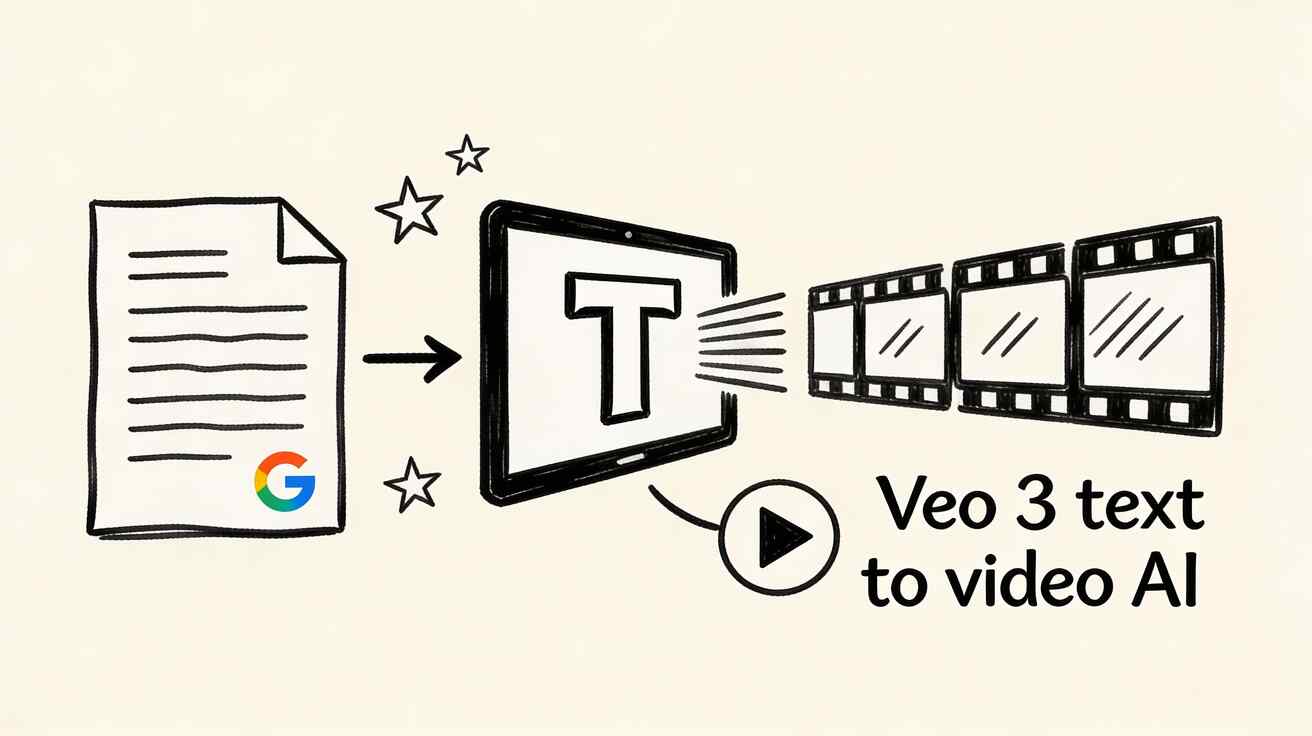
The landscape of generative video has shifted. With the release of Google DeepMind’s third-generation model, creators now have access to a tool that bridges the gap between silent visuals and cinematic storytelling. This guide integrates the power of Veo 3 into the VeoNano production framework, helping you move from simple text prompts to high-fidelity, audio-synced video assets.
The Evolution of Veo: From Pixels to Sound
Veo 3 represents a massive leap over its predecessors. While Veo 1 was limited to 720p clips without sound, and Veo 2 improved resolution to 1080p for six-second durations, Veo 3 introduces native audio generation. This means the model generates synchronized sound effects, ambient noise, and even character dialogue directly from your text prompt, eliminating the need for separate foley work in post-production.

Mastering the SCAM Prompting Framework
To get the most out of Veo 3, VeoNano recommends a structured approach to prompting. High-quality output is rarely an accident; it is the result of defining four critical elements:
- Subject: Clearly define the protagonist or central object.
- Context: Establish the setting, time of day, and environmental conditions.
- Action: Describe the specific movement or interaction taking place.
- Cinematography: Use technical language to direct the "virtual camera."
Professional Vocabulary for Better Results
Veo 3 responds exceptionally well to industry-standard terminology:
- Camera Movement: Use "Dolly in" to move toward a subject, "Tracking shot" to follow movement laterally, or "Pan" for horizontal rotations.
- Lighting: Specify "Golden hour" for warm tones, "Overcast" for soft shadows, or "Dramatic side lighting" to create high-contrast, theatrical scenes.
Practical Templates for Creators
Integrating Veo 3 into your VeoNano workflow is easier with these proven templates:
- Product Showcase: "A premium leather wallet on white marble, camera orbiting clockwise, soft studio lighting, shallow depth of field, wallet opens slightly to reveal cards."
- ASMR/Social Content: "Top-down view of a smoothie bowl assembly, ingredients dropping with splashes, vibrant colors, natural light, including crisp food-prep audio."
- Cinematic Nature: "Time-lapse of storm clouds over mountains at dusk, lightning flashes, camera pulling back to a panoramic view, accompanied by rolling thunder audio."

Optimizing Your VeoNano Workflow
To scale your content production, treat every generation as a building block. Veo 3 allows you to prompt specifically for audio—such as "ambient city sounds with distant traffic"—which saves hours in the editing suite. By standardizing your prompt structure and camera vocabulary, you ensure that your weekly video output remains consistent in quality and style.
Conclusion
The transition to AI-driven video production requires a shift from manual labor to creative direction. By utilizing Veo 3 within the VeoNano ecosystem, you can produce professional-grade clips with synchronized audio in a fraction of the time.
Next Step
Ready to streamline your production? Explore our latest resources: VeoNano Workflow Templates.
FAQs
1) How does Veo 3 differ from earlier versions?
The primary difference is the addition of native, synchronized audio and dialogue generation, alongside improved motion consistency compared to Veo 1 and 2.
2) Can I control the camera movement in Veo 3?
Yes. By using professional terms like "dolly," "pan," and "tracking shot," you can direct the AI to execute specific cinematic maneuvers.
3) Is Veo 3 better than competitors like Runway or Kling?
While each model has strengths, Veo 3’s unique advantage is its deep integration with Google’s ecosystem and its ability to generate high-fidelity audio and video simultaneously from a single prompt.
Media References
- https://cdn.veonano.com/blog/veo-3-text-to-video-guide-2026/20260402171043-zy8p2kye.jpeg
- https://cdn.veonano.com/blog/veo-3-text-to-video-guide-2026/20260402171045-hfvt27mn.jpeg
- https://cdn.veonano.com/blog/veo-3-text-to-video-guide-2026/20260402171046-632sate1.jpeg
- https://cdn.veonano.com/blog/veo-3-text-to-video-guide-2026/20260402171046-8uzpgpsq.jpeg