Categories: AI Video Workflow, Creator Strategy, Production Process
Tags: veonano, ai creation studio, ai video workflow, content strategy, creator toolkit
Introduction
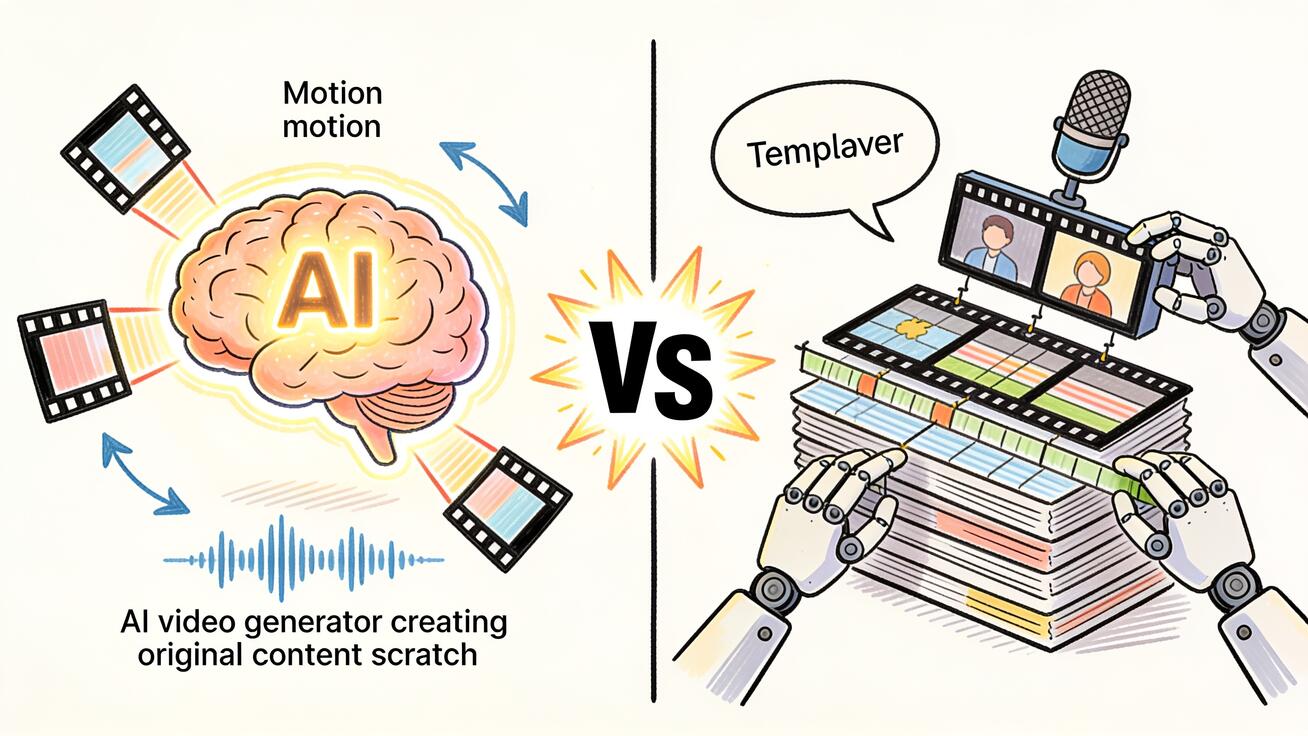
AI video generation and AI-assisted production are different jobs. That distinction matters: one workflow creates new visual footage from prompts, while the other helps assemble scripts, stock, voiceover, templates, and edits into a finished video.
Use VeoNano for original visual scenes, product shots, motion concepts, and prompt-controlled clips. Use InVideo-style tools when the main job is packaging assets, narration, templates, and stock footage into a finished social or marketing video.
Tool Comparison
1) Quick Answer
Choose Veo 3 if you need to generate video clips from scratch — no existing footage required, native audio included, cinematic quality. It's the right tool for AI-generated content, product video concepts, social media clips, and any workflow where you're starting from a prompt o...
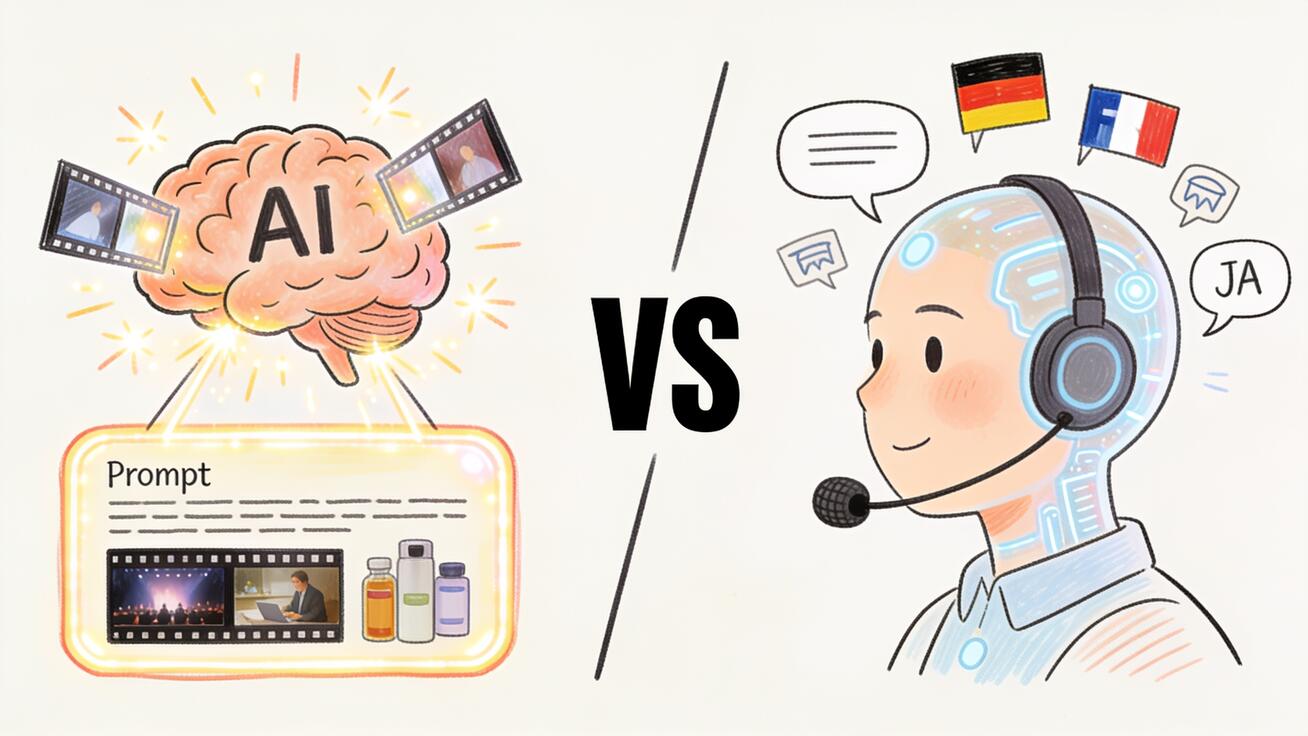
The fastest decision path is to match the tool to the output: generated scene, avatar delivery, assembled edit, or broad platform experiment.
2) What Is Veo 3?
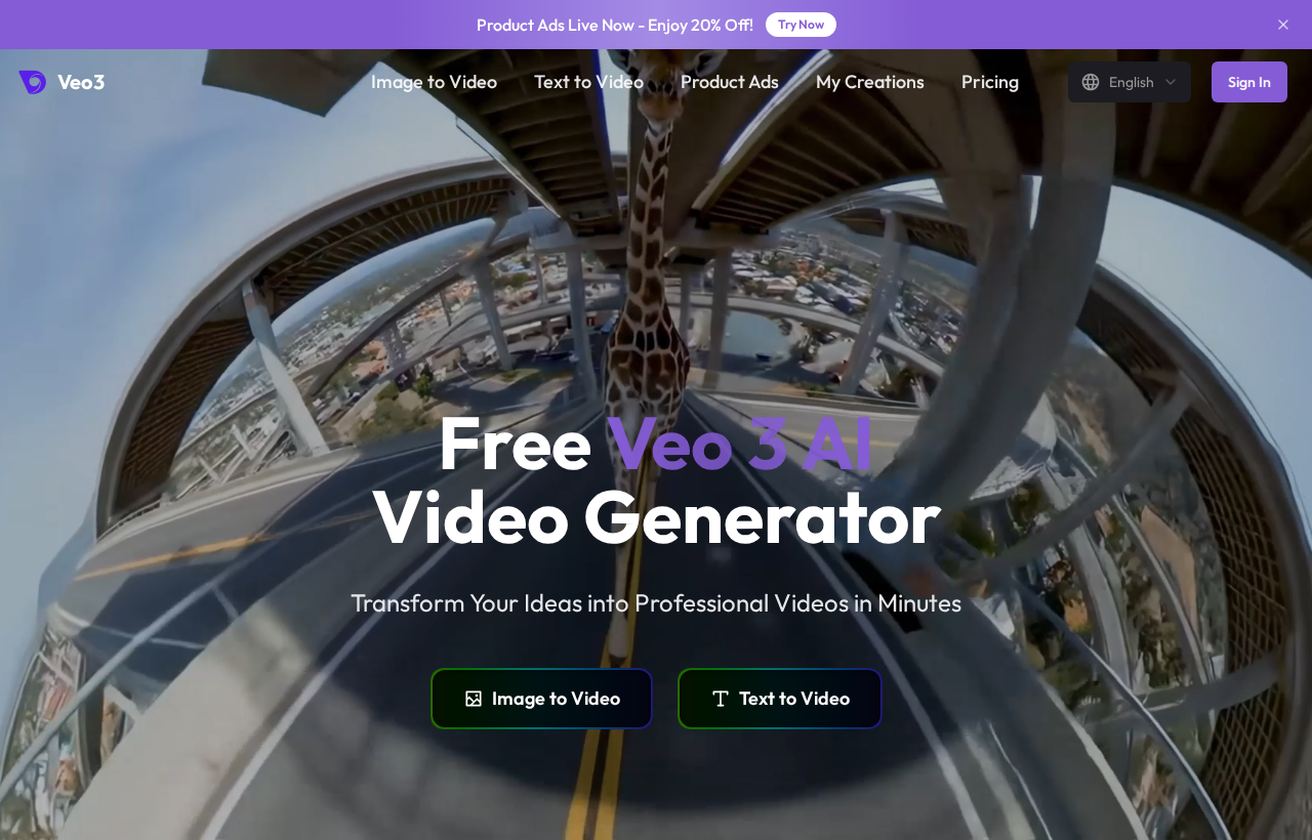
Veo 3 is Google DeepMind's AI video generation model, launched in 2025 as the third generation of its video AI research. It's notable for being the first mainstream AI video model to include native audio generation — ambient sound, sound effects, and dialogue are produced alongsi...
Keep the comparison grounded in production jobs rather than abstract feature lists.
3) What Is InVideo AI?
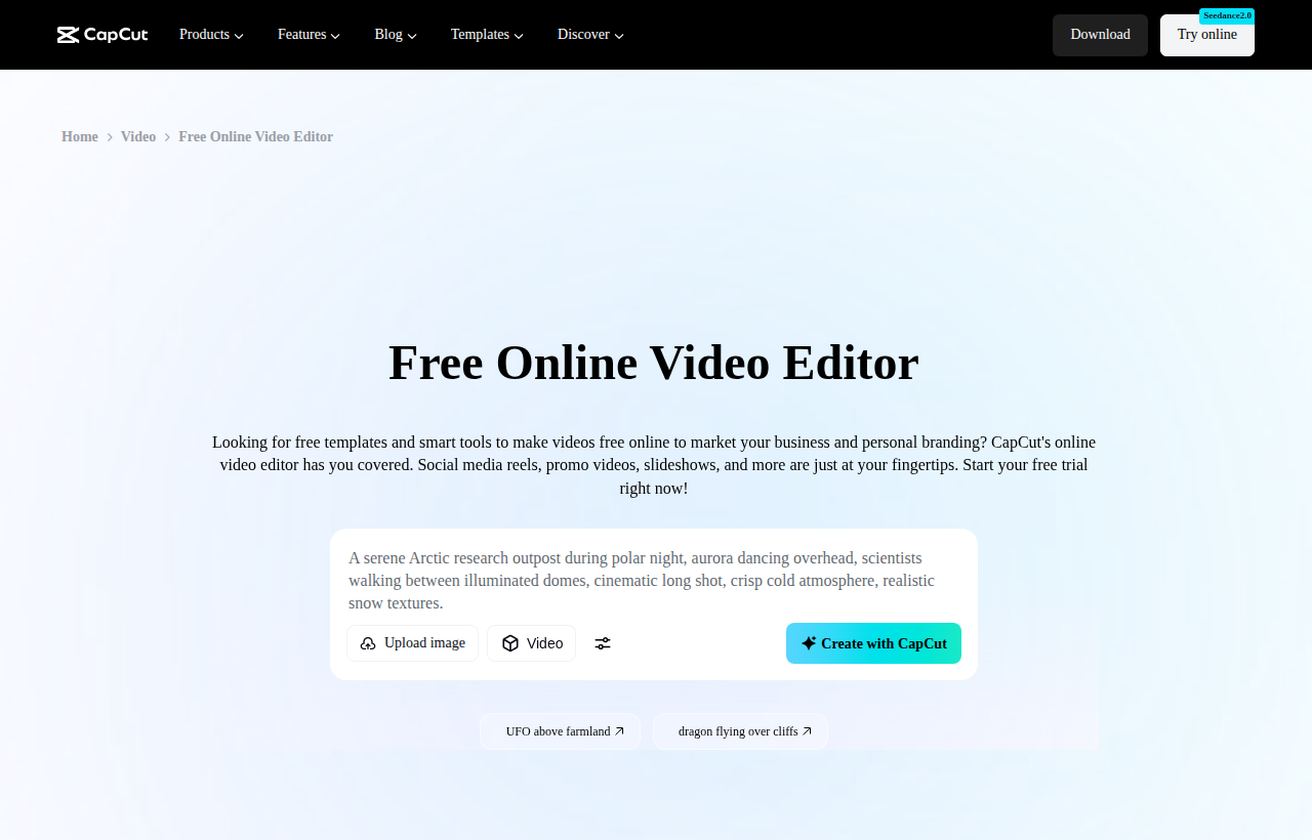
InVideo AI is an AI-powered video production platform that has evolved from a template-based editor into a more automated workflow tool. Its core proposition is making professional-looking video content faster without requiring filmmaking skills or advanced editing software.
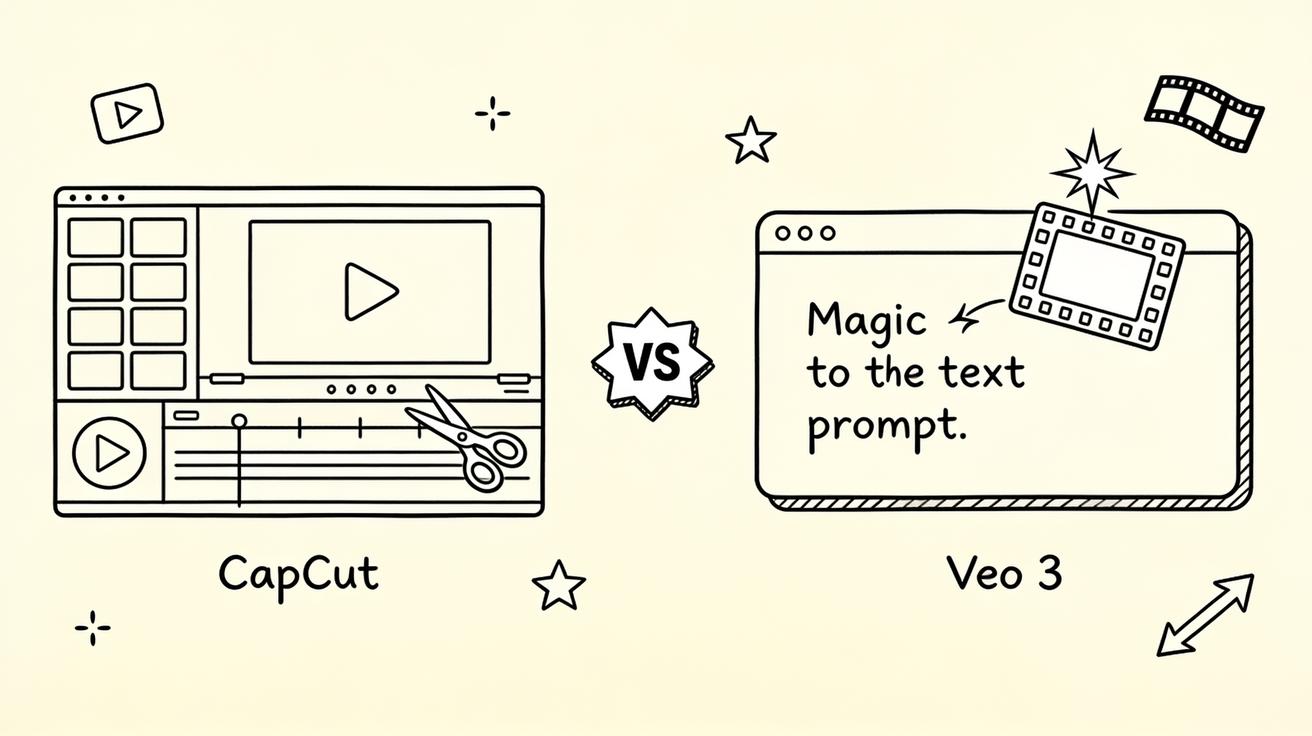
Keep the comparison grounded in production jobs rather than abstract feature lists.
4) Side-by-Side Comparison
These tools generate different categories of output, so a direct quality comparison requires nuance.
Keep the comparison grounded in production jobs rather than abstract feature lists.
5) Video Quality: A Realistic Assessment
Veo 3 is free to test through Google AI Studio within rate limits. Paid access provides higher generation quotas and priority processing. On VeoNano.io, subscription plans start at accessible price points for content creators who want a dedicated interface.
Run the same creative brief through each candidate and score edit readiness, artifact rate, brand fit, and how much post-production is still required.
6) Pricing Comparison
InVideo AI offers a free tier with watermarked exports and significant InVideo branding on outputs. Paid plans (starting around $20–28/month depending on the tier) unlock watermark removal, higher usage limits, AI avatar access, and commercial licensing.
Compare cost against usable output, not just plan price. A cheaper workflow is not cheaper if most clips need to be regenerated.
7) Use Cases: Which Tool Wins
AI-generated B-roll and scene footage. If you're producing documentary content, explainer videos, or branded social content and need original clips you can't easily film, Veo 3 generates realistic footage on demand.
Pick a primary use case before comparing features. A tool that wins for avatar training videos may not win for product b-roll or cinematic ads.
8) Prompt Control vs. Template Control: The Core Difference
Faceless YouTube channels. InVideo's AI workflow is purpose-built for this: provide a topic, get a scripted video with voiceover and stock footage assembled for you. Veo 3 can't produce this format at all.
Keep the comparison grounded in production jobs rather than abstract feature lists.
9) Workflow for Content Creators: Practical Scenarios
Understanding the creative input model for each tool helps set realistic expectations before you start.
Keep the comparison grounded in production jobs rather than abstract feature lists.
10) Can You Use Both Together?
You're launching a new wireless speaker and need three short social clips (Instagram Reels format) and one 60-second YouTube overview video.
Keep the comparison grounded in production jobs rather than abstract feature lists.
Practical Weekly Workflow
- Decide whether you need original generated footage or a fast assembled edit.
- Use VeoNano for scenes that do not already exist: product concepts, visual metaphors, cinematic inserts, or prompt-driven b-roll.
- Use an AI production editor for scripts, stock selection, captions, voiceover, pacing, and template-based assembly.
- For stronger campaigns, create signature footage in VeoNano and finish the edit in a production tool.
- Judge results by creative control, revision speed, asset ownership, and platform delivery requirements.
Conclusion
VeoNano and InVideo-style editors are complementary. VeoNano creates the visual material; production editors help package it. The strongest workflow uses each tool where it removes the most friction.
Next Step
Explore VeoNano workflow templates: https://veonano.com
FAQs
Which tool is better for original visuals?
Use VeoNano when the scene, motion, product concept, or visual metaphor needs to be generated from scratch.
Which tool is better for fast publishing?
Use an AI-assisted editor when you already have assets and need a scripted, captioned, template-based video quickly.
Can I combine both?
Yes. Generate distinctive clips in VeoNano, then edit them with narration, stock, text overlays, and pacing in a production editor.