Categories: AI Video Workflow, Creator Strategy, Production Process
Tags: veonano, ai creation studio, ai video workflow, content strategy, creator toolkit
The Production Quality Problem
In the competitive landscape of 2026, solo creators and small channels face a significant hurdle: the "production gap." Matching the visual polish of major studios often requires a massive budget. A single day of professional B-roll filming—including cinema-grade cameras, lighting rigs, and operators—can cost between $500 and $2,000. Even licensing individual stock clips adds up quickly, with prices ranging from $30 to $150 per asset.
The VeoNano Solution
Veo 3 levels the playing field by generating cinematic B-roll, custom backgrounds, and dynamic visual sequences in under a minute. For most YouTube viewers, the output is indistinguishable from traditional footage, allowing creators to maintain high engagement without the traditional overhead costs.
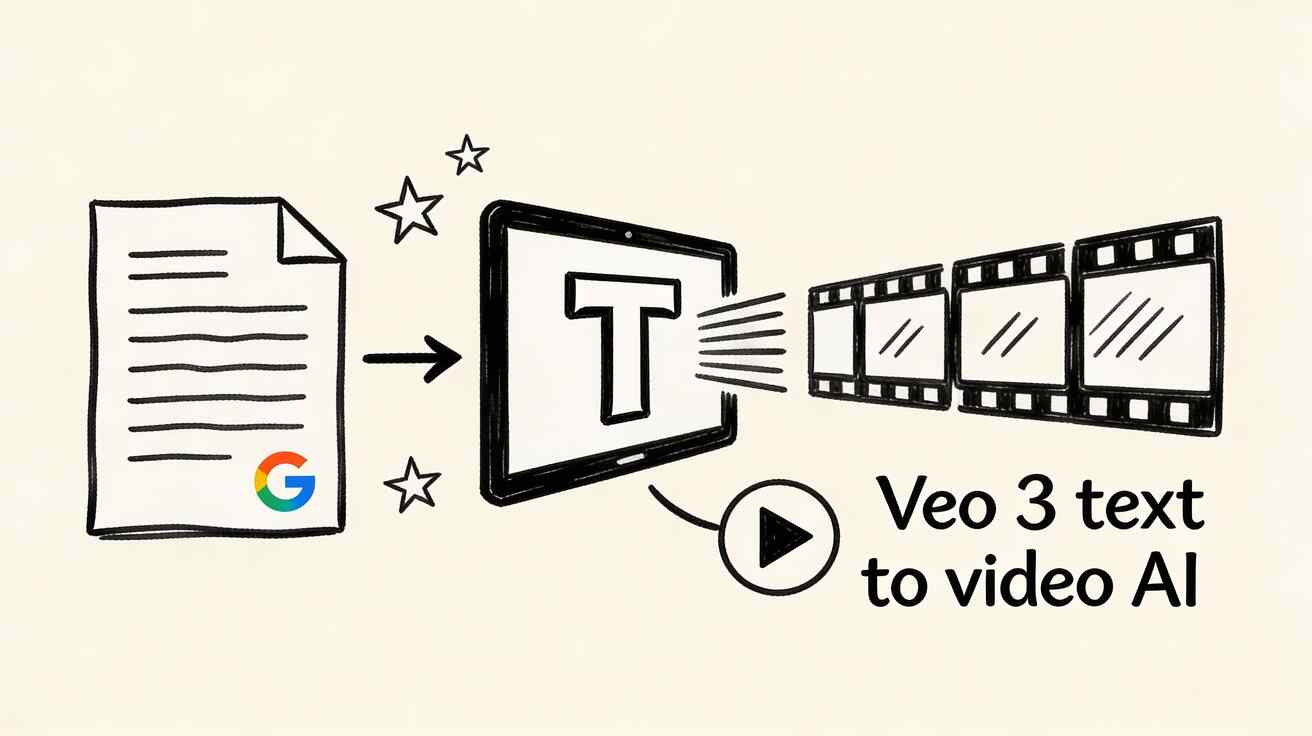
Primary Ways YouTubers Use Veo 3
The integration of AI video into a standard workflow allows for several high-impact applications:
- Cinematic B-roll: Supplement your primary "talking head" footage with relevant, high-quality cutaways that keep the audience visually stimulated.
- Professional Intros and Outros: First impressions matter. Use Veo 3 to create unique, high-energy opening sequences that signal high production value from the first second.
- Title Cards and Transitions: Use short AI-generated clips to provide "visual breathing room" between different segments of a long-form video.
- Educational Backgrounds: For tutorials or commentary, relevant AI-generated visuals help illustrate complex points and improve information retention.
- Thumbnail Backgrounds: Beyond video, creators are extracting high-resolution frames from their Veo 3 generations to serve as the foundation for eye-catching thumbnails.
Production Workflow Integration
To make AI footage look natural, it must be integrated thoughtfully. Your primary "A-roll" (the footage you film yourself) will have a specific color profile and lighting setup. To ensure a seamless blend, you should color-grade your Veo 3 clips to match your camera's look. Additionally, while Veo 3 can generate ambient audio, most creators find better results by layering their own sound design or music over the AI visuals to maintain a consistent auditory brand.
Niche-Specific Prompting
Success with Veo 3 often comes down to the prompt. For example, a creator running a "Lo-fi" or study channel might use: "Rainy window with city lights outside, dark cozy atmosphere, subtle loop, 10-second seamless." This specific approach ensures the generated content fits the exact mood of the channel niche.
Disclosure and Monetization
A common concern for creators is the "AI label." YouTube’s current policy requires disclosure if the AI-generated content could be mistaken for real footage in a realistic or documentary context (such as news or public events). However, using AI-generated B-roll in standard monetized videos is fully permitted. As long as you follow YouTube's transparency guidelines for realistic content, your channel's monetization remains secure.
Practical Weekly Workflow
- Identify Gaps: Look at your script and mark areas where B-roll is needed to prevent viewer fatigue.
- Generate & Iterate: Use VeoNano to create 30-60 second clips based on those gaps.
- Match Visuals: Apply a consistent LUT or color grade to the AI clips so they match your filmed footage.
- Review Performance: Use YouTube Analytics to see if your "Average View Duration" improves in sections where you've added AI enhancements.
Conclusion
Standardizing your production with VeoNano is the most reliable way to scale a YouTube channel in 2026. By automating the most expensive and time-consuming parts of the visual process—B-roll and transitions—you can focus your energy on storytelling and community engagement.
Next Step
Explore VeoNano workflow templates to streamline your next upload: https://veonano.com
FAQs
1) Is AI-generated B-roll allowed in the YouTube Partner Program? Yes. You can use AI-generated footage in monetized videos. Just ensure you follow YouTube’s disclosure policies if the content appears highly realistic or depicts real-world events.
2) How do I make AI footage look like it was shot on my camera? The key is color grading. Match the saturation, contrast, and grain of the AI clip to your primary camera's footage during the editing phase.
3) Can I use Veo 3 for YouTube Shorts? Absolutely. The fast generation times make it ideal for the high-volume demands of vertical video platforms.
Media References
- https://cdn.veonano.com/blog/veo-3-youtube-creators-guide-2026/20260403132004-9vfpjw87.jpeg
- https://cdn.veonano.com/blog/veo-3-youtube-creators-guide-2026/20260403132006-z9fu0xxn.jpeg
- https://cdn.veonano.com/blog/veo-3-youtube-creators-guide-2026/20260403132007-te0s6eat.jpeg
- https://cdn.veonano.com/blog/veo-3-youtube-creators-guide-2026/20260403132008-tet8iakf.jpeg