Categories: AI Video Workflow, Creator Strategy, Production Process
Tags: veonano, ai creation studio, ai video workflow, content strategy, creator toolkit
Introduction
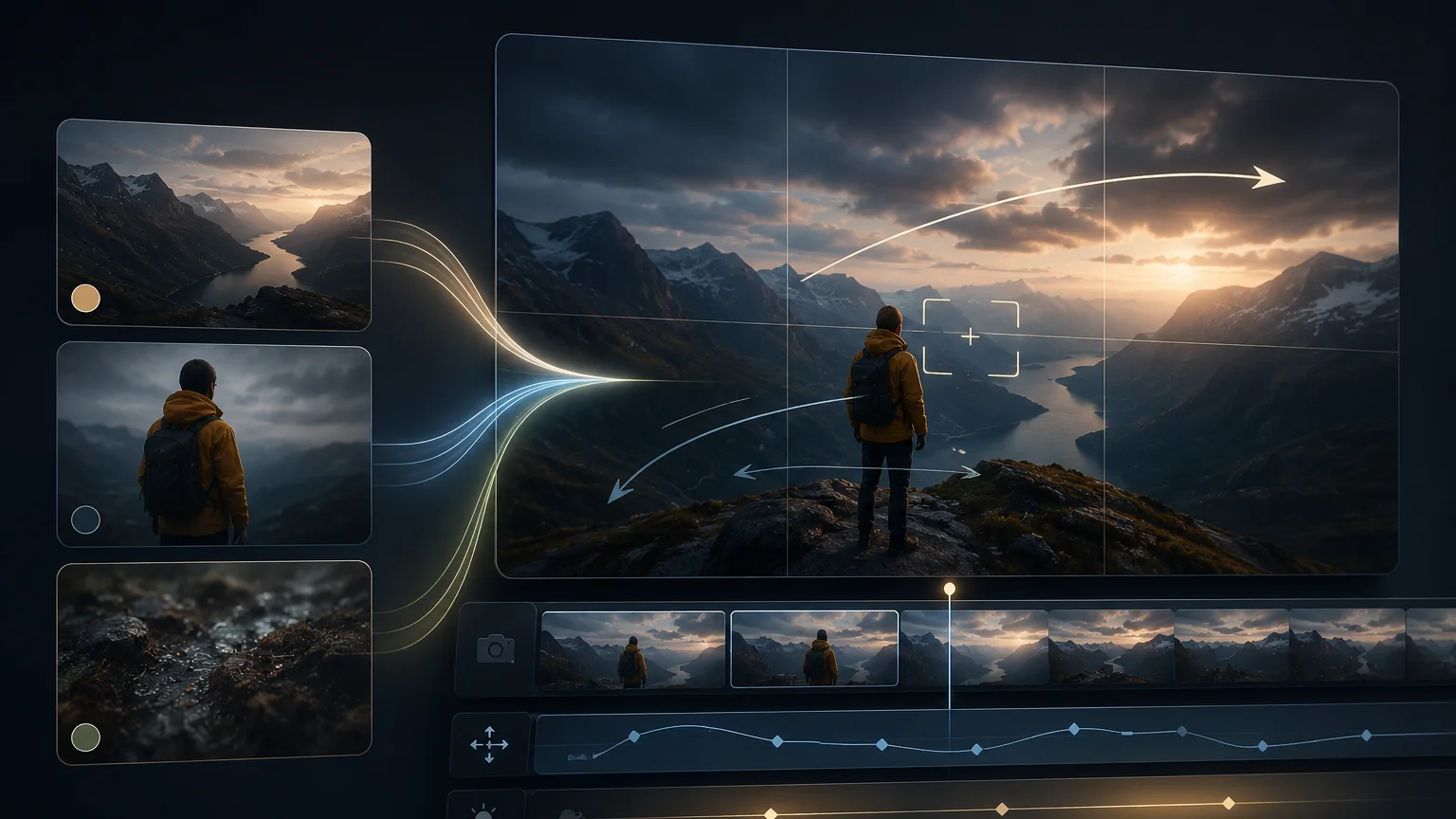
This workflow centers on one practical problem: keeping subjects consistent across generated clips. Reference images help because they reduce ambiguity before the model decides on identity, styling, color, and scene details.
Use VeoNano reference workflows when continuity matters. Pick a strong reference frame, describe what must remain unchanged, vary only the scene or motion, and review outputs against a short consistency checklist.
Reference Image Workflow
1) Why a reference image workflow matters now
The biggest complaint in image-to-video generation is still the same one: the subject drifts. The face you started with is not the face you ended with. The jacket changes color halfway through the pan. The living room turns into a different living room by second six.

Separate fixed traits from variable instructions. The reference controls identity; the prompt should only change action, camera, or environment.
2) What "reference image" actually means in Veo 3.1
In practice you are giving the model two kinds of visual anchors: fixed identity traits that should not change, and scene variables such as action, camera movement, lighting, or environment.

Separate fixed traits from variable instructions. The reference controls identity; the prompt should only change action, camera, or environment.
3) The five-step reference image workflow
The model can only preserve what it can clearly see. Before you write a single prompt, audit your source images for face clarity, product shape, wardrobe, silhouette, lighting, and any logo or color that must stay stable.

Separate fixed traits from variable instructions. The reference controls identity; the prompt should only change action, camera, or environment.
4) A quick checklist before you hit generate
Not every element deserves reference weight. Pick the two or three that actually matter for your story, such as a face, a package silhouette, a costume, or a hero color, then let less important background details change.

Check face, silhouette, product shape, wardrobe, color, and logo placement before adding the clip to a sequence.
5) Common failure modes and quick fixes
A reference image doesn't remove the need for a good prompt. It changes what the prompt should do. With a strong reference, your prompt should mostly describe motion, camera, and mood — not the subject's appearance, which the reference already carries.

Check face, silhouette, product shape, wardrobe, color, and logo placement before adding the clip to a sequence.
6) Where this fits in a wider stack
Do not spend your budget on one 8-second masterpiece attempt. Generate three or four short clips at a lower duration first, using the same reference image and slightly different prompts, then scale the most stable version.
Use the reference image as a consistency anchor, not just as visual inspiration.
Practical Weekly Workflow
- Select a clear reference image with the subject unobstructed, well lit, and close to the desired final style.
- Write a prompt that separates fixed identity traits from variable scene instructions.
- Generate one clip at a time, changing only camera move, action, or environment.
- Compare each output against the reference for face, wardrobe, product shape, color, and silhouette.
- Stack approved clips into a sequence only after the subject survives several generations consistently.
Conclusion
Reference images are most useful when they become a control system. Keep the fixed traits explicit, make small changes between clips, and use VeoNano to build sequences without losing the subject.
Next Step
Explore VeoNano workflow templates: https://veonano.com
FAQs
What makes a good reference image?
Use a clean, high-resolution image with clear face, product, wardrobe, silhouette, and lighting. Avoid heavy filters, motion blur, or cropped identifiers.
Why does the subject drift between clips?
The prompt may not separate fixed identity from variable scene direction. State what must not change, then alter only one motion or setting at a time.
Can reference images help product videos?
Yes. They are useful for maintaining packaging shape, logo position, color, and product proportions across multiple generated variants.