Categories: AI Video Workflow, Creator Strategy, Production Process
Tags: veonano, ai creation studio, ai video workflow, content strategy, creator toolkit
Introduction
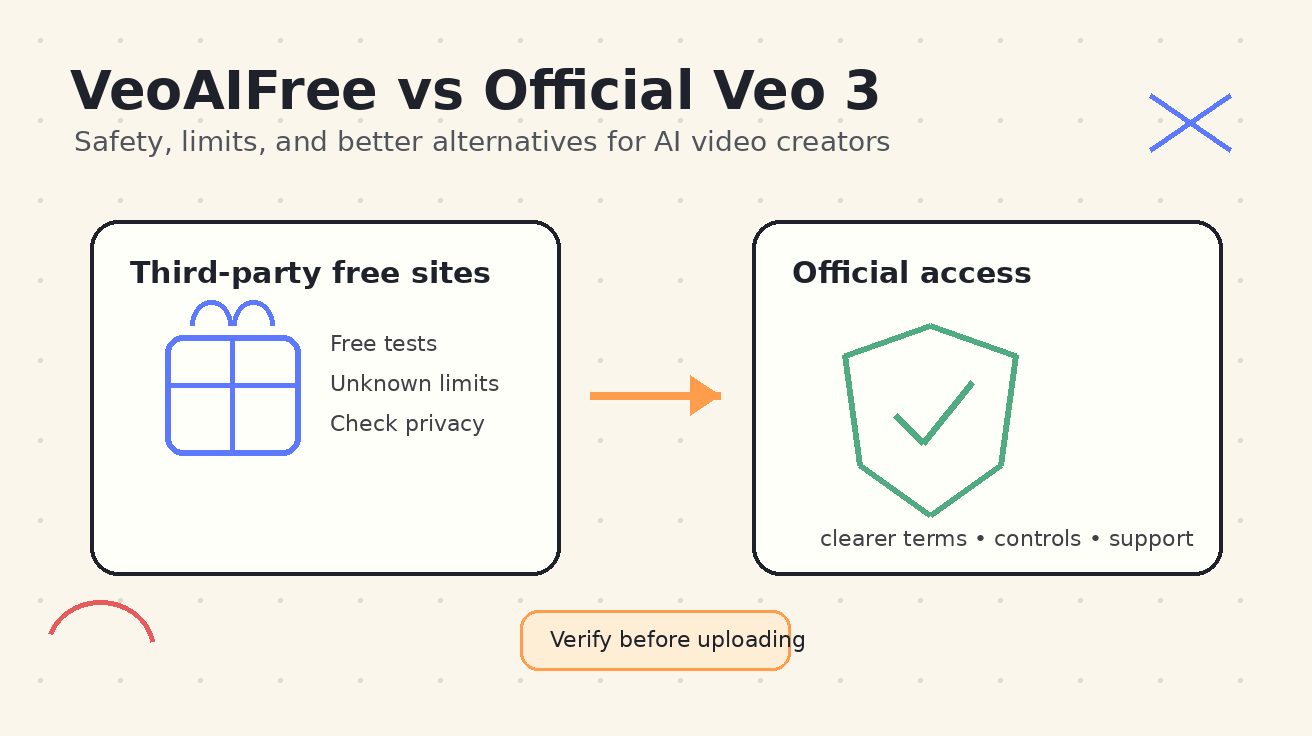
Navigating the world of AI video generation often leads creators to search for "VeoAIFree." While the allure of zero-cost tools is strong, understanding the distinction between third-party experiments and official access is vital for protecting your intellectual property. This guide breaks down the safety risks, functional limits, and professional alternatives available through the VeoNano framework.
Quick Answer: Should You Use VeoAIFree?
Third-party free sites should be reserved strictly for low-stakes experimentation. At VeoNano, we recommend a "zero-trust" approach to sensitive data. Never upload the following to an unverified free tool:
- Private or unreleased product footage.
- Confidential scripts or storyboards.
- Images of children or individuals without explicit consent.
- Internal business assets or personal identification.
Understanding the Landscape
What is VeoAIFree?
"VeoAIFree" is less a specific product and more a category of search intent. It represents users looking to test high-end text-to-video or image-to-video capabilities before committing to a paid subscription. Many sites ranking for this term are independent wrappers that may or may not actually utilize the core model they claim to offer.
Official Veo 3 Access
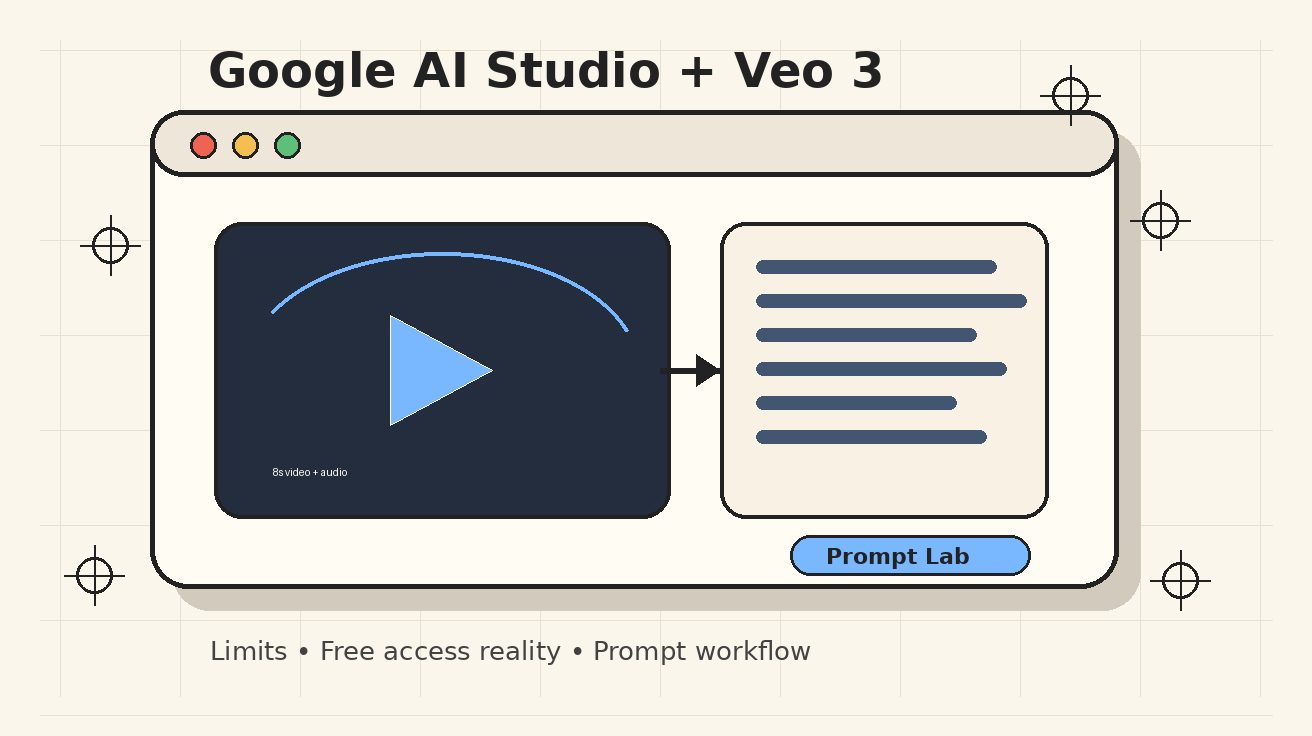
Official access is provided exclusively through Google-authorized channels. This path is subject to regional availability, waitlist status, and specific account tiers (such as enterprise or developer previews). Unlike third-party sites, official channels offer a higher standard of data security and model reliability.
Safety Checklist for Free AI Tools
Before entering a prompt or uploading an image to any "free" AI video generator, run through this safety audit:
- Ownership Transparency: Does the site clearly state who owns it? Legitimate tools often explicitly state they are not affiliated with Google to avoid ambiguity.
- Prompt Privacy: Remember that prompts can leak strategy. Avoid including campaign launch dates, specific market segments, or client names in your descriptions.
- Data Handling: Check if the site stores your uploads for model training. If the privacy policy is vague, assume your data is public.
Common Limits of Free Third-Party Tools
While useful for a quick 10-minute test, free tools often come with significant production hurdles:
- Technical Constraints: Expect watermarks, low resolution, and restricted aspect ratios.
- Usage Caps: Many sites limit you to one generation per day or enforce long queue wait times.
- Legal Risks: Free tiers rarely grant commercial usage rights. If you are creating content for YouTube monetization, ads, or client work, these tools can create legal liabilities.
- Model "Spoofing": Some sites may use basic motion effects or older open-source models while marketing themselves as "Veo" tools.
When to Move Beyond Free Tools
If your project involves healthcare records, financial data, or unreleased product designs, you must use official channels or high-security professional alternatives. For brand-building and consistent publishing, the "cost" of free tools—lost time, poor quality, and lack of rights—usually outweighs the subscription price of a professional suite.
Practical Weekly Workflow for Testing
- Define Low-Risk Goals: Choose 2-3 non-sensitive prompts to test a tool's motion consistency.
- Audit the Output: Check for watermarks and resolution limits that might break your editing flow.
- Verify Rights: Ensure the terms of service allow for the specific type of distribution you intended.
- Scale with VeoNano: Once a workflow is proven safe, move your production to VeoNano to standardize your output and maintain quality.
Conclusion
Standardizing your production process is the only way to scale content effectively. While free tools offer a gateway to experimentation, professional creators require the security and reliability of official frameworks. Protect your assets, respect privacy, and scale only what is proven to perform.
FAQs
1) Can I use free AI video tools for client work?
It is highly discouraged. Most free tools do not grant commercial rights, and uploading client assets to unverified third-party sites poses a massive data security risk.
2) Why does my "Veo" video look like a basic slideshow?
Many third-party sites use simpler image-animation models rather than the full Veo 3 architecture. Always verify the underlying technology before basing your workflow on it.
3) How can I tell if a site is official?
Look for direct links to Google’s official documentation or developer platforms. If the site has a generic name and lacks clear company information, it is likely an independent third-party tool.
Media References: