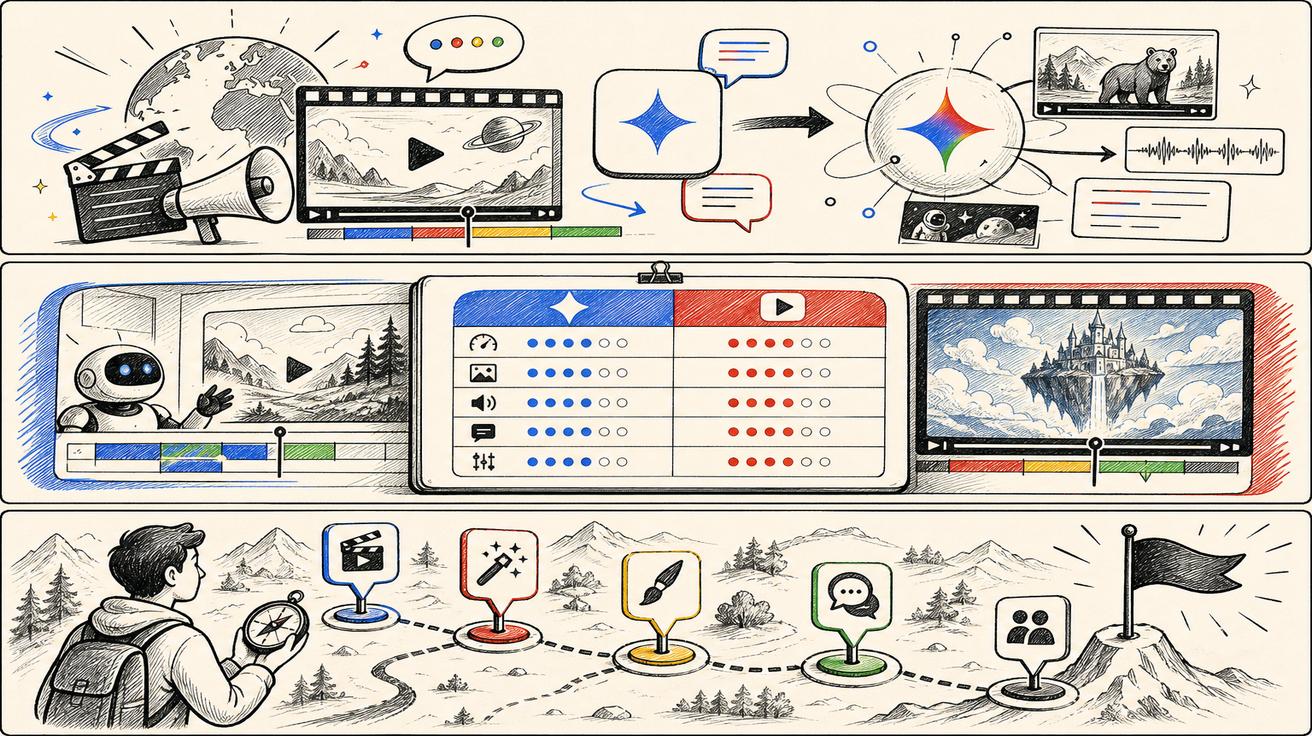
Google is shifting its AI video landscape. According to official updates on Google’s video generation landing pages, Gemini Omni is set to replace Veo as the primary engine for video creation within the Gemini app. For creators and developers who have integrated Veo into their workflows, understanding the nuances of this transition is essential for maintaining production consistency.
What Google Officially Said
The core announcement confirms that Gemini Omni is now positioned as the premier model for video generation and editing. Specifically, Google states that Omni will take over the role previously held by Veo within the Gemini app interface. This suggests a move toward a more unified multimodal experience under the Gemini flagship brand.

What Changed for Gemini App Users
If you primarily create video through the standard Gemini app, the experience is evolving. The shift from Veo-branded tools to Gemini Omni implies a more conversational approach to video production. Users should expect deeper integration with chat-based editing, allowing for more fluid adjustments and a workflow that feels less like a standalone tool and more like an extension of the AI assistant.
What Remains Unchanged (For Now)
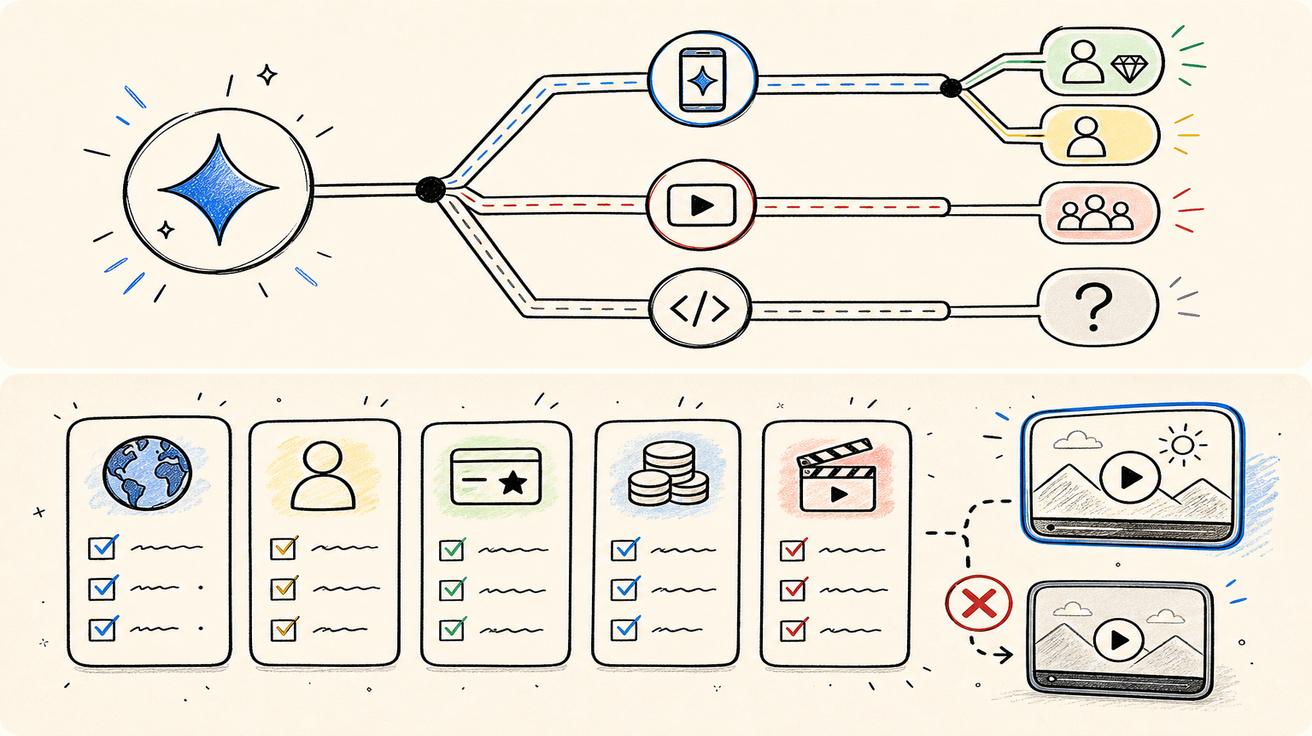
It is important to note that "replacement" in an app context does not necessarily mean the underlying Veo technology has been retired. Google often maintains model families and developer APIs even as consumer-facing labels change. Currently, there is no official word that Veo technology is being discontinued entirely; rather, the branding is being consolidated.
Strategic Branding: Why the Move to Gemini Omni?
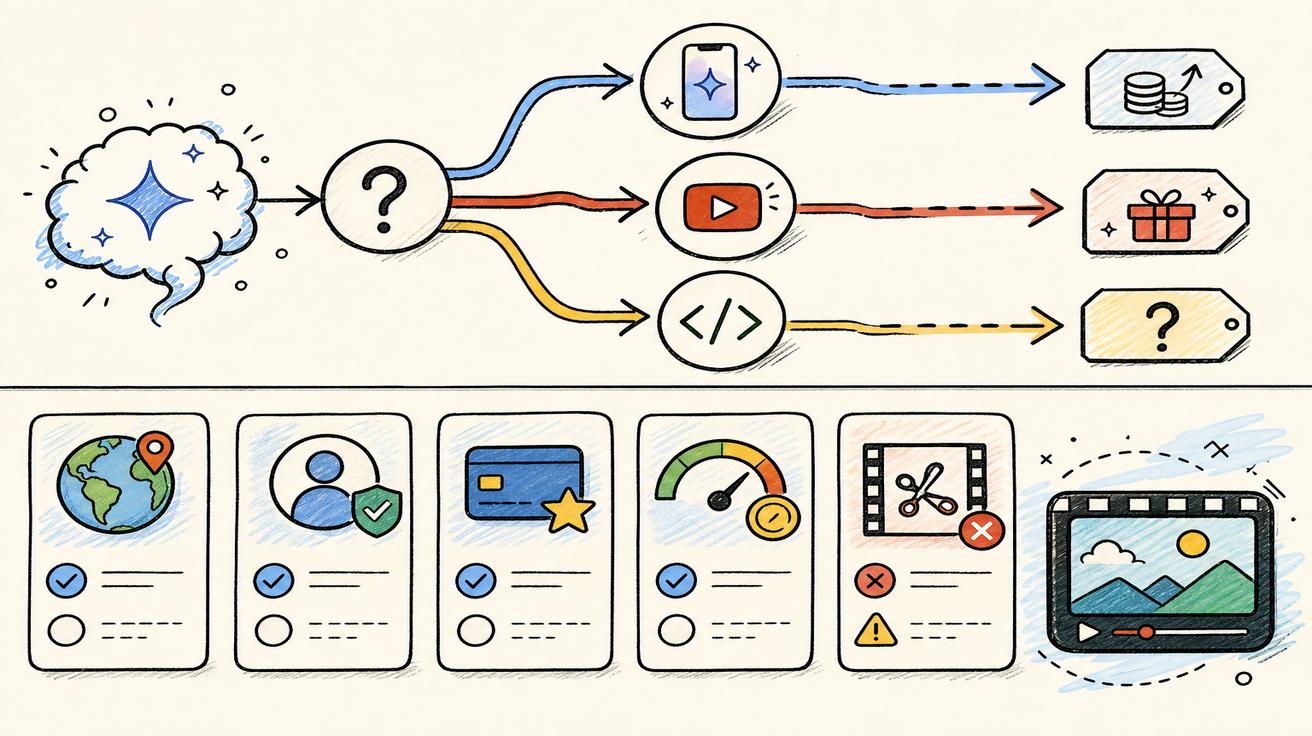
The transition makes strategic sense for Google. While Veo served as a dedicated video model brand, Gemini is the overarching identity for Google’s multimodal future. By folding video generation into the "Omni" umbrella, Google can better market a seamless ecosystem where video, audio, text, and image generation are interconnected rather than siloed.
Action Plan for Creators and Site Owners
If you are a creator, now is the time to test the Gemini Omni interface. Look for new features such as reference input support, advanced editing controls, and AI avatars.
For those managing content or documentation, VeoNano recommends a cautious approach to SEO. Do not delete your existing Veo-related pages or guides yet. Users are still actively searching for "Veo 3," "Veo pricing," and "Veo API." Until Google provides a formal migration path for developers, maintaining these resources remains valuable.
Decision Matrix: How to Interpret the Change
| Use Case | Recommended Action |
|---|---|
| Gemini App User | Treat Gemini Omni as the primary tool; begin testing new editing workflows. |
| Developer / API User | Monitor official documentation for Veo 3.1 updates or Omni API availability. |
| Content Strategist | Keep Veo content live but add "Update" notes regarding the Gemini Omni transition. |
Bottom Line
Gemini Omni represents a significant step forward in Google’s video strategy. While it is replacing the Veo brand within the Gemini app, the underlying tech and developer surfaces are still in a state of transition. At VeoNano, we suggest treating this as a first-response phase—staying agile as Google clarifies the future of its standalone video models versus integrated assistant features.
FAQs
1) Is Veo being discontinued everywhere?
Not necessarily. While Gemini Omni is replacing the Veo branding in the Gemini app, Google still hosts Veo model pages and has not confirmed the removal of Veo APIs.
2) What should I tell my team about this change?
You can use this template: "Google has introduced Gemini Omni for video generation. While it is replacing Veo in the Gemini app, we should continue to monitor developer docs for any changes to our existing API workflows."
3) Will my old Veo content still be relevant?
Yes. Search interest for Veo remains high. It is better to update your content with news about Gemini Omni rather than deleting established Veo resources.
Next Step
Stay ahead of the curve with the latest AI video strategies. Explore VeoNano workflow templates to optimize your production process.