Categories: AI Video Workflow, Creator Strategy, Production Process
Tags: veonano, ai creation studio, ai video workflow, content strategy, creator toolkit
Introduction
The landscape of digital storytelling has shifted. With the release of Google’s latest generative model, high-quality video production is no longer gated by expensive equipment or years of technical training. This guide explores how to integrate VeoNano into your creative process to achieve professional results with speed and consistency.
What is Google Veo 3?
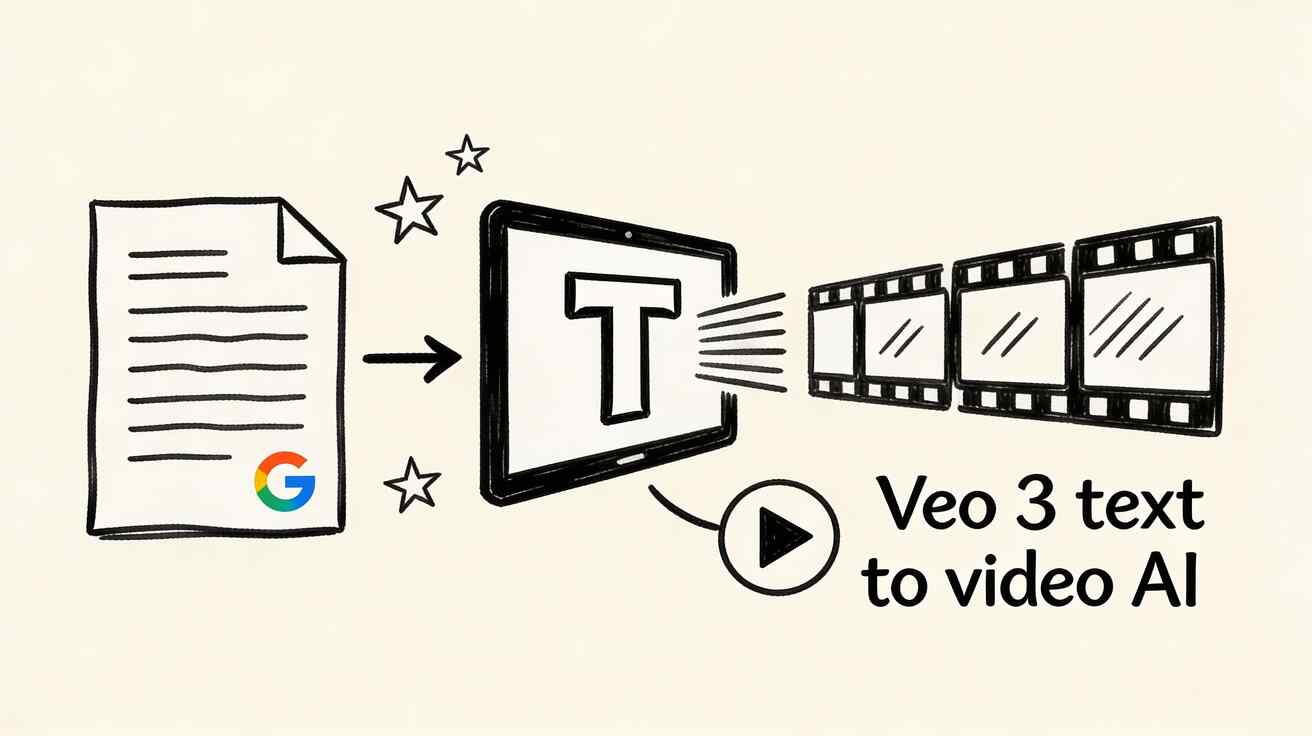
Developed by Google DeepMind, Veo 3 is a sophisticated AI video generation model. It utilizes deep learning to interpret text descriptions or static images and transform them into vivid, realistic video clips. For creators at VeoNano, this means the ability to manifest cinematic visuals simply by describing them.
Capabilities and Strengths
Veo 3 excels at simulating the physical world and cinematic lighting. It is particularly effective for:
- Natural Landscapes: Realistic physics for falling leaves, flowing water, and weather effects.
- Atmospheric Effects: High-fidelity rendering of fog, rain, and light play.
- Urban & Architectural Scenes: Detailed cityscapes and clean product showcases.
- Cinematic Aesthetics: Achieving a "film-look" that mirrors professional cinematography.

Current Limitations
While powerful, the model has specific boundaries in 2026:
- Duration: Clips are currently limited to 5–8 seconds.
- Complexity: It may struggle with intricate interactions between multiple people.
- Text Rendering: Generating legible, stable text within the video remains unreliable.
- Specific Locations: It cannot perfectly replicate a specific real-world private interior (like your own kitchen) without training data.
How to Get Started with VeoNano
You can access these capabilities directly through veonano.com. The platform offers a free tier to help you begin experimenting immediately.

Your First Video: A Step-by-Step Process
- Navigate: Visit the VeoNano interface in your web browser.
- Prompt: Enter a descriptive "prompt." For your first try, use: "A peaceful forest path in autumn, golden leaves falling gently, soft morning light, cinematic."
- Generate: The AI will process your request and produce a unique 5–8 second clip.
- Refine: If the result isn't perfect, adjust your description and generate a new version.
Who is Using Veo 3?
- Content Creators: Generating B-roll for YouTube or backgrounds for TikTok.
- Marketers: Rapidly testing ad creatives and product showcases.
- Filmmakers: Using the tool for pre-visualization and concept testing.
- Educators: Creating visual aids to explain complex concepts.
Practical Weekly Workflow
To get the most out of VeoNano, treat AI generation as a standardized part of your production:
- Define Objectives: Select specific scenes or B-roll needs for the week.
- Iterate: Generate multiple variants of a prompt to find the best visual match.
- Standardize: Save successful prompt structures to ensure a consistent visual style across your brand.
Conclusion
Standardizing your production with AI allows you to scale your output without sacrificing quality. By mastering the prompts and understanding the strengths of Veo 3, you can maintain a stable, high-performance content engine.
Next Step
Explore professional AI video templates and workflows at veonano.com.
FAQs
1) Is there a cost to try Veo 3?
VeoNano provides a free tier that allows users to test the technology without an immediate subscription or complex sign-up.
2) How long are the videos?
Currently, the model generates high-quality clips ranging from 5 to 8 seconds in length.
3) Can I use these videos for commercial projects?
Yes, many creators use these clips for marketing, social media ads, and professional B-roll.
Media References
- https://cdn.veonano.com/blog/what-is-veo-3-beginners-guide-2026/20260403113442-zfspndhg.jpeg
- https://cdn.veonano.com/blog/what-is-veo-3-beginners-guide-2026/20260403113444-dk99h9kb.jpeg
- https://cdn.veonano.com/blog/what-is-veo-3-beginners-guide-2026/20260403113444-slsg5sse.jpeg
- https://cdn.veonano.com/blog/what-is-veo-3-beginners-guide-2026/20260403113445-3gpjgfsg.jpeg