Categories: Help Center, AI Image Workflow, Creator Onboarding
Tags: how to use nano banana, what is nano banana, nano banana free, nano banana ai, image editing workflow
Introduction
If you searched for how to use nano banana, the fastest answer is this: start with one clear prompt, choose the right model tier, and iterate in small controlled edits instead of rewriting everything every time.
Google's official image-generation docs describe a workflow built around text-to-image, image editing, and multi-turn refinement. VeoNano simplifies that into a direct product experience, so you can focus on the creative choices rather than model payloads. If you want prompt frameworks, start with Nano Banana Prompts. If you are trying to wire the model into code, go to the Nano Banana API Guide.
Step 1: Choose the Right Nano Banana Model
Before writing a prompt, decide what kind of job you are doing.
| Goal | Best Starting Choice | Why |
|---|---|---|
| Fast concept images | Nano Banana | Simple, direct, efficient for everyday tests |
| Higher-fidelity campaign visuals | Nano Banana Pro | Better when consistency and finish matter more |
| Faster daily iteration | Nano Banana 2 | Useful for testing more variations in less time |
If you are still asking what is nano banana, think of it as an AI image workflow family rather than one single fixed use case.
Step 2: Start with One Clear Prompt
A good starting prompt should answer five things:
- What is the subject?
- Where is it?
- How is it framed?
- What lighting or mood do you want?
- What should the model avoid changing?
A practical first prompt looks like this:
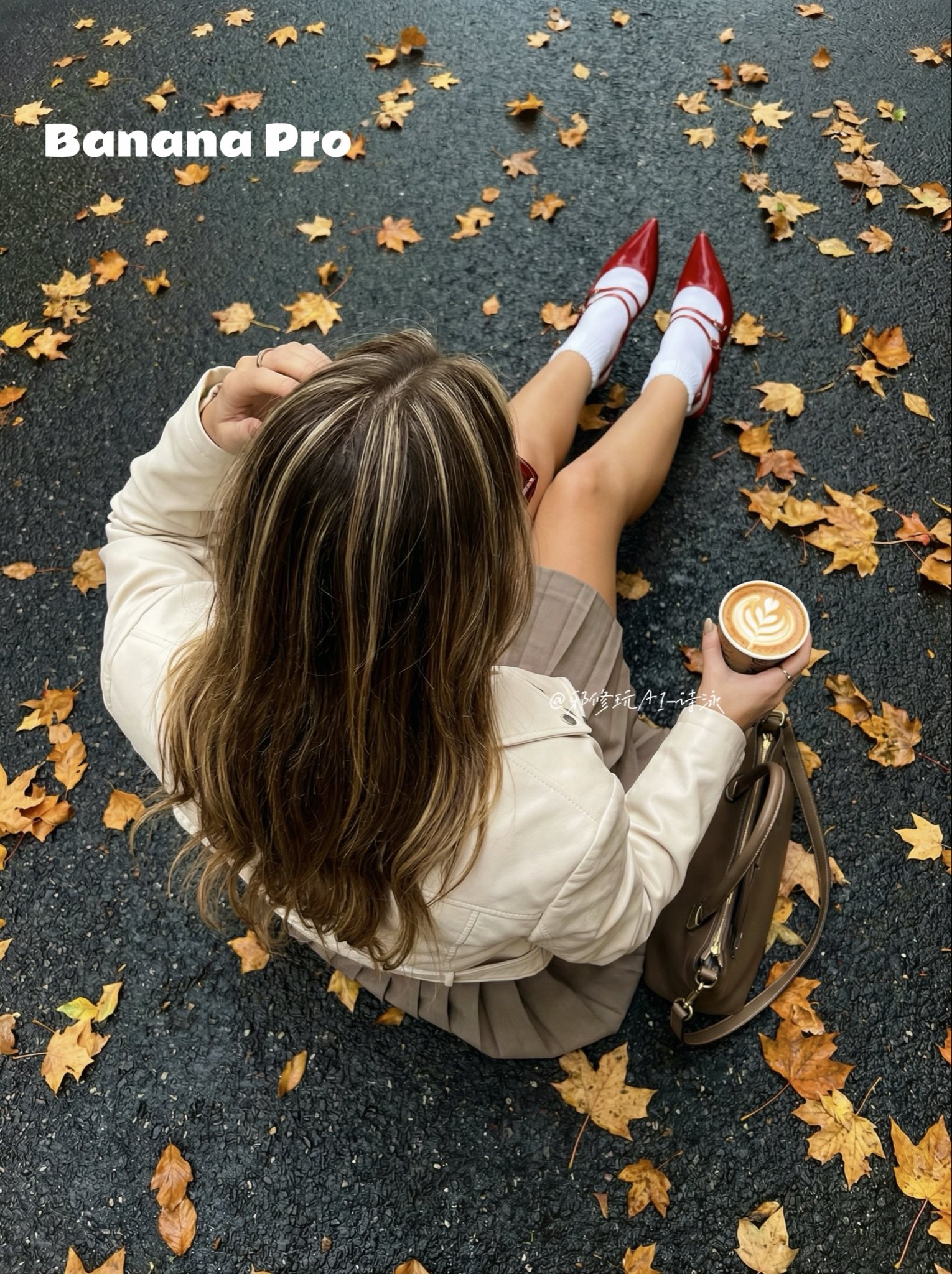
A modern skincare bottle on a soft cream background, centered studio product shot, gentle diffused daylight, premium beauty campaign style, realistic glass reflections, clean shadows, no text, square imageThat is already enough to get a usable first pass.
Step 3: Use Editing Instead of Restarting
One of the most useful things in Nano Banana workflows is image editing. If the first result is close, do not throw it away. Refine it.
Good edit instructions are specific:
- keep the same product shape
- brighten the background slightly
- remove extra props
- make the label sharper
- keep lighting soft and realistic
This is usually a better path than generating a completely new image from scratch.
Step 4: Iterate in Small Moves
The most effective iteration loop is simple.
- Generate the first version.
- Identify the single biggest problem.
- Change one variable.
- Generate again.
- Save the version that improved.
That method is how teams move from random exploration to reliable nano banana ai production.
Step 5: Know When to Upgrade
Users also search is nano banana free or nano banana free because they want to know when casual testing becomes paid work.
The practical answer inside VeoNano is:
- Start with credits if you just need to test prompts and workflow fit
- Move to paid usage when you need more volume, faster throughput, or steadier production
- Upgrade model tier when output quality or consistency starts to matter more than raw experimentation
If you want the developer-side cost breakdown, read the Nano Banana Pricing Guide.
Step 6: Build a Repeatable Workflow
A stable Nano Banana workflow usually looks like this:
- Create a base prompt template.
- Save 3 to 5 prompt variants by use case.
- Keep successful edit instructions.
- Route higher-value visuals to Nano Banana Pro.
- Route faster testing loops to Nano Banana 2.
This structure is what turns how to use nano banana from a beginner question into a reusable production system.
Step 7: Turn Good Frames Into Video
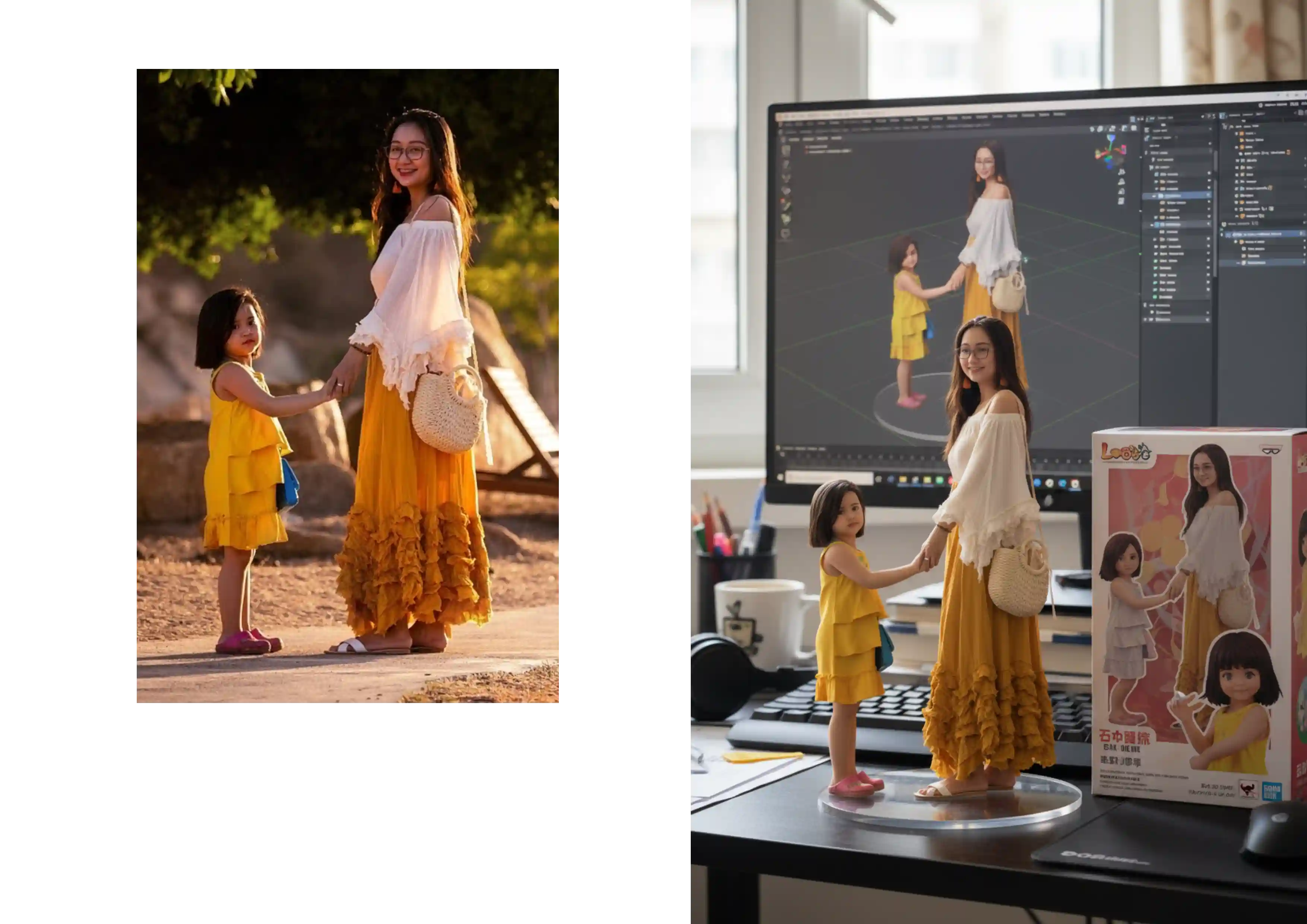
Nano Banana is image-first, but good images often become the foundation for video work. Once you have a strong reference frame, you can move it into Image to Video, Veo 3 workflows, or a filmmaking workspace like the Google Flow Veo 3 Guide.
Where Official Docs Still Matter
If you are a developer, the official Google AI docs are still useful because they explain the underlying image-generation concepts and API behavior. The most relevant starting point is the Google AI for Developers image generation guide.
If you are a creator or marketer, VeoNano is the simpler interface for actually doing the work.
Related Guides
Conclusion
Nano Banana gets easier once you stop chasing perfect prompts and start building a repeatable loop: choose the right model, generate a strong first draft, edit instead of restarting, and only upgrade when the workflow proves its value.
Call to Action
- Explore the Nano Banana hub: /models/nano-banana
- Create images from prompts: /text-to-image
- Edit an image directly: /image-to-image
- Compare prompt structures: /blog/posts/nano-banana-prompts
- Try Nano Banana Pro: /models/nanobananapro
- Try Nano Banana 2: /models/nanobanana2
FAQs
1) How do I use Nano Banana for the first time? Choose a model, write one clear prompt, generate the first result, and then refine it with small edits instead of starting over every round.
2) What is Nano Banana best for? It is best for AI image generation, image editing, concept visuals, product shots, ad drafts, and other repeatable creative workflows.
3) Is Nano Banana free? You may be able to start with credits in VeoNano, but ongoing usage depends on your plan and the amount of generation you need.
4) Should I use Nano Banana, Pro, or 2? Use Nano Banana for general image work, Nano Banana Pro for cleaner and more polished output, and Nano Banana 2 for faster iteration-heavy workflows.