Categories: Prompt Design, AI Image Workflow, Creative Systems
Tags: nano banana prompts, nano banana prompt, nano banana pro prompts, nano banana image generator, prompt design
Introduction
People searching for nano banana prompts usually do not need more prompt quantity. They need a prompt structure that reduces randomness and gets them closer to a usable image in fewer rounds.
That is also how Google's official image generation docs frame the workflow. In the Gemini API documentation, the image stack supports text-to-image, image editing, and iterative refinement across turns. In VeoNano, the same practical rule applies: strong prompts are specific, visual, and easy to revise. If you need the developer path instead of prompt craft, read the Nano Banana API Guide. If your bottleneck is cost, read the Nano Banana Pricing Guide.
The Best Simple Prompt Formula
A strong Nano Banana prompt usually contains six parts:
subject + environment + composition + lighting + style/material + constraints
Here is what that looks like in practice:
- Subject: what the image is actually about
- Environment: where it happens
- Composition: framing, lens, angle, crop, or distance
- Lighting: soft daylight, dramatic rim light, studio flash, golden hour
- Style or material: editorial photography, glossy product shot, anime key art, watercolor poster
- Constraints: clean background, centered subject, no text, brand-safe colors, square aspect ratio
This structure works for a plain nano banana prompt, a more refined nano banana pro prompt, and even faster iteration in Nano Banana 2.
Four Prompt Templates You Can Reuse
1. Product image prompt
A premium matte-black wireless earbud case on a clean stone pedestal, centered product shot, 85mm lens look, soft studio lighting, luxury e-commerce photography, sharp edges, realistic reflections, neutral gray background, no text, square composition2. Portrait prompt
A confident female founder in a modern sunlit office, medium portrait, eye-level framing, soft window light, natural skin texture, editorial business photography, muted beige and charcoal palette, shallow depth of field, no extra people in frame3. Food prompt
A bowl of spicy ramen on a dark wooden table, overhead composition, warm restaurant lighting, rich steam and texture, premium food photography, vivid but natural color, realistic ingredients, no hands, no text4. Edit prompt with a reference image
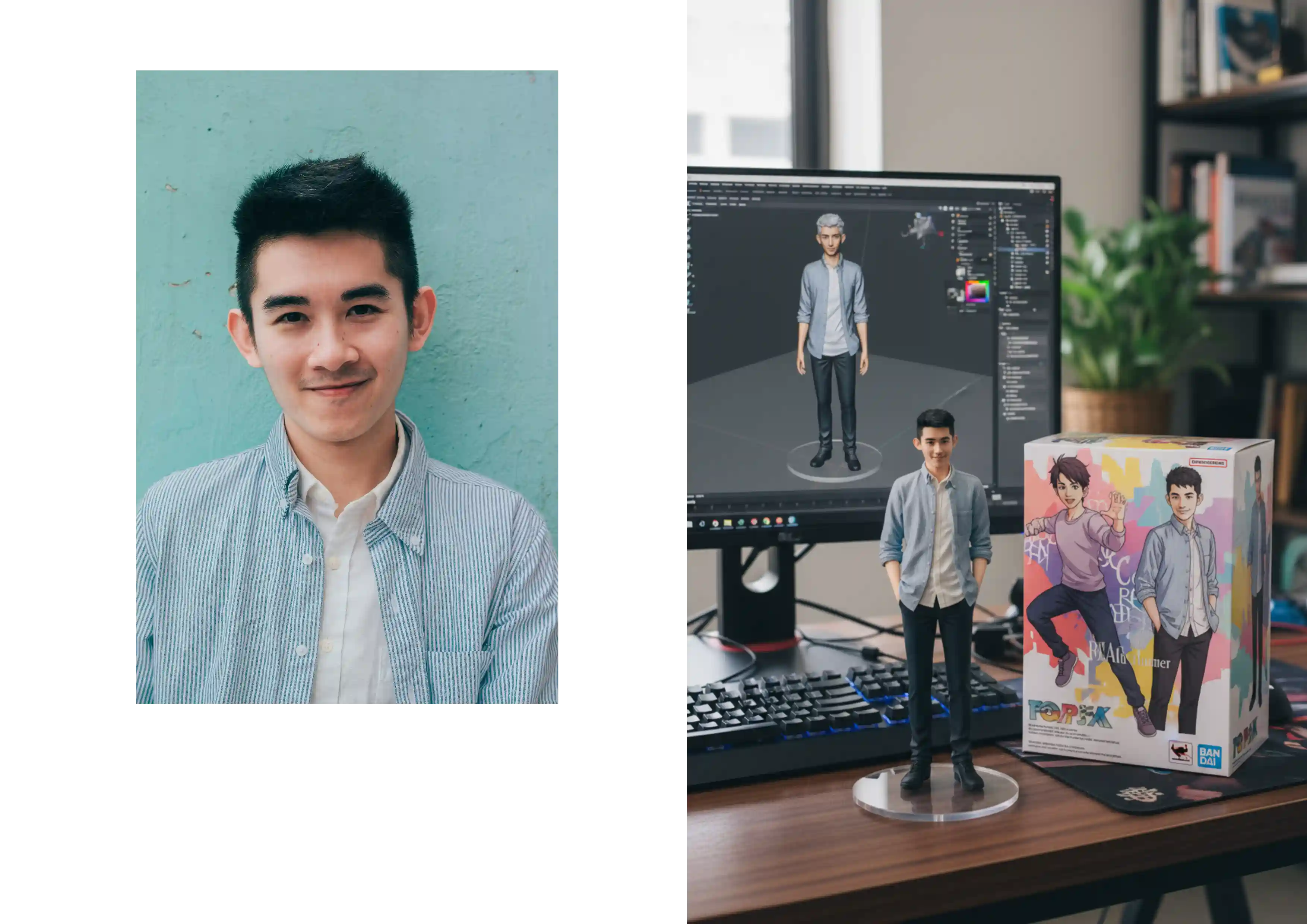
Keep the product shape and camera angle from the reference image, replace the background with a soft beige paper studio backdrop, add premium natural shadows, increase material detail on the label, maintain photorealistic lighting, remove distracting reflectionsThese are the kinds of prompts that translate well across nano banana, nano banana ai, google ai studio nano banana, and related image-generation workflows.
What Makes Nano Banana Prompts Work Better
The strongest prompts do three things well:
- They define the frame.
- They define the look.
- They define what should not change.
That last part matters more than people think. If you want consistency, tell the model what to preserve.
Helpful consistency instructions include:
- keep the same character identity
- maintain the same product silhouette
- preserve camera angle
- do not add extra objects
- use a clean background
- no text or watermark
When to Use Nano Banana, Pro, or 2
Inside VeoNano, the model choice changes how your prompt strategy should feel.
| Model | Best Prompt Style | Good Fit |
|---|---|---|
| Nano Banana | Clear and direct | Fast concepting and everyday image generation |
| Nano Banana Pro | More detailed and constraint-heavy | Polished campaign visuals, product imagery, cleaner prompt alignment |
| Nano Banana 2 | Shorter iterative loops with focused edits | Faster testing, quick variations, daily production throughput |
So if someone searches nano banana pro prompts, the answer is usually not "use magical secret words." It is "be more explicit about consistency, composition, and finish quality."
The Most Common Prompt Mistakes
Most failed outputs come from one of these errors:
- The subject is clear but the frame is vague
- The style is named but the lighting is missing
- Too many conflicting adjectives are packed into one sentence
- The prompt asks for realism and illustration at the same time
- Important constraints such as "no text" or "keep background simple" are left out
A Better Iteration Loop
Instead of rewriting from scratch, iterate in small steps.
- Lock the subject and composition.
- Adjust lighting.
- Adjust style finish.
- Adjust only one constraint at a time.
- Save winning prompt versions.
This is the fastest path for teams building repeatable nano banana prompts instead of chasing random one-off hits.
When a prompt produces a frame you want to animate later, move that output into Image to Video or a filmmaking workflow like the Google Flow Veo 3 Guide.
Related Guides
Conclusion
The best Nano Banana prompts are not complicated. They are structured. Once you define subject, frame, lighting, style, and constraints clearly, you get cleaner results and a much better base for iteration.
Call to Action
- Start with the Nano Banana hub: /models/nano-banana
- Generate a fresh image: /text-to-image
- Edit an existing image: /image-to-image
- Compare developer access: /blog/posts/nano-banana-api
- Try higher-fidelity output: /models/nanobananapro
- Try faster iteration: /models/nanobanana2
FAQs
1) What is a good Nano Banana prompt? A good prompt clearly defines the subject, environment, composition, lighting, style, and constraints. Specificity usually beats clever wording.
2) Are Nano Banana prompts different from Gemini image prompts? The principles are very similar. Google's image-generation docs describe text-to-image, image editing, and iterative refinement, and those same prompt habits work well inside VeoNano.
3) Do Nano Banana prompts work for image editing too? Yes. Edit prompts often work even better when they state what should stay fixed and what should change.
4) Is Nano Banana mainly for image or video creation? Nano Banana is image-first. If you want motion output, use it to create frames and then move into a Veo video workflow.